🎬 Comparison: VidFlux.ai vs AuraAI for creating cinematic CGI videos for cars
· 3 min read
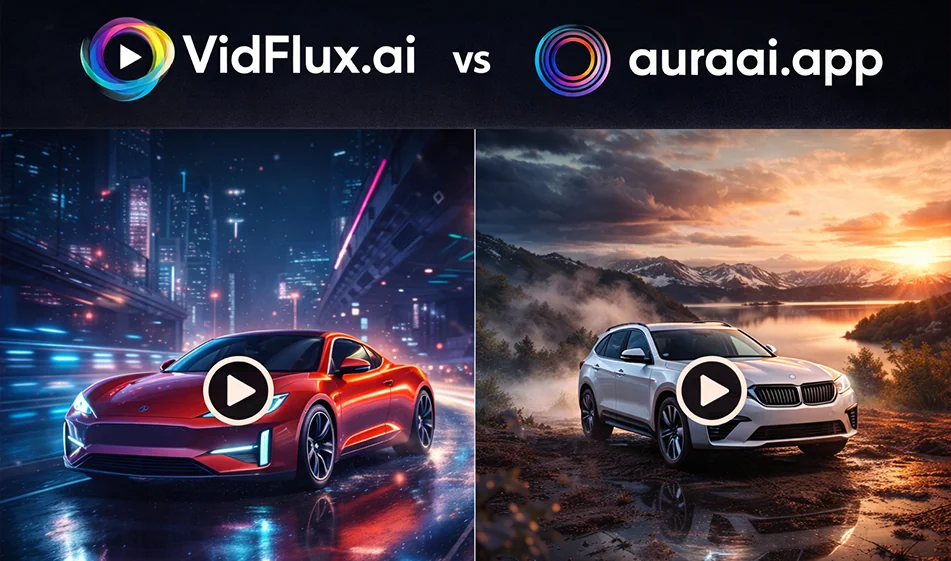
Comparison: VidFlux.ai vs AuraAI for creatingcinematic CGI videosfor cars
The idea in a nutshell
If your goal is to advertise a car that "looks like it was filmed in a movie," the right tool is one that achieves three things: stability of the car's shape, smooth camera movement, and realistic lighting and reflections.
Here is the practical difference between VidFlux.ai and AuraAI in a clear and easy way.
1) VidFlux.ai: When is it your best choice?
- If you want to quickly try out more than one direction within a single platform, then choose the best in terms of smoothness and stability.
- If you produce a lot of ads and need "repeated generation" for multiple copies (the same idea in three environments).
- If your primary focus is image → video to animate a static car image into a short ad clip ready for publication.
Clear strength: Speed of producing multiple copies and testing them quickly.
Common challenge: You need clear settings so that the details of the car do not change between seconds.
2) AuraAI: When is it your best option?
- If you want a structured studio interface: choose the size, duration, resolution, and generation type in a few simple steps.
- Ifyou focus on a visually "clean" ad with great attention to stability and vibration reduction.
- If you like to control the output through clear settings and a gradual experience.
Clear strength: Organized experience and easier control of settings.
Common challenge: You may need several attempts to achieve a "luxurious" cinematic result depending on the idea and environment.
✅ Quick decision: Which one do you choose?
- Want to quickly test multiple versions and find the best one for your ad? Choose VidFlux.ai.
- Want a streamlined workflow and control over settings to reduce shaking and improve stability? Choose AuraAI.
The best way to work on a CGI car ad
- 1) Prepare strong material
- A clear, high-resolution image of the car (preferably a 3/4 front angle).
- Asimple background or clean studio if the goal is a "luxury advertisement."
- 2) Choose the right type
- Image → Video: Best for ads because the shape of the car remains constant.
- Text → Video: Suitable if you want a completely fictional scene (futuristic city, cinematic desert, etc.).
- 3) Adjust the shorts settings
- Size: 9:16
- Duration: 8–12 seconds
- Golden rule: Only one idea per video.
- 4) Generate 3 calculated copies
- “Night + Neon”version
- “Sunset + Open Road”version
- “Luxury Studio”version
Then choose the version with the highest stability and smoothness.
🧩 3 ready-made templates for a cinematic car ad (just copy and edit the color/type)
1) Luxury nighttime advertisement (neon)
“ CGI cinematicvideofor a car (type and color). Wet street after rain, neon lights and realistic reflections on the body. Slow side tracking camera movement then smooth zoom in on the headlights. Dramatic lighting, high detail. No shaking, no flickering, no distortion of the car's shape, no text inside the video."
2) Open road advertisement (sunset + light dust)
“Cinematic CGI videoof a car (type and color) on an open road at sunset. Realistic light dust behind the wheels. Smooth drone camera from above, then gradual descent to a close-up shot. Warm colors, smooth movement. No cuts, no flickering, no distortion of the car's shape or logo.”
3) Studio advertisement (Hero Shot)
“CGI studiovideoof a car (type and color) on a clean background. Soft studio lighting with realistic shadows. Light camera rotation around the car, then stopping on a strong front shot. Realistic reflections, high detail. No shaking, no distortion, no text.”
Judging criteria: Which is more “cinematic”?
- Consistency of the car's shape (logo, lights, body lines)
- Smoothness of camera movement (no jumps)
- lighting consistency(no flickering between frames)
- Realistic reflections and shadows
- 'srealistic wheels(no "melting" or distortion of tires)
🧭 Golden Compass Tip
To get a truly "luxurious" ad: keep the movement very simple (slow approach or side tracking only), and ask explicitly: no shaking + no flickering + no distortion. With this trio,the quality will increase significantly.
For more AI tools: bosala.ai
About Aura AI
- Accesses multiple AI video models such as Sora 2 Pro and Wan 2.5
- Creates 5 to 10 second clips from text or images
- Optimizes for 9:16 vertical video
- Controls camera pans, zooms, and character movement
- Supports face-swap and lip-sync for AI avatars
- Applies preset effects like glitch and slow-motion
- Exports up to 4K/60fps without watermarks on paid tiers
About VidFlux AI
- Access to Sora 2, Kling, Veo 3 and Wan 2.6 from one account
- Converts a web link into a scripted video
- Animates images with controls like Motion Brush
- AI voiceovers in 144+ languages
- Auto-generated, synced burn-in captions
- Generates 5+ ad variations for A/B testing
- Custom logo or watermark on generated content
- Commercial usage rights on paid tiers
Related Tips
- A video prompt that gives you the feel of GTA with an Arabic twist
- 2 million free tokens to create videos! on Seedance
- How to Create a Series of Educational Videos Using ChatGPT, PixVerse, and Nabat?
- An Explanation of GeminiGen AI for Creating Videos and Images for Children
- A brief overview of Vidu and how to create entertaining animated videos