Description
🖼️ Tool Name:
KwiCut
✏️ What does this tool offer?
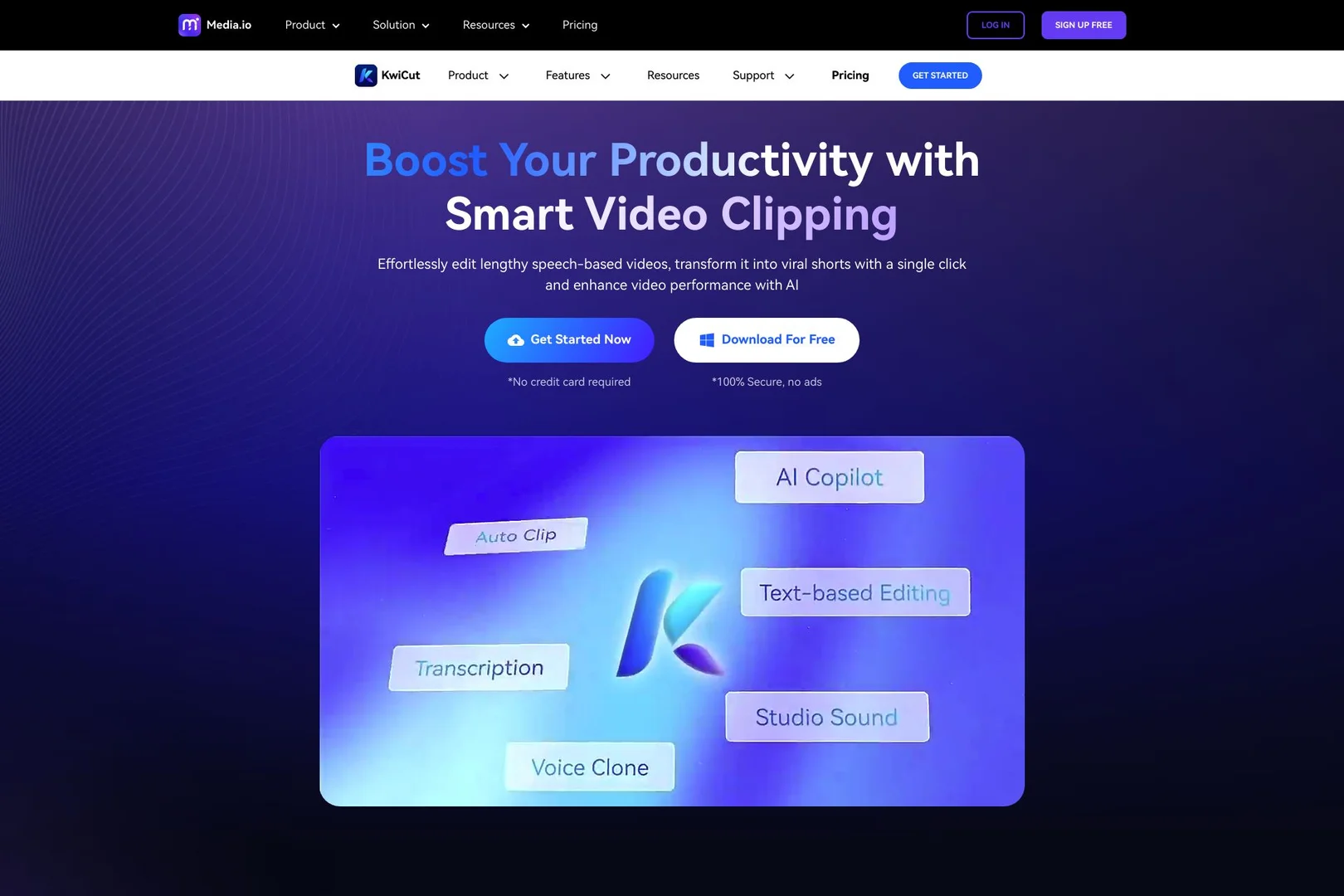
Text-Based Video Editing: A revolutionary feature where deleting a sentence from the generated transcript automatically cuts that exact segment from the video.
Filler Word & Silence Removal: Automatically detects and removes "umms," "ahhs," and long pauses with one click to keep the pace fast and professional.
AI Voice Cloning: Replicate your own voice to fix mistakes in the recording without having to re-shoot the video.
Auto-Captions & Dynamic Styling: Generates perfectly synced subtitles with trendy animations used by top influencers.
AI Video Summarizer: Automatically identifies key moments in long videos and generates viral-ready highlights.
Audio Enhancement: Professional-grade noise reduction and vocal balancing powered by AI.
⭐️ What does the tool actually offer? (User Experiences)
"Editing for Non-Editors": Users love that they don't need to learn a complex timeline; if they can edit a Word document, they can edit a video.
High Efficiency: Creators report cutting their editing time by up to 80%, especially for interviews and educational content.
Native Dialect Support: Highly praised for its ability to accurately transcribe various Arabic dialects and technical jargon.
🤖 Does the tool have automation features?
Yes, it is a Content Scaling Engine:
Smart Highlight Extraction: Automatically transforms a 30-minute podcast into 10-15 high-impact vertical clips.
One-Tap Formatting: Instantly resizes videos for multiple platforms (TikTok, YouTube, Instagram) while keeping the speaker centered.
💵 Pricing (2026 Updates)
KwiCut offers a tiered system based on transcription minutes and AI feature access.
🎁 Is the free version a trial or completely free?
It is a Freemium model. You can use the basic editor for free indefinitely, but you get a limited amount of "AI Minutes" (usually 30 per month). For professionals, a 7-day Free Trial of the Pro version is often available to test the Voice Cloning and 4K features.
💳 What does the Paid version offer?
4K Ultra HD Exports: High-resolution output for YouTube and professional projects.
Advanced Voice Cloning: The ability to create a digital version of your voice for future use.
Full GPT-4 Integration: Use the AI to write video descriptions, tags, and even social media hooks.
No Watermark: Clean, unbranded videos for your business or personal brand.
⚙️ Access or Source:
Official Website
Mobile App: Available as KwaiCut on the App Store and Google Play.
🔗 Experience Link: