Description
🖼️ Tool Name:
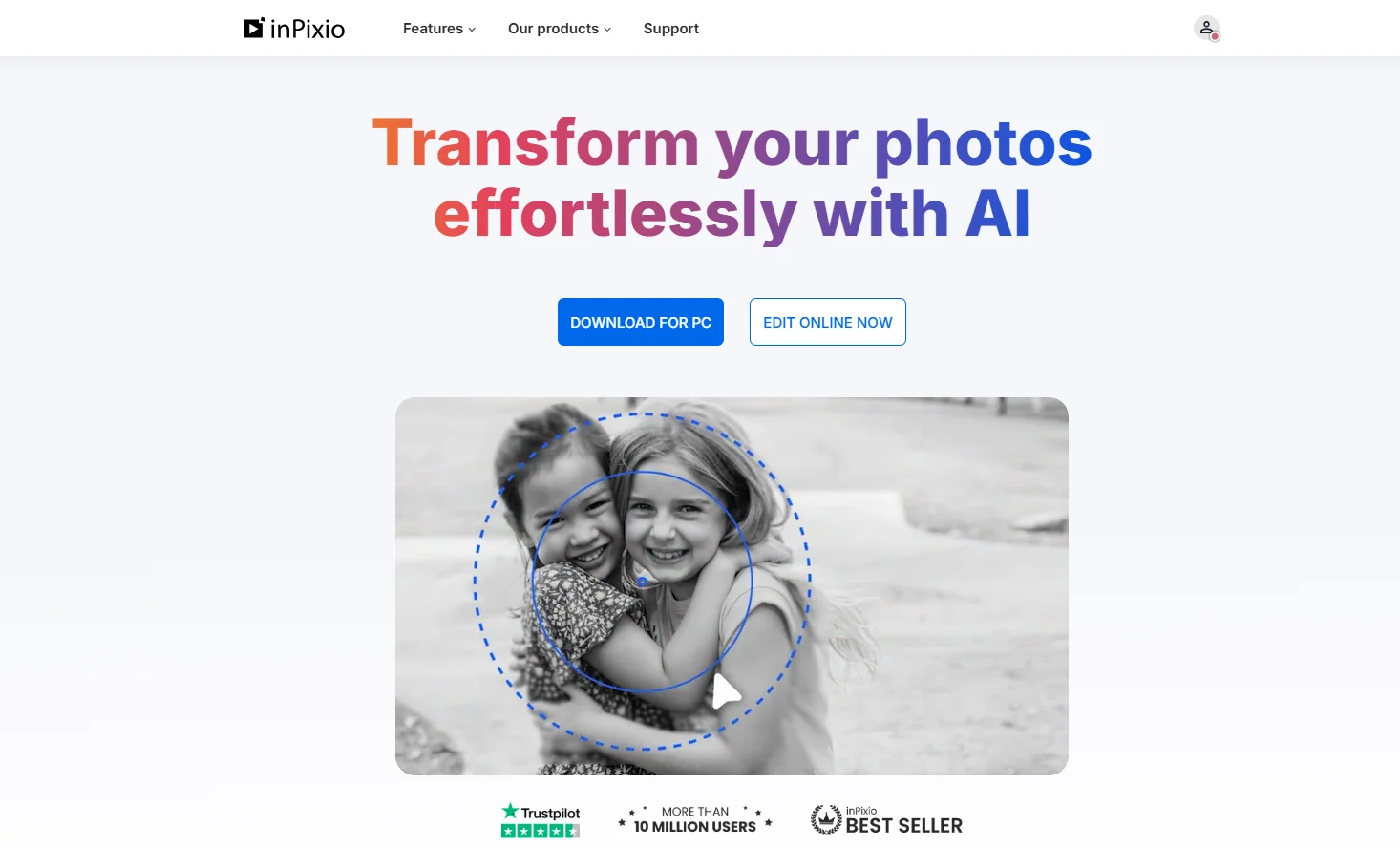
inPixio Photo Studio
✏️ What does this tool offer in 2026?
AI Magic Eraser: Effortlessly removes people, power lines, and unwanted objects. The AI "fills in" the gap by reconstructing the background textures (grass, sky, bricks) realistically.
One-Click AI Sky Replacement: Automatically identifies the horizon and swaps a dull sky for a dramatic sunset or starry night. It also adjusts the overall lighting/tint of the foreground to match the new sky.
AI Photomontage: A creative tool that lets you cut out subjects and instantly place them into pre-designed templates like magazine covers or billboards.
Photo Maximizer (Ultimate Edition): High-fidelity upscaling that can enlarge images up to 1000% (10x) while smoothing out pixelation and sharpening edges.
Advanced HDR Effects: Brings out details in shadows and highlights, similar to professional Lightroom workflows but automated for ease.
Batch Processing (Pro/Ultimate): Apply crops, watermarks, or filters to hundreds of photos at once—a major time-saver for event photographers.
Mobile Sync: Seamlessly transfer photos between your smartphone and the desktop editor without cables or cloud subscription hurdles.
Redesigned 2026 Interface: A highly customizable UI that lets users hide advanced widgets for a distraction-free "Easy Mode."
⭐️ What does it offer? (User Experience)
"The Beginner's Photoshop": Rated 4.6/5 for user accessibility. It is highly recommended for people who find Adobe software overwhelming but want "professional-looking" results.
High-Speed Rendering: In its 2026 update, the software utilizes local GPU acceleration to process AI tasks up to 15x faster than previous versions.
🤖 Automation:
Automatic Subject Selection: AI instantly identifies complex edges (like hair or fur) for perfect cutouts.
💵 Pricing (January 2026 Status)
inPixio follows an annual subscription model, with occasional "Lifetime License" deals on third-party stores.
🎁 Is the free version a trial or completely free?
It is Freemium/Trial-Based. A basic "Free Editor" is available for Windows (basic cropping/filters). For the full software, there is a 5-day full-feature trial. Note: The online free version usually adds a watermark to exports.
⚙️ Access or Source:
Official Website:
Operating Systems: Windows 10/11 (Optimized), macOS, and Mobile (iOS/Android).
🔗 Experience Link: