Photoleap – AI Photo Generator
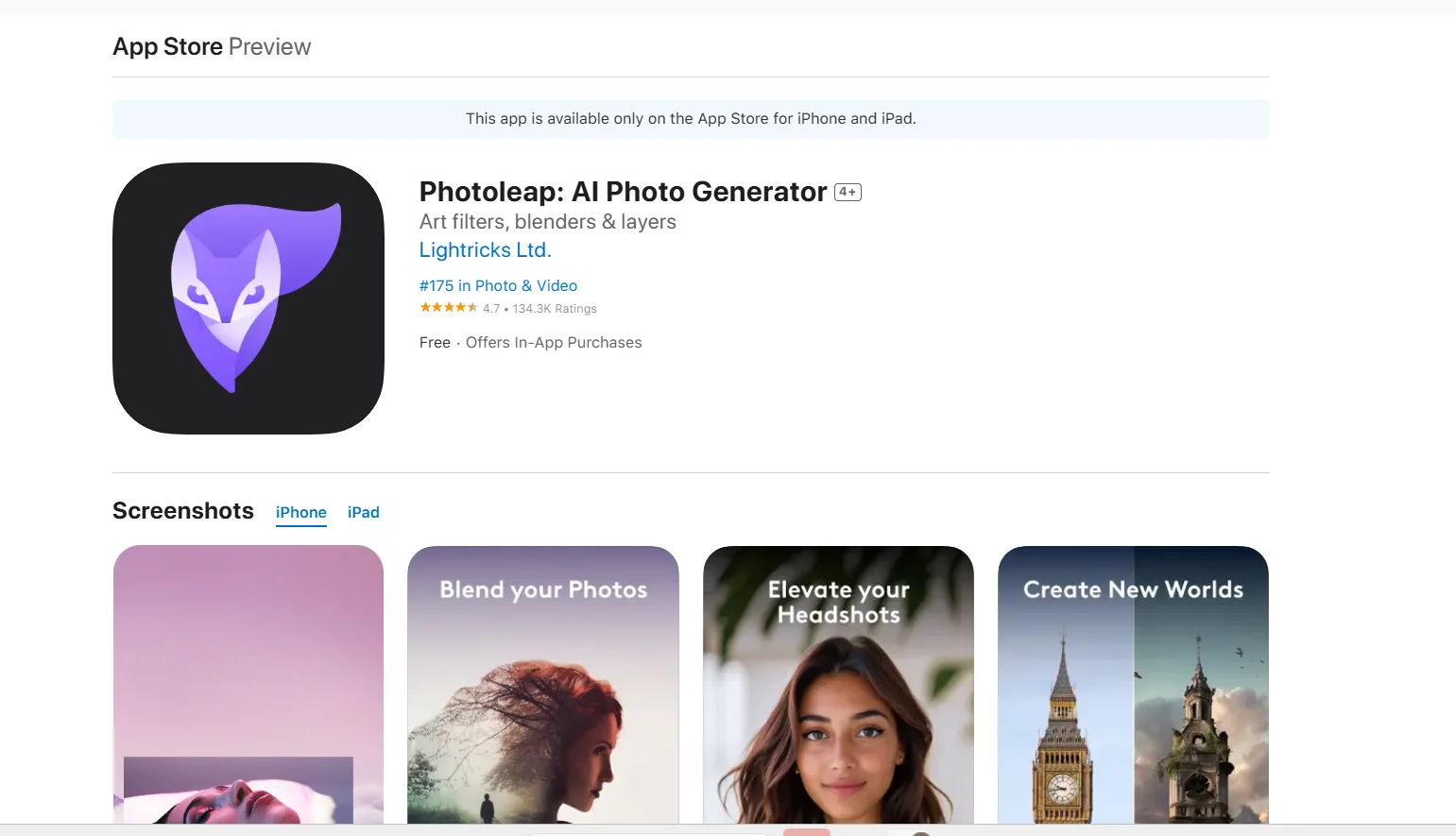
Description
️ Tool Name: 🖼
Photoleap – AI Photo Generator
Categories: 🔖
Photo Design and Editing
Edit/Enhance/Up-res
Remove and Replace Elements and Backgrounds
Generate Images from Text
️ What does this tool offer? ✏
Photoleap – AI Photo Generator is an AI-powered photo editor and image generator that offers a range of tools for creating, editing, and enhancing images.
The app enables text-to-image conversion to create creative images based on the user’s description.
It also lets you create professional headshots and portraits using AI without the need for an actual photo shoot.
Editing tools include removing objects and backgrounds, changing backgrounds, and modifying elements within images using a range of advanced editing tools.
It also offers capabilities to enhance images , upscaling, and improve detail, as well as apply artistic effects such as sketching and transforming photos into paintings.
The app also includes a collection of ready-made templates and effects suitable for social media posts and web content.
What does it actually offer based on user experience? ⭐
- Very high-quality photos, especially for casual users and social media content creators.
- Smart and quick edits.
- Create images suitable for social media.
- Create posters and covers.
- Generating images from text.
- Create personalized images using AI.
- Remove backgrounds and objects.
- Change backgrounds.
- Enhance images and increase their resolution.
- Apply artistic effects and transformations to images.
- The free version has limitations, including a lower number of layers.
- Some effects are disabled in the free version.
- There are limitations on export quality in the free version.
Does it include automation? 🤖
Yes. Photoleap offers a range of processes that are performed automatically using artificial intelligence.
This includes generating images from text, removing backgrounds and objects, upscalingimages ,changing art styles, and applying effects.
Manual adjustments are also available, but only within the app’s built-in tools.
Pricing Model: 💰
Freemium + Paid Subscription — Photoleap offers a free version with basic features, along with a Photoleap Pro plan that unlocks a wider range of features and smart tools.
A free trial of the Pro features is also available for approximately 7 days, according to the information provided.
🆓 Free Plan Details:
| Feature | Details |
|---|---|
| App | Free |
| Basic Features | Available |
| Pro Trial | About 7 days |
| Layers | Limited |
| Exclusive Effects | Some effects are not available |
| Export Quality | There are restrictions on export quality |
Paid plan details: 💳
| Plan | Price | Features |
| Photoleap Pro | Approx. $3.99 per month (unconfirmed) | Unlock smart features, templates, AI effects, and high-quality export |
| Photoleap Pro | Approximately $47.99 per year (unconfirmed) | All paid features included with the subscription; prices may vary by country and offers |
Note: Prices listed are approximate and may vary by country and available offers.
How to access the tool: 🧭
| How to access | Availability |
| iOS | Available on the App Store |
| Web | Some features are available |
| Android | Not listed in the provided information |
| API | Not listed in the provided information |
Demo link or official website: 🔗
https://apps.apple.com/us/app/photoleap-ai-photo-generator/id1191337894