Description
️ 🖼Tool Name:
FineCam by FineShare
🔖 Categories:
Editing/Enhancement/Resolution Up
Video, Editing, and Motion
Text-to-Speech / Speech-to-Text
Social Media Templates and Editing Automation
Voice, Speech, and Music
Chatbots/Voice Agents
Automation and Smart Agents
️ ✏What does this tool offer?
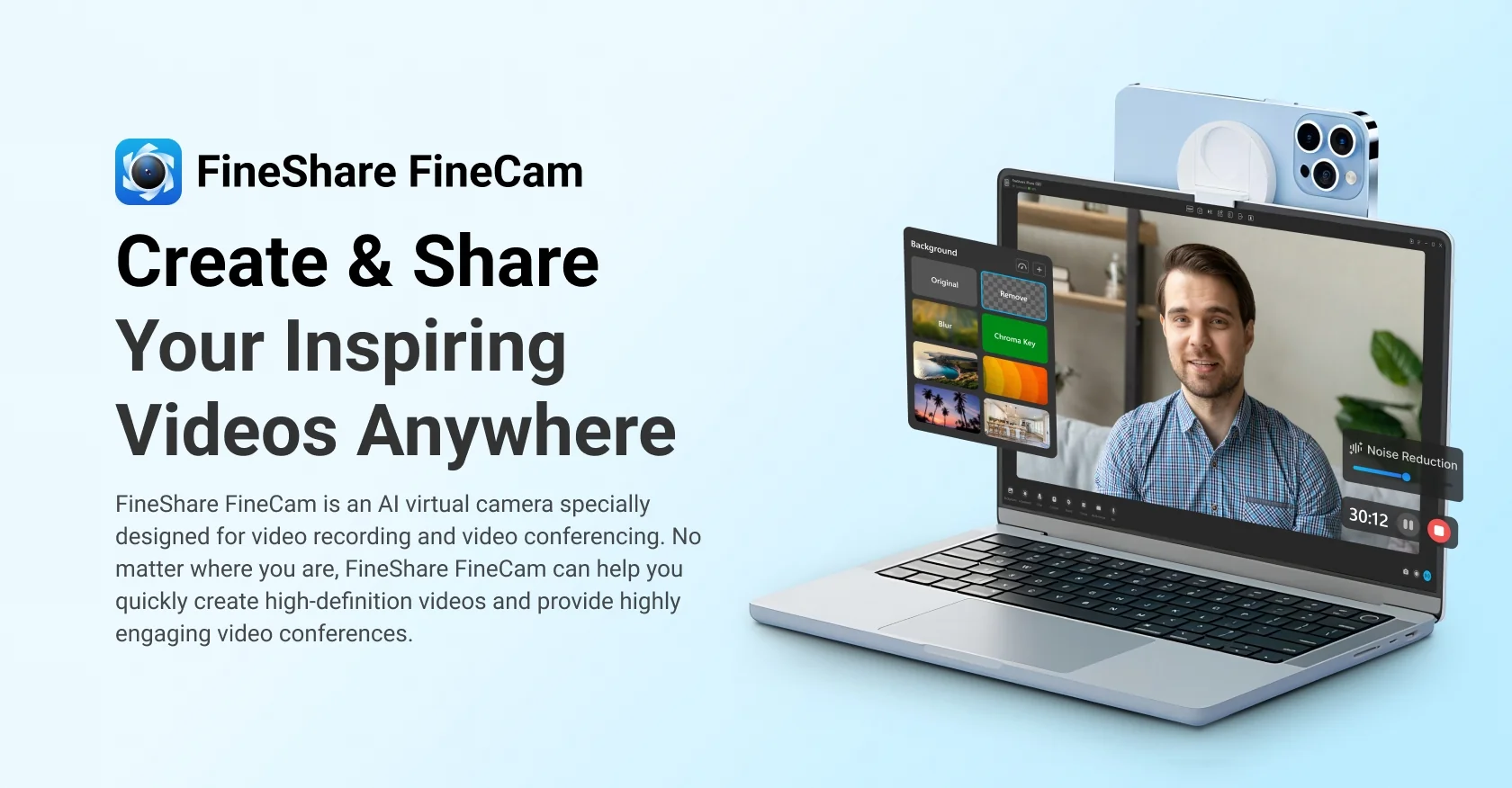
FineCam by FineShare is an AI-powered webcam tool designed to enhance the quality of video calls, live streams, and recordings, transforming them into a studio-quality visual experience.
The tool enhances the camera feed using a range of AI technologies, providing:
Improved camera image quality.
Adding virtual backgrounds.
Applying filters and visual effects.
Lighting and color correction.
The ability to use an iPhone or DSLR camera as a webcam.
Enhance your virtual meeting and live streaming experience.
FineCam integrates with many platforms, including:
Zoom.
Microsoft Teams.
OBS Studio.
Google Meet.
Twitch.
The tool supports a range of practical features, such as:
Turning smartphones into high-resolution webcams via Wi-Fi or USB.
Removing the background and replacing it with AI without the need for a green screen.
Automatically adjusting lighting, exposure, and color temperature for a natural look.
Adding filters and virtual lenses.
Creating scene layouts.
Add text and logos.
Record multi-scene footage by combining the camera with slides, app windows, and video sources.
It also offers features specifically designed for live streaming and presentations, including:
AI-powered face focus.
Real-time background blur.
Enhancing the user’s appearance during meetings and live presentations.
FineCam runs on the following systems:
Windows.
macOS.
⭐ What does it actually offer based on user experience?
It improves webcam image quality, bringing it closer to studio-quality.
Turns your smartphone into a professional webcam.
Easily remove and replace backgrounds without additional equipment.
Automatically optimizes lighting and colors during calls.
Create more professional live streams and recordings.
Support for creating multiple scenes for live streams and recordings.
Add visual elements such as logos, text, and filters.
Enhance the experience of virtual meetings and presentations.
🤖 Does it include automation?
Yes.
FineCam relies on AI automation for several functions, including:
Automatically detecting people and instantly removing or replacing the background.
Automatically adjusting colors and lighting during calls.
Dynamically correcting color tone and brightness.
Creating multiple virtual scenes using AI for live streaming or recording.
Automatically optimizing camera settings based on the device used, such as an iPhone, DSLR, or USB camera.
💰 Pricing Model:
FineCam uses a freemium + paid subscription model.
It offers a free version with basic features, as well as paid plans that provide advanced professional features.
🆓 Free Plan Details:
| Plan | Details |
|---|---|
| Free Version | Offers standard webcam features, with a FineCam watermark, limited resolution up to 720p, and limited background options. |
💳 Paid Plan Details:
| Plan | Price | Features |
|---|---|---|
| Professional | About $6.99 per month | Watermark removal, 4K recording, advanced filters, multi-scene mode, full background library. |
| Professional Annual | About $29.99 per year | Same features as the Professional plan with an annual subscription. |
| Lifetime License | Approximately $59.99 one-time payment | Permanent use of the license. |
| Business & Education Licenses | Not specified | Licenses designed for teams or classrooms. |
🧭 How to access the tool:
| Method | Availability |
|---|---|
| Windows desktop software | ✔ |
| macOS desktop app | ✔ |
| iPhone app | ✔ |
| API | Not specified |
| Extension | Not specified |
🔗 Demo link or official website: