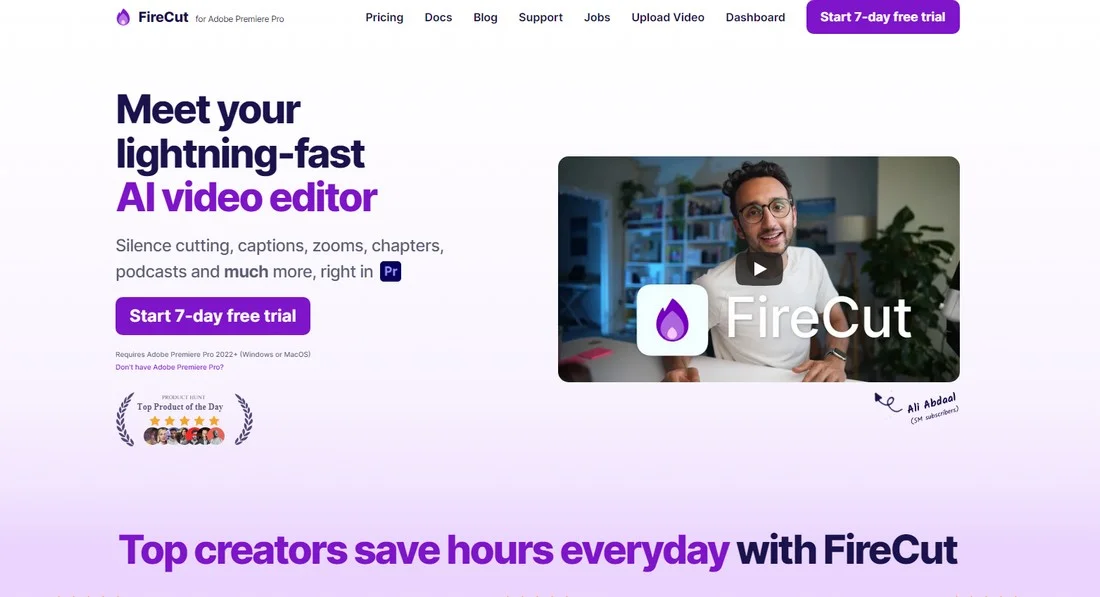
Description
️ Tool name: 🖼
FireCut
Tool Category: 🔖
Video, Montage & Motion
Social templates and montage automation
Video summarization and excerpts
Motion graphics, titles and subtitles
Audio cleaning, voice, speech and music editing
Automation and intelligent agents
️ What does this tool offer? ✏
FireCut is a smart Plugin that works directly inside professional editing programs to automate repetitive and time-consuming processes in video editing. The tool helps to automatically cut silence, clean audio from filler words and repetition, create automatic multilingual subtitles, split a video into chapters, and extract distinctive clips from long videos. FireCut's primary focus is to speed up access to the first version of a video in minutes instead of hours, without having to leave the original work environment.
What does it actually offer based on user experience? ⭐
According to the website and documentation, FireCut is widely used by professional content creators and video editors, especially in the fields of YouTube, podcasts, and educational videos. Users actually benefit from significantly reducing editing time by automatically removing silence, selecting the best footage when looping, and cleaning up dialog from redundant or inappropriate words. The tool is also used to create ready-made subtitles synchronized with audio, automatically detect video chapters to improve the viewing experience and optimize the video for YouTube search engines. The hands-on experience emphasizes speed, accuracy, and full integration with editing software without additional complexity.
Does it include automation? 🤖
Yes, FireCut is primarily based on automation. Automation includes automatically cutting silence, removing filler words and repetition, cleaning unwanted phrases, automatically generating subtitles in over 50 languages, adding emojis within the subtitles, detecting chapters within the video, and extracting highlights from long videos. All of these processes are automated with full manual customization by the user.
Pricing model: 💰
FireCut adopts a paid subscription model with a free trial. There is no perpetual free usage, and all professional features are only available under paid plans.
🆓 Free plan details:
FireCut offers a Free Trial period that allows the user to test the tool and its basic features before subscribing. There is no permanent or freemium plan, only a temporary trial.
Paid plans details: 💳
The base price is $34 per month.
An annual subscription with a 50% discount (year-end offer) is available, bringing the price to $17 per month at annual payment, for both Adobe Premiere Pro and DaVinci Resolve.
Gift Cards are also available:
- 3 months for $87
- 6 months at $153
- 12 months at $204
All paid plans include full FireCut Pro features such as silence cutting, multilingual subtitles, podcast editing, feature extraction, dialog cleaning, and chapter discovery.
How to access the tool: 🧭
FireCut is available as an add-on that installs directly into Adobe Premiere Pro or DaVinci Resolve, and works from within the program's interface without the need for an external platform.
Link to the demo or official website: 🔗
https://firecut.ai