Description

🖼 Tool Name: 

Clico

🔖 Categories:

  • Article & Social Generation

  • Paraphrasing & Style

  • Summaries, Headlines & Ideas

  • Meeting Notes & Summaries

  • Smart Calendars & Assistants

✏ What does this tool offer?

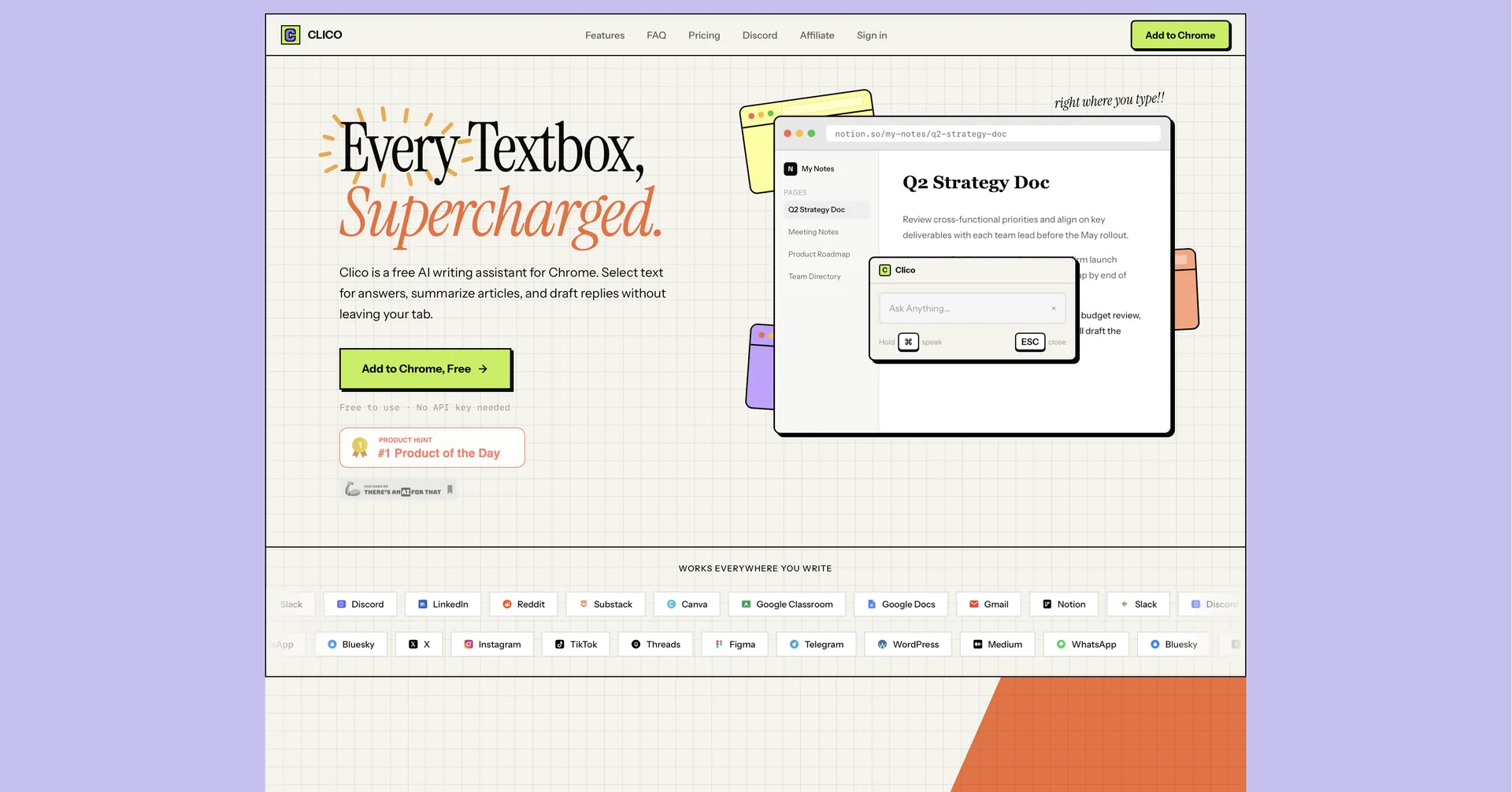
  • Clico is a sophisticated AI writing assistant delivered as a browser extension (Chrome and Edge). It "supercharges" every text box on the web, allowing users to draft, reply, and rewrite directly within their active tab.

  • Unlike standalone chatbots, Clico "reads" the page content—including email threads, documents, or social media posts—to provide contextually aware responses without the need for copy-pasting.

  • The platform features a powerful AI Dictation tool that converts voice to formatted text, making it ideal for hands-free drafting in Gmail, Notion, Slack, and LinkedIn.

  • In its 2026 version, Clico excels at multi-tasking, offering instant web page summarization through a "Double-tap ⌘" shortcut and a "Multi-tab Reasoning" feature that synthesizes information across different open websites.

⭐ What does it actually offer based on user experience?

  • An inline AI dialog that appears anywhere you type (press ⌘+O or Ctrl+O) to describe what you want—whether it’s a formal email or a quick Slack reply.

  • Advanced "Style Mimicry" that learns your writing tone to ensure AI-generated drafts sound authentic to your personal or brand voice.

  • A "Search without Switching" feature that allows users to ask questions and get web-verified answers without leaving their current workflow.

  • Seamless integration with productivity powerhouses like Google Docs and Notion, acting as a native writing partner rather than a separate plugin.

  • Privacy-conscious processing that handles text on the browser level, ensuring sensitive data like passwords are never accessed.

🤖 Does it include automation?

  • Yes, Clico is designed to automate the "administrative" side of writing and research:

  • Automated Context Capture: Instantly analyzes the active webpage to ensure all generated text is relevant to the surrounding content.

  • Smart Shortcut Automation: Triggers complex tasks like "Summarize key points and draft a reply" through simple keyboard shortcuts.

  • Automatic Voice-to-Text Formatting: Automatically structures voice notes into bullet points or polished paragraphs.

  • Model Selection Automation: Guests get a high-quality default model automatically, while signed-in users can automate which LLM (e.g., Claude, GPT, or Gemini) handles specific types of tasks.

💰 Pricing Model

  • Item Details: Model Type: Freemium (No API key required for basic use).

  • General Concept: Clico provides a robust free-to-use tier for individuals, with premium plans for power users and enterprise teams requiring higher usage limits and model choices.

🆓 Free Plan Details

  • Feature: Accessibility / Details: Full browser extension access for Chrome, Edge, and Brave.

  • Feature: Core Tools / Details: Basic summarization, AI writing, and voice dictation.

  • Feature: Usage / Details: No credit card or API key required; limited daily high-speed AI generations.

  • Cost: Free.

💳 Paid Plans 🔹 Pro Plan

  • Item: Price / Details: Approximately $10.00 to $15.00 per month.

  • Item: Models / Details: Access to frontier models (Claude 4, GPT-5, etc.) and unlimited "Multi-tab Reasoning" requests.

  • Item: Features / Details: Removal of daily limits, priority processing, and advanced "Style Mimicry" profiles.

🔹 Team / Business Plan

  • Item: Price / Details: Custom pricing (starting around $30.00/user/mo).

  • Item: Benefits / Details: Shared team prompts, centralized billing, admin controls, and SSO/security compliance for corporate environments.

🧭 How to access the tool:

  • Available as a browser extension for Google Chrome, Microsoft Edge, and Brave via the Chrome Web Store.

🔗 Experience link or official website:

https://tryclico.com

Pricing Details

💰 Pricing Model Item Details: Model Type: Freemium (No API key required for basic use). General Concept: Clico provides a robust free-to-use tier for individuals, with premium plans for power users and enterprise teams requiring higher usage limits and model choices. 🆓 Free Plan Details Feature: Accessibility / Details: Full browser extension access for Chrome, Edge, and Brave. Feature: Core Tools / Details: Basic summarization, AI writing, and voice dictation. Feature: Usage / Details: No credit card or API key required; limited daily high-speed AI generations. Cost: Free. 💳 Paid Plans 🔹 Pro Plan Item: Price / Details: Approximately $10.00 to $15.00 per month. Item: Models / Details: Access to frontier models (Claude 4, GPT-5, etc.) and unlimited "Multi-tab Reasoning" requests. Item: Features / Details: Removal of daily limits, priority processing, and advanced "Style Mimicry" profiles. 🔹 Team / Business Plan Item: Price / Details: Custom pricing (starting around $30.00/user/mo). Item: Benefits / Details: Shared team prompts, centralized billing, admin controls, and SSO/security compliance for corporate environments.