ReplyAssistant
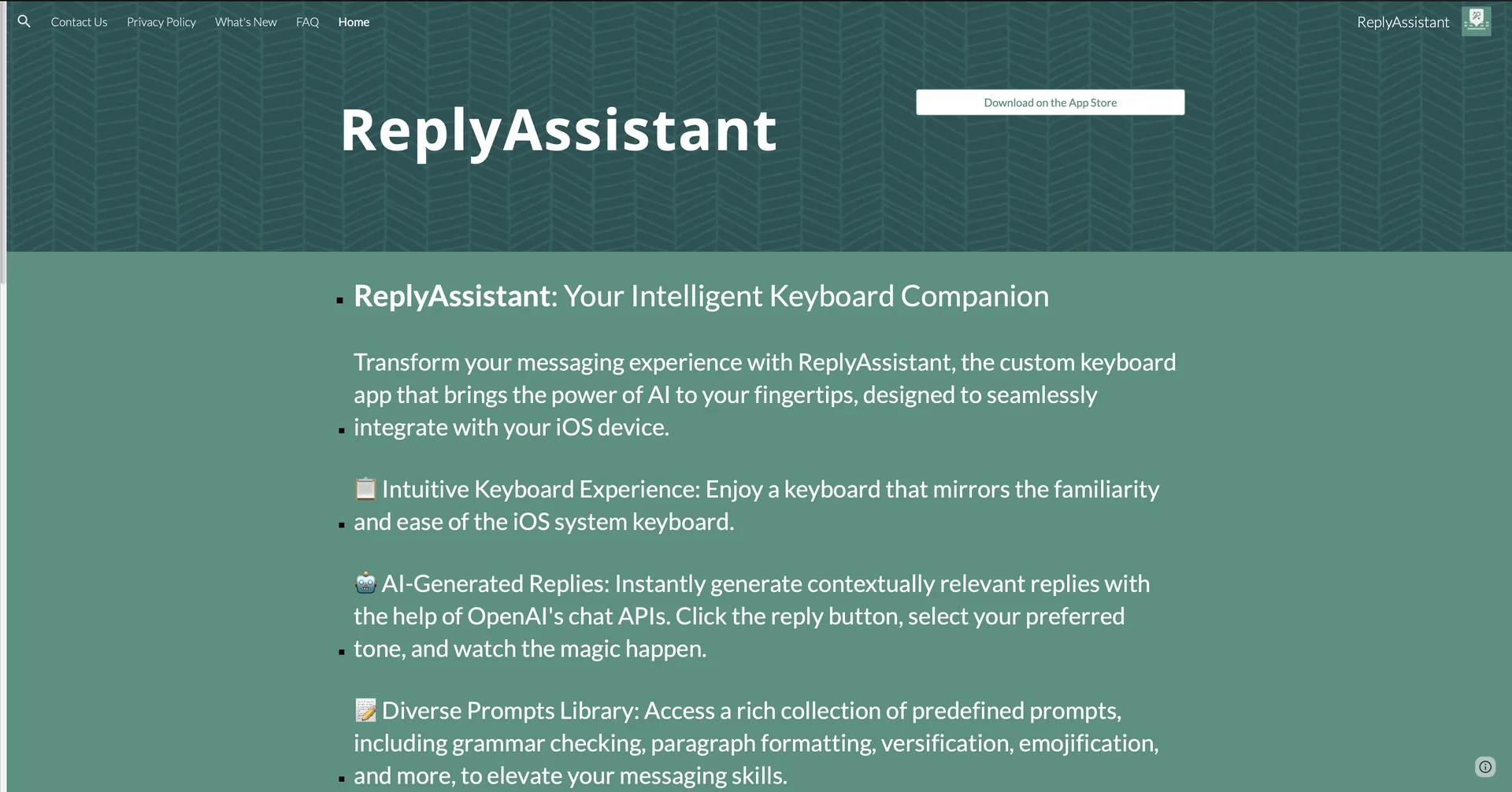
Features
- iOS custom keyboard that brings AI into any messaging or social app
- Checks grammar, rephrases text, continues sentences and suggests synonyms in the keyboard
- Drafts context-aware replies in formal, casual or friendly tones with one tap
- Uploads PDFs to summarize them and ask questions about the content
- Prompt library with presets and custom quick-access prompts
- Translates and writes in Arabic, English, French, Spanish, Italian and Turkish
- Share sheet integration to rewrite or reply to highlighted text anywhere on iOS
Pricing Details
💰 Pricing Model Item Details: Free Mobile App Download with In-App Purchases / Subscriptions. General Concept: Downloadable for free on the iOS App Store with a free tier for testing core keyboard features, offering premium subscription upgrades for unlimited generation and advanced features. 🆓 Free Access Details Feature: Free Download / Free Starter Usage. Details: Anyone can install the app from the App Store and test basic keyboard features, default prompts, and in-app reply generation. Cost: Free ($0) Starter Access. 💳 Subscription / Tier Options (Official Standards) Tier / Feature Rate Structure Primary Workspace Scope & Allowances 🌱 Starter Access Free ($0) Standard iOS keyboard integration, default prompt library, and basic AI reply generation. 🚀 Premium Subscription In-App Purchase Subscription Unlimited AI generations, ChatPDF document processing, custom prompt creation, and priority server access.