Head-to-head comparison: WUI.AI or Reap.video?
· 1 min read
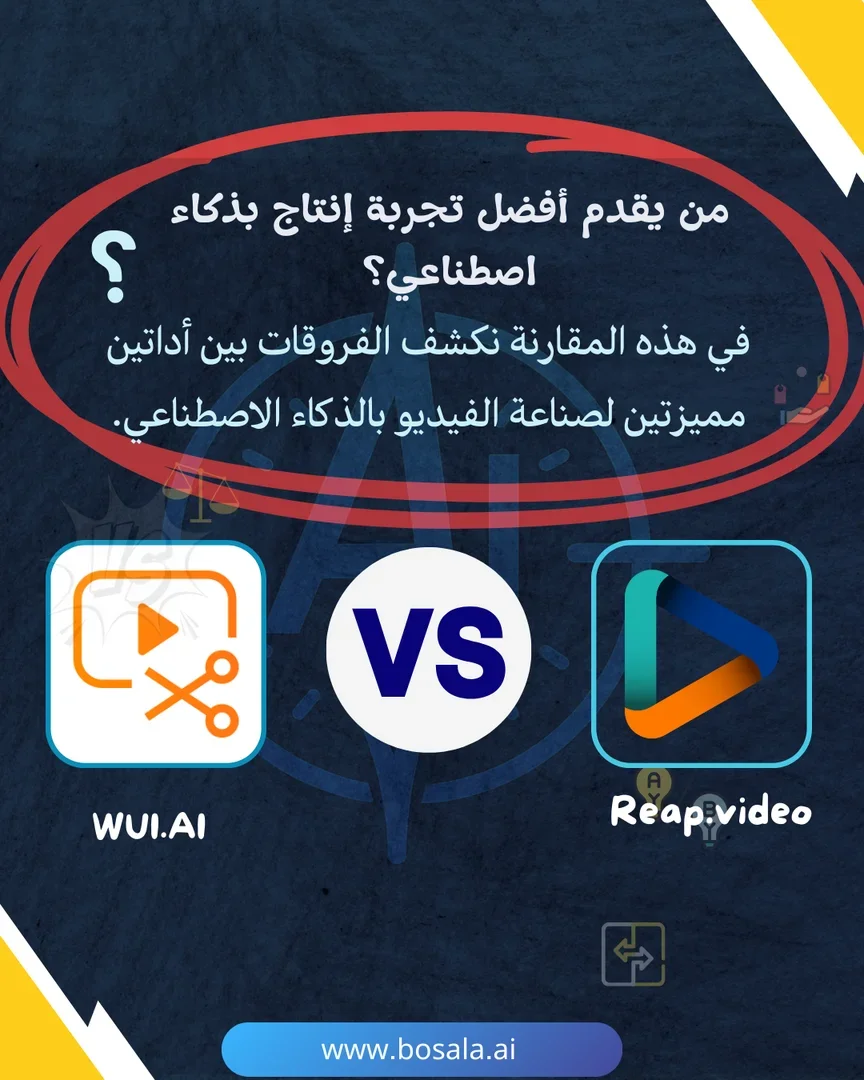
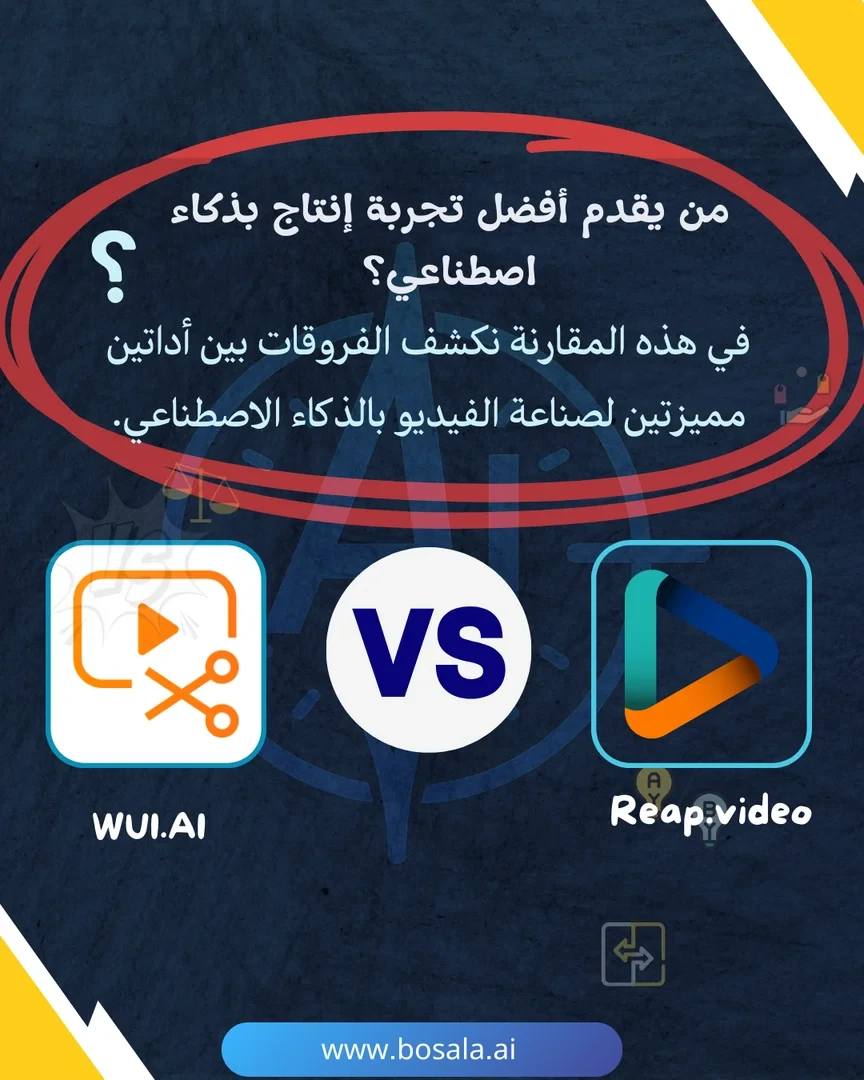
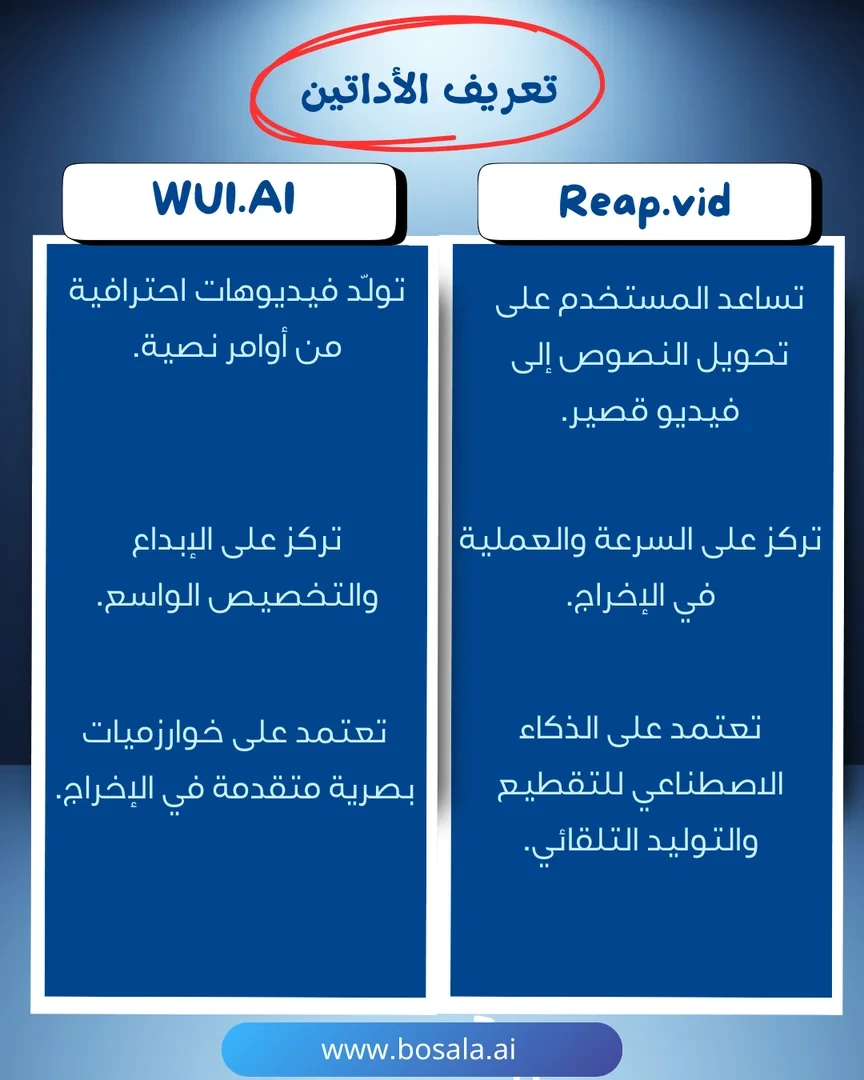
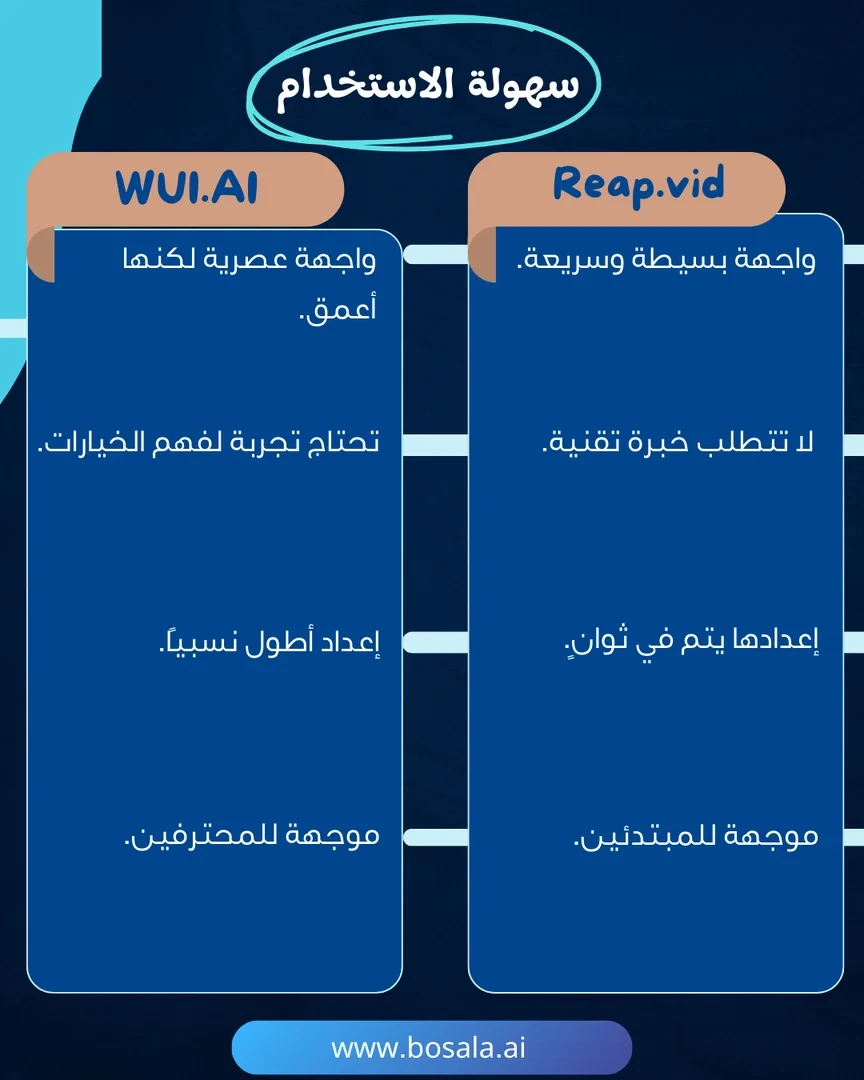
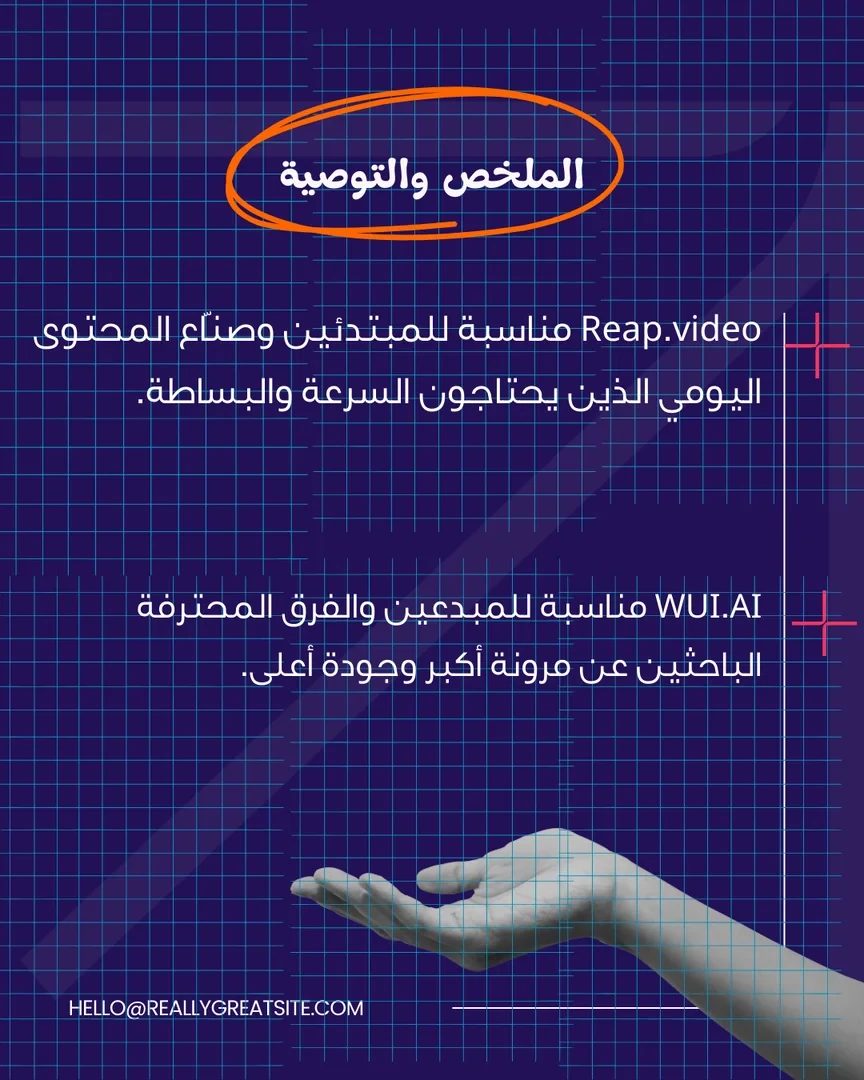
In a world where AI video production is accelerating, tools like WUI.AI and Reap.video have emerged to give content creators innovative solutions. The former focuses on creativity and customization, while the latter offers speed and simplicity for short clips. This comparison highlights the key differences between the two tools to help you choose the one that best suits your goals.
Follow the slides below to find out which one suits you best.
Image Gallery
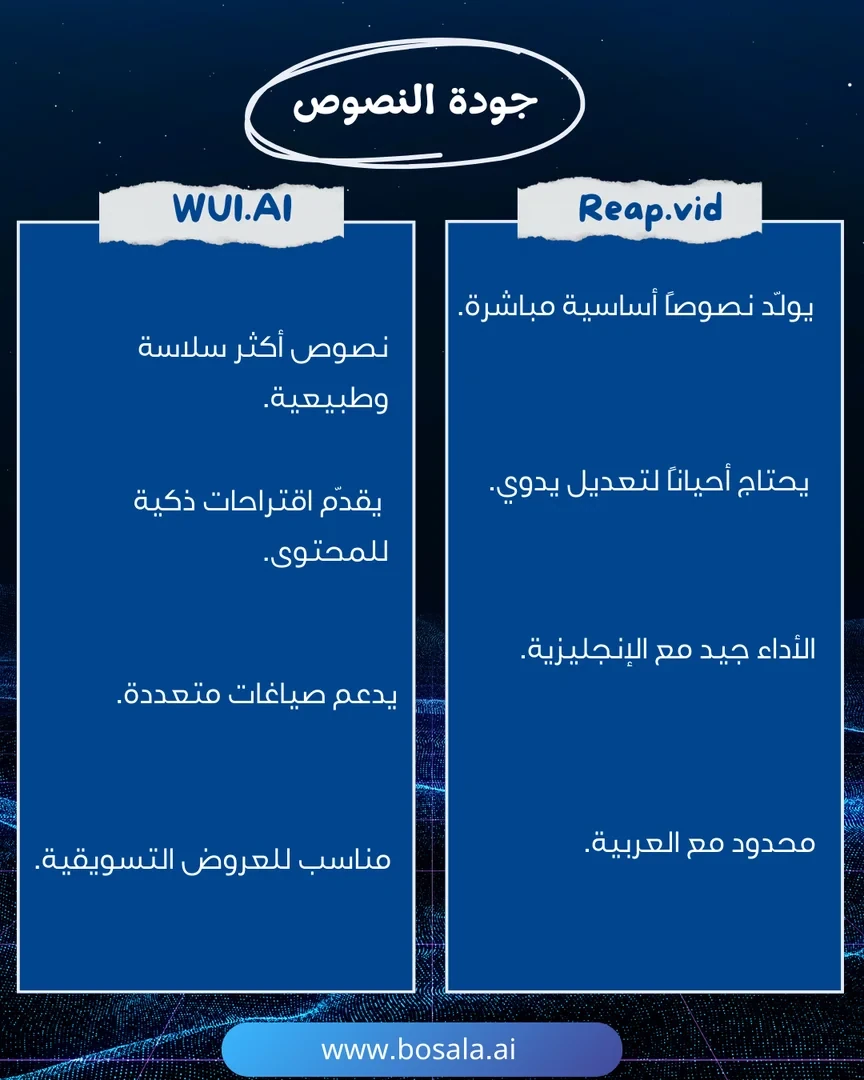
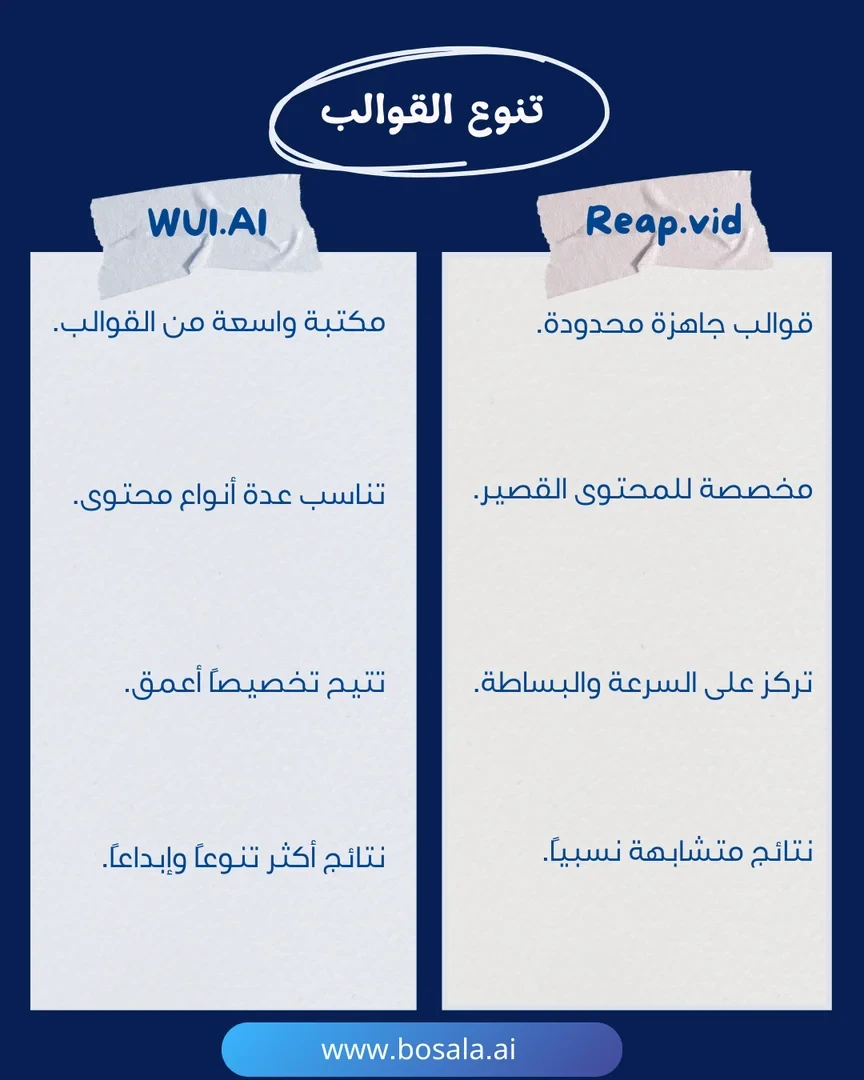
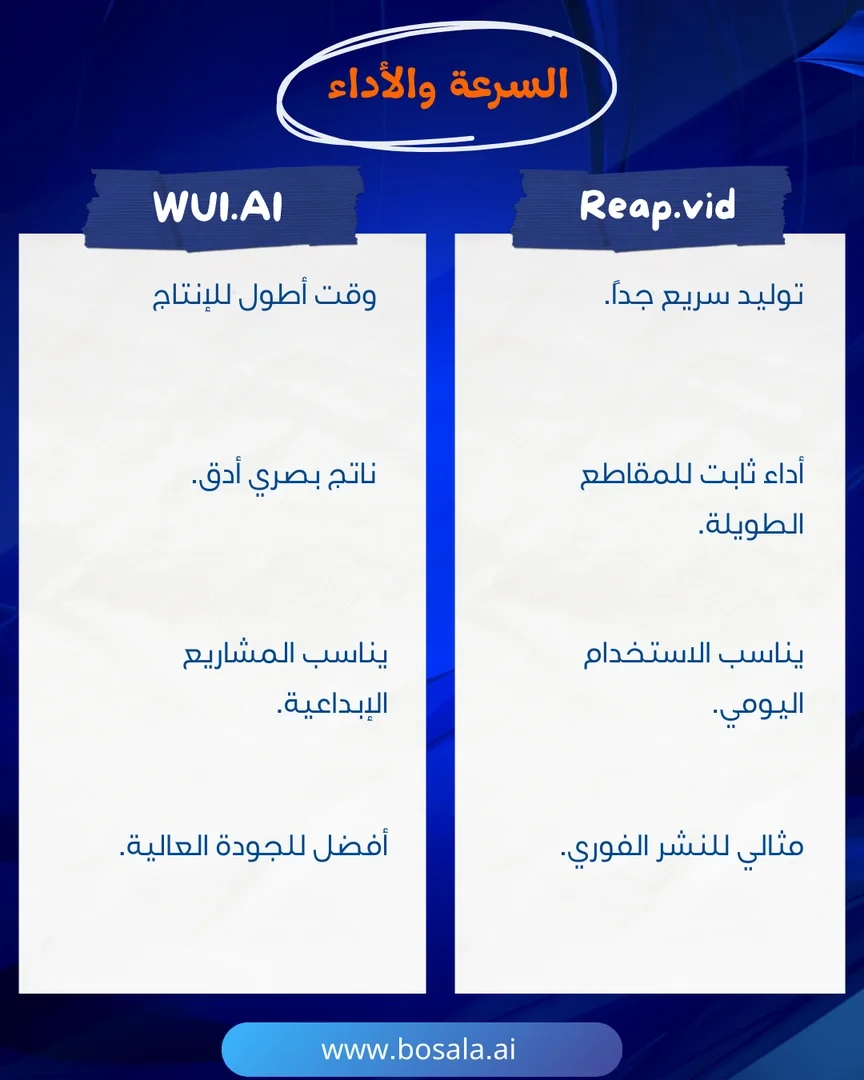
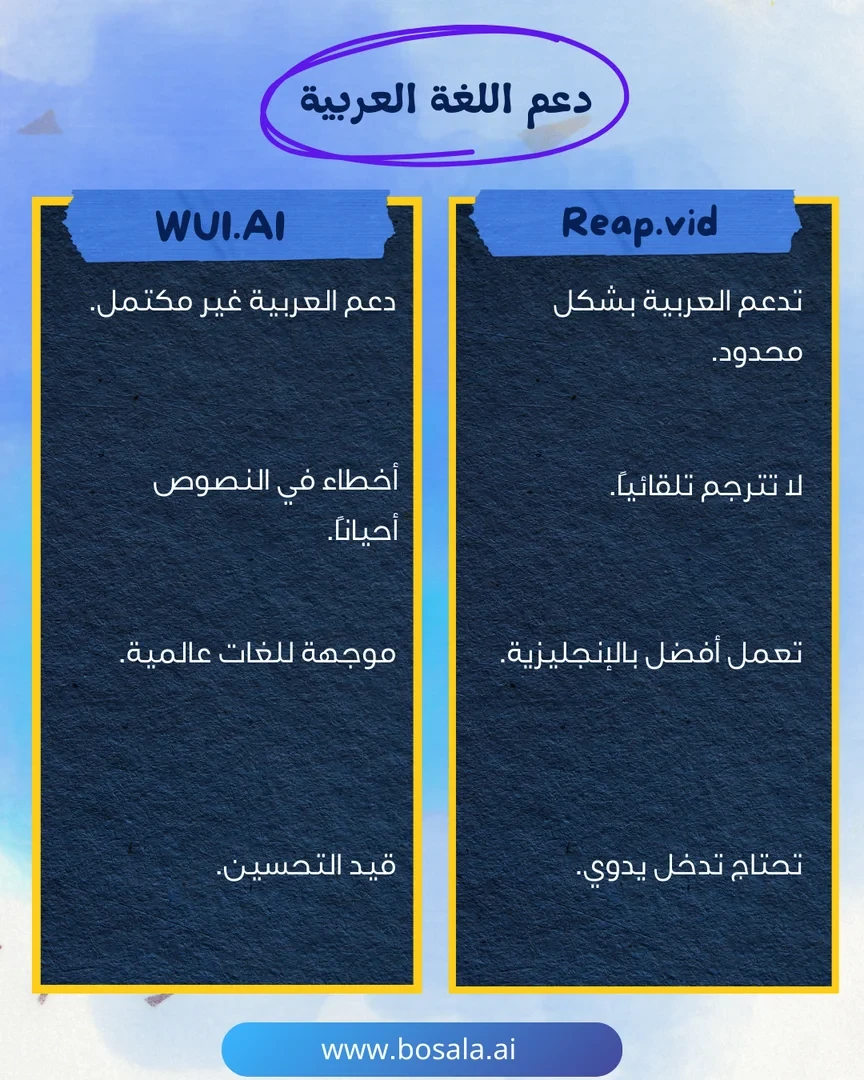
About Reap.video
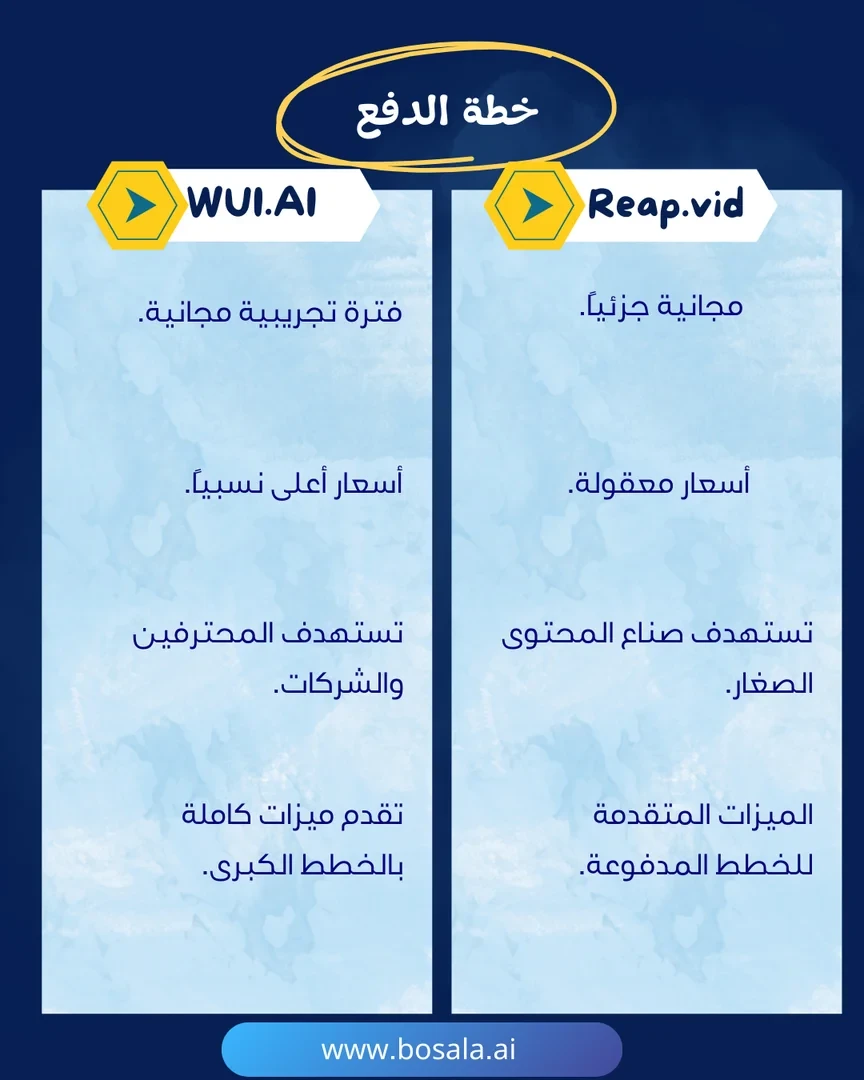
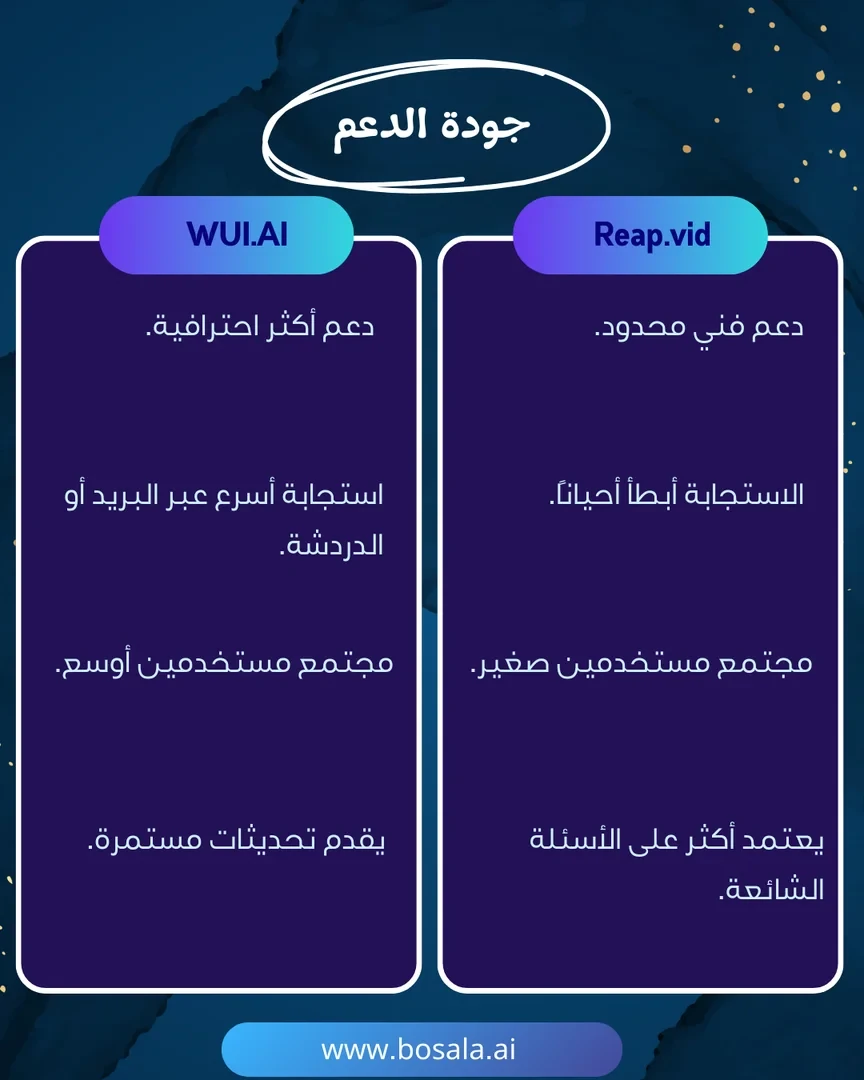
- Converts long videos into short, share-ready clips
- Finds shareable moments by analyzing faces, voice tone, pauses and speech rhythm
- Clips by prompt, such as topic, product mentions or strong opinions
- Adds animated captions with over 50 customizable templates
- Supports over 100 languages
- Creates AI dubbed and subtitled versions
- Reframes video automatically for short-form platforms
- Schedules and publishes to social media
- Provides branded templates
- Offers API, CLI and MCP access
About WUI.AI
- Turns an idea, text or brief into a complete short video with storyboard, audio and subtitles
- Team of AI agents for script, storyboard, characters, art style and audio, led by a Director Agent
- Text, image, video, script, story and prompt to video modes
- Keeps characters, style and tone consistent across episodes
- Story templates and styles including children's, bedtime, motivational, educational and horror
- Explainer section that turns complex information into easy visual narratives
- 40+ templates and effects
- Watermark-free export in various formats and aspect ratios
- Video editor for scenes, pacing and timing
- Saves generated assets for reuse and remixing
Related Tips
- How to Create a Series of Educational Videos Using ChatGPT, PixVerse, and Nabat?
- Storyboarder.ai: A tool for turning your idea into a professional storyboard
- 🐥 Want to create a music video for kids in minutes... with artificial intelligence?
- 🧠 Chat GPT + Nano Banana: Turn your product image into a creative ad for free
- Head-to-head comparison: IconifyAI or Illustroke?