Head-to-head comparison: PhotoRoom or Bylo AI?
· 1 min read
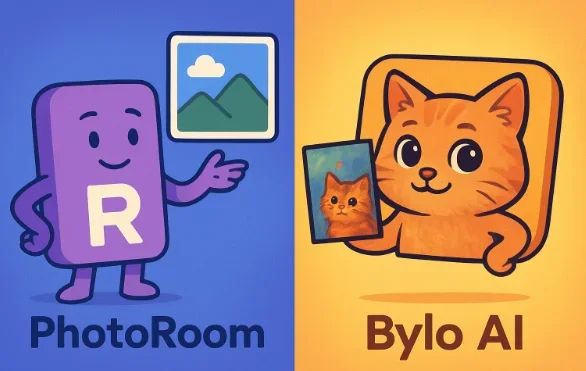
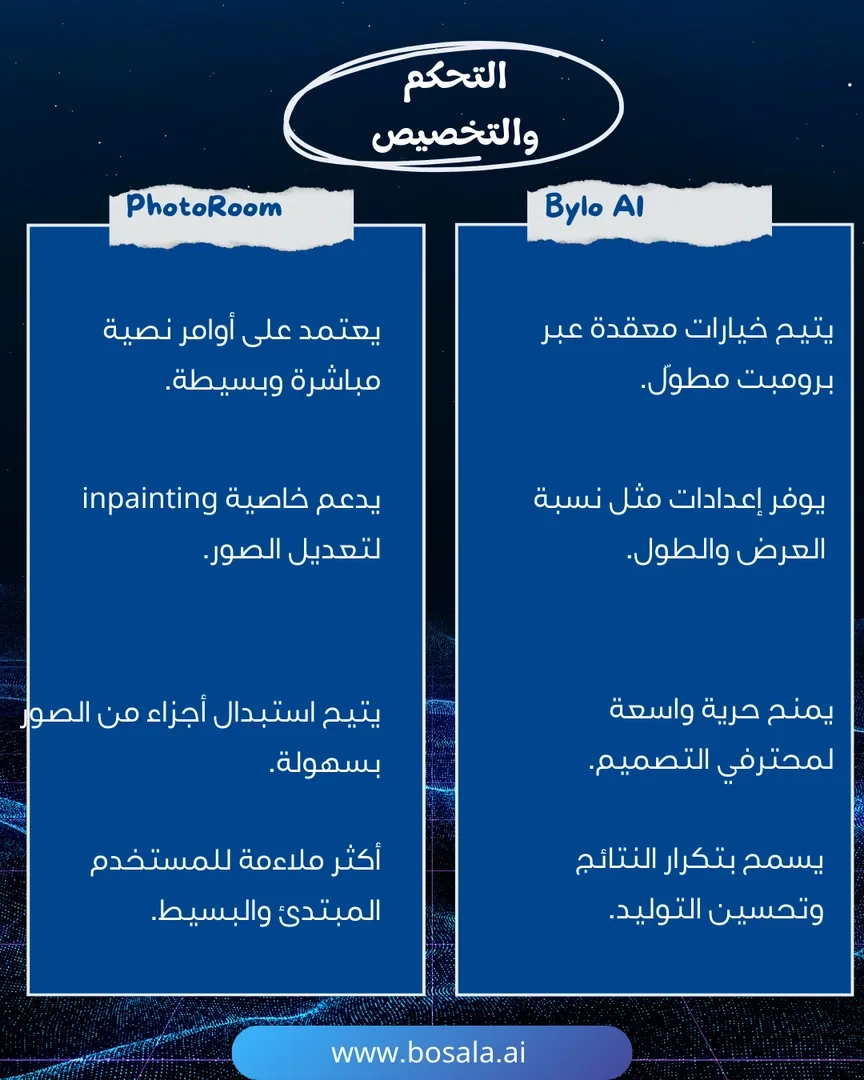
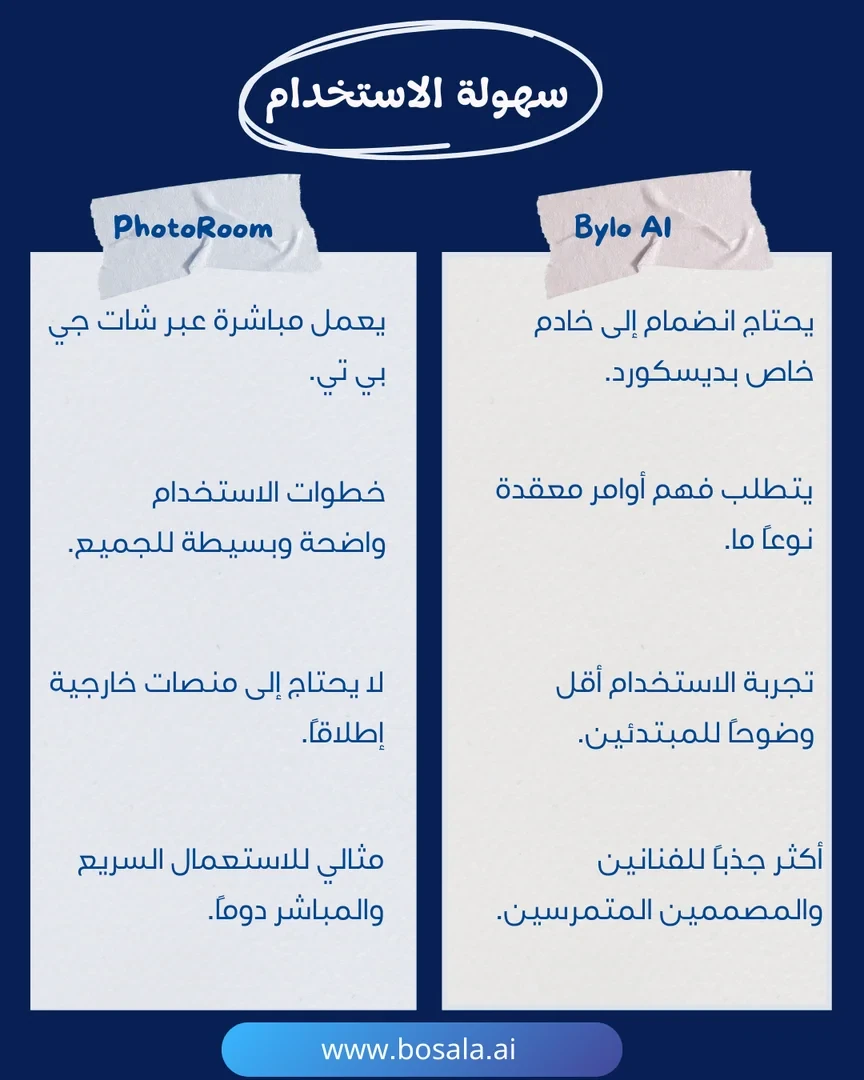
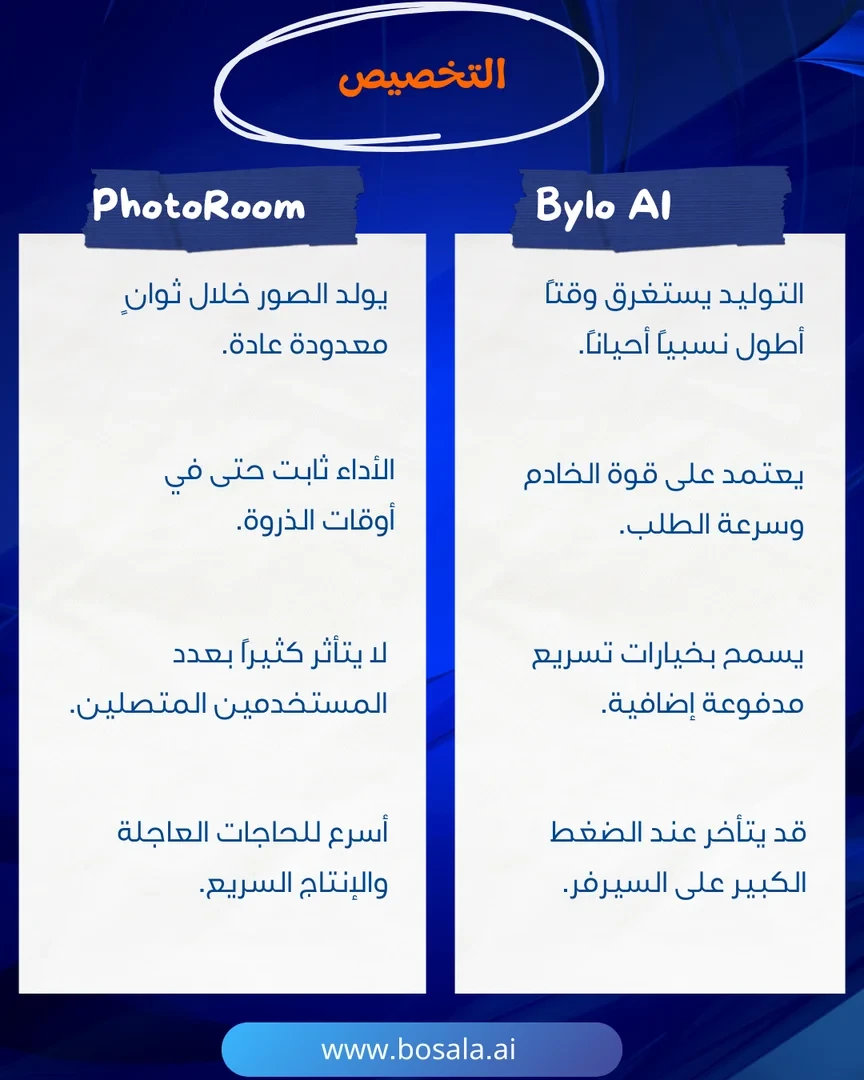
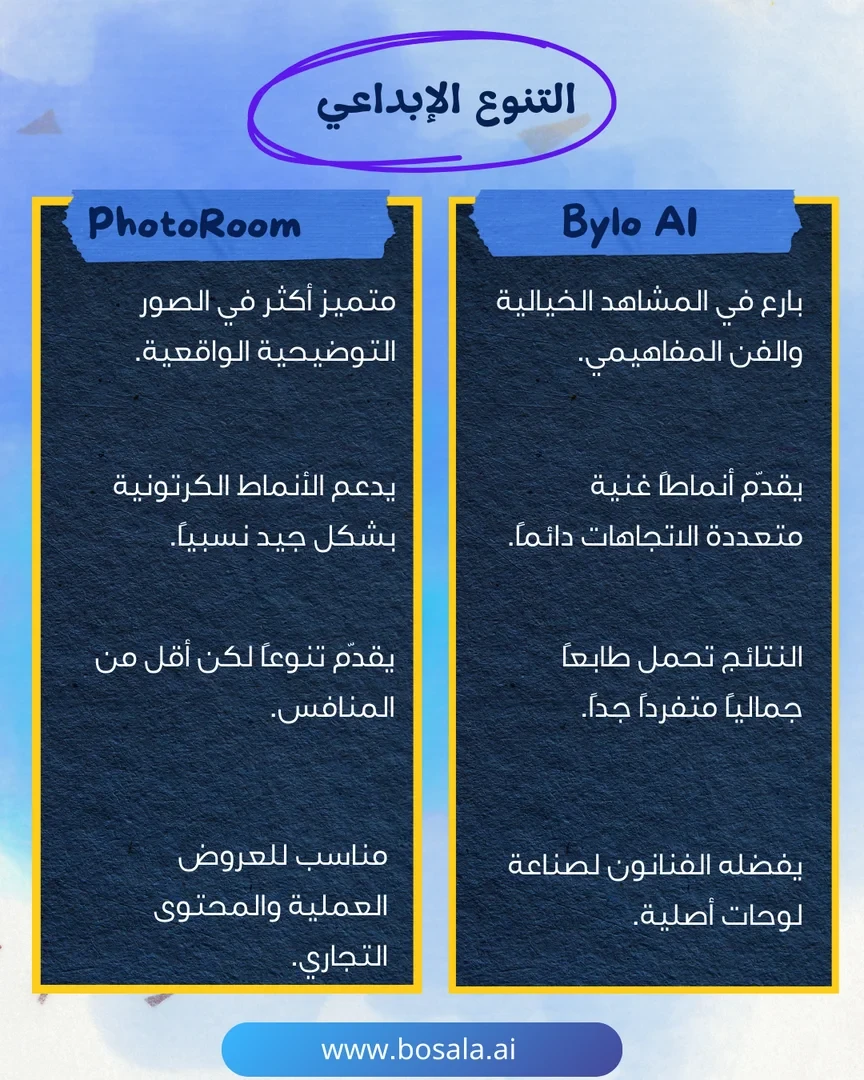
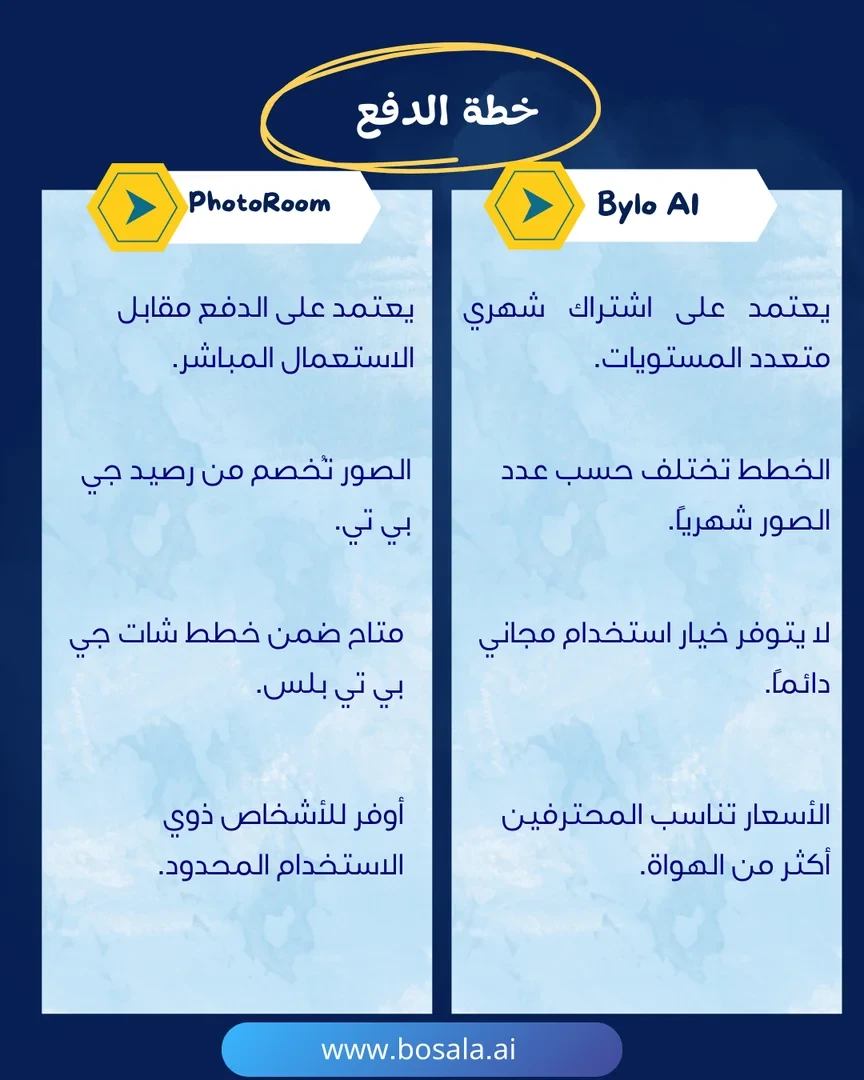
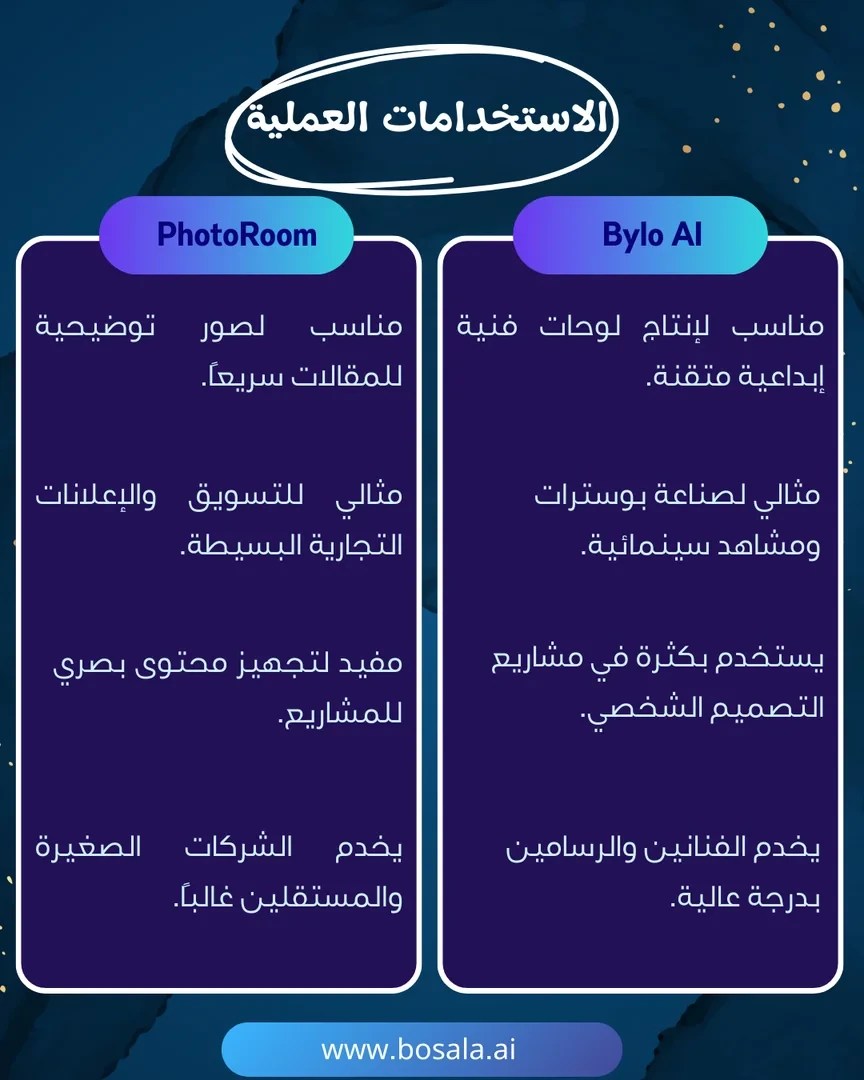
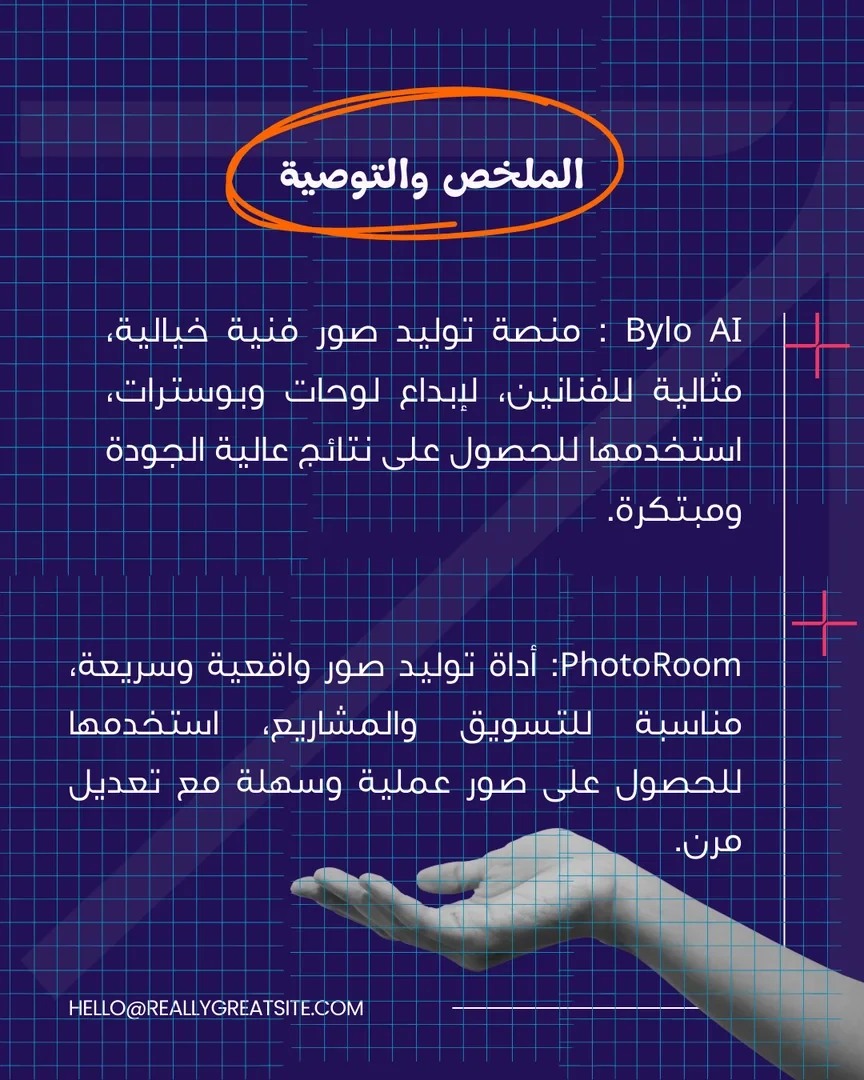
Two leading AI photo tools are competing: PhotoRoom and Bylo AI. The former allows for quick and easy removal of unwanted elements and photo editing, while the latter specializes in generating artistic pet portraits. Each tool offers a different experience and serves a variety of needs from editing to artistic creation. Check out the slides below to find out which one suits you best.
Image Gallery
About Bylo.ai
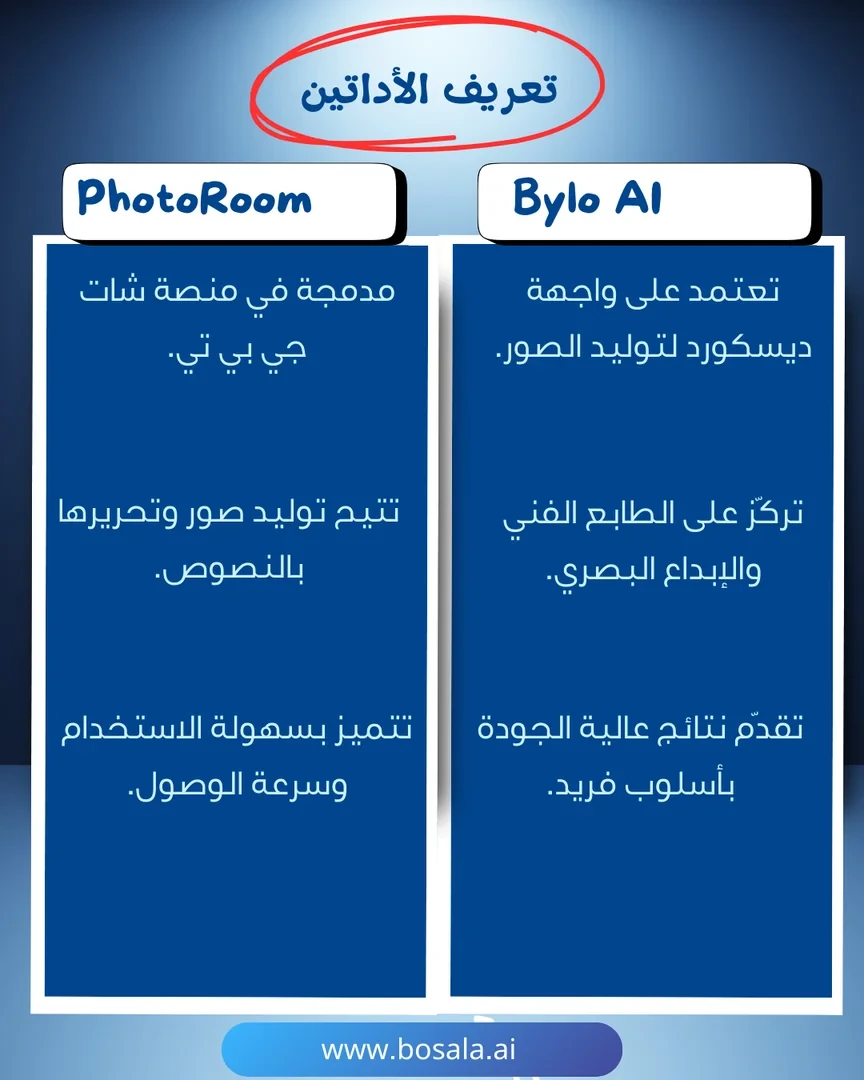
- Turns pet photos into artwork
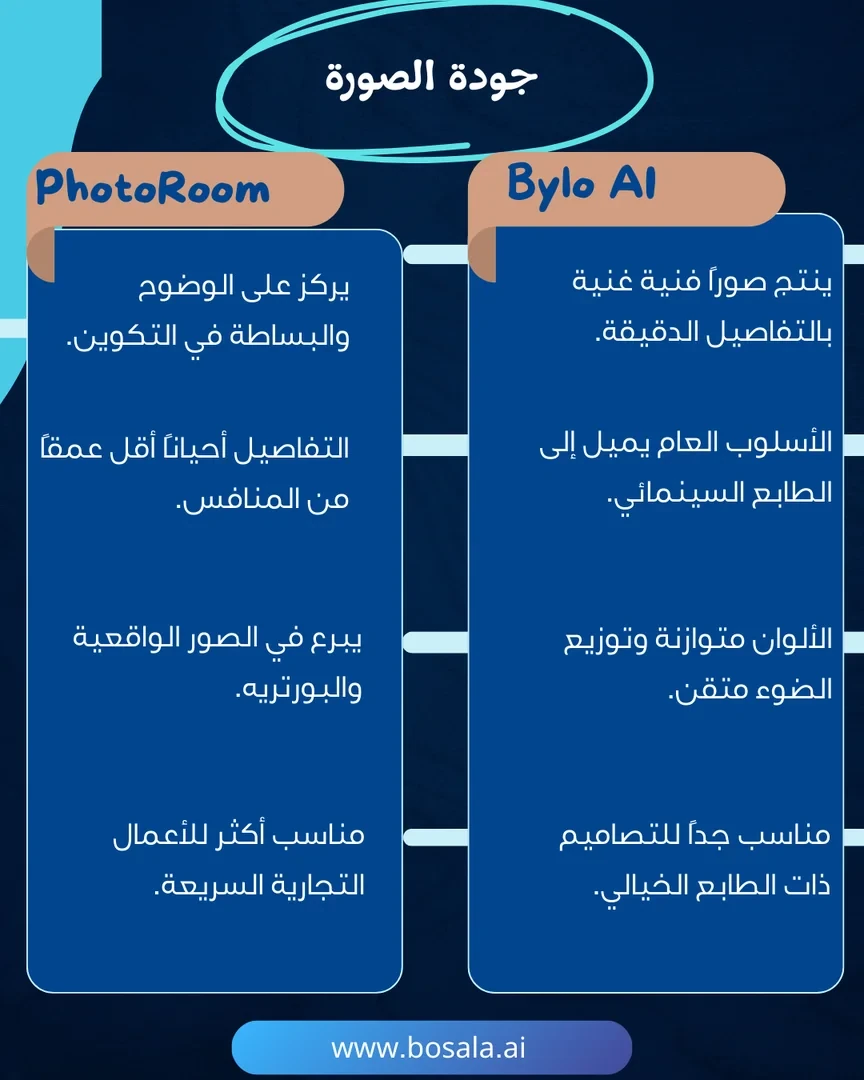
- Preserves the pet's identity and details
- Offers styles such as cartoon, royal portrait, watercolor and digital art
- Creates custom designs from text prompts, such as fantasy settings and outfits
- Choice of aspect ratios such as 1:1, 9:16 and 16:9
- Uploads PNG, JPG and WEBP files, including multiple images at once
- Provides AI image editing tools and artistic effects
- Offers commercial usage rights
About PhotoRoom
- High-precision background removal
- Creates professional, sales-ready product images
- Generates realistic product scenes (AI Product Staging)
- Quick editing: object removal, enhancement and reshaping
- Designs images for ads and social media
- Batch image processing
- Shopify integration
- API for integrating workflows into enterprise systems
- Ghost Mannequin and over 1,000 templates
Related Tips
- A video prompt that gives you the feel of GTA with an Arabic twist
- 2 million free tokens to create videos! on Seedance
- How to Create a Series of Educational Videos Using ChatGPT, PixVerse, and Nabat?
- An Explanation of GeminiGen AI for Creating Videos and Images for Children
- A brief overview of Vidu and how to create entertaining animated videos