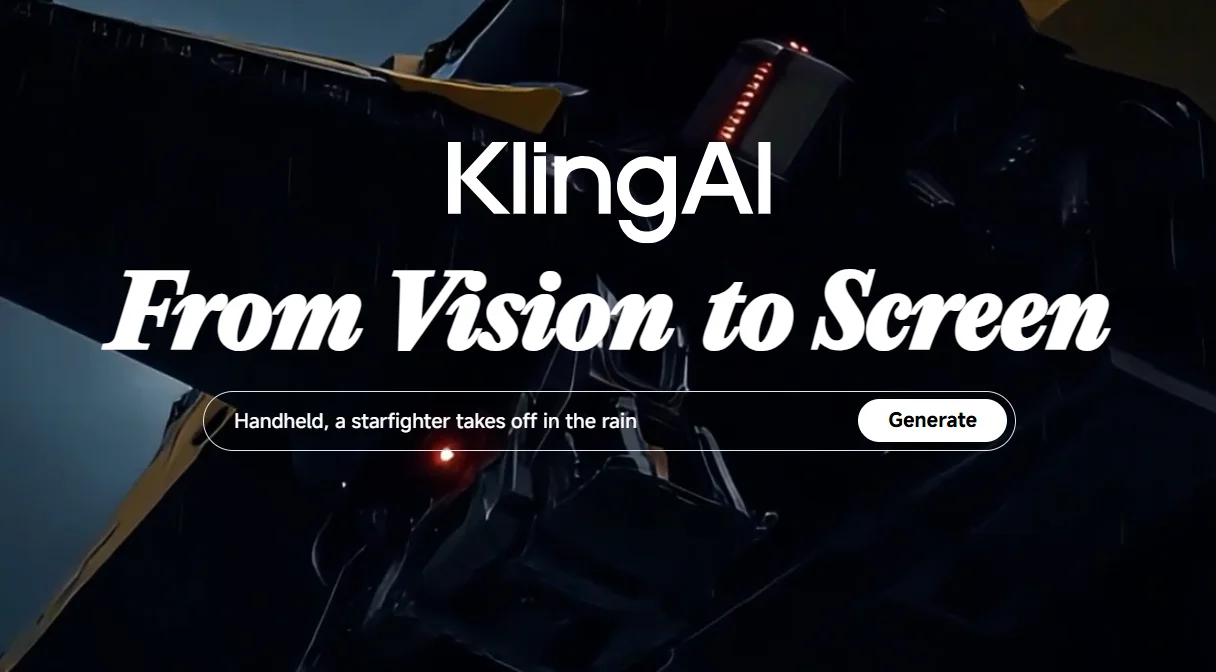
Description
🖼️ Tool Name:
Kling AI
🔖 Tool Category:
AI Video Tool – Converts text or images into realistic short videos using highly advanced technology.
✏️ What does this tool offer?
Kling AI lets you generate realistic videos from just a text prompt or image in seconds — no editing or design experience needed.
You can write a script, choose camera angles, select the video style, and the tool does the rest automatically.
You can also edit the video inside the tool — add or remove elements, merge content, or simulate cinematic camera motion.
⭐ What does the tool actually deliver based on user experience?
The video quality is very strong, especially in motion and scene composition.
Generation is relatively fast, but free users sometimes experience stuck generation (at 99%) or failure.
The interface is simple and clear, with helpful features like motion control, positive/negative prompt settings.
Users say the experience is similar to professional tools like Runway Gen-3, but cheaper and easier.
Some users have complained about slow customer support, especially on the free plan.
Pro Mode offers excellent results: larger video resolution, no watermark, and faster generation.
💰 Pricing Model:
Free: 66 points daily (enough for one short video), but generation might sometimes fail.
Standard: $10/month — 660 points, no watermark, HD quality, faster performance.
Pro: $25–37/month — 3,000 points, longer videos, higher quality, faster rendering.
Premier: $64–92/month — 8,000 points, priority generation, and instant support.
🆓 Free Plan Details:
66 points daily for free
Allows short video generation (5–10 seconds)
May occasionally fail or hang
Suitable for experimentation or very light use
🧭 Access Method:
Create a basic account
Choose generation type (text or image)
Write a prompt or upload an image
Get your video within roughly one minute
🔗 Experience Link:
Official Website: https://klingai.com/global