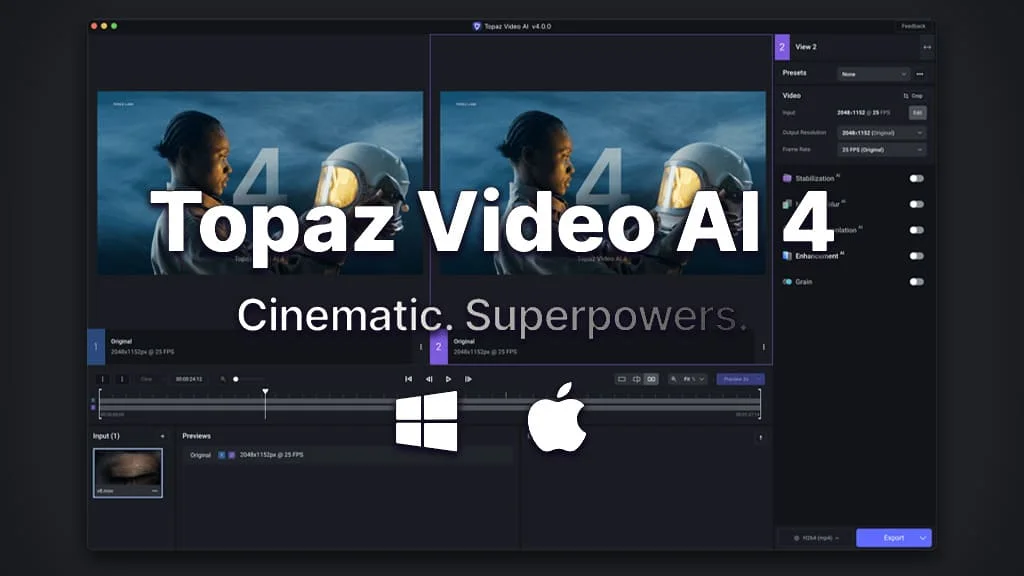
Description
🖼️ Tool Name:
Topaz Video AI
🔖 Tool Category:
Video Editing / Media Editing & Enhancement; it falls under the category of AI-powered tools for upscaling, enhancing, and restoring video quality.
✏️ What does this tool offer?
Topaz Video AI is a professional-grade video enhancement software that uses artificial intelligence to upscale, deinterlace, denoise, stabilize, and restore video footage. It's widely used by filmmakers, video editors, and archivists to turn low-quality clips into stunning high-resolution results.
⭐ What does the tool actually deliver based on user experience?
• Upscales videos up to 8K resolution with crisp detail
• Denoises grainy or compressed footage
• Deinterlaces old or analog video files
• Stabilizes shaky camera movements
• Recovers and restores lost details from vintage or damaged footage
• Batch processing and export presets for creators
• Ideal for restoring YouTube videos, home movies, documentaries, and more
🤖 Does it include automation?
Yes — Topaz Video AI includes automation via:
• AI-driven upscaling, motion interpolation, and enhancement engines
• Automatic detection of noise, blur, and interlacing
• Smart rendering and preview of results before export
• Minimal manual tweaking needed for high-quality output
💰 Pricing Model:
One-time license fee (with optional upgrades)
🆓 Free Plan Details:
• Free trial available with watermark
• Full-feature access for testing before purchase
💳 Paid Plan Details:
• One-time purchase (~$299 at regular price)
• Includes 1 year of upgrades
• Optional paid renewals for future versions
🧭 Access Method:
• Desktop software for Windows and macOS
• Download via
🔗 Experience Link: