ChatGPT Writer
الوصف
🖼️ اسم الأداة:
كاتب ChatGPT
🔖 فئة الأداة:
أداة مدعومة بالذكاء الاصطناعي مصممة لكتابة ردود احترافية وسريعة على رسائل البريد الإلكتروني - مثالية لأي شخص يحتاج إلى الرد على رسائل البريد الإلكتروني الخاصة بالعمل أو صياغة رسائل رسمية بسرعة.
✏️ ماذا تقدم هذه الأداة؟
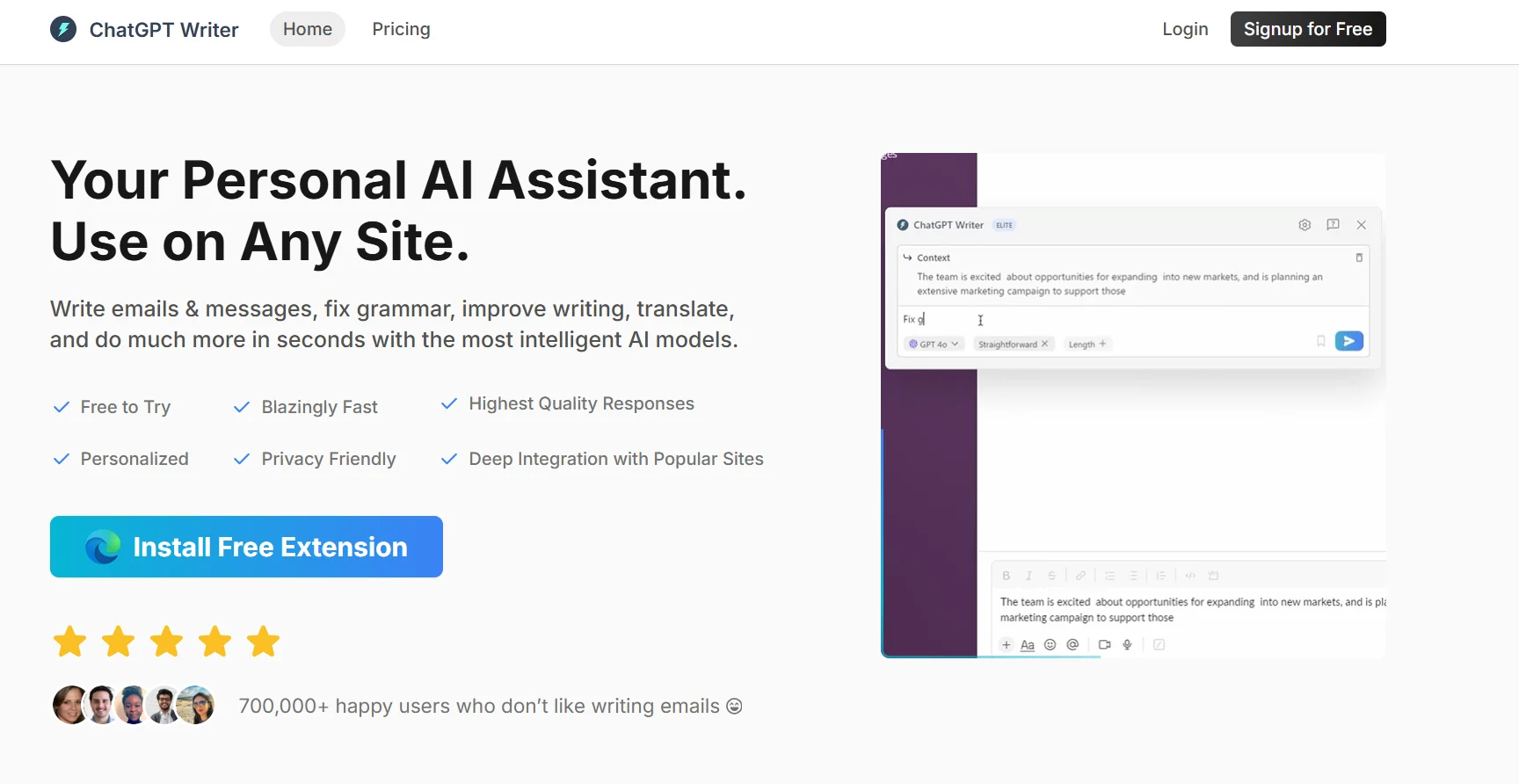
تساعدك هذه الأداة على إنشاء ردود مصقولة على أي بريد إلكتروني دون عناء. كل ما عليك فعله هو لصق البريد الإلكتروني المستلم، واختيار الأسلوب (على سبيل المثال، رسمي، ودود، موجز)، وسيقوم البرنامج بكتابة الرد المناسب لك.
باختصار:
الصق البريد الإلكتروني الذي تلقيته
اختر لهجة الرد
يكتب الرد الصحيح لك
⭐ ما الذي تقدمه الأداة بالفعل بناءً على تجربة المستخدم؟
بناءً على ملاحظات المستخدمين، فإن الأداة
تفهم محتوى البريد الإلكتروني بدقة
تكتب ردوداً سلسة ومناسبة بناءً على النبرة المختارة
توفر وقتًا كبيرًا للمحترفين الذين لديهم أعباء عمل ثقيلة على البريد الإلكتروني
تعمل مباشرةً داخل Gmail عبر امتداد كروم
يشير بعض المستخدمين إلى أن الردود قد تكون أحياناً عامة جداً، ولكن بشكل عام، الأداة فعالة للغاية وتنجز المهمة.
🤖 هل يتضمن الأتمتة؟
نعم، فهو يقدم ميزات أتمتة واضحة:
يفهم تلقائياً رسائل البريد الإلكتروني الواردة
يولد الردود المناسبة دون كتابة يدوية
يعمل مباشرةً من Gmail أو موقعه الإلكتروني
يسمح لك بحفظ الرد وتعديله قبل الإرسال
💰 نموذج التسعير:
فريميوم - يقدم خطط مجانية ومدفوعة.
🆓 تفاصيل الخطة المجانية:
100٪ مجاني للاستخدام
لا حاجة لبطاقة ائتمان
يعمل من الموقع الإلكتروني أو امتداد كروم
الردود الأساسية مصاغة بشكل جيد
دعم Gmail المباشر
لا توجد حدود استخدام صارمة، على الرغم من أن الميزات المميزة أكثر تقدمًا
💳 تفاصيل الخطة المدفوعة:
الخطط المدفوعة تفتح المزيد من الميزات مثل إنشاء الردود بشكل أسرع، وتخصيص أعمق، ومخرجات أكثر احترافية
تدعم بعض الخطط المدفوعة الفرق أو الاستخدام التجاري
لم يتم الكشف عن الأسعار الدقيقة بشكل كامل ولكنها تبدأ من اشتراك شهري ميسور التكلفة
🧭 طريقة الوصول:
متاح عبر الموقع الرسمي
أو تثبيت امتداد كروم واستخدامه مباشرةً داخل Gmail
لا حاجة لتثبيت أي تطبيق - فقط قم بالتسجيل وابدأ الاستخدام
🔗 رابط التجربة
https://chatgptwriter.ai/?ref