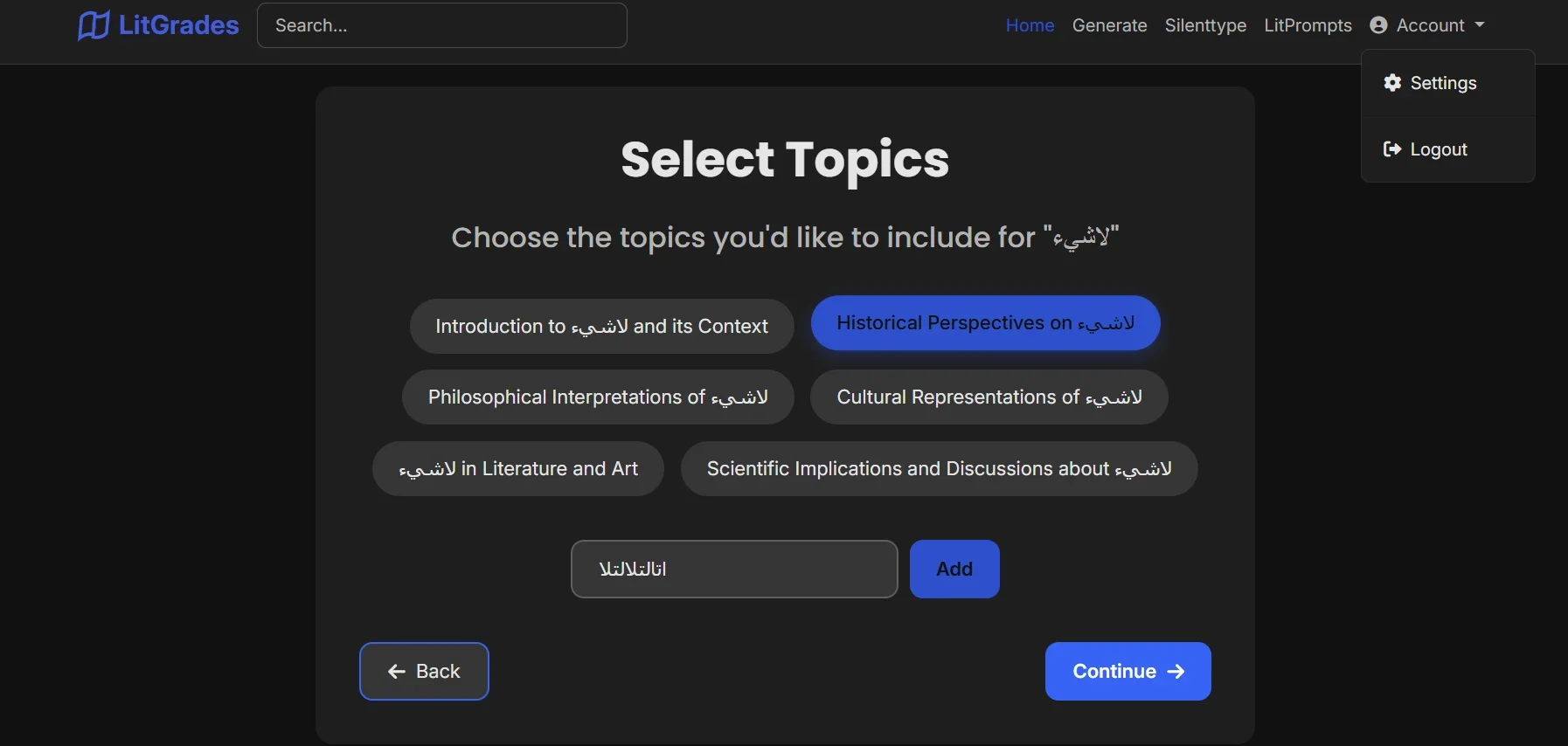
Description
️ 🖼Tool Name:
LitGrades
🔖 Categories:
- Study Aids & Smart Notes
- Education and Research
- Summaries, Headings, and Ideas
- Essay and Post Generation
- Notes and Analysis
- Productivity and Scheduling
️ ✏What does this tool offer?
LitGrades is an AI-powered educational platform that operates via chat, helping you turn any topic into ready-to-use study materials in seconds.
It offers:
- Flashcards
- Study notes
- Quizzes
- Worksheets for practice
- Turn any idea into comprehensive educational content
How to use: Type the topic → Select the type → The tool generates the content instantly.
⭐ What does it actually offer based on user experience?
- Significantly speeds up the learning process
- An experience similar to having a private tutor in a chat
- Reduces the effort required to create materials
- Suitable for students and self-learning
🤖 Does it include automation?
Yes:
- Automatic generation of all types of educational content
- Converting the same topic into multiple formats
- Suggestions for study ideas and topics
💰 Pricing model:
Free (with usage limits)
🆓 Free plan details:
- Full access to the chat interface
- Create study materials (flashcards, notes, quizzes…)
- Limited usage
- Try the tool’s core features
💳 Paid plan details
🧭 How to access the tool: - Web (directly through a browser)
🔗 Demo link or official website:
https://litgrades.com/chat
Pricing Details
Silenttype uses a simple pricing model that combines a free plan with pay-as-you-go plans. The free plan gives you full access to the chat interface and the ability to create study materials such as flashcards, notes, and quizzes, though within a limited number of uses. It also includes 5 hours of speech-to-text conversion per month with email support, and no credit card is required. The paid plans start with the Silver plan at $7 per month, offering 15 hours of transcription with priority support; then the Gold plan at $13 per month, giving you 30 hours with premium support; and the Enterprise plan, designed for schools, which offers more hours, integrations, and dedicated support. The tool itself is very powerful in terms of automation: it records lectures directly without setup, transcribes speech with high accuracy, produces organized notes instead of raw text, automatically extracts key points and tasks, and even lets you mark moments of confusion to get a simplified explanation later, with full organization of lectures by subject and date and easy integration with Notion—all through a simple browser-based interface. Note that unused hours do not roll over, and performance depends heavily on audio quality.