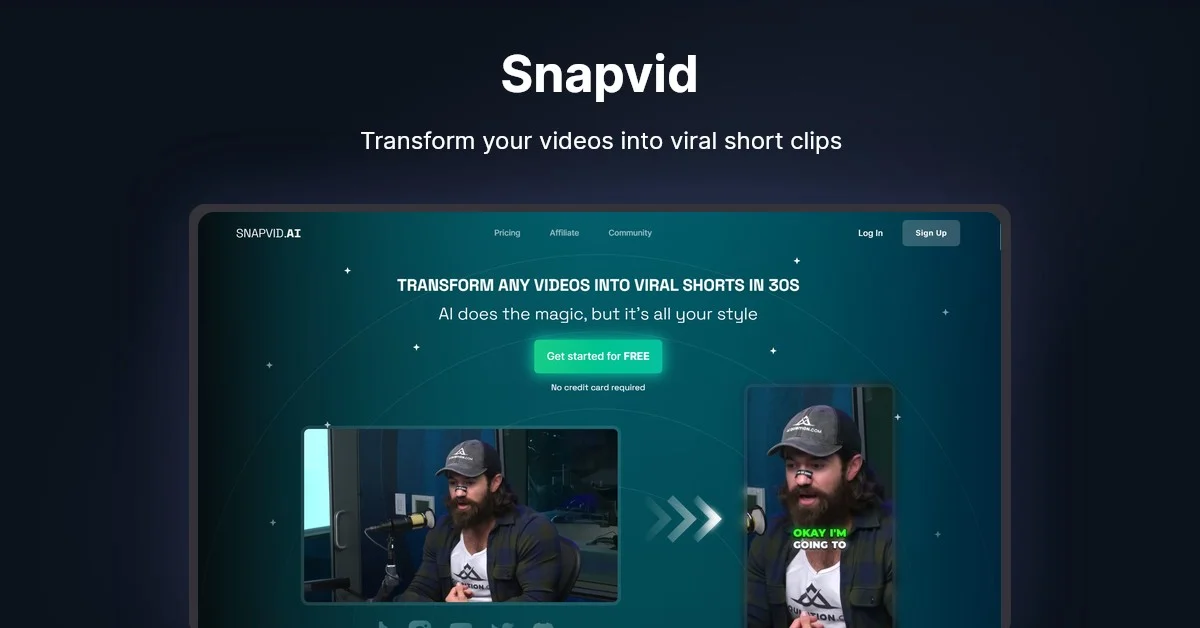
Description
🖼️Tool Name:
SnapVid.ai
✏️ What does this tool offer?
Smart Cut & Viral Detection: AI analyzes your video to find the most "hook-worthy" segments and crops them automatically to 9:16.
AI Auto B-Roll: Automatically inserts relevant stock footage from a library of 100,000+ assets at the exact moments they are mentioned in the video.
Animated Subtitles & Emojis: Generates highly customizable, influencer-style captions (like the Alex Hormozi style) with auto-placed emojis.
Face Tracking & Silence Removal: Keeps the speaker perfectly centered even in wide shots and automatically cuts out "uhms," "ahs," and long pauses.
Talking Head Avatars: A 2026 feature that allows you to generate a digital avatar to speak your script with 100% lip-sync accuracy.
Multi-Platform Export: Export your final clips in up to 4K resolution with saved branding presets for consistent output.
⭐️ What does the tool actually offer? (User Experiences)
"Zero-Effort Clipping": Users report that it takes less than 30 seconds to get 10-15 potential viral clips from a single 30-minute podcast.
Retention Boost: Creators note a significant increase in "Average View Duration" thanks to the fast-paced auto-editing and B-roll.
Professional Finish: Even beginners can produce content that looks like it was edited by a professional agency.
🤖 Does the tool have automation features?
Yes, it is a Viral Automation Pipeline:
Autonomous B-Roll Injection: The AI "listens" to the audio and visually supports the story without manual input.
Script-to-Shorts: You can provide a text prompt, and the AI generates the script, voiceover, and visual content in one workflow.
💵 Pricing (2026 Plans)
SnapVid uses a tiered subscription model with a heavy focus on high-resolution output.
🎁 Is the free version a trial or completely free?
It is a 7-Day Free Trial (Freemium). You can test the platform for free to see how the AI handles your footage, but long-term use and watermark removal require a paid subscription.
💳 What does the Paid version offer?
Watermark-Free 4K: Professional quality without branding.
Smart Music: Automatically finds trending, copyright-free background music that fits the mood of your clip.
Priority Processing: Faster rendering for high-resolution video.
Smart Zoom: Intelligently zooms in on the speaker for a more dynamic "talking head" feel.
⚙️ Access or Source:
Official Website
Platform: Web-based (works in browser) and Desktop (Windows/Mac).
🔗 Experience Link: