Coze
Description
️ 🖼Tool Name:
Coze
🔖 Tool Category:
AI-powered chatbot building and operation platform (SaaS) + open source version for developers (Coze Studio).
️ ✏What does this tool offer?
It lets you quickly build AI bots, connect them to different models (like OpenAI or ModelArk), and use them for experimentation, development, or production. The SaaS version is ready to use with no headache, and the open source version is free but requires your own hosting.
⭐ What does the tool actually deliver based on user experience?
Those who have tried it say it's easy to use, gives you a clear interface to manage bots, and makes it easy to connect APIs. However, if you want to go deeper, the open source version gives you complete freedom, with a little more work for hosting and setup.
🤖 Does it include automation?
Yes - the tool automates the creation of the bot, running it, and connecting it to external services. The SaaS version also has a credits system that automatically calculates your consumption.
💰 Pricing Model:
You have two options:
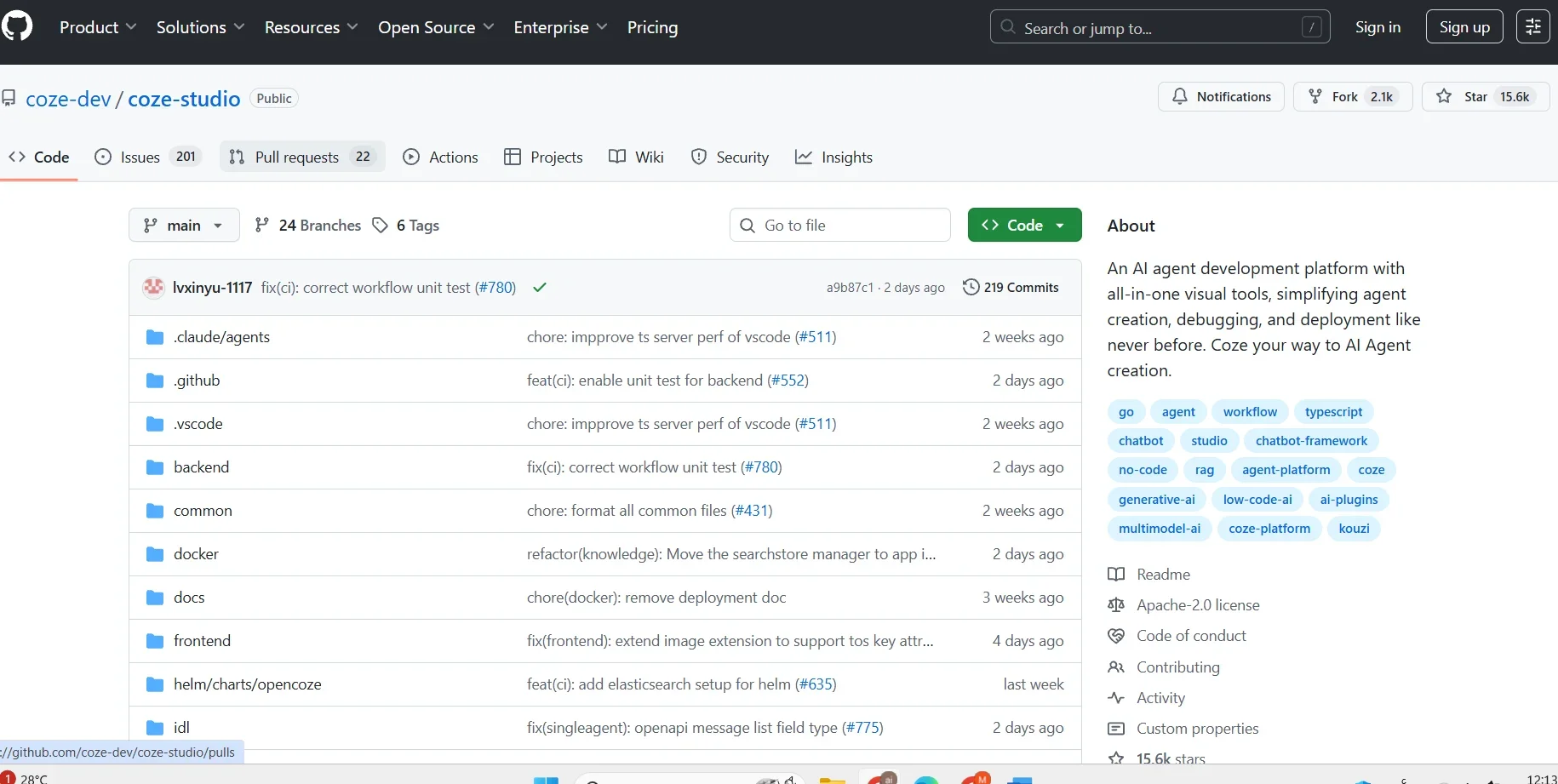
Open source (Coze Studio - GitHub): 100% free, but requires hosting and connectivity with a modeling provider.
SaaS (cloud-ready service): There is a free plan + paid plans with 3 tiers.
🆓 Free Plan Details:
SaaS Free: 10 credits per day.
Coze Studio (open source): Completely free, no daily limits, but you have to host it and connect it to a template service.
💳 Paid Plan Details:
Premium Lite: $9/month → 100 credits per day.
Premium: $19/month → 400 credits per day.
Premium Plus: 39$/month → 1000 credits per day.
🧭 Access Method:
SaaS: Sign up for an account on the Coze platform and go live.
Open-Source: Download the code from GitHub and do in-house hosting.
🔗 Experience Link:
https://github.com/coze-dev/coze-studio?ref=