WriteText.ai
Description
️ 🖼Tool Name:
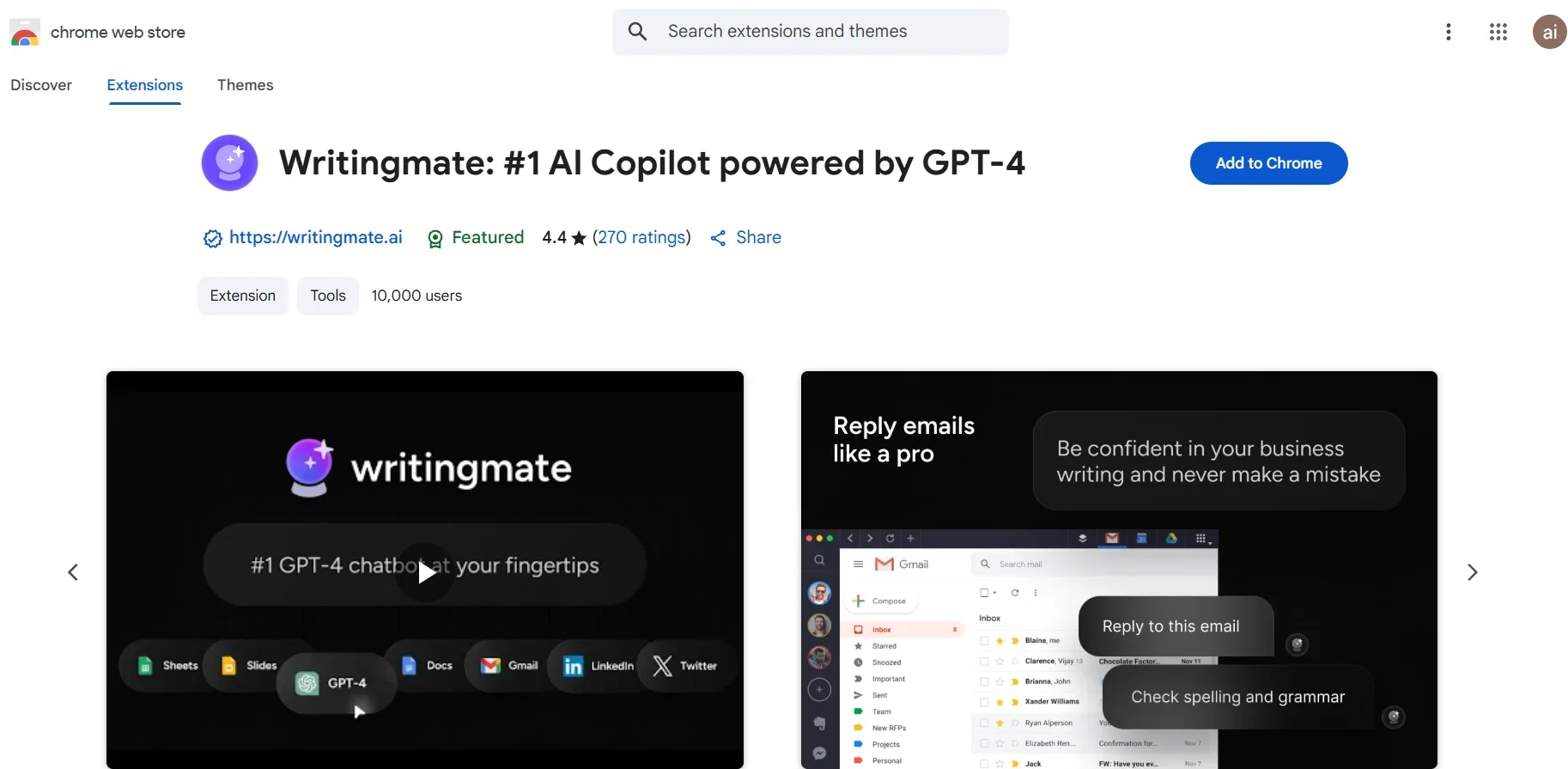
WritingMate AI Copilot
🔖 Tool Category:
AI-based Smart Chrome extension (GPT-4/3.5) - Writing, translating, annotating, and correcting text and code directly within the browser.
️ ✏What does this tool offer?
Sidebar built into the browser to chat with GPT-4 or GPT-3.5.
Translate, paraphrase, or annotate any selected text on a web page instantly.
A ready-made library of Prompts for writing: Outline, draft emails, summarize content.
Seamless integration with Google Workspace: Export text to Gmail or Google Docs.
Code support: Annotate, fix, and solve Challenges like LeetCode with GitHub/GitLab integration.
Additional features: ChatPDF to interact with PDFs, AI Painting, and live search.
Works independently - you don't need a ChatGPT or OpenAI account.
⭐ What does it deliver based on user experience?
4.4/5 rating on Chrome Web Store (over 270 reviews).
Users describe it as "creative and time-saving," especially for writing letters and essays.
Reddit: "Speeds up drafting and the feedback on clarity is actually useful."
Some complaints: Occasional slowdowns, sudden stops, or payment issues.
🤖 Does it include automation?
Yes ✅
Text selection → Automatic translation/annotation/rephrasing.
Generate full texts (emails, summaries) directly.
Automatic export of texts to Docs or Gmail.
💰 Pricing Model:
Freemium: Limited free version.
Premium: About $14.99/month (or $9.99 if you pay annually).
Professional: About $29.99/month (or $19.99/year).
Ultimate: Approximately $49.99/month (or $39.99 per year).
🆓 Free Plan Details:
Limited free usage per day (small number of messages).
Suitable for an initial trial before subscribing.
💳 Paid Plan Details:
Premium: $14.99/month → Longer messages, Prompts library, and ChatPDF.
Professional: $29.99/month → Voice support, additional photo generation, Plugins.
Ultimate: $49.99/month → All features + multiple form support + advanced capabilities.
🧭 Access Method:
Download the extension from the Chrome Web Store.
After installation: Open any page and press Ctrl+M (Windows) or Cmd+M (Mac) to launch the plugin.
Select text or type Prompt → the tool works directly.
🔗 Experience Link:
https://chromewebstore.google.com/detail/writingmate-1-ai-copilot/iihamopomflffiecicbgelncanmfionp?ref=