Description

️ Tool Name: 🖼

Fakeface


Categories: 🔖

  • Entertainment and Games
  • Text and Images to Video
  • Edit/Enhance/Upsample
  • Remove and Replace Elements and Backgrounds
  • Generate images from text (partially via visual content generation)

️ What does this tool offer? ✏

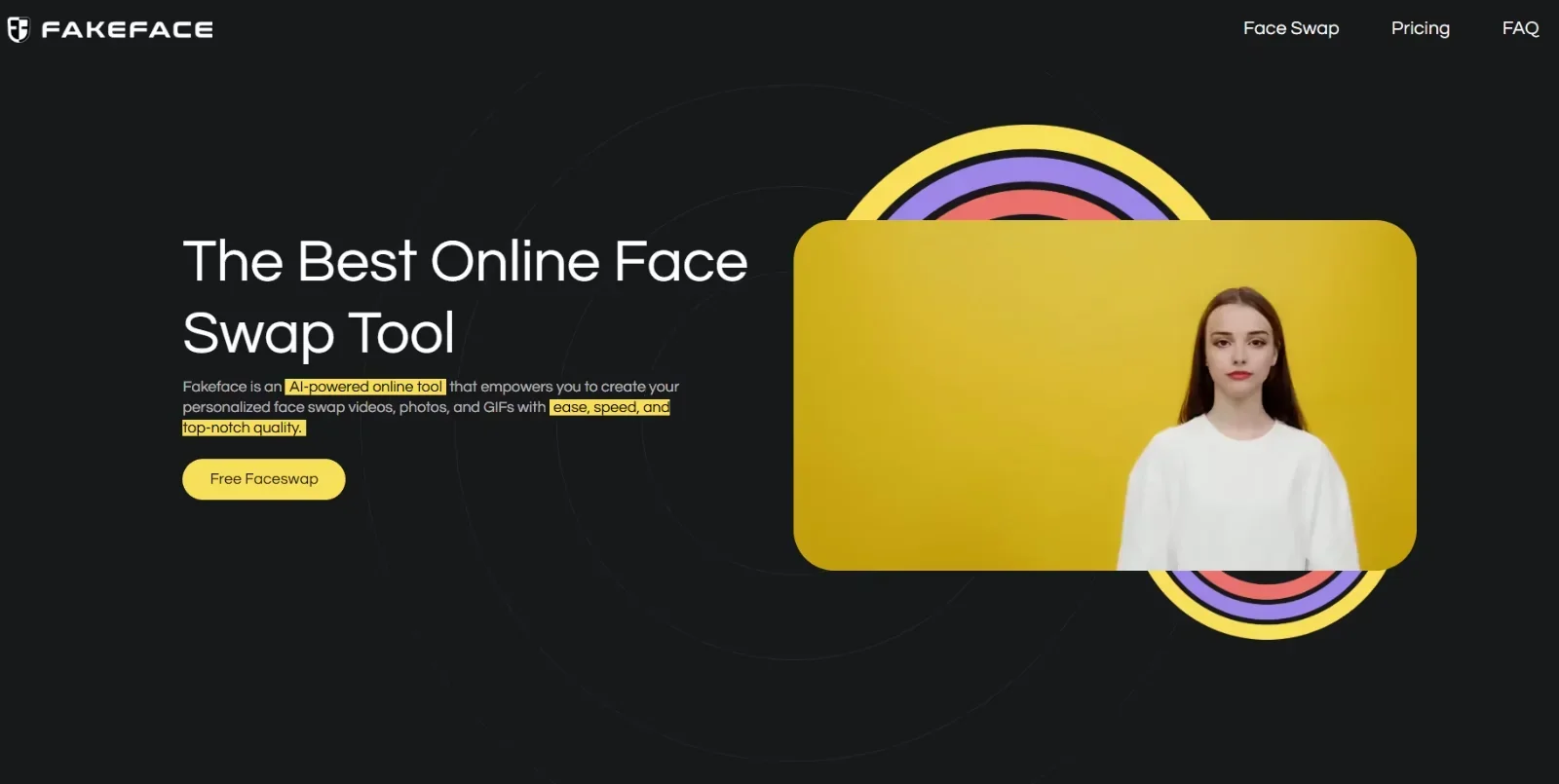
The Fakeface platform is an AI tool specialized in face swapping (Face Swap) in photos, videos, and GIFs, allowing you to create high-quality, customized visual content quickly and entirely within your browser—no additional software required.

The platform works in three simple steps:

  1. Upload a photo, video, or GIF
  2. Upload the target face you want to use
  3. Generate the final result using a cloud-based AI model

The tool delivers realistic results that preserve facial details, lighting, and visual blending, with support for output resolutions up to 8K and an average processing time of 30 seconds, as well as processing speeds up to five times faster than some traditional tools.

The platform also supports several file formats, such as:

  • Images: JPG, PNG, WEBP
  • Video: MP4, MOV
  • GIF

It allows you to upload files up to 2GB in size, with features including:

  • Replacing one or more faces
  • Replacing all faces at once
  • Converting images to video
  • Creating GIFs with face swaps
  • Producing marketing and entertainment content for social media

Used in various fields such as content creation on TikTok, YouTube, and Instagram; producing cinematic effects; creating memes and entertainment content; as well as for marketing and advertising purposes.

The platform relies on a cloud-based AI architecture trained on millions of images, while ensuring data protection, encryption, and automatic file deletion after 7 days, without sharing or selling data.

It also offers free use via a daily credit, with upgrade options for higher performance, greater speed, and additional credits, and confirms that it delivers watermark-free results even with the free plan.


What does it actually offer based on the information provided? ⭐

  • Realistic face swapping in photos, videos, and GIFs
  • Support for multiple faces and batch face swapping
  • Convert photos to video
  • Quickly create entertaining content and memes
  • High-resolution output up to 8K
  • Processing speed of approximately 30 seconds
  • Supports file uploads up to 2GB
  • Cloud-based processing—no powerful device required
  • Watermark-free results
  • Free to use with a daily credit limit
  • Data protection and automatic file deletion

Does it include automation? 🤖

Yes.

The platform relies on automation for:

  • Automatic face detection and processing
  • Automatically integrating the new face into the image or video
  • Processing video and GIF files without manual intervention
  • Generating results via a fast cloud-based AI model

Pricing model: 💰

Pay-per-credit system with no monthly subscription.


🆓 Free Plan Details:

FeatureDetails
Free PlanFree Daily Credit
WatermarkNot present even in the free version
FeaturesLimited use of face swaps, videos, and photos

Paid plan details: 💳

PlanPriceBenefits
Basic$9.99600 credits, 10 minutes of video, 300 photos, 300 MB of GIFs, 10 AI video edits
Standard$29.99 (was $59.98)3,600 credits, 1 hour of video, 1,800 photos, 1,800 MB of GIFs, 60 AI video edits
Premium$59.99 (was $149.98)9,000 credits, 2.5 hours of video, 4,500 photos, 4,500 MB of GIFs, 150 AI video edits

Notes:

  • No recurring subscription
  • Credits never expire
  • Supports multiple simultaneous tasks
  • Privacy protection and no data sharing

How to access the tool: 🧭

MethodAvailable
WebYes
AppNot specified
APINot specified
AddNot specified

Link to the demo or official website: 🔗

https://fakeface.io/pricing

Pricing Details

The platform uses a one-time payment system (pay-per-credit) with no monthly subscription; users purchase credits that can be used within the tool as needed. It also offers a free daily credit allowance with limited usage; note that even the free version does not include a watermark, but it remains limited in terms of features such as face swapping and creating photos and videos. The Basic plan starts at $9.99 and provides 600 credits, allowing users to create up to 10 minutes of video, 300 images, and 300 MB of GIFs, in addition to 10 AI-powered video edits. Next is the Standard plan, available at a discounted price of $29.99 instead of $59.98, which includes 3,600 credits, up to 1 hour of video, 1,800 images, 1,800 MB of GIFs, and 60 AI video edits. The Premium plan is priced at $59.99 instead of $149.98 and offers 9,000 credits, with the ability to generate up to 2.5 hours of video, 4,500 images, 4,500 MB of GIFs, and 150 AI video operations.