Description
Pricing Details
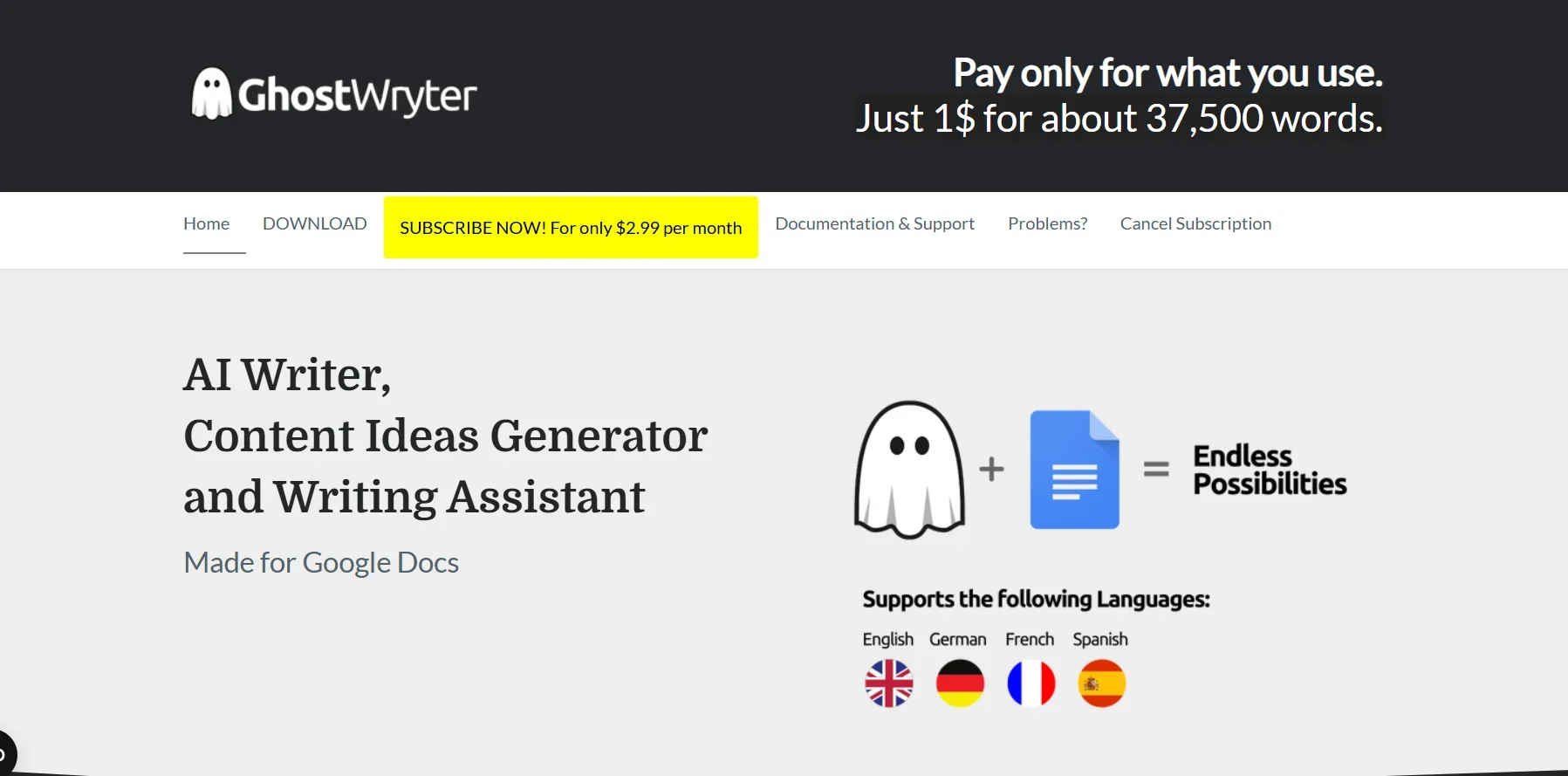
GhostWryter uses a "pay-as-you-go" pricing model, where the cost is approximately $1 to generate about 37,500 words, It also offers a monthly subscription for $2.99 per month. The tool uses artificial intelligence to generate SEO copy, articles, blog posts, and marketing content, and is specifically designed to work within Google Docs, helping you create a variety of high-quality content in just a few seconds at a low cost. The cost of use depends on the user’s OpenAI License Key; 1,000 tokens—the unit of measurement used in OpenAI—cost $0.02 (2 cents), This applies to the advanced Da Vinci model, keeping in mind that tokens represent parts of words, and that 1,000 tokens are equivalent to approximately 750 words, meaning you can generate about 37,500 words for just one dollar.