Description

️ 🖼Tool Name:
ClipWing

🔖 Categories:

  • Video, Editing, and Motion
  • Video Summarization and Clips
  • Text and Photos to Video
  • Video Ideas and Scripts
  • Motion Graphics, Titles, and Subtitles
  • Social Media Templates and Automated Editing
  • Content Management and Publishing
  • Automation and Smart Agents

️ ✏What does this tool offer?

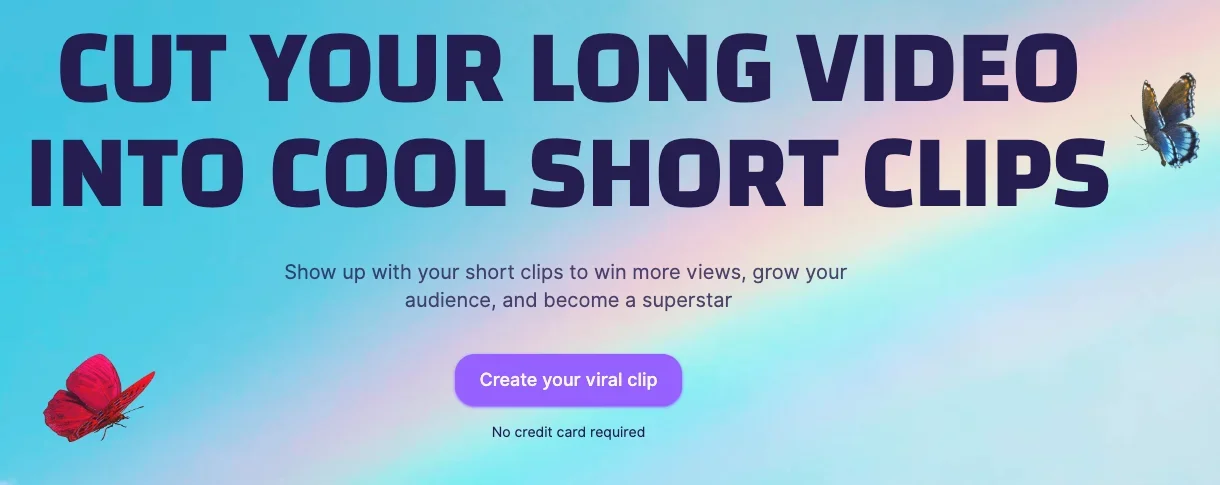
ClipWing is an AI-powered platform designed to accelerate video content production, helping content creators turn long videos into dozens of short clips ready for posting on social media platforms.

The platform allows users to convert long videos into short clips by selecting text or key moments, with the ability to automatically generate clips using an AI assistant without the need for manual editing.

ClipWing offers a range of tools, including:

  • Converting long videos into short, shareable clips.
  • Extracting transcripts from videos with a single click.
  • Creating video summaries.
  • Adding subtitles with a safe area to ensure the text appears clearly.
  • Customizing video dimensions to fit various social media platforms.
  • Add backgrounds and branded elements.
  • Share transcripts and scripts to collaborate with your team.
  • Create optimized content to improve video distribution and search engine indexing.

The platform also offers professional video production services, including the conversion of raw footage—such as webinars, podcasts, and demos—into short, publish-ready clips by a dedicated production team.

ClipWing was ranked #1 as the “Best Product of the Day” on Product Hunt, and the platform reports that over 1,000 videos have been created using its services, with a community of content creators using it daily.


What does it actually offer, based on user experience?

  • Quickly convert long videos into short-form content.
  • Extract the best moments from long recordings.
  • Create clips suitable for social media platforms.
  • Providing automatic subtitles for videos.
  • Generate transcripts for videos.
  • Make it easy to repurpose old content and turn it into multiple clips.
  • Customize videos in terms of dimensions and branding.
  • Collaborate with team members by sharing scripts and storyboards.
  • Produce short videos from raw footage with a dedicated team.

🤖 Does it include automation?

Yes.

ClipWing includes AI-powered automation through:

  • Automatically creating short videos from long videos.
  • Identifying the best moments to cut.
  • Automatically generating subtitles and transcripts.
  • Generating video summaries.
  • Speeding up the process of converting long-form content into short-form, shareable content.

💰 Pricing model:

Monthly subscription (Freemium + paid plans).


🆓 Free plan details:

FeatureDetails
Video Uploads1 hour of video per month
Export clipsUp to 3 clips
Export Quality720p
Text assetsAvailable
Video retention period7 days
WatermarkAdd ClipWing watermark

💳 Paid plan details:

PlanPriceFeatures
Pro$29.99 per monthUpload 20 hours of video per month, unlimited 1080p exports, text assets, keep your videos for the duration of your subscription, watermark removal
Studio Pro$2,999.99 per monthSubmit raw video footage, convert it into short clips, process one request at a time, completion within 5 days per request, produce 3 short clips per request, highlight the best moments, custom captions, subtitles, add branding, communicate via Slack
Studio Advanced$3,999.99 per monthAll Studio Pro features, produce full video and audio episodes, design YouTube thumbnails, create summaries and timestamps
Studio Full-timeCustom pricingA full-time professional video editor who handles all video production tasks without the need for hiring or management

🧭 How to access the tool:

MethodStatus
WebsiteAvailable ✅
Mobile appNot specified
APINot listed
Browser extensionNot listed

🔗 Demo link or official website:
https://clipwing.pro/pricing

Pricing Details

ClipWing offers custom pricing plans for video content production with a fixed monthly subscription, and has noted that it is trusted by more than 3,000 content creators. Plans start with the Studio Pro plan, priced at $2,999.99 per month, and allows users to submit any raw video footage—such as demos, webinars, and podcasts—which the platform’s team then converts into short videos ready for publication on various platforms. The service processes one request at a time, with a turnaround time of five days per request, the production of three short videos per request, identification of the best moments for editing, use of custom fonts, and the addition of subtitles and branding, as well as communication with the team via Slack. The Studio Advanced plan costs $3,999.99 per month, and includes all the features of Studio Pro, plus the production of full episodes in both video and audio formats, the design of YouTube thumbnails, and the creation of text assets such as summaries and timecodes. The platform also offers the Studio Full-time plan, designed for companies that need a full-time video editor, with pricing determined by agreement. This plan provides access to a professional video editor who handles all video production tasks without the need to hire or manage them, and includes the option to schedule a call to discuss service details.