Deciphr AI
الوصف
🖼️ اسم الأداة:
Deciphr AI
🔖 التصنيفات:
توليد مقالات ومنشورات
كتابة المحتوى والنصوص
إدارة المحتوى والنشر
تسويق ومبيعات
تلخيص وعناوين وأفكار
تلخيص اجتماعات وملاحظات
نص إلى صوت / صوت إلى نص
فيديو ومونتاج وموشن
تلخيص الفيديو والمقتطفات
قوالب سوشال وأتمتة المونتاج
إعادة صياغة وتحسين الأسلوب
قاعدة المعرفة والخدمة الذاتية
صوت وكلام وموسيقى
موشن جرافيك وعناوين وترجمة
✏️ ما الذي تقدّمه هذه الأداة؟
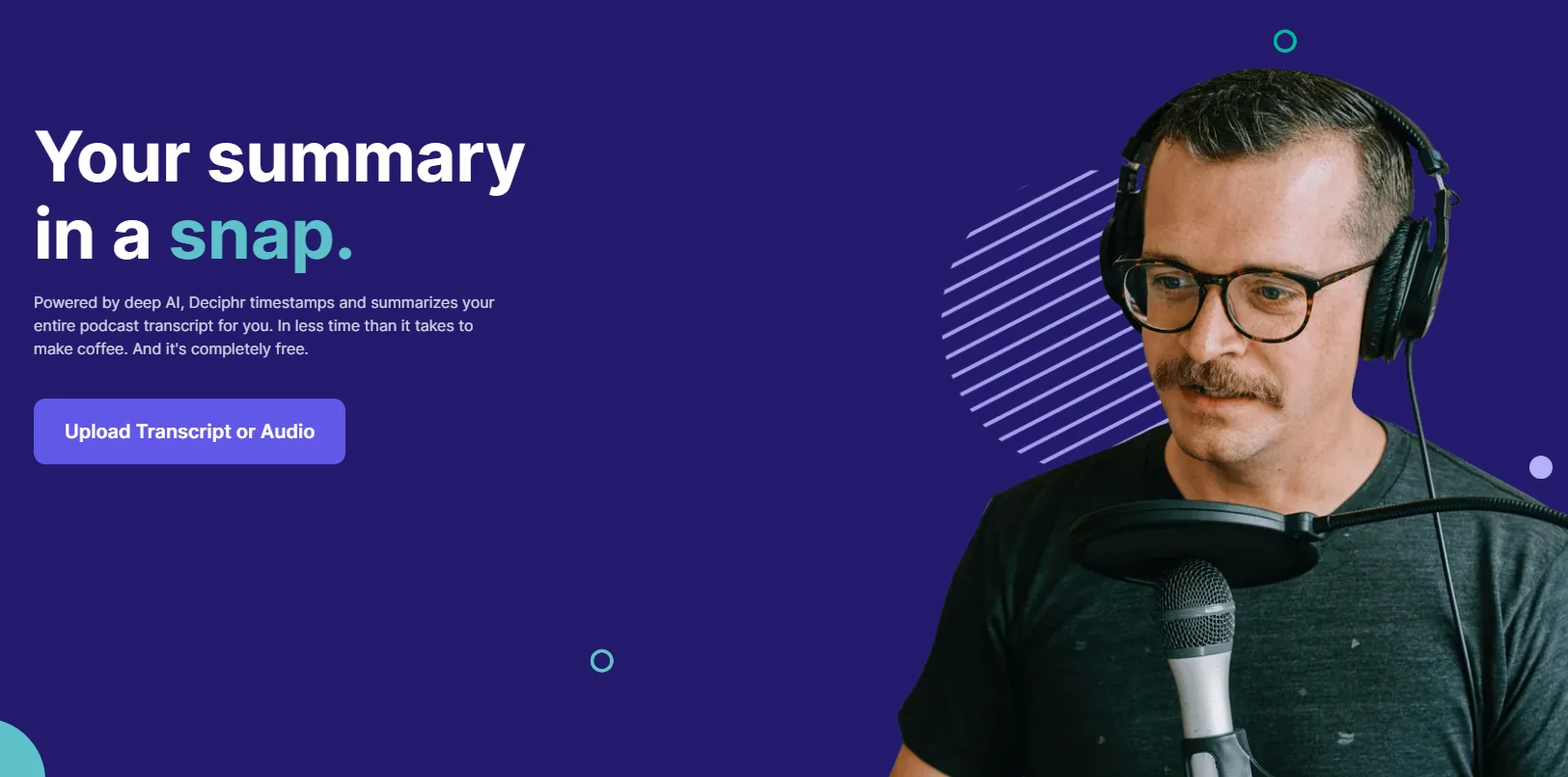
Deciphr AI هي منصة مدعومة بالذكاء الاصطناعي لتحويل ملفات الصوت والفيديو والنصوص إلى مجموعة واسعة من الأصول والمحتوى، مع تركيز خاص على استخدامات B2B وتسويق المحتوى.
تتيح المنصة تفريغ الملفات الصوتية والمرئية، وتلخيص البودكاست والاجتماعات والندوات، وتحويل المحتوى الأساسي إلى مجموعة متنوعة من الأصول، مثل المقالات، والأوراق البيضاء، والنشرات البريدية، والأسئلة الشائعة، والصفحات التعريفية، والاقتباسات، والفصول، والتعليقات التوضيحية.
كما تتيح تحويل المحتوى إلى مقاطع فيديو قصيرة وAudiograms، إلى جانب توفير AI Assistant ومحرر مدمج لتعديل المحتوى الناتج وتحسينه.
وتوفر المنصة مكتبة تفاعلية تتيح البحث داخل الملفات والتفاعل معها عبر المحادثة، بالإضافة إلى إمكانية رفع كميات كبيرة من المحتوى دفعة واحدة من قنوات YouTube وقوائم التشغيل وخلاصات RSS.
تركز Deciphr AI على إعادة استخدام المحتوى وتوسيع نطاق توزيعه، حيث يمكن استخراج العديد من الأصول المحتوائية من ملف واحد دون الحاجة إلى إنشاء مطالبات منفصلة لكل نوع من أنواع المحتوى.
⭐ ما الذي تقدّمه فعليًا بناءً على تجربة المستخدمين؟
- تفريغ ملفات الصوت والفيديو إلى نصوص.
- تلخيص البودكاست والاجتماعات والندوات.
- إنشاء المقالات من المحتوى الأصلي.
- إنشاء الأوراق البيضاء والنشرات البريدية.
- إنشاء الأسئلة الشائعة والصفحات التعريفية.
- استخراج الاقتباسات والفصول والتعليقات التوضيحية.
- تحويل المحتوى إلى مقاطع فيديو قصيرة.
- إنشاء Audiograms.
- توفير AI Assistant للمساعدة في إنشاء المحتوى والتعامل معه.
- تحرير المحتوى الناتج من خلال محرر مدمج.
- البحث داخل الملفات والتفاعل معها باستخدام المحادثة.
- رفع المحتوى بشكل جماعي من قنوات YouTube وقوائم التشغيل وخلاصات RSS.
- إعادة استخدام ملف واحد لإنشاء مجموعة متنوعة من الأصول المحتوائية.
- توفير أدوات موجهة للشركات والمسوقين وصناع المحتوى.
- دعم إنشاء المحتوى النصي تلقائيًا.
- توفير مكتبة للوصول إلى المحتوى والملفات السابقة.
🤖 هل تتضمّن الأتمتة؟
نعم. تعتمد Deciphr AI على أتمتة عملية إعادة استخدام المحتوى، بحيث يمكن تحويل ملف صوتي أو مرئي أو نصي واحد إلى مجموعة متعددة من الأصول المحتوائية دون الحاجة إلى إنشاء مطالبات منفصلة لكل مخرج.
وتشمل الأتمتة التفريغ والتلخيص وإنشاء المحتوى النصي، إلى جانب إنتاج المقاطع القصيرة وAudiograms، كما تتيح عمليات الرفع الجماعي معالجة كميات كبيرة من المحتوى من مصادر مثل YouTube وقوائم التشغيل وخلاصات RSS.
💰 نموذج التسعير:
اشتراك مدفوع شهري وسنوي، مع خصم يصل إلى 40% عند الدفع السنوي. تتوفر خطط Professional وElite، إضافة إلى خطة Custom بتسعير مخصص.
🆓 تفاصيل الخطة المجانية:
| الخطة | السعر | التفاصيل |
|---|---|---|
| لا توجد خطة مجانية مذكورة | — | المعلومات المقدمة لا تتضمن خطة مجانية مستقلة لـ Deciphr AI. |
💳 تفاصيل الخطط المدفوعة:
| الخطة | السعر | أبرز المزايا |
| Professional | تبدأ من $5 شهريًا | دعم أنواع الملفات الشائعة، الرفع المباشر عبر الروابط، قوالب محتوى جاهزة، إنشاء Audiograms ومقاطع Reels بشكل فوري، مقعد مجاني واحد للتعاون، إنشاء المحتوى النصي تلقائيًا، الوصول إلى المكتبة والملفات السابقة، ومحرر مدمج. |
| Elite | $169 شهريًا | جميع مزايا Professional، بالإضافة إلى الوصول إلى Deciphr Brain، وروبوت محادثة مخصص، وتحليلات فورية للجمهور، و5 مقاعد مجانية للتعاون، ودعم عبر WhatsApp، وأولوية الوصول إلى الميزات التجريبية، وإمكانية تخصيص مطالبات مساعد الذكاء الاصطناعي. |
| Custom | تسعير مخصص | جميع مزايا Elite، مقاعد تعاون غير محدودة، قوالب محتوى مخصصة، عمليات رفع جماعي غير محدودة، وصول غير محدود إلى منتجات Deciphr، مدير حساب مخصص، اجتماعات شهرية عبر Zoom، تكاملات مخصصة، وخطة أسعار مصممة وفق احتياجات العميل. |
🧭 طريقة الوصول إلى الأداة:
| طريقة الوصول | التفاصيل |
| ويب | متاحة عبر منصة Deciphr AI على الويب. |
| تطبيق | غير مذكور في المعلومات المقدمة. |
| API | غير مذكور في المعلومات المقدمة. |
| إضافة | غير مذكور في المعلومات المقدمة. |
🔗 رابط التجربة أو الموقع الرسمي:
Deciphr AI – صفحة الأسعار