Cockatoo
Description
🖼️ Tool Name:
Cockatoo
🔖 Tool Category:
Primarily Audio to Text (speech / audio / video transcription) with ties to Media Editing & Enhancement (subtitle generation) and Content Creation & Communication
✏️ What does this tool offer?
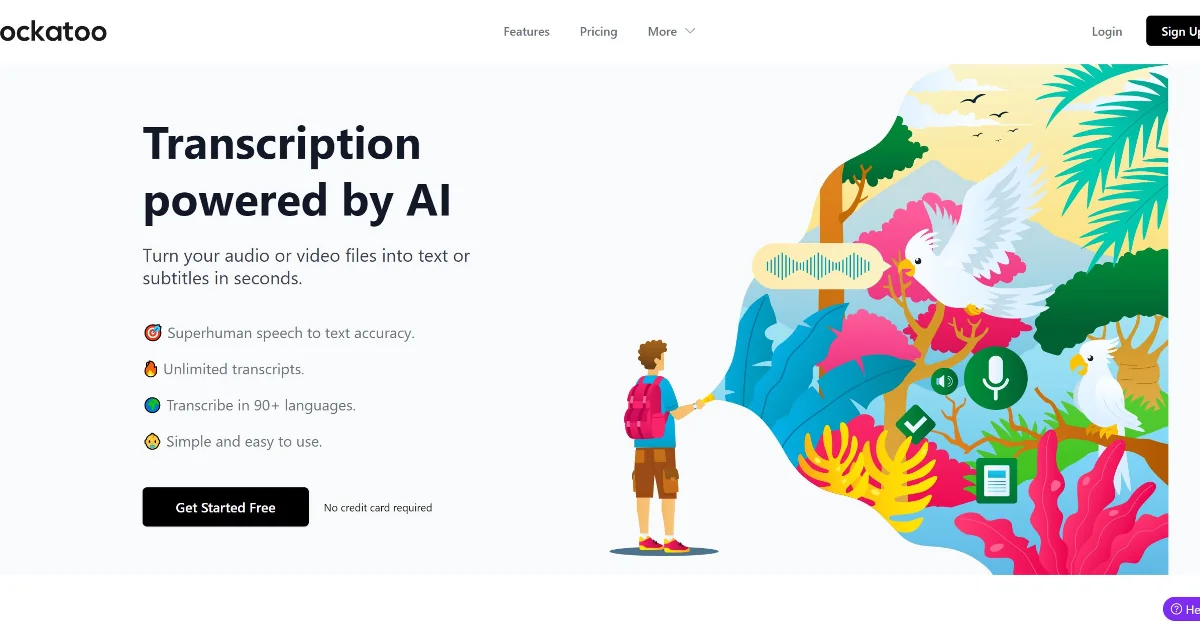
Cockatoo is an AI transcription tool that converts audio and video into text or subtitles — fast and with high accuracy.
It supports over 90+ languages, exports to formats like SRT, DOCX, PDF, TXT, and provides an in-browser editor to fine-tune transcripts.
⭐ What does the tool actually deliver based on user experience?
Processes one hour of audio in ~2–3 minutes in many cases.
High accuracy (claimed up to ~99.8%) in transcription.
Live transcription, dictation, and support for recording voice notes or conversations.
Unlimited transcripts under paid plans.
Encryption, privacy, and in-app editing tools.
🤖 Does it include automation?
Yes — Cockatoo automates:
Speech-to-text conversion for audio/video files
Real-time transcription and dictation
Export formatting (SRT, DOCX, PDF, TXT)
Editing tools and cleanups inside browser/editor
💰 Pricing Model:
Freemium + Paid plans
🆓 Free Plan Details:
The free tier allows limited usage (e.g. free uploads, fixed minutes)
You can begin with basic transcription and test features with no credit card required.
💳 Paid Plan Details:
Pro plan (~ $15/month) gives unlimited uploads, longer transcripts, full access to models.
Business / team plan (~ $29/month) supports collaboration, team editing, more users.
Higher tiers may include advanced features, priority, etc.
🧭 Access Method:
Web interface / browser (upload files, edit transcripts)
iOS app (“Cockatoo: AI Voice Notes”) for voice notes, dictation, real-time transcription on devices.
Cross-platform access (via browser + mobile) with support for file import/export.
🔗 Experience Link:
https://www.cockatoo.com