Evernote AI
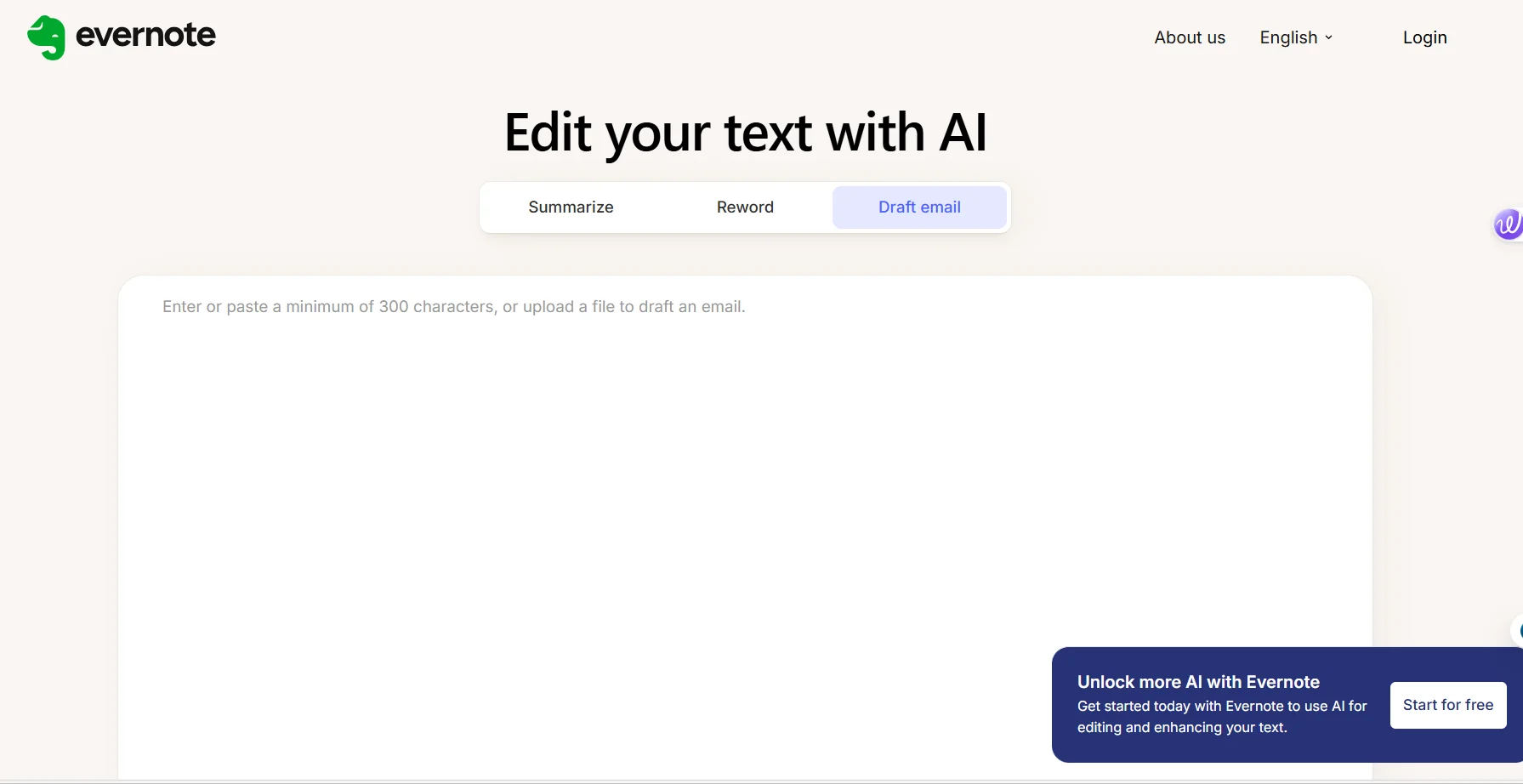
الوصف
🖼️ اسم الأداة: AI Humanize by Evernote
🔖 تصنيف الأداة:
أداة لإعادة صياغة النصوص وتحسينها باستخدام الذكاء الاصطناعي، وتهدف لجعل النصوص المكتوبة بأسلوب الذكاء الاصطناعي تبدو طبيعية وبأسلوب بشري سلس وجذاب. تصنف ضمن أدوات تحسين الكتابة وإعادة صياغة النصوص الذكية.
✏️ ما الذي تقدّمه هذه الأداة؟
تقوم الأداة بتحويل النصوص المكتوبة بواسطة الذكاء الاصطناعي أو النصوص العادية إلى نصوص تبدو طبيعية، بشرية، وسهلة القراءة. يمكنها:
تحسين أسلوب النصوص وجعلها أكثر سلاسة.
تقليل الصياغة الرسمية أو الروبوتية.
إعادة ترتيب الجمل لتكون أكثر انسجامًا مع اللغة اليومية.
الحفاظ على المعنى الأصلي للنصوص دون فقدان التفاصيل الأساسية.
إضفاء لمسة بشرية تجعل النصوص صالحة للنشر أو للعرض التجاري أو التعليمي.
⭐ ما الذي تقدّمه فعليًا بناءً على تجربة المستخدمين؟
تجارب المستخدمين تشير إلى أن الأداة:
تقلل من الجمود الذي يظهر في نصوص الذكاء الاصطناعي التقليدية.
تجعل المحتوى أكثر جاذبية للقراء وتزيد من قابلية القراءة والفهم.
توفر مستوى عالٍ من المرونة في اختيار أسلوب النص (رسمية، ودية، تعليمية…).
مناسبة لصانعي المحتوى، المسوقين، والمدونين الذين يحتاجون لتحويل نصوصهم إلى محتوى “بشري” دون الحاجة لتعديل يدوي طويل.
🤖 هل تتضمّن الأتمتة؟
نعم، الأداة تعتمد بشكل كامل على تقنيات الذكاء الاصطناعي لمعالجة النصوص بشكل تلقائي، بحيث تقوم بتحليل النص وإعادة صياغته بأسلوب بشري دون تدخل المستخدم، مع إمكانية ضبط بعض المعايير مثل درجة الرسمية أو الطابع الودي للنص.
💰 نموذج التسعير:
🆓 تفاصيل الخطة المجانية:
يمكن لأي مستخدم إنشاء حساب Evernote للوصول إلى الأداة مجانًا.
تمنحك إمكانية تجربة الأداة على نصوص محدودة دون تكلفة.
الوصول الأساسي يشمل ميزات إعادة الصياغة، لكن مع قيود على طول النصوص أو عدد المحاولات اليومية.
مناسبة للمبتدئين أو لاختبار فعالية الأداة قبل الاشتراك في الخطط المدفوعة.
💳 تفاصيل الخطط المدفوعة:
الاشتراكات المدفوعة تمنح وصولًا كاملًا لكل مزايا الأداة ضمن Evernote.
تشمل:
القدرة على معالجة نصوص طويلة جدًا.
سرعة أعلى في إعادة الصياغة.
أدوات إضافية لتحسين النصوص مثل اختيار الأسلوب، تعزيز التفاعل، وتخصيص اللغة.
الأسعار تعتمد على نوع الاشتراك (شهري أو سنوي) ضمن Evernote، مع توفير خصم عند الدفع السنوي.
تستهدف هذه الخطة المحترفين، صانعي المحتوى، والمسوقين الذين يحتاجون لمعالجة كبيرة للنصوص بشكل متكرر.
🧭 طريقة الوصول إلى الأداة:
الوصول يكون عن طريق موقع Evernote الرسمي.
يلزم إنشاء حساب (مجاني أو مدفوع) لتتمكن من استخدام الأداة.
بعد تسجيل الدخول، يمكن الوصول للأداة مباشرة ضمن قسم AI Rewriter أو Humanize Text.
🔗 رابط التجربة أو الموقع الرسمي:
AI Humanize by Evernote