Dataspot
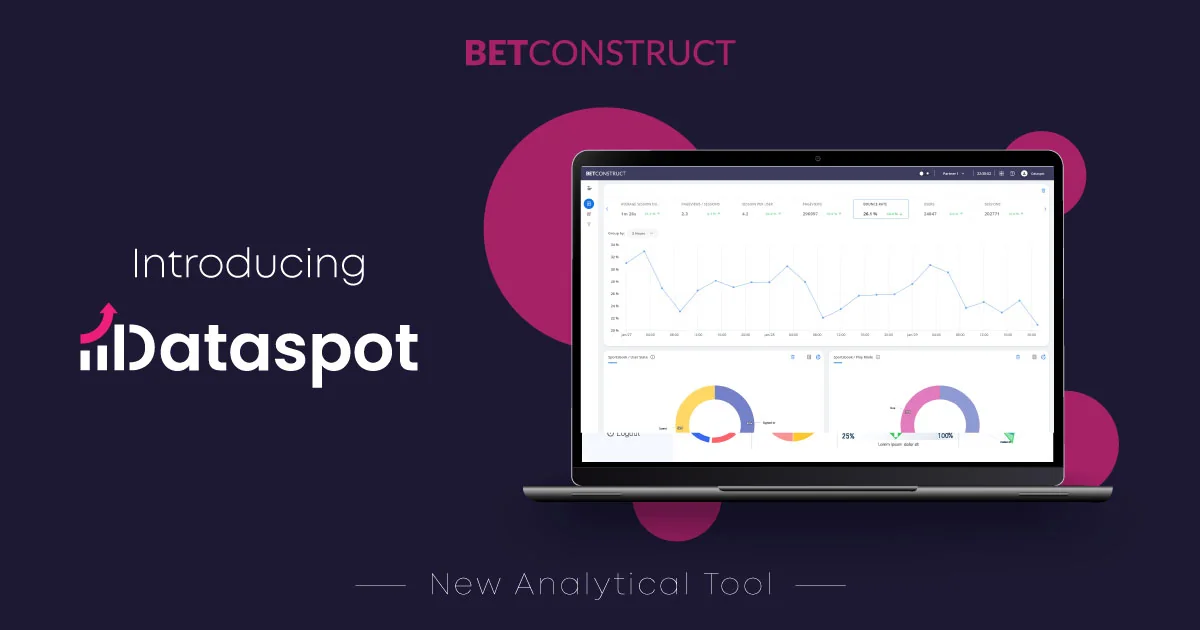
Description
🖼️ Tool Name:
Dataspot
🔖 Tool Category:
AI-powered research & data-insight assistant; falls under the category of Knowledge Base & Self-Service and Analytics & Dashboards.
✏️ What does this tool offer?
Dataspot provides a platform where you can upload or point to various kinds of content (documents, websites, audio, video) and then interact with that content as if you were chatting with it — asking questions, getting summaries, extracting insights, etc.
It supports multiple formats and aims to accelerate the process of research, understanding, and decision-making from raw information.
It also appears in some listings as a metadata/knowledge management tool for business contexts (though that may be a different “Dataspot” branding)
⭐ What does the tool actually deliver based on user experience?
• You can upload files (Word, Excel, PDF, websites, videos) and then ask conversational questions about them.
• It can provide summarisation of large documents, simplify complex topics, and surface answers quickly.
• It helps with decision-making by bringing insights from data and content rather than you combing through everything manually.
• Users report time saved and ease of use in retrieving meaningful information from content.
🤖 Does it include automation?
Yes —
• It automates the ingestion and parsing of content (documents, websites, audio/video) into an interface you can query.
• It automates the summarisation and question-answer retrieval from uploaded content.
• It provides a self-service conversational interface, reducing the manual research/analysis steps.
💰 Pricing Model:
Freemium or pay-as-you-go model.
🆓 Free Plan Details:
• Some free usage appears to be available (e.g., starting at ~$5/month for basic features) in some directory listings.
💳 Paid Plan Details:
• Paid usage unlocks higher volume, more file types or larger content volumes, likely more integrations. Specific full details not publicly clear.
🧭 Access Method:
• Via web platform: users sign up and can upload content or link to external sources. • The tool can handle files, web URLs, etc.
🔗 Experience Link: