Formula Generator
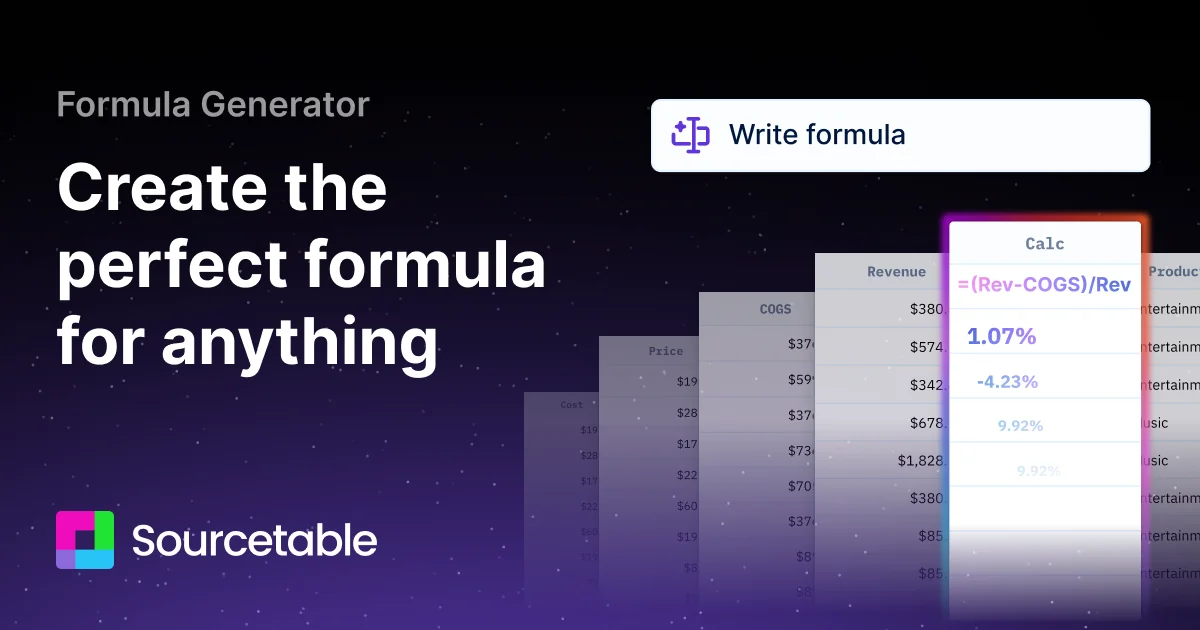
Description
🖼️ Tool Name:
Formula Generator
🔖 Tool Category:
AI-powered spreadsheet formula assistant; falls under the categories of Data Preparation & Cleaning, No-Code Workflows, and Analytics & Dashboards.
✏️ What does this tool offer?
The “Formula Generator” tool allows users to describe what they want to compute (in plain language) and then automatically generates spreadsheet formulas (for Microsoft Excel, Google Sheets, etc) or code-snippets (VBA, Apps Script) to perform those calculations. For example, you might say “calculate average sales per region excluding zeros” or “combine columns A & B based on condition C”, and the tool produces the appropriate formula. Sources: the SheetFormula site.
⭐ What does the tool actually deliver based on user experience?
• Users input a description of the formula they need.
• It outputs a candidate formula (e.g., a nested IF, SUMIFS, INDEX/MATCH) ready to copy into the spreadsheet.
• Some tools also provide explanation of how the formula works (so user can understand/modify it).
• Some versions generate adjacent code (VBA, Apps Script) to automate spreadsheets beyond the formula itself.
🤖 Does it include automation?
Yes —
• It leverages AI/NLP to convert natural-language prompts into functional formulas automatically.
• It automates the writing of formula syntax, reducing manual trial-and-error.
• In advanced cases, it automates generating accompanying scripts (e.g., macros) for spreadsheet workflows.
💰 Pricing Model:
Freemium / subscription-based. Some tools offer free usage with limited features; paid tiers unlock higher usage, more features. For example: FormulasHQ mentions subscription.
🆓 Free Plan Details:
• Some basic formula generation features are available free; user can try generating simple formulas.
💳 Paid Plan Details:
• Paid plans unlock more complex formula generation, higher usage quotas, additional code-generation (VBA/Apps Script), larger file sizes etc.
🧭 Access Method:
• Web-based tool: user visits the site, enters the description of the formula, optionally uploads data context.
• Copy the generated formula into the target spreadsheet.
• Some integrate with Excel/Sheets directly or via add-ons.
🔗 Experience Link:
https://formula-generator.com