Pabbly Connect
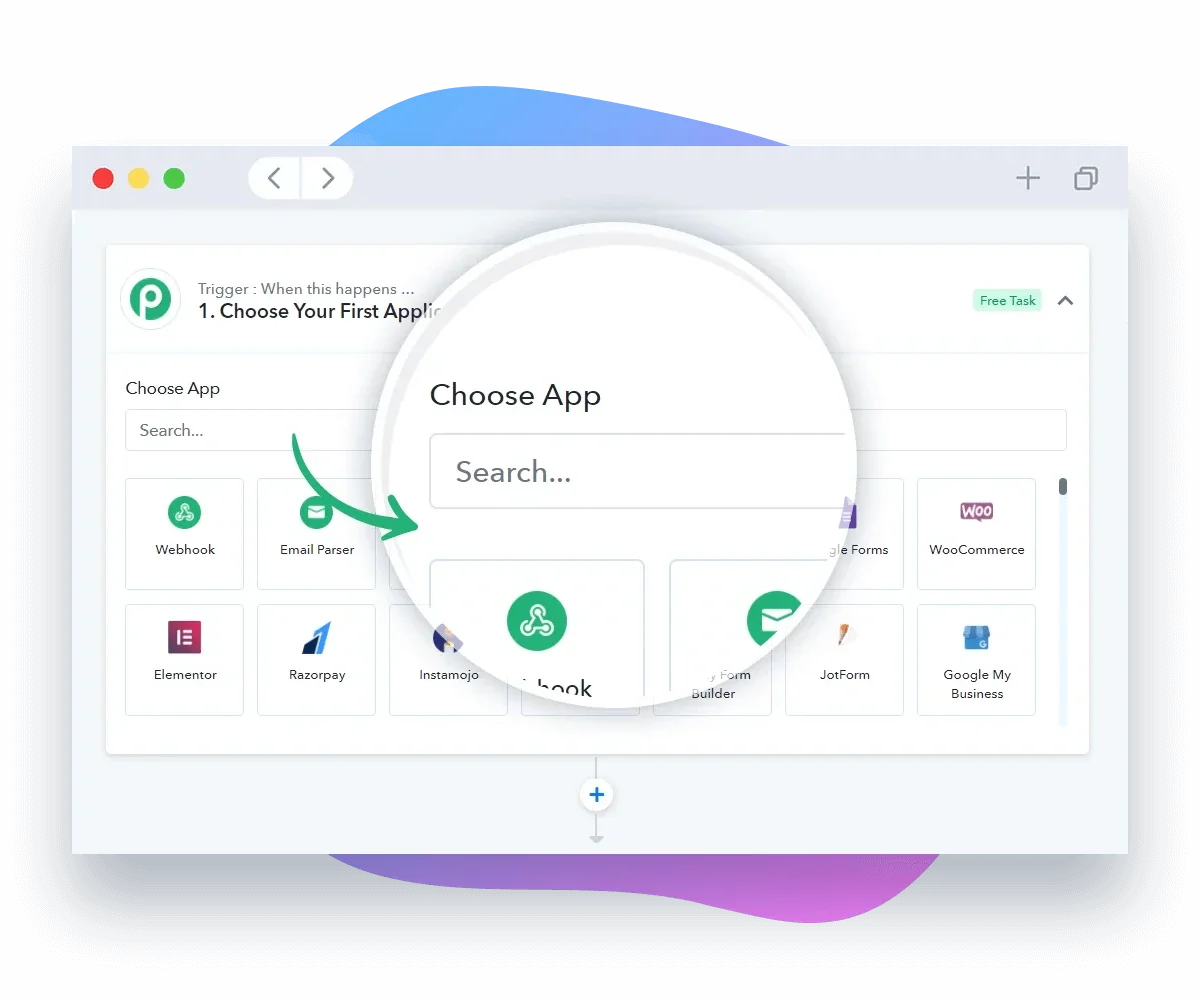
Description
🖼️ Tool Name:
Pabbly Connect
🔖 Tool Category:
No-Code Workflow Automation & Integration platform — fits under No-Code Workflows (primary) and also supports Data Preparation & Cleaning (secondary).
✏️ What does this tool offer?
Pabbly Connect lets you link multiple web applications together and automate repetitive tasks without needing to write code. You can set up workflows that trigger when something happens in one app (e.g., form submitted, row added) and then perform one or more actions in another app (e.g., send email, update spreadsheet).
It supports 2,000+ applications (CRMs, email tools, forms, payment systems, spreadsheets) and allows you to build multi-step flows, filters and routers.
⭐ What does the tool actually deliver based on user experience?
• You can create a trigger (e.g., "New Google Form response") then have actions like "Add row in Google Sheets", "Send Slack message", "Send email via Gmail".
• The interface is no-code/drag-and-drop so users without programming skills can set up automations.
• It offers unlimited “operations” (checks) and counts only action steps as tasks, which means you can build efficient workflows with fewer tasks consumed.
• For educators or course-creators: you could automate steps like: when student submits assignment (via form) → automatically record in sheet & notify you → when grade entered → send email to student. Workflows like these save time and reduce manual work.
🤖 Does it include automation?
Yes — Pabbly Connect is built around automation of connectivity between apps:
• Automates event triggers → actions.
• Supports filters/routers so workflows can branch based on conditions (e.g., if grade < 60 send warning email else send congratulations).
• Allows scheduling (trigger at set times) and mass data movement, so repetitive admin tasks are handled automatically.
💰 Pricing Model:
Subscription-based and also offers lifetime deals. For instance, one-time payment plans exist for a fixed number of tasks per month.
🆓 Free Plan Details:
• There is a free plan allowing a limited number of tasks per month.
• Good for testing and small-scale workflows.
💳 Paid Plan Details:
• Paid tiers increase number of monthly tasks, add more workflows/unlimited steps, premium integrations.
🧭 Access Method:
• Accessible via web at pabbly.com/connect
• Sign up, choose apps, create workflow, activate.
• No code required but you’ll map triggers/actions inside the workflow builder.
🔗 Experience Link: