Description
️ 🖼Tool Name:
Narrai
🔖 Categories:
Audio, Speech, and Music
Text-to-Speech / Speech-to-Text
Voice Cloning
Video, Editing, and Motion Graphics
Music and Sound Effects Generation
Content and Script Writing
️ ✏What does this tool offer?
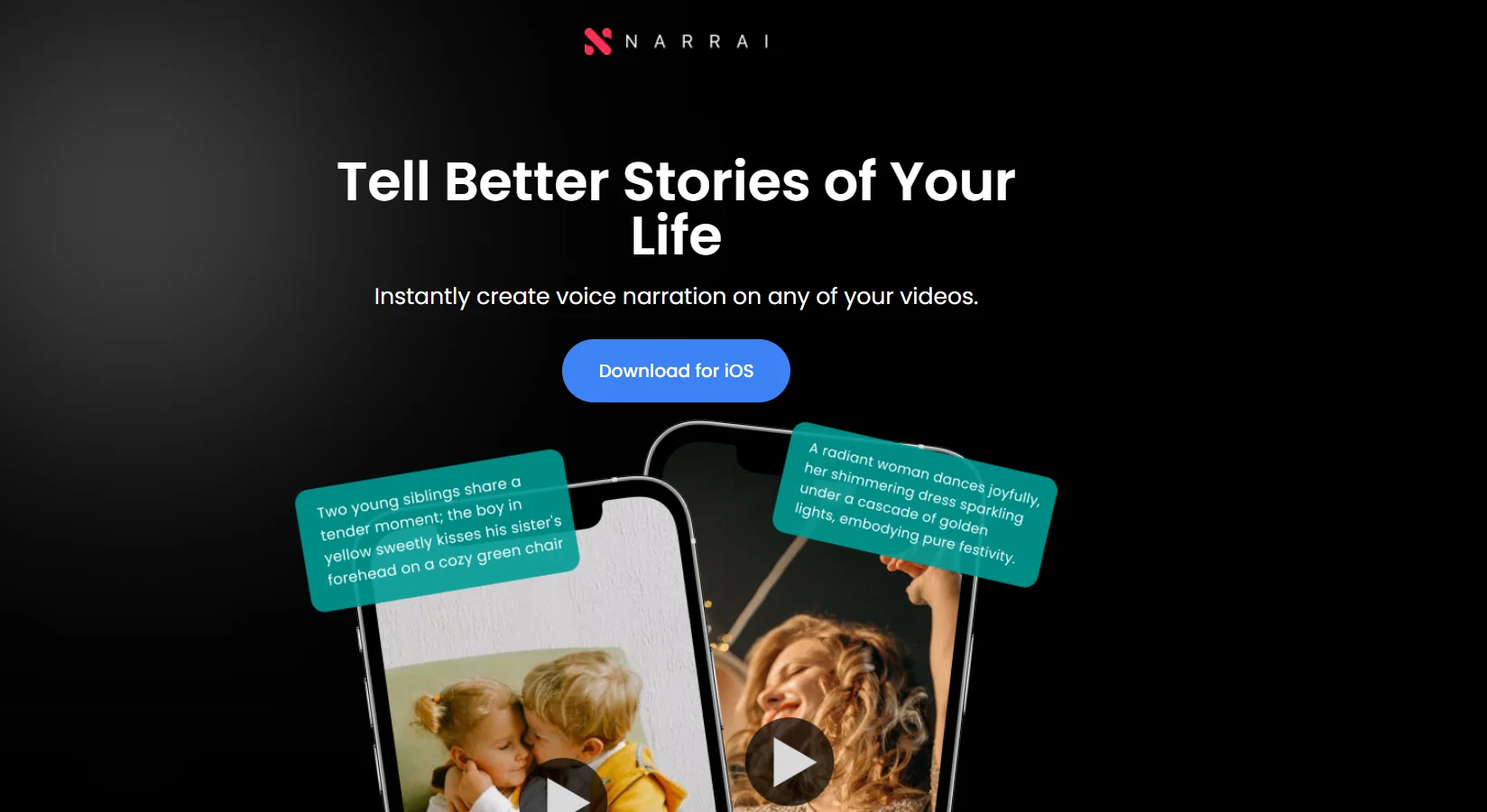
Narrai is an AI-powered tool that makes it easy to add voiceovers to videos. It allows you to create a voiceover that fits your video content quickly and easily, whether for personal use, social media, or business. The tool generates a script tailored to your video, then produces the voiceover, adds background music, and integrates these elements with the video, making it ready to save or publish.
To use the tool, start by uploading an existing video or recording a new one with your camera; the platform recommends recording a clip between 10 and 15 seconds long. Next, you can choose a narrator from a selection of AI-powered voices and characters, while specifying a narration style that suits the chosen character. Users can preview the video after adding the voiceover, then save it to their phone, with the option to add background music.
Narrai also allows users to convert text or visual content into an audio narration that adds context, information, emotion, and clarity to the content, making it suitable for use in educational, marketing, and entertainment contexts, and helps present content in a more distinctive, accessible, and memorable way.
The tool offers a range of voice characters, including British Nature Lover,Voice of God,Movie Trailer Guy,Valley Girl, andUnhappy Chef.
⭐ What does it actually offer based on user experience?
According to the information provided, Narrai allows users to create a voiceover tailored to their video content in a streamlined way—from writing the script for the video to generating the voice, adding background music, and merging it with the video.
It also allows users to preview the final result before saving the video to their phone and offers a variety of characters and voice styles, in addition to the ability to create a cloned version of the user’s own voice through the custom voice cloning feature added in version 1.1.2.
Available information indicates that the tool can be used for educational, marketing, and entertainment content, as well as for social media and personal use.
🤖 Does it include automation?
Yes, Narrai relies on artificial intelligence to automate several stages of voiceover creation. The process begins with creating a script tailored to the video content, then generating the voiceover, optionally adding background music, and merging these elements with the video. Version 1.1.2 also offers a custom voice cloning feature, which allows users to record and clone their own voices to create more personalized voiceovers.
💰 Pricing Model:
Free with in-app purchases (Freemium).
🆓 Free Plan Details:
| Feature | Details |
|---|---|
| App | Free to download and use with in-app purchases |
| Platforms | iPhone and iPad |
| Language | English |
| iOS | Requires iOS 16.4 or later |
| Mac | Compatible with macOS 13.3 or later and Macs with an Apple M1 chip or later |
| App Size | 36.1 MB |
💳 Paid plan details:
| Feature / Package | Price |
|---|---|
| 5 credits | $1.99 |
| 10 credits | $3.99 |
| 20 credits | $7.99 |
| 5 background music tracks | $4.99 |
| Hide the Narrai logo | $4.99 |
🧭 How to access the tool:
| How to Access | Details |
|---|---|
| iPhone | Available as an app on iPhone devices |
| iPad | Available as an app on iPad devices |
| Mac | Compatible with Macs running macOS 13.3 or later and equipped with an Apple M1 chip or later |
🔗 Demo link or official website: