TommasoLiu AI Tools Directory
Description
️ 🖼Tool Name:
Tommaso Liu – AI Tools List
🔖 Categories:
Education and Research
Marketing and Sales
Automation and Smart Agents
SEO/ASO and Keyword Research
Content and Copywriting
Graphic Design and Image Creation
Video, Editing, and Motion Graphics
Text and Images to Video
Text-to-Speech / Speech-to-Text
Data Analysis and Dashboards
Calendars and Content Scheduling
Cross-Publishing and Collaboration
️ ✏What does this tool offer?
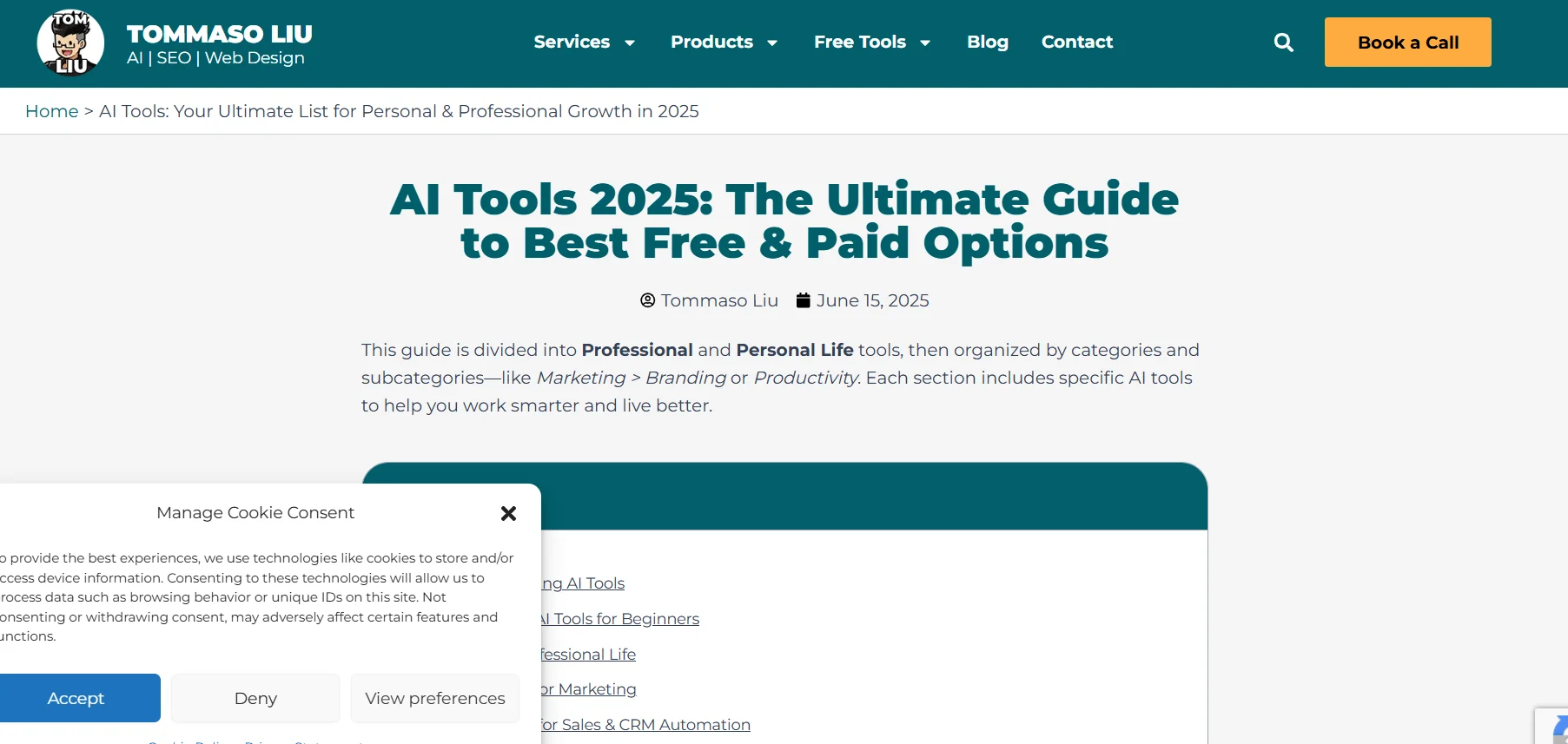
This isn’t a standalone AI tool, but rather a guide and curated list of AI tools presented by Tommaso Liu under the title 100+ Best AI Tools for Work & Life: March 2026 Ultimate List. The guide is divided into tools for professional use and those for personal use, then organized into categories and subcategories such as marketing, branding, productivity, automation, writing, images, video, email, analytics, and more.
The list includes tools such as ChatGPT, Gemini, Perplexity, Claude, NotebookLM, Fathom, and Canva Magic as part of a collection of free tools for beginners, with an explanation of the most appropriate use for each tool. It also covers automation and workflow tools such as Zapier, Make, Bardeen, Levity, and N8n, as well as prompt engineering and AI development tools such as PromptLayer, LangChain, FlowiseAI, Dust, Chainlit, and OpenPrompt.
The list also includes branding and messaging tools such as Claude, ChatGPT, Jasper, Copy.ai, Brandmark.io, and Namelix,as well as SEO and content planning tools such as Surfer SEO, Writesonic, NeuronWriter, Frase, Ubersuggest, Keyword Insights, AlsoAsked, and AnswerThePublic. It also includes tools for content writing and advertising such as Jasper, ChatGPT, Copy.ai, Writesonic, Anyword, Rytr, and Scalenut.
In the field of images and design, the list includes Canva AI, AdCreative.ai, Designs.ai, VistaCreate, Simplified AI, and Looka, while video tools include Synthesia, Pictory, Runway ML, Lumen5, Descript, HeyGen, and Veed.io. It also includes social media management and content repurposing tools such as Predis.ai, Ocoya, Munch, ContentFries, Repurpose.io, Publer AI, and Later AI.
The list also covers email marketing tools such as Lavender, Instantly.ai, Smartwriter, Copy.ai, Lyne.ai, and Flowrite, along with other categories for analytics and performance optimization. The page explains that the most prominent trend in 2026 is the shift from AI tools that merely provide answers to tools capable of executing multi-step tasks and workflows across apps and desktop applications.
⭐ What does it actually offer based on user experience?
- It provides a list of more than 100 AI tools for work and personal life.
- It helps beginners choose the right tools based on their needs.
- It categorizes tools by fields and subcategories.
- It explains the best use for each tool in the list.
- It includes tools for writing, marketing, branding, SEO, images, video, automation, email, analytics, and more.
- It includes free tools as well as others that offer free trials or paid plans, depending on the tool.
- It provides practical examples of how to use AI tools in work and daily life.
- It highlights the shift toward “Agentic” tools capable of performing multi-step tasks rather than simply answering questions.
- It includes guidance for beginners, such as starting with a single tool, trying out a simple use case, taking advantage of built-in templates and instructions, and then gradually expanding.
🤖 Does it include automation?
The guide itself does not function as a standalone automation platform, but it includes a section dedicated to Automation & Workflow Builders. The list includes Zapier for automating tasks across more than 6,000 apps,Make for building visual workflows that incorporate GPT, APIs, and routers,Bardeen for automating Chrome and web tasks,Levity for building AI workflows without coding, andN8n for open-source workflow automation with AI integrations.
The page also notes that the current trend is shifting from “Assistant-to-Agent”—that is, from tools that answer questions to tools that help users complete actual tasks and execute multi-step workflows.
💰 Pricing Model:
Free as a guide — Tommaso Liu’s page itself is a list and guide to AI tools, not a unified subscription platform. Pricing varies depending on the tool listed; it includes free tools, tools that offer free plans, free trials, and paid plans at various prices.
🆓 Free Plan Details:
| Feature | Details |
|---|---|
| Directory Price | Free |
| Nature of Service | A guide and list of artificial intelligence tools |
| Number of Tools | Over 100 tools |
| Usage | Search for tools suitable for work and personal life |
| Tool Categories | By fields and subcategories |
| Free tools listed | ChatGPT, Gemini, Perplexity, Claude, NotebookLM, Fathom, Canva Magic, and others |
| Notes | Some of the listed tools offer free plans or free trials, though the terms vary by tool |
💳 Paid plan details:
| Listed Tool | Price listed in the guide | Details |
|---|---|---|
| ChatGPT Plus | $20/month | Optional Plus plan; free plan available |
| Jasper | Starting at $49/month | Brand Voice and content writing, with a free trial |
| Copy.ai | Free plan | The free plan includes 2,000 words per month |
| Surfer SEO | Starting at $29/month | Paid plans with SEO tools |
| NeuronWriter | Starts at 19 euros/month | Paid plans after limited free credits |
| Frase | Starting at $14.99/month | 5 free documents in the trial, then paid plans |
| Ubersuggest | Starts at $29/month | Limited free daily usage |
| AlsoAsked | Pro starts at $15/month | Limited free searches |
| AnswerThePublic | Starts at $9/month | 3 free searches per day |
| Anyword | Starts at $49/month | Free trial and paid plans |
| Rytr | Free plan | 10,000 characters per month |
| Scalenut | Starting at $39/month | 7-day free trial |
| AdCreative.ai | Starting at $29/month | 7-day free trial |
| Designs.ai | Starting at $29/month | Free trial |
| Simplified AI | Starting at $18/month | Free plan with unlimited designs |
| Looka | Starting at $20 | Free previews and one-time payment for assets |
| Synthesia | Starting at $22/month | Free trial |
| Pictory | Starting at $19/month | Free trial |
| Runway ML | Starting at $12/month | Free plan |
| Lumen5 | Starting at $19/month | Limited free plan |
| Descript | Starting at $12/month | Limited free plan |
| HeyGen | Starting at $29/month | Free trial with watermark |
| Veed.io | Starting at $12/month | Free plan |
| Ocoya | Starting at $19/month | 7-day free trial |
| Munch | Starting at $49/month | Free trial |
| ContentFries | Starting at 19 euros/month | 14-day free trial |
| Repurpose.io | Starting at $12.42/month | Free trial |
| Publer AI | Premium starts at $12/month | Free plan |
| Later AI | Starts at $25/month | Free plan |
The prices listed above are those from Tommaso Liu’s guideand are not necessarily the current official prices for each tool.
🧭 How to access the tool:
| How to Access | Details |
|---|---|
| Web | Available via the Tommaso Liu website |
| Online Guide | List of tools organized by category |
| External links | The list includes links to the tools themselves |
| Standalone application | Not specified |
| API | Not specified for the guide itself |
🔗 Link to the demo or official website: