️ Tool Name: 🖼
Guidde
Categories: 🔖
- Education and Research
- Automation and Smart Agents
- Content Management and Publishing
- Business and Operations Management
- Knowledge Base and Self-Service
- Human Resources and Recruitment
- Motion Graphics, Titles, and Translation
- No-Code Workflows
- Text and Images to Video
- Video, Editing, and Motion Graphics
- Text-to-Speech / Speech-to-Text
️ What does this tool offer? ✏
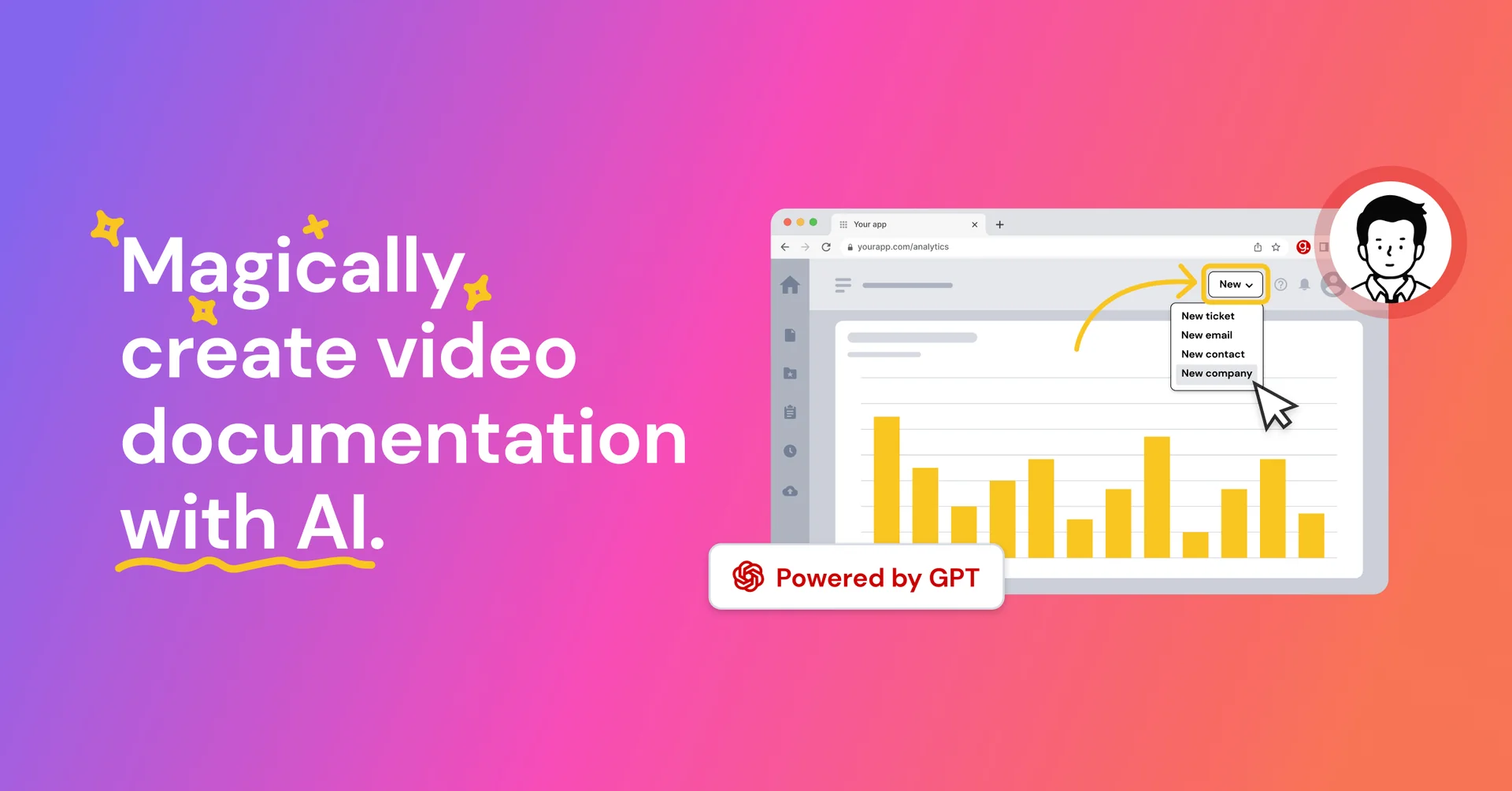
Guidde is an AI platform for knowledge capture and team training that helps organizations transform workflows into professional video documentation up to 11 timesfaster by capturing institutional knowledge in minutes and delivering it directly where the team works. The platform supports multiple use cases, including AI Onboarding, Employee Onboarding, Customer Education, Talent Development, Change Management, and Digital Transformation, and is used by thousands of companies and teams of all sizes.
Guidde provides solutions for needs including Onboarding & Learning, Customer Support, Software Implementation, SOPs & Processes, Product Demos, and AI Adoption, helping learning and development teams reduce content production time while adhering to compliance requirements, and transforming subject matter experts into sources for creating training content that is always available and updatable. It also supports international teams by enabling them to create content once and have it automatically translated into more than 50 languages.
Guidde positions itself as an AI Digital Adoption Platform (ADAP) to help organizations adopt new tools, and it relies on two core components: Create andBroadcast. Create enables subject matter experts to turn their knowledge and expertise into high-quality videos and documentation in minutes while on the job, without the need for design or video editing skills, and with the ability to automatically add voice-overs, captions, and highlights. Broadcast, on the other hand, enables video guidance to be delivered within the applications that employees use, bringing assistance directly to the workplace and reducing the need to switch between contexts.
The platform offers features including Magic Capture, AI-Powered Storyboarding, AI-Generated Voiceover, Advanced Editor, and Smart Sharing. Workflows can be captured by adding a browser, mobile phone, or desktop app, then stopping the recording when finished, after which Guidde automatically generates an editable video guide.
Guidde also provides enterprise-grade security for capturing and widely sharing organizational knowledge, in addition to supporting HIPAA-aligned workflows by helping prevent the capture of Protected Health Information ( PHI ) and enforcing access controls and consent.
What does it actually offer based on user experience? ⭐
- Linda T., Innovation Academy Manager, noted that Guidde’s interface is user-friendly and allows for the creation of step-by-step video guides, while its AI features save time and make it easy to produce polished content.
- Linda T. explained that the platform helps address the challenges of knowledge transfer between teams, improves employee onboarding, and reduces frequently asked questions.
- Motti Elloul, VP of Customer Success & Incident Response, noted that Guidde helped increase video views and reduce support tickets, and that it was a suitable choice for supporting growth and maintaining customer satisfaction.
- Tomer Ben-Arye, Support Operations Manager, explained that the platform enabled his team to scale support operations without sacrificing quality and to create step-by-step user guides for advanced scenarios in less than 10 minutes.
- Sabrina Relevy, Product Education Manager, praised the ease of creating and distributing how-to guides and scenarios, especially during training sessions and onboarding new team members.
- Greg Palmer noted that Guidde cut the time needed to produce videos in half, as users can record their workflows and let the platform handle the rest of the process.
- Greg Palmer explained that the platform generates a fully editable video in minutes—slide by slide—complete with an AI voiceover, screenshots, and a step-by-step guide.
- Marek Mašlík, Training Specialist, noted that Guidde has made knowledge sharing much faster and has facilitated internal knowledge sharing.
- Other testimonials highlight reductions in support tickets, improved understanding of processes, and the rapid creation of high-quality content.
Does it include automation? 🤖
Yes. Guidde relies primarily on automation and artificial intelligence to convert workflow recordings into ready-to-use video documentation. The user begins by capturing the workflow by adding a browser, mobile app, or desktop application, and the platform automatically generates a Guidde that includes elements such as screenshots, AI-generated voice-over, captions, and visual elements. AI can also help with storyboarding and translating content into more than 50 languages.
Pricing model: 💰
Freemium / Paid subscription.
Guidde offers a free plan at $0 per creator per month, along with paid plans for individuals and teams, with the option to pay annually at a 34% discount . Paid plans include Proand Business,while the Enterprise plan is available by contacting the company directly. There is also a paid add-on called Premium Voices for realistic AI-generated voices.
🆓 Free Plan Details:
| Item | Details |
|---|
| Price | $0 per creator per month |
| Purpose | Get started with the platform |
| Credit Card | No credit card required |
| How-to Videos | Up to 25 videos |
| Apps | Works with any web app |
| Voice Commentary | Record Voice Commentary |
| Share the video | Share via Link |
| Transitions & Soundtracks | Transitions & Soundtracks |
Paid Plan Details: 💳
| Plan | Price | Features |
|---|
| Pro | $29 per creator per month, or $19 at the discounted rate | All Free features, unlimited how-to videos, removal of the Guide watermark, Brand Kit, export of videos, PPTs, and PDFs, and blurring of sensitive information |
| Business – Most Popular | $59 per creator per month, or $39 at the discounted rate | All Pro features, unlimited text-to-voice generation, integration with web and desktop apps, conversion of PDFs and PPTs to video, advanced video privacy controls, Analytics and Insights, and the ability to add up to 5 creators, with the cost billed per creator |
| Enterprise | Contact the company | Custom plan for enterprises |
Guidde offers a paid add-on called Premium Voices,which provides access to an expanded library of realistic AI voices and applies the selected voice to all Guiddes via the voice settings within the workspace.
How to access the tool: 🧭
| How to access | Details |
|---|
| Web | Available |
| Browser extension | Available for Workflow Capture |
| Desktop App | Available |
| Mobile | Available for capturing workflows |
| API | Not mentioned in the information provided |
| Integrations | Available in the Integrations section of the platform |
Demo link or official website: 🔗
Guidde – Official website and pricing page