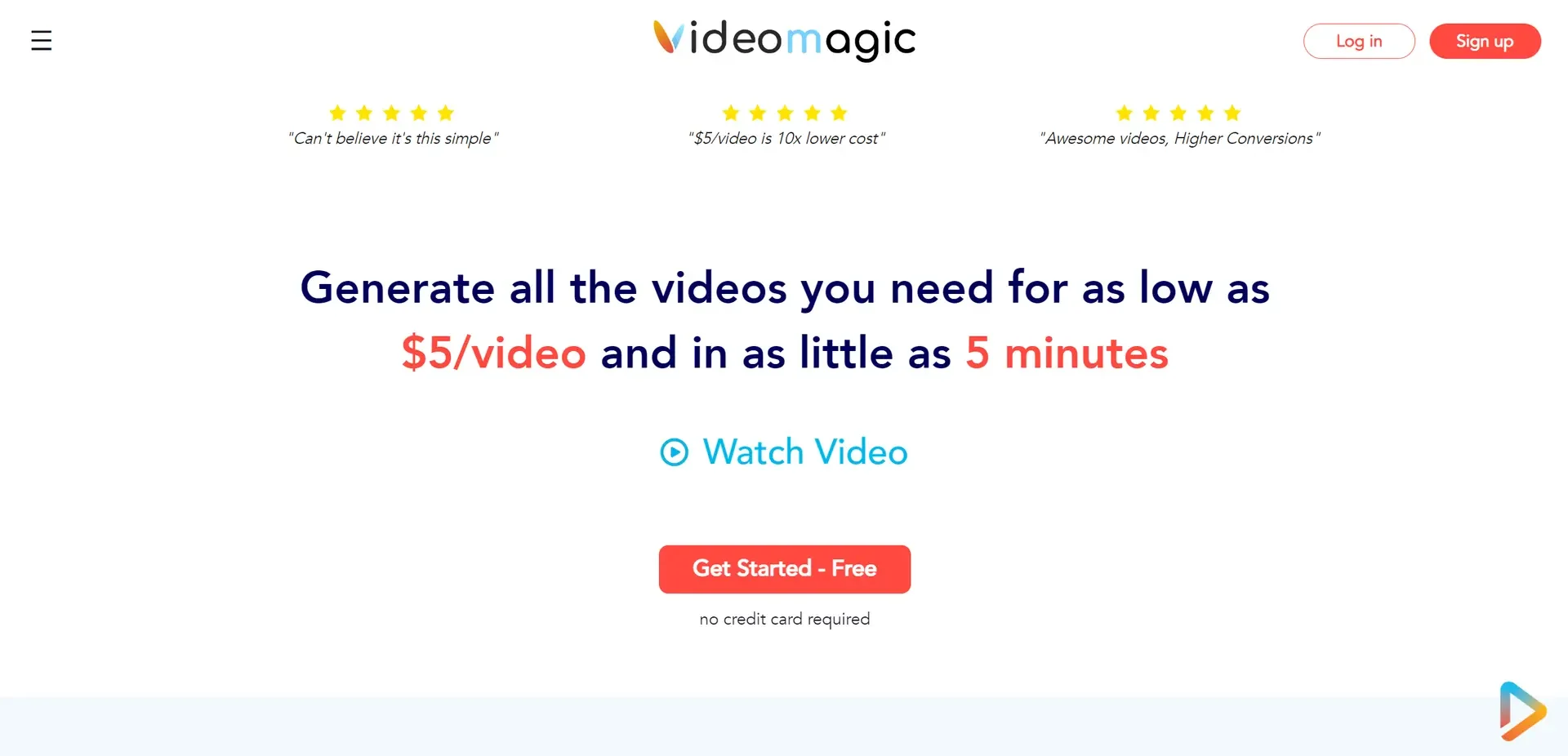
Description
️ Tool Name: 🖼
Videomagic
Categories: 🔖
Text and Photos to Video,
Video, Editing, and Motion Graphics,
Education and Research
Content Management and Publishing,
Knowledge Base and Self-Service
Automation and smart agents
Product showcase and AR/VR
️ What does this tool offer? ✏
Videomagic is a platform designed to transform dense and complex information into visual content that is organized, easy to understand, and easy to navigate. It allows you to convert web pages, AI outputs, corporate conversations, documents, and presentations into clear, organized content. It can also be used to create short videos that explain information by pasting a web page link, uploading a file, or entering content directly. The platform offers the Visual Clarity feature, which replaces dense text, transcripts, and large datasets with a structured visual and audio explanation, with the ability to divide the video into sections such as Introduction, Key Points, Deep Dive, and Summary. For example, a 2:30-minute video could consist of an introduction starting at 0:00, key points at 0:45, a deep dive into details at 1:30, and a summary at 2:15. Videomagic also offers the “Ask Why” feature, which allows users to ask questions directly about the source rather than simply reading the information. Answers are based on the source’s original content and include references to the location of the information used—such as specifying the page where the answer appears. For example, you can link a source such as Q4_Report_2024.pdf and then ask why margins have declined; the AI will provide an answer based on the report, citing its source—such as “Page 12.” The Videomagic ecosystem includes the Platform, Web App, App Plugins, AI, Media, and API, as well as a Case Study. It also provides separate pricing pages for the platform, web app, and plugins, along with Contact Us and Affiliate Program services.
What does it actually offer based on user experience? ⭐
It converts information and long-form content into short, organized videos that help users understand the material more quickly.
It converts documents, presentations, and web pages into visual explanations.
Organizing videos into clear sections such as introduction, key points, in-depth details, and summary.
Analyzing the original content and answering questions related to it, while citing the source of the answer.
Reducing the need to read lengthy texts, tables, and records by presenting information in visual and audio formats.
Support for working with various sources, such as PDF files, web pages, and directly entered content.
Provide a suite of products and services, including a web application, plugins, and an API.
Does it include automation? 🤖
Yes, Videomagic includes AI-powered automation to convert raw content and information-dense material into organized visual explanations. Users can enter a link, upload a file, or submit content directly; the system then processes and organizes the information to create an explanatory video. The “Ask Why” feature analyzes the source material and answers questions based on its original content, while specifying the location of the information used.
Pricing Model: 💰
Fully paid subscription, with a 15-day free trial for some plans, and monthly or annual billing, with a 20% discount when choosing annual billing.
🆓 Free Plan Details:
| Item | Details |
|---|---|
| Plan Type | No permanent free plan |
| Free Trial | 15-day free trial |
| Plans Included in the Trial | Ignite and Blaze |
| Credit Card Required | Yes, you must enter a payment card to start the trial |
| Charges During the Trial | No charges will be applied during the trial period |
| Cancellation | You can cancel at any time |
| Trial duration | 15 days |
Paid plan details: 💳
| Plan | Price | Key Features |
|---|---|---|
| Ignite | $39 per month when paid annually | 20 minutes of video per month, the ability to carry over unused minutes for up to a year, watermark removal, premium support, and one free edit per video, plus a 15-day free trial |
| Blaze | $79 per month when billed annually | 15-day free trial, plus all the benefits of the next-tier paid plan as per the platform’s pricing details |
| Inferno | $50 per minute of video | Pricing is based on video duration, with the cost calculated per minute |
| Annual billing | — | Offers a 20% discount compared to monthly billing |
| Cancellation | — | You can cancel your subscription at any time |
How to access the tool: 🧭
| How to access | Details |
|---|---|
| Web | Available via Web App |
| Platform | The main Videomagic platform is available |
| Add-ons | App Plugins |
| API | API |
| Artificial Intelligence | AI Services within the Videomagic Platform |
Link to the demo or official website: 🔗
Videomagic – Choose a Plan and Try It Out