Description
️ 🖼Tool Name:
Magic Write
🔖 Categories:
• Content and Text Writing
• Article and Post Generation
• Rewriting and Style Improvement
• Summaries, Headlines, and Ideas
• Social media templates and automated editing
• Marketing and sales
️ ✏What does this tool offer?
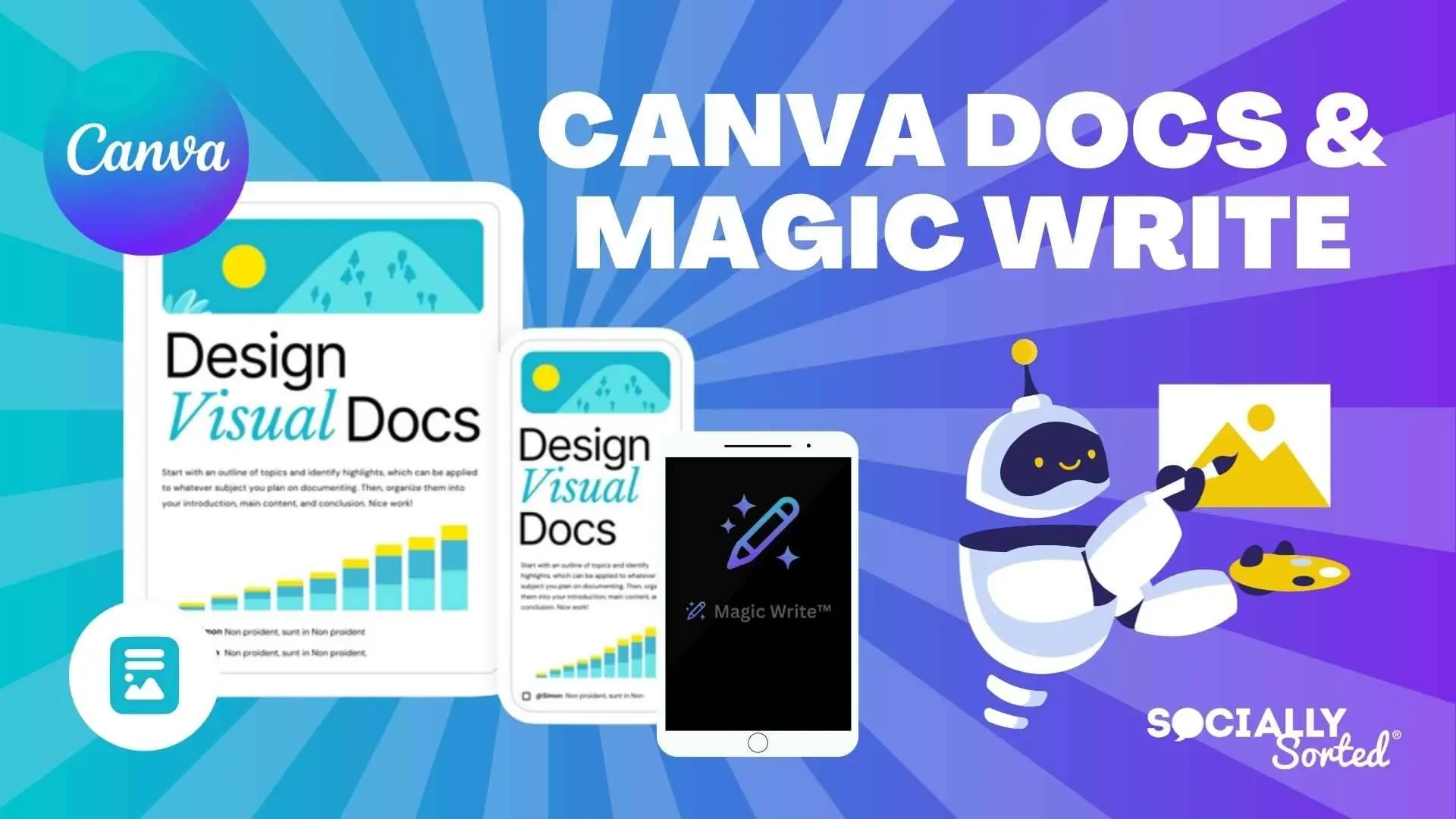
Magic Write is an AI-powered writing tool from Canva that helps you quickly create, edit, and refine text within the Canva environment. The tool is based on a model from OpenAI and can be used to generate initial drafts from a simple text prompt.
Magic Write can be used within various types of Canva designs—including documents, presentations, whiteboards, and more—to create content such as social media posts, resumes, product descriptions, articles, emails, ad copy, headlines, lists, and ideas.
The tool also allows you to work with existing text, including rewriting, rephrasing, summarizing, expanding, and creating new versions of content, as well as generating outlines, headings, paragraphs, and lists. It can also be used to correct spelling, grammar, and punctuation.
Magic Write supports style control, and you can use the brand voice from Brand Kit—available in Canva Pro—to help ensure your content stays consistent with your brand’s style.
The tool works within Canva’s own workflow, allowing you to move from text generation and editing to visual content design without having to switch between separate applications. It can also be used to help write text prompts for use with other Canva tools for generating images and videos.
⭐ What does it actually offer based on user experience?
• It helps you start writing quickly instead of starting from a blank page.
• It allows you to create initial drafts using a simple text prompt.
• It supports the creation of social media posts, ad copy, articles, product descriptions, and more.
• It helps you rewrite, rephrase, summarize, and expand text.
• It allows you to create headings, paragraphs, lists, outlines, and ideas.
• It offers text proofreading and corrects spelling, grammar, and punctuation errors.
• Allows you to combine text creation with visual design within Canva without having to switch between separate tools.
• The generated text requires review and editing before final use; Canva itself recommends proofreading and editing after generation.
🤖 Does it include automation?
Yes. Magic Write automates a number of writing and editing tasks; it can generate text from a prompt, rewrite existing content, summarize, expand, and rephrase it, create lists, headings, and outlines, as well as correct spelling and grammar errors.
It also streamlines your workflow by being integrated into Canva, allowing you to create and edit text content and then use it directly within the design itself, without having to switch to an external writing tool.
💰 Pricing Model:
Freemium—Magic Write is available for free within Canva with usage limits, while paid Canva subscriptions offer a higher number of uses. Current usage limits vary depending on the Canva subscription type.
🆓 Free Plan Details:
| Feature | Details |
|---|---|
| Price | Free |
| Magic Write | Available in Canva Free |
| Usage | Up to 50 free content generation sessions, according to the latest information published by Canva |
| Access | Available through various Canva templates |
| Account | Can be used with a Canva Free account |
Canva’s current page indicates that Canva Free users can create up to 50 pieces of content for free using Magic Write.
💳 Paid plan details:
| Plan | Price | Features and Differences |
|---|---|---|
| Canva Pro | Canva Pro subscription — price not specified in the information provided | Greater access to Magic Write, with the ability to use brand voice from Brand Kit (Pro) |
| Canva Teams | Canva Teams subscription — price not specified in the information provided | Expanded access to Magic Write as part of the Teams subscription |
| Canva for Nonprofits | Canva for Nonprofits subscription/program — Price not specified in the information provided | Greater access to Magic Write with the subscription |
Canva explains that Pro, Teams, and NFP subscribers receive a higher usage limit for Magic Write compared to the free plan.
🧭 How to access the tool:
| How to access | Details |
|---|---|
| Web | Through the Canva platform via a web browser |
| Canva app | Magic Write is available within Canva on supported devices |
| Canva Docs | Can be used within Canva documents |
| Presentations | Available within presentation designs |
| Whiteboards | Available within whiteboards |
| Canva designs | Accessible through various types of Canva templates |
| Canva Assistant | Can be opened via Canva Assistant or the / shortcut in the interface |
Canva explains that Magic Write is available via Visual Suite and can be opened through Canva Assistant or by using the /shortcut, then entering a description of the text you want to generate.
🔗 Try it out or visit the official website: