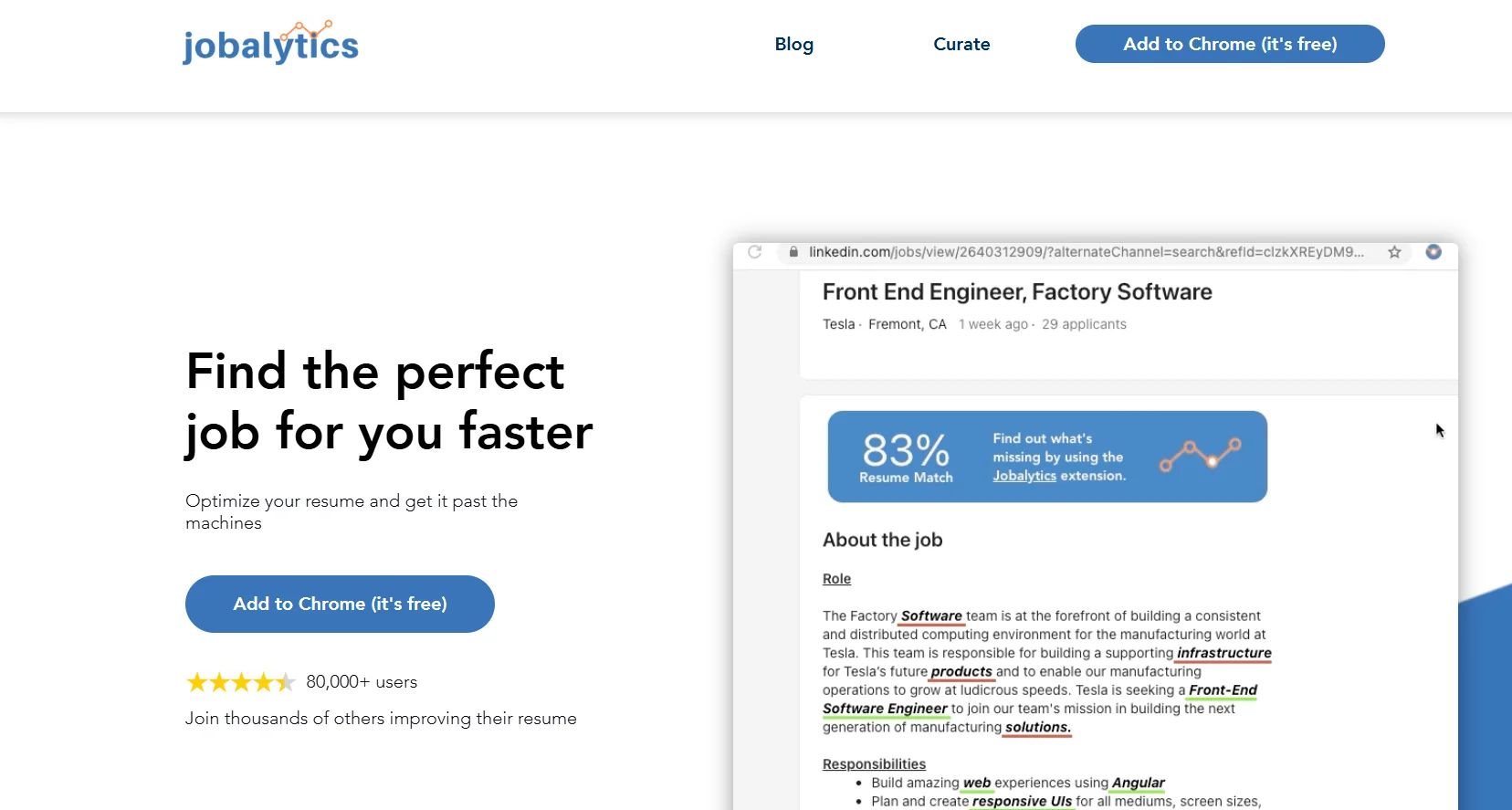
️ 🖼Name of the tool:
Jobalytics
🔖 Tool classification:
Resume optimization and keyword analysis tool to match job descriptions (ATS - Applicant Tracking System).
️ ✏What does it do?
A Chrome extension to analyze job descriptions directly from job sites such as LinkedIn or Indeed.
Upload your resume and analyze it to compare how well it matches the job description.
Extract important keywords from the job description and suggest adding them to the resume.
Calculate the "compatibility score" between the resume and the job description (from 0 to 100).
Suggest improvements to the resume to make it more ready to be bypassed by ATS systems.
⭐ What do you actually offer based on user experience?
Improve the chances of a resume showing up in automated recruiting systems.
Fast and efficient analysis when browsing job postings via the plugin.
Automatically suggest keywords and gaps in the resume.
Some criticisms: Some of the suggested words may not actually be important, and sometimes it gives low results even though the words are already in the resume.
The extension's rating in the Chrome Store is good: Approximately 4.3 out of 5.
🤖 Does it include automation?
Automatic job description analysis and keyword extraction.
Automatic resume analysis to compare compatibility.
Automated suggestions of words to add to increase the chances of passing the ATS.
💰 Pricing model:
🆓 F ree plan details:
The tool is completely free, there is no explicit paid plan.
🧭 How to access the tool:
Install the Jobalytics extension from the Chrome store.
Upload a resume file into the extension for scanning.
When browsing a job ad, click on "Analyze job description" to analyze compatibility.
Review and add suggested words to improve the match with the description.
🔗 Link to the demo or official website:
Official Jobalytics