AnyLogic Cloud
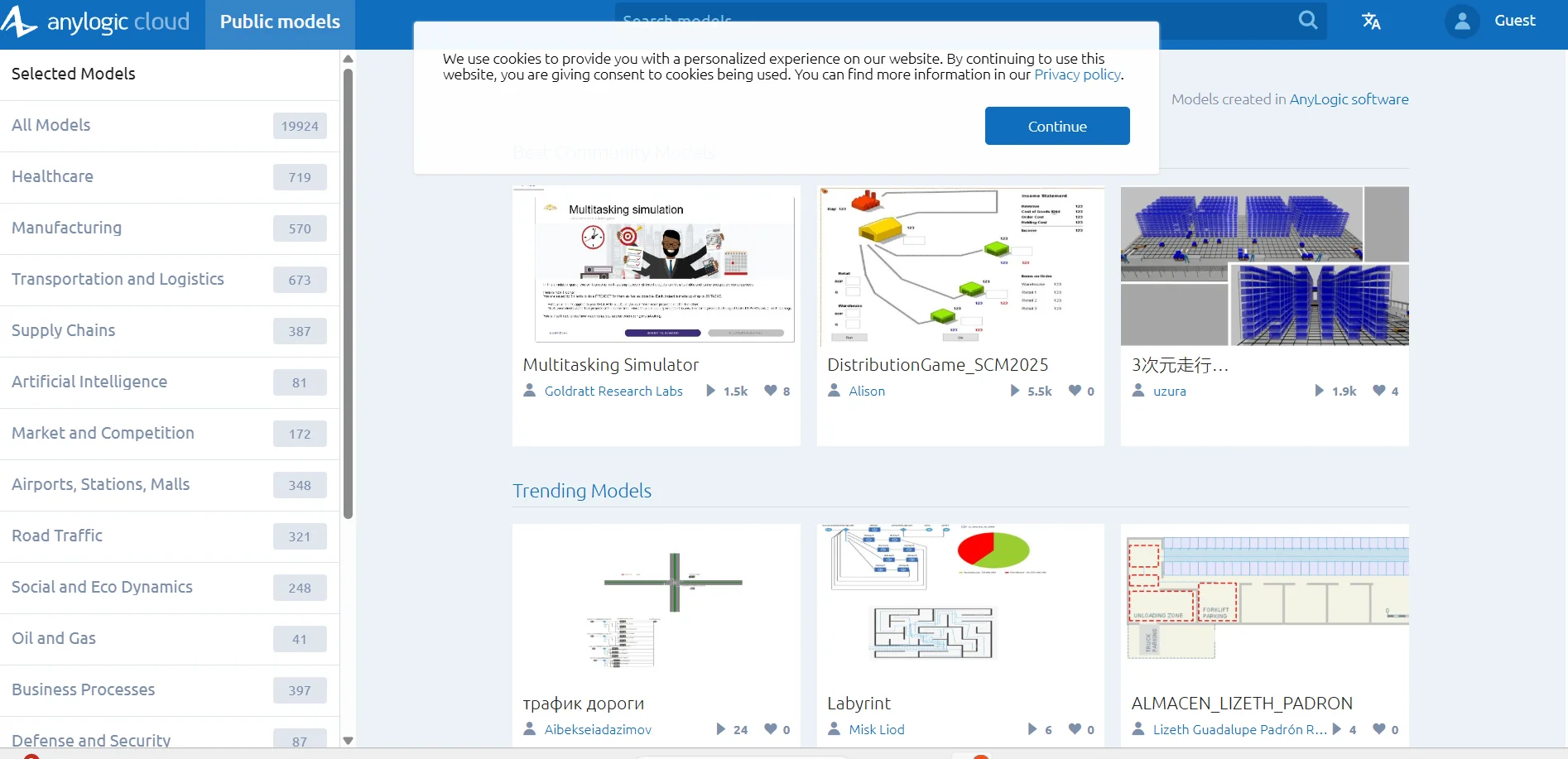
Description
️ 🖼Tool name:
AnyLogic Cloud
🔖 Tool classification:
Cloud Simulation Platform (Simulation-as-a-Service / Digital Twin / Web-based Simulation)
️ ✏What does this tool offer?
Run AnyLogic models in the cloud without having to install them locally.
Store models and manage versions and experiments such as Monte Carlo and Parameter Variation.
High-performance computing power with support for multi-core operation to accelerate complex experiments.
Interactive dashboards to display results and statistical graphics such as box plot and scatter plot.
Ability to create SaaS solutions, run models, connect to databases and API interfaces.
Distributed simulation support to split models and run them concurrently.
Support for public or private deployment depending on security and infrastructure requirements.
⭐ What do you actually offer based on user experience?
Easily share models with colleagues and run them via browser.
Advanced experiment management, saving all results and analyzing them between different scenarios.
Support simple and complex models, linking them to real data to update the Digital Twin.
Optimize the performance of multi-run experiments by distributing the processing to cloud resources.
Advanced interfaces and full control over running experiments and analyzing results.
🤖 Does it include automation?
Yes, automation is programmatic: Run experiments automatically, manage multiple scenarios, and distribute runs without manual intervention.
Digital Twin support and connect real operational systems to dynamically update models.
💰 Pricing model:
AnyLogic Cloud Public subscription with unlimited model runtime and full API access.
Private Cloud option with in-house installation with full control over data and number of cores (Lite, Pro, Enterprise).
🆓 F ree plan details:
Free User level available, with limits on trial time and output file size.
💳 Paid plan details:
Public Cloud: Unlimited operation, full API usage, connect to external databases.
Private Cloud: Multiple plans depending on the number of cores, users, and capabilities required (Lite, Pro, Enterprise).
🧭 How to access the tool:
Via the site: cloud.anylogic.com
Sign in or create an account, upload the form, set up experiments and run them from the browser or API.
Of 🔗ficial website link:
AnyLogic Cloud