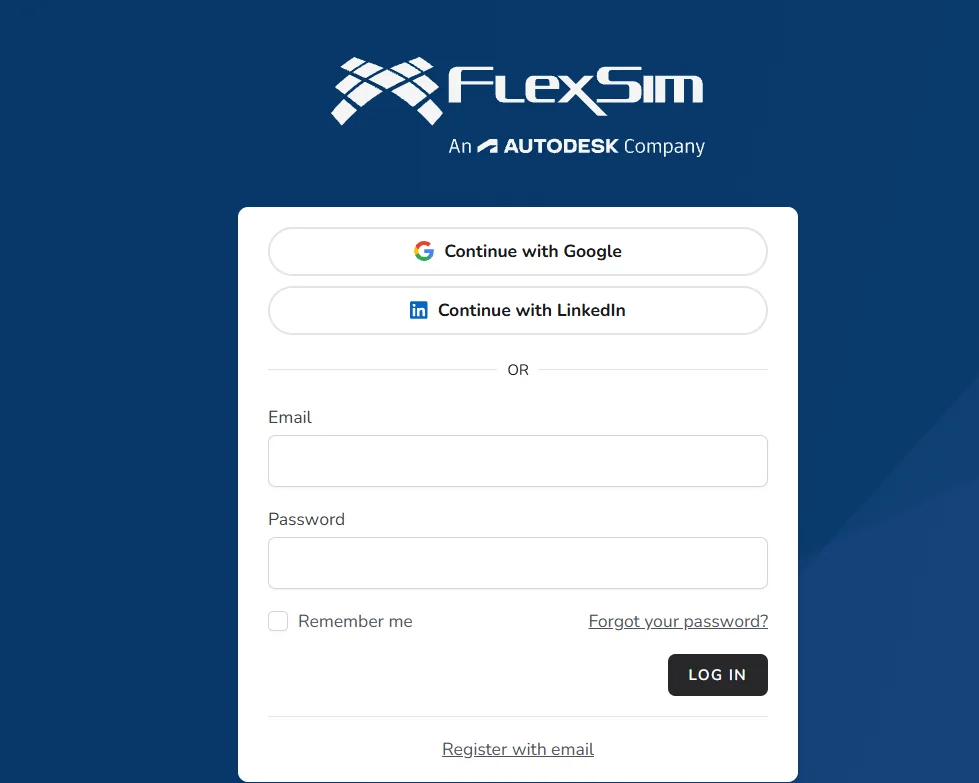
️ 🖼Tool name:
FlexSim Account Portal
🔖 Tool Category:
FlexSim account and license management portal
️ ✏What does this tool offer?
Log in to access your personal FlexSim account.
Manage user licenses (Activation IDs).
Download software or updates for licensed users.
Access FlexSim technical support and educational resources.
⭐ What do you actually offer based on user experience?
View all activation codes associated with an account.
Ability to share licenses with coworkers.
Necessary to activate licenses either personally or via the license server.
🤖 Does it include automation?
No, the gateway itself does not automate processes.
The automation is inside FlexSim when executing the simulation models.
💰 Pricing model:
The portal itself is free, but it is tied to a FlexSim account.
Licenses may be: Standalone, Concurrent, or Educational depending on the license type.
🆓 F ree plan details:
There is no free plan for the portal itself.
A free account can be created if you are using the trial (Express) version of FlexSim.
💳 Paid plan details:
Licenses managed through the portal may be paid depending on the type of license (Enterprise, Educational, etc.).
Licenses can be applied to multiple devices or a license server as needed.
🧭 How to access the tool:
Login through the link: FlexSim Account Portal
Create a new account if you don't have one: FlexSim Register a new account
Manage licenses, review usage, and download software through the portal after logging in.
🔗 Useful links: