Visualize CV
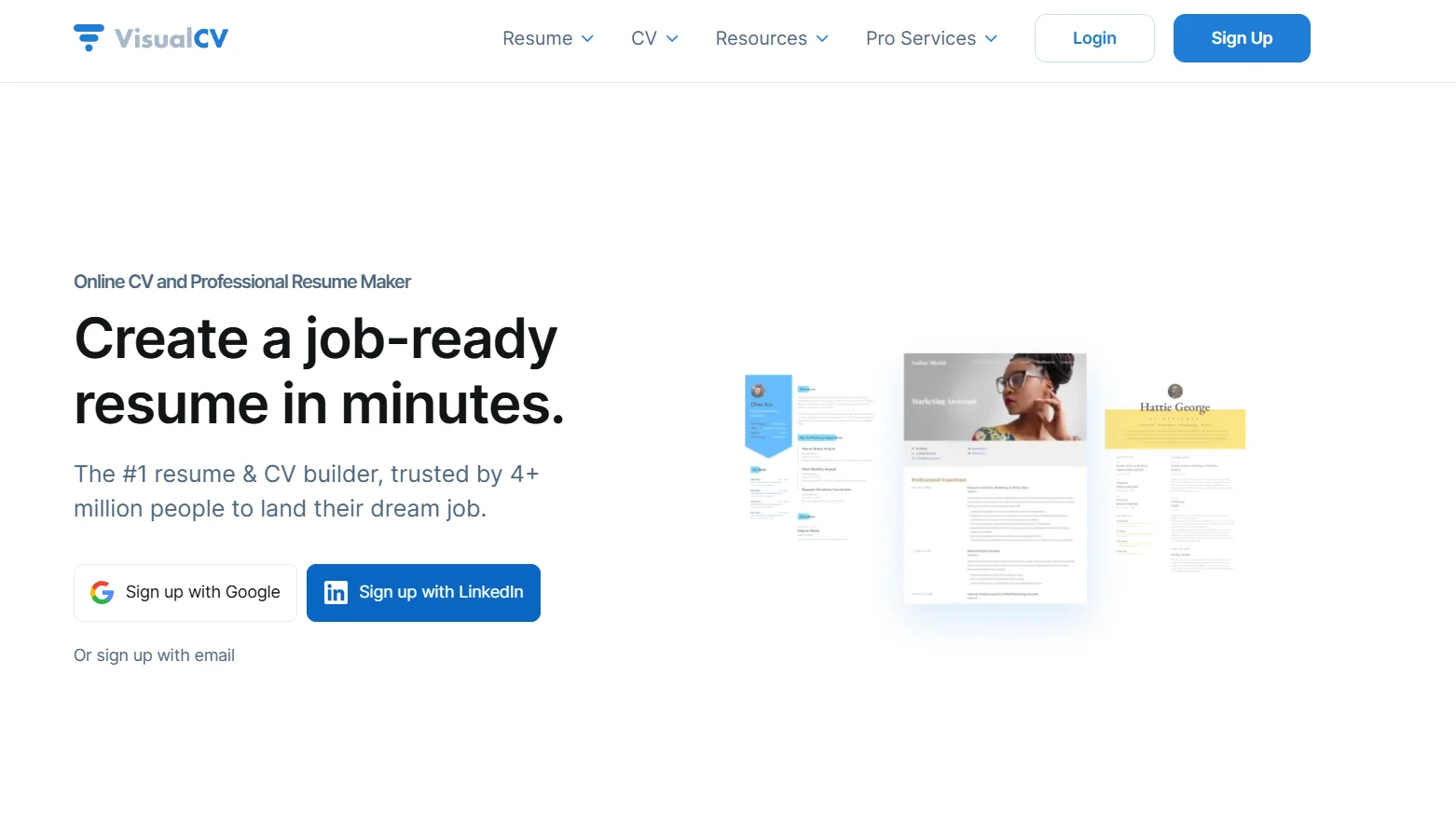
Description
️ 🖼Tool name:
VisualCV
🔖 Tool Category:
Online Resume Builder + Resume Optimizer + CV-link/Portfolio Builder
️ ✏What does this tool offer?
It enables you to create a professional resume in the browser, choose a professional template from multiple templates or import your data (e.g. from LinkedIn or a previous resume), then customize the order of the sections and design as you wish. It also allows you to create an online link to your resume instead of/alongside a PDF, generate a Cover Letter, and analyze resume viewing and download data (analytics).
⭐ What does it actually offer based on user experience?
Easy-to-use interface, fast production of a clean and attractive resume - especially if you use professional templates. For those who have more than one job or apply for many jobs, the "CV-link/portfolio online" feature is important. But the free version is very limited: Often only one download or with a watermark, and some may feel that the high price for the features is a small price to pay if their use is simple.
🤖 Does it include automation?
Yes - VisualCV offers "AI Resume Builder/Chat-assisted" as advertised, which means it can help you draft or optimize some parts of your resume automatically. It also supports templates compatible with Applicant Tracking Systems (ATS).
💰 Pricing model:
🆓 F ree plan details:
Create a first resume for free.
Free/basic template selection.
Preview formatting and possibly upload as a PDF or share as a CV-link - but often with a "tool logo" (watermark) and download is limited.
💳 Details of paid plans:
"Pro Quarterly" plan: Approximately $16/month when paying every 3 months.
Benefits include: Access to all professional templates, unlimited PDF/Word downloads, VisualCV logo removal, ability to create multiple resumes and cover letters, ability to build a personalized resume link/site, view/download analytics tracking, cover letter creation, and full design control.
The subscription is flexible, and can be canceled at any time (as per the tool's policy).
🧭 How to access the tool:
Go to the website - create an account (or login) → choose a template (or import data) → fill in your data (experience, education, skills...) → customize the design to your liking → if you download the free version, run it, if you want professional features, subscribe → upload a PDF/Word resume or create a CV-link/Portfolio.
🔗 Experience Link or official website:
Experience Link: VisualCV