Loomly
Description
️ 🖼Tool name:
Loomly
🔖 Tool classification:
Loomly is categorized as a social media management tool, with a focus on content planning, auto-posting, group collaboration, and analytics, to provide comprehensive account management on multiple platforms such as Instagram, Facebook, Twitter, LinkedIn, and Pinterest.
️ ✏What does it offer?
Loomly offers the ability to schedule and publish content to multiple accounts from one place, with post creation tools including text, images, videos, hashtags and links, and a visual calendar to plan content for future periods. It also supports collaborative work between team members, where content can be created, reviewed and approved before publishing, with a shared media library for all users, and photo and video editing tools within the platform, making it easy to access and organize media without the need for external tools.
⭐ What does it actually offer based on user experience?
User experiences indicate that Loomly makes organizing and scheduling content easier and saves time, as all publishing and planning can be managed in one place without jumping between different platforms. Users also find collaboration between team members and reviewing posts before publishing to be a major advantage, especially when managing multiple accounts or teams. However, some users note that advanced features such as analytics or managing a large number of accounts require a paid plan, making it relatively limited for those looking for a low-cost solution.
🤖 Does it include automation?
Yes, Loomly supports automation by automatically scheduling posts to be published on time without manual intervention, and provides automated collaboration and workflow review tools between team members before publishing, increasing the efficiency of content management and saving time and effort.
💰 Pricing Model:
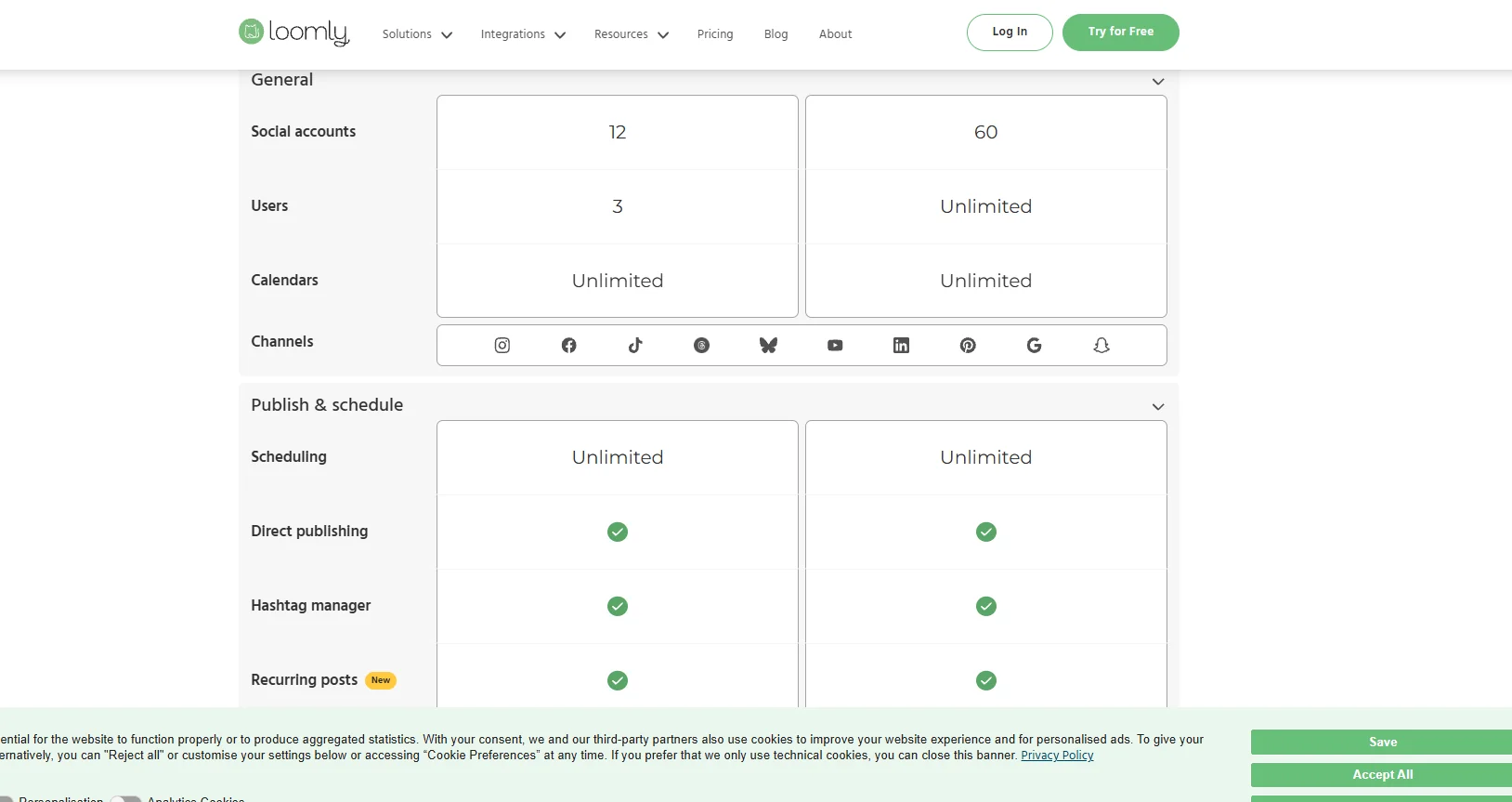
Loomly is based on a multi-plan paid subscription system that suits individuals, teams, and agencies, with monthly or annual payment options. Plans vary according to the number of accounts, number of users, and available features such as unlimited scheduling, media library, group collaboration, analytics, team management, as well as advanced support.
🆓 F ree plan details:
Loomly does not offer a permanent free plan, but it does offer a fifteen-day free trial period for all paid plans, which allows the user to try out all the features before subscribing to any plan, allowing you to fully familiarize yourself with the platform's capabilities before making a financial commitment.
💳 Details of the paid plans:
Paid plans include Base for individuals and small teams with a limited number of accounts and users, Standard which expands the number of accounts and users and adds additional features such as advanced analytics and better collaboration tools, and Advanced which targets large teams and agencies with more accounts and users, customized control options and permissions, advanced workflow features, and expanded analytics and reporting tools. The Enterprise plan is available for large companies and agencies with customized features, extended support, advanced security and analytics capabilities, and is priced according to the company's requirements.
🧭 How to access the tool:
Loomly can be accessed directly via a web browser through its official website, with support for web-based use, enabling easy account management, publishing, and analytics from any internet-connected device.
🔗 Link to the demo or official website:
https://www.loomly.com/