Planable AI
Description
️ 🖼Tool name:
Planable
🔖 Tool classification:
Planable is categorized as a social media management tool with a focus on content planning, scheduling and publishing posts, managing teams and clients, automating workflows and approving posts, making it especially suitable for teams, agencies, or organizations that need to organize and closely monitor posting and reviewing workflows.
️ ✏What does it offer?
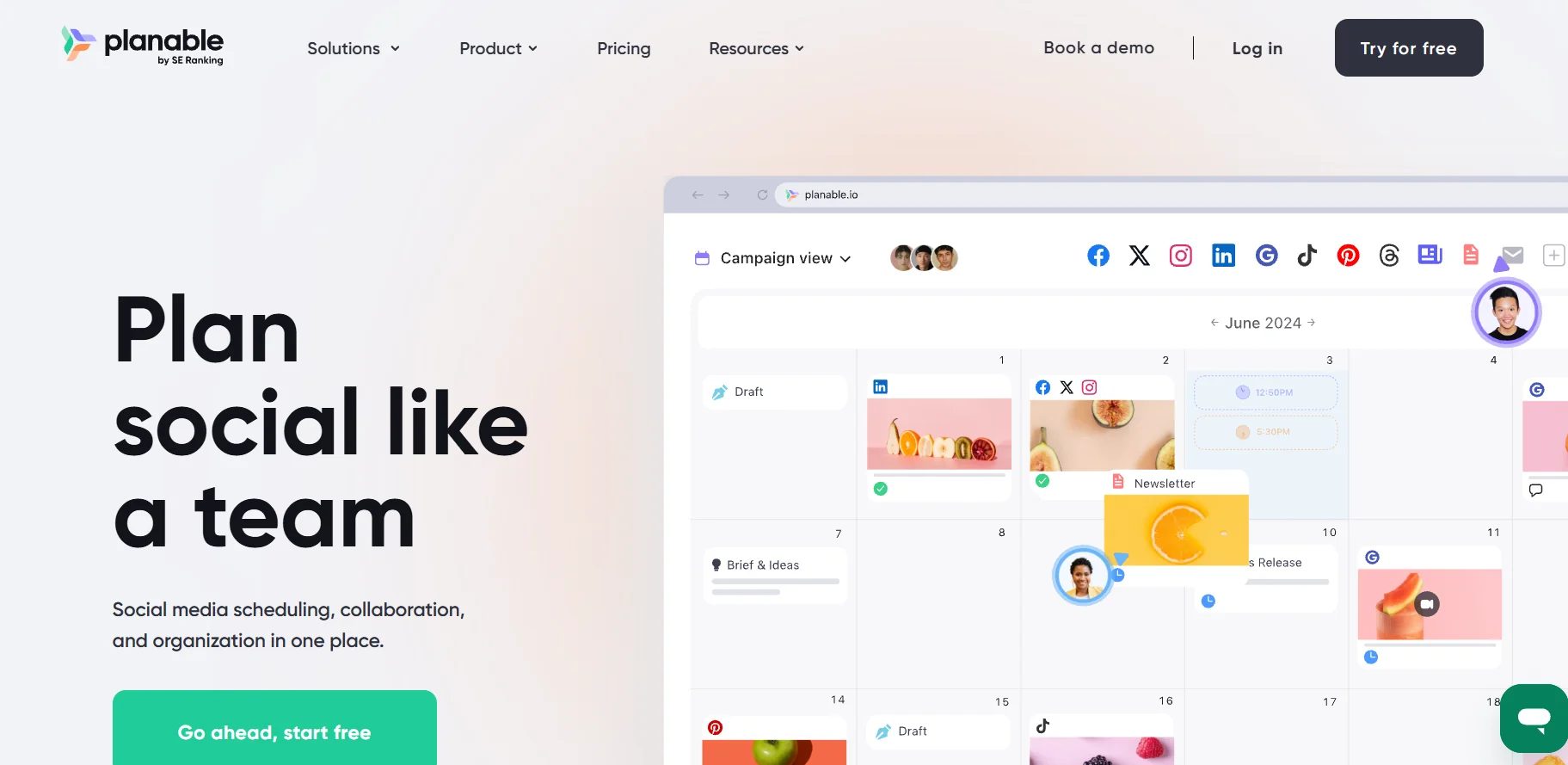
Planable provides the ability to schedule and publish content to multiple social media accounts from one place, with a preview of how the post will appear on each platform. The platform provides the ability to organize content via a visual calendar, Kanban, Grid, or List view, while facilitating collaboration between team members or clients, so that comments can be reviewed, edits can be suggested, and posts can be approved before publication. In addition, Planable supports a shared media library for photo and video management, and in-platform editing tools to make it easy to customize content for each channel without the need for external tools.
⭐ What does it actually offer based on user experience?
Users see Planable as an intuitive and easy-to-use tool that helps organize and schedule content clearly and facilitates collaboration between teams, clients, or agencies. The visual interface and calendar gives a clear view of the publishing workflow and avoids clutter, and the approvals workflow provides organized steps from creation to review to publishing, saving time and reducing errors. However, some users point out that the built-in analytics are limited and advanced features require a subscription to paid plans, which may be less convenient for users with a limited budget or simple needs.
🤖 Does it include automation?
Yes, Planable supports automation by automatically scheduling posts at scheduled times, managing workflows to approve posts in an organized manner, and providing AI-powered tools to generate or rephrase post text, reducing manual effort and helping to keep social media activity smart and efficient.
💰 Pricing model:
Planable relies on a tiered subscription system based on the number of workspaces, the number of monthly posts, and the number of associated accounts, with the ability to pay monthly or annually, and offers different plans that suit individuals, small teams, agencies, and large companies as needed.
🆓 F ree plan details:
Planable offers a 14-day free trial period for all new users, which allows you to try out most of the platform's features before signing up for a paid plan, without the need to enter a credit card. There is no permanent free plan for all features.
💳 Paid plans details:
Paid plans include Basic for individuals or small businesses with a limited number of posts and accounts, Pro for teams or agencies managing multiple clients with more posts, accounts, and advanced management features, and Enterprise for large businesses and agencies with unlimited posts and accounts, dedicated support, expanded reporting and analytics, multiple approval and team management features, and the ability to add additional users or accounts as needed.
🧭 How to access the tool:
Planable can be accessed from any web browser via the official website, where a workspace is created and logged in to manage accounts and posts, and support for team collaboration, reviews, and approvals is done directly within the platform without the need to install any additional software.
🔗 Link to the demo or official website:
https://planable.io/