Brandfolder
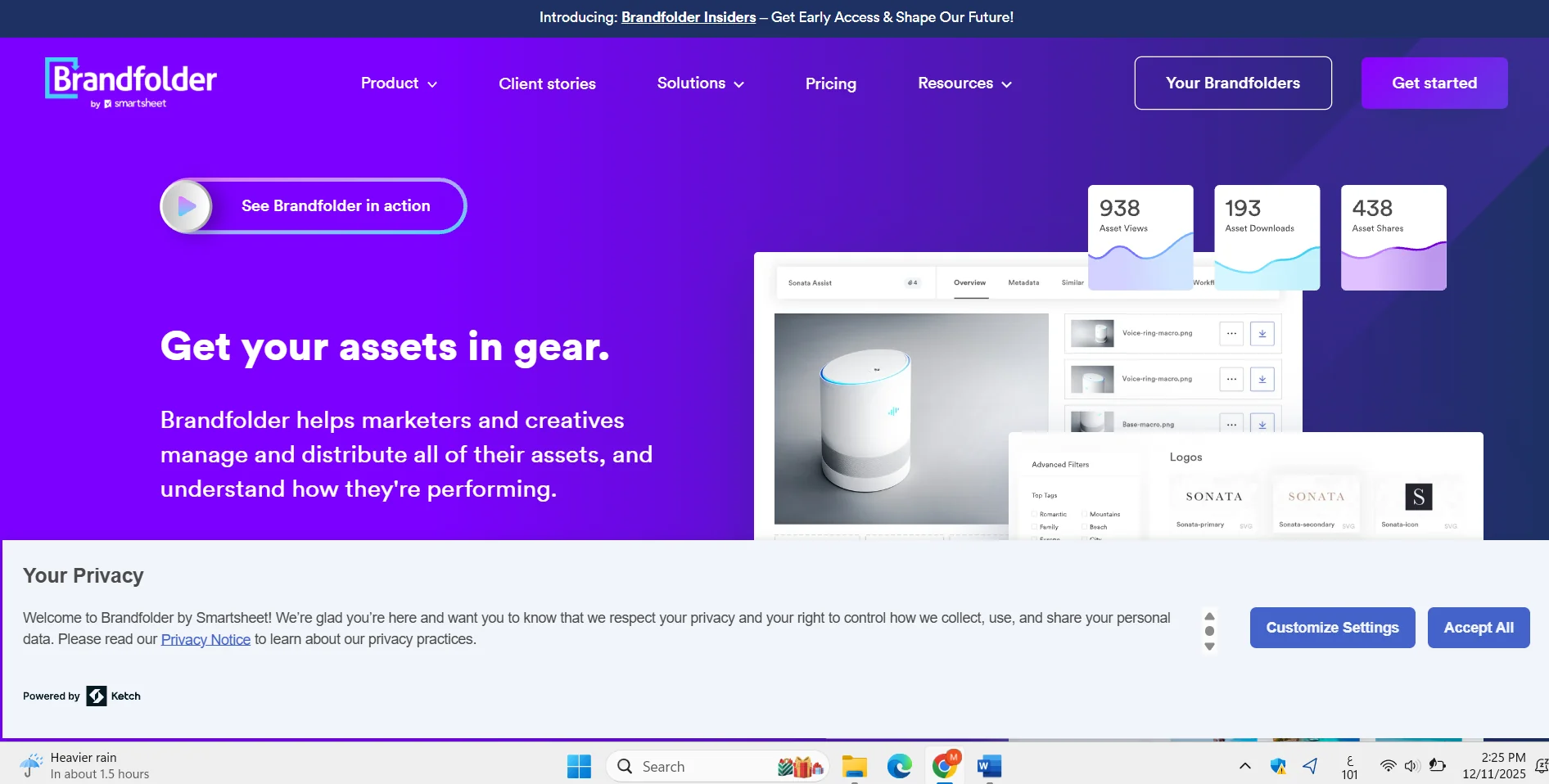
Description
️ 🖼Tool name:
Brandfolder
🔖 Tool Category:
Digital Asset Management - DAM
️ ✏What does it offer?
A cloud-based platform for organizing, storing, managing, and sharing digital assets such as photos, videos, and creative files, with tools for intelligent search, permission control, and asset usage analytics.
⭐ What does it actually do based on user experience?
It makes it easy to find files quickly, improves team collaboration, and provides an intuitive Google-like interface. Users praise improved productivity and less time wasted searching for files.
🤖 Does it include automation?
Yes - it includes automation for automatic tagging, content curation, and intelligent analytics for asset performance based on AI.
💰 Pricing model:
Pricing is not directly advertised and is determined by the organization's needs in terms of number of users, storage capacity, and required functionality.
🆓 F ree plan details:
The platform does not provide a completely free plan, but it does provide a free toolkit within Workbench such as conversions, text extraction, and some gadgets with a limited number of uses per day.
💳 Paid plan details:
Plans are based on the size of the organization, and include tiered levels such as Basic, Premium, and Enterprise plans. These plans provide features such as AI video management, advanced permission control, advanced analytics, and automation. Prices are usually in the mid-to-high range depending on the size of the company.
🧭 How to access the tool:
Register on the official website and request a demo, then set up the system according to the organization's needs. The platform works directly from the browser and supports integration with different business tools.
🔗 Experience or official website:
Experience Link: https://brandfolder.com/