QBank DAM
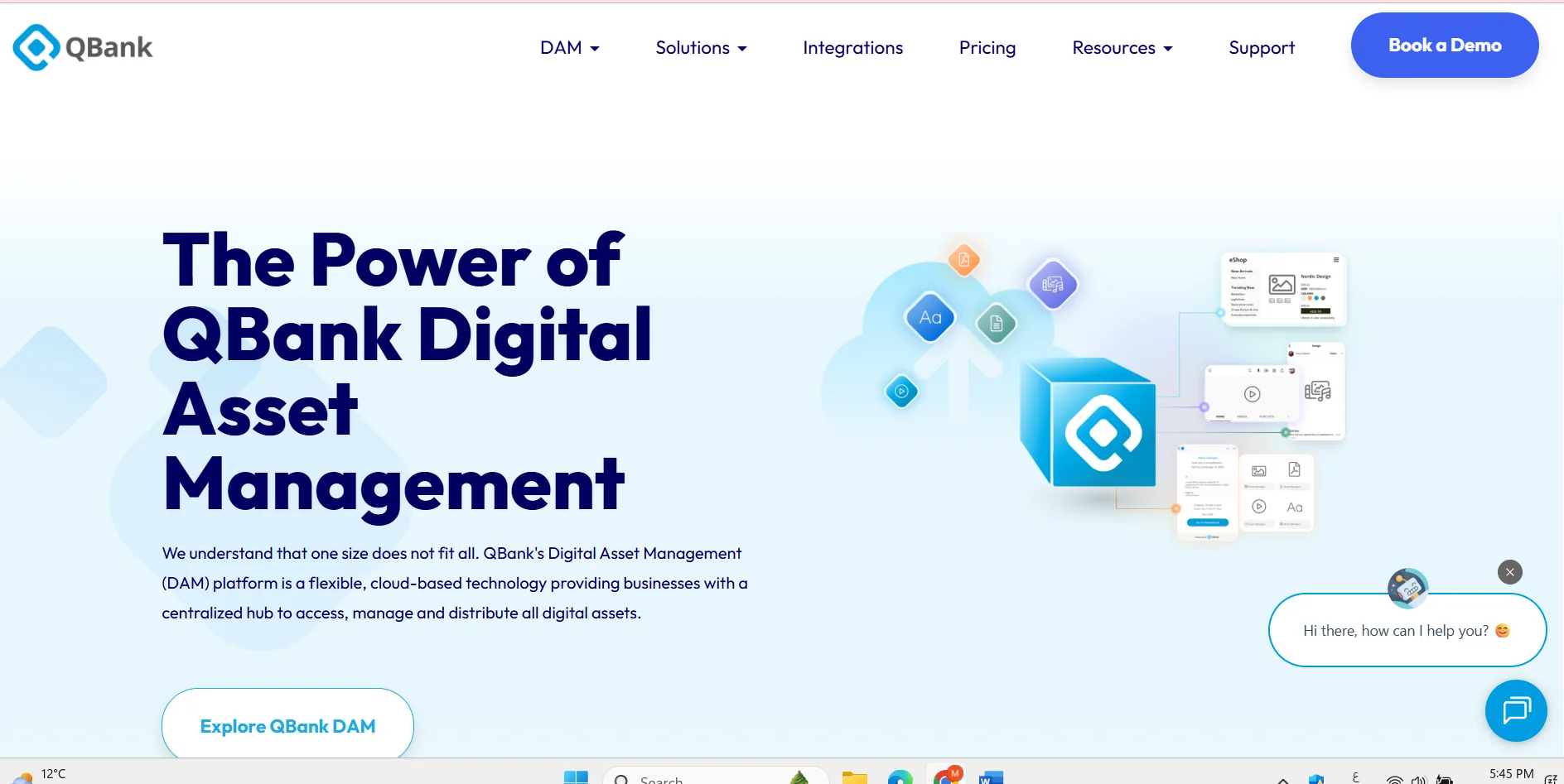
Description
️ 🖼Tool name:
QBank DAM
🔖 Tool classification:
Digital Asset Management (DAM) platform for large organizations and teams
️ ✏What does this tool offer?
- Store, organize, and manage photos, videos, documents, and digital media files
- Support for advanced search and intelligent categorization of assets
- Integrated workflow to manage approvals, permissions, and content publishing
- Create Media Portals to share assets with internal teams or third parties
- Integration with CMS/PIM/ERP/e-commerce systems via API
⭐ What do you actually offer based on user experience?
- Powerful and flexible DAM suitable for companies that need to document, organize and distribute content
- Intelligent search, images, and asset data analytics
- Moodboards support for creative collaboration
- Automated publishing and workflow organization around assets
- Used globally as a centralized hub for digital assets
🤖 Does it include automation?
Yes
- Automate workflows from organizing to publishing
- Auto-Publish assets to the appropriate channels
- AI features for video analysis, subtitling, and intelligent search
- Automated management of usage rights and file approval
💰 Pricing model:
Paid subscription customized to the needs of the organization (SaaS)
🆓 F ree plan details:
- There is no permanent free plan
- A customized demo can be requested before subscribing
💳 Paid plan details:
- Starter: 500 GB storage, 5 administrator accounts
- Business: 1 TB storage, 10 administrator accounts
- Advanced: 3 TB storage, 15 administrator accounts
- Prices depend on the number of users, storage, integrations, and additional features and are determined after contacting the QBank team
🧭 How to access the tool:
- Web-based SaaS cloud platform
- API to integrate with various business tools
- Customized content portals to share assets internally and externally
🔗 Link to the demo or official website:
https://qbankdam.com/?utm_source=chatgpt.com