Majestic
Description
️ 🖼Tool name:
Majestic
🔖 Tool Rating:
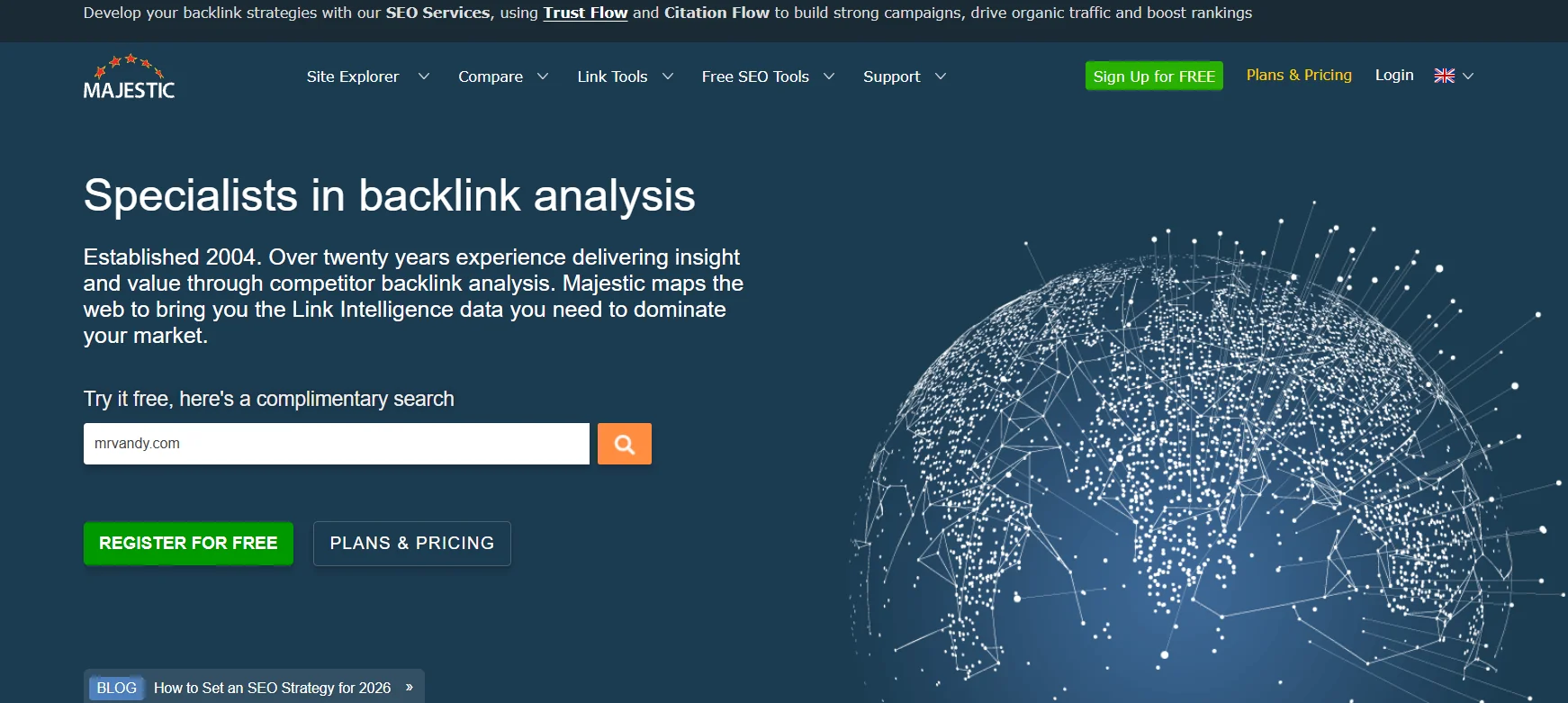
Majestic is an SEO backlink analysis tool, mainly focused on providing benchmark indicators such as Trust Flow and Citation Flow to assess link quality and backlink structure, and is widely used by SEO professionals and digital agencies for link analysis and strategic planning.
️ ✏What does this tool offer?
Majestic provides advanced tools that include checking the backlinks of any site via Site Explorer, checking batches of links via Bulk Backlink Checker, analyzing links in terms of quality, geographical distribution and reference domains, as well as extensive reports showing link history and changes, enabling the user to optimize the backlink profile and make accurate strategic decisions to improve their site's ranking in search engines.
⭐ What does it actually offer based on user experience?
User experiences indicate that Majestic provides accurate and detailed data about backlinks and their history, enables link quality analysis and comparison with competitors, and is reliable in tracking links and giving accurate benchmarks. While some users find that the interface takes some getting used to and is less comprehensive in other SEO aspects, it remains a very specialized and effective tool for link analysis.
🤖 Does it include automation?
Majestic includes automation functionality by scheduling automatic analytics reports and the ability to use APIs to integrate data into other analytics systems, allowing for periodic monitoring of backlink performance without constant manual intervention and customized analytics within digital marketing systems.
💰 Pricing Model:
Majestic's pricing model is based on multi-tiered monthly or annual subscriptions, starting with the Lite plan that provides basic indicators and limited capabilities, up to the Pro plan that allows wider analysis with extensive reports, up to the API plan that provides the largest range of data and advanced analytics, and the model includes monthly or annual payment options with the possibility of a short-term refund if the tool does not suit the user.
🆓 F ree plan details:
Majestic provides limited free tools such as Majestic Million which displays the top sites in terms of backlinks, the free Backlink Checker which allows limited link checking, as well as some free browser extensions, and these free versions are useful for initial testing before subscribing to paid plans.
💳 Paid plans details:
Paid plans include multiple levels, starting with the Lite plan that provides basic indicators and limited analysis, then the Pro plan that provides wider units of analysis, historical data and extended reports, and finally the API plan that gives the largest range of data and the possibilities of integrating with other systems and preparing advanced analytics, and prices vary according to the level of the plan, the amount of data to be analyzed, and the number of required projects.
🧭 How to access the tool:
Majestic is a cloud-based, browser-based tool that can be accessed after creating an account on the platform and logging in to use backlink analysis tools, flow indicators, comparison reports, and extended analytics directly without the need to download any additional software.
🔗 Link to the demo or official website:
https://majestic.com/