video2docs
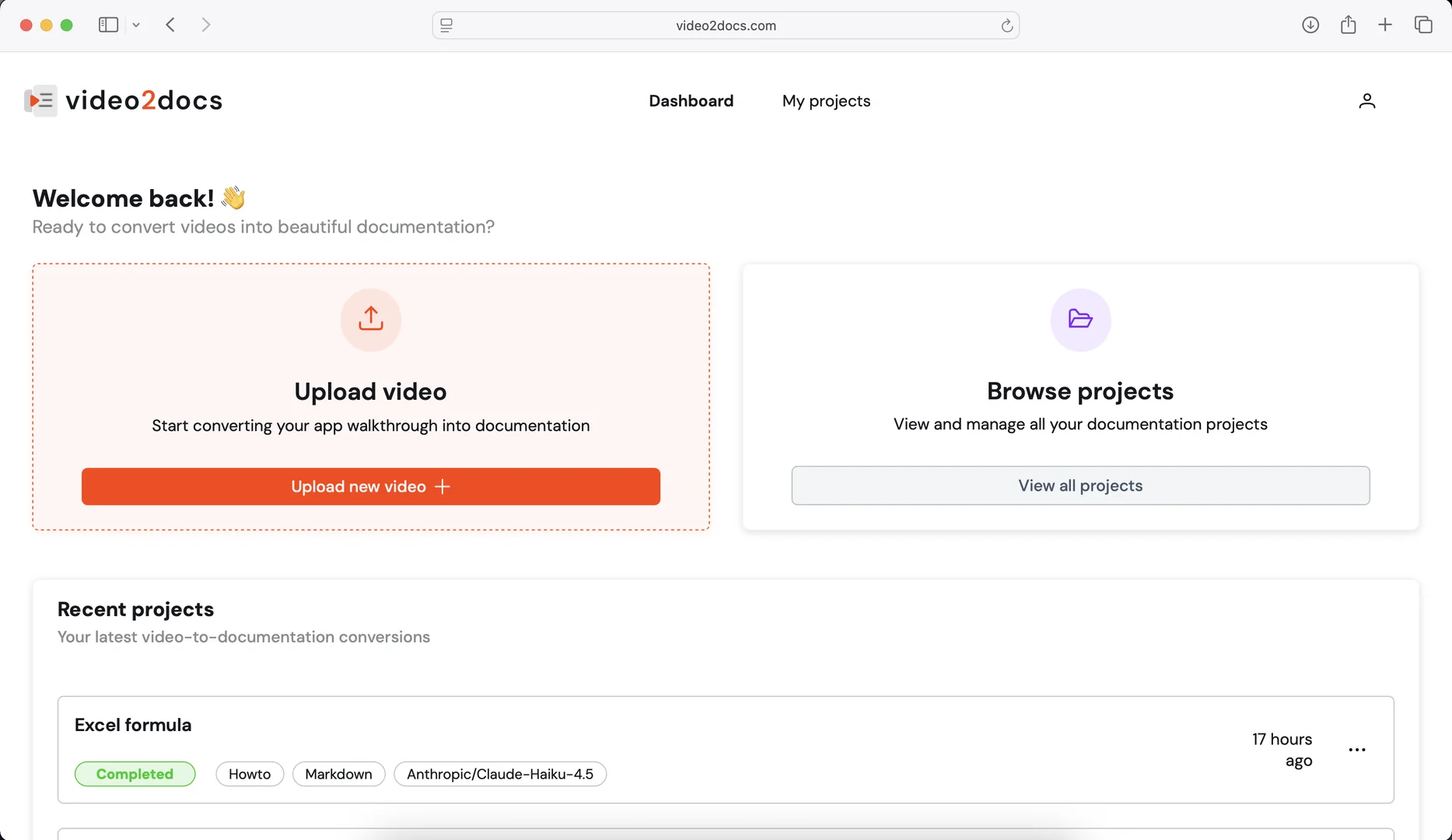
Features
- Writes how-to guides by visually analyzing screen recordings, even without audio
- Extracts relevant screenshots automatically
- Choice of AI models including Claude 4.5, GPT-4.1 and Gemini 2.5
- Translates guides into 13+ languages via DeepL
- Built-in screen recorder in browser or desktop app
- Exports to Markdown, PDF or HTML
- Creates tutorials from YouTube URLs
- Formats output with numbered steps and bolded UI elements
Pricing Details
💵 Pricing (January 2026 Status) video2docs avoids heavy subscription lock-ins by using a flexible "Pay-as-you-go" or "Credit-based" system. Plan Price (Approx.) Key Features Free / Trial $0 Get started for free to generate your first guide and test the AI. Basic Pack From ~$9.90 Pay only for what you use; No watermark; High-resolution images. Pro / Team ~$20 / mo Priority processing; Bulk translations; Custom branding for exports. 🎁 Free Version: The platform offers a Free Trial for new users. It allows you to upload a short recording and generate a full draft, giving you a chance to see the AI's "vision" in action before purchasing more credits.