Noteey
Description
️ Tool name: 🖼 Noteey
Tool category: 🔖
Notes and Analysis
Education and research
Summaries, headlines, and ideas
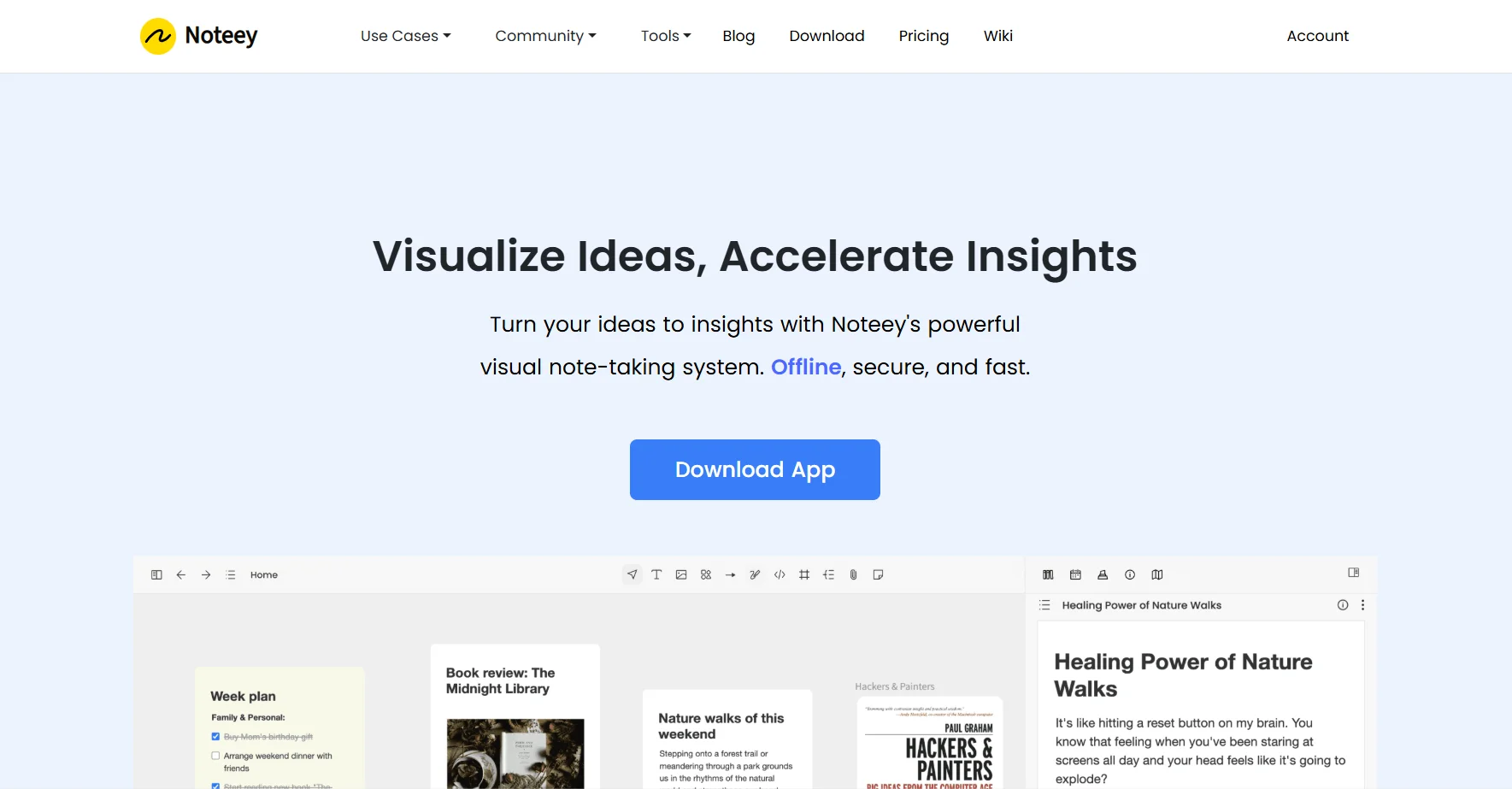
️ What does this tool offer? ✏ Noteey is a "comprehensive" visual workspace designed for deep thinking and organizing complex knowledge. It relies on an "infinite canvas" that breaks the constraints of traditional pages, where you can link PDFs, YouTube videos, mind maps, and text notes into a single interconnected network. It is an offline-first tool, which means your data remains encrypted on your device, with built-in artificial intelligence to transcribe videos and visually summarize long documents.
What does it actually offer based on user experience? ⭐ Users describe it as "the visual version of Obsidian"; it offers tremendous flexibility in connecting ideas. In fact, the "Video Timestamps" feature is amazing for students, as you can click on a note to return the video to the second when the note was written. In 2026, users praised the iPad version, which now supports handwriting and converts it into smart cards within the infinite canvas.
Does it include automation? 🤖 Yes, it includes advanced smart automation that includes: extracting text from images (OCR), generating automatic summaries of visual content, converting YouTube links to transcripts and mind maps at the click of a button, and automating backlinking.
Pricing model (2026 update): 💰 Hybrid model (free plan + lifetime license + cloud subscription).
🆓 Free plan details:
$0: Create up to 3 local projects.
Up to 100 cards per board.
Comment on (3 PDF files, 3 videos, 3 audio clips).
No account or internet connection required.
Paid plan details (updated 2026): 💳
Desktop Pro ($99 - one-time payment): License for 4 devices, unlimited local projects, OCR feature, export without watermark, and publish projects to the web (up to 20MB).
Desktop Pro Max ($299 - one-time payment): License for up to 20 devices, ideal for small teams and professionals.
Premium Plan (~$10/month or $90/year): Includes the Pro license plus: cloud space for syncing, unlimited web publishing, Unlimited AI Summarizerfeature, and unlimited YouTube uploads.
Lifetime Premium ($599 - one-time payment): A "last chance" to get all the cloud and AI features forever before the full transition to a subscription system.
How to access the tool: 🧭 Desktop application (Windows/macOS), mobile and iPad applications (launched in 2026), with the possibility of using the web version for subscribers to the premium package.
Trial link or official website: 🔗 https://www.noteey.com/