NeatScribe
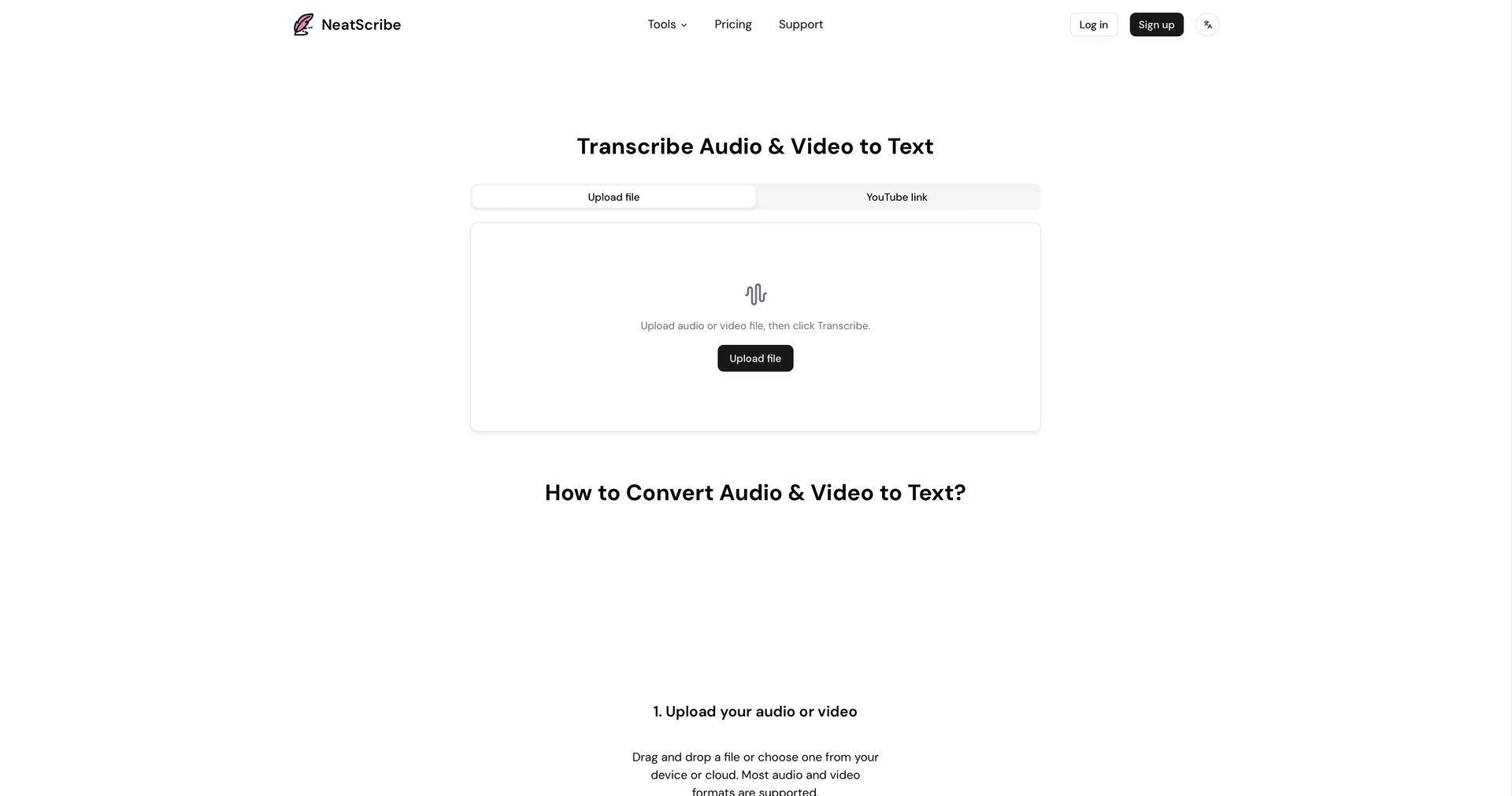
Convert audio and video to accurate text in seconds.
Last updated
Features
- Transcribes audio and video into clean text
- Removes filler words, false starts and stutters automatically
- Imports YouTube links, voice memos, Zoom recordings and podcast files
- Identifies up to 10 speakers in a structured script view
- Generates key takeaways summaries and quizzes from audio content
- Transcribes and translates in over 100 languages
- Sync-player editor that plays the audio for any clicked word
Pricing Details
💵 Pricing (April 2026 Status)
NeatScribe follows a "Freemium" model with a low entry barrier for casual users and scalable plans for power users.
| Plan | Price (Approx.) | Key Features |
|---|---|---|
| Free Tier | $0 | Unlimited transcripts for files under 5 mins; Standard AI model; Basic TXT export. |
| Personal Pro | ~$10 / mo | Unlimited length; Speaker ID; AI Summaries; No ads; Export to PDF, DOCX, SRT. |
| Team / Agency | ~$25 / mo | Shared folders; Collaborative editing; API access; Priority processing. |
🎁 Free Version:
The Free Tier is highly functional for short tasks. You can transcribe as many short clips as you want (under 5 minutes each) for free, which is perfect for transcribing voice notes, quick interviews, or short social media clips.
Related Tips
- Revid AI vs. Fliki: Which is better for creating ready-to-go Reels from a single idea? · Video Generation & Editing, Text and Images to Video…
- Storyboarder.ai: A tool for turning your idea into a professional storyboard · Video Generation & Editing, Text and Images to Video…
- Do you want to design realistic and professional 3D infographics... just from the topic name and with the click of a button? · Paraphrasing & Style, Summaries, Headlines & Ideas…
- 🧠 Chat GPT + Nano Banana: Turn your product image into a creative ad for free · Content Writing, Summaries, Headlines & Ideas…
- Head-to-head comparison: Mindgrasp AI or Scholarcy? · Education & Research, Teacher Tools & Assessment…