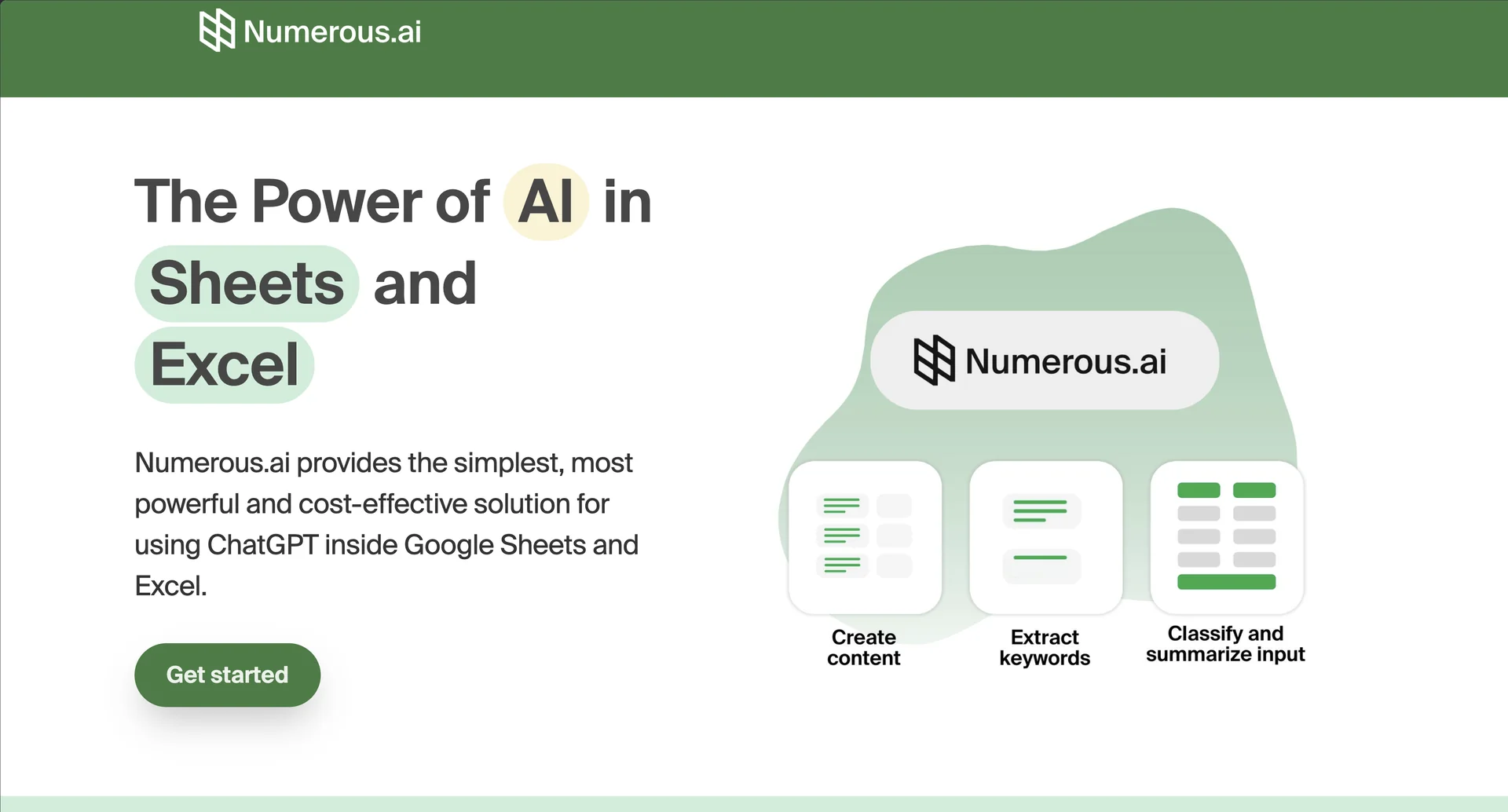
Numerous AI

Description
🖼 Tool Name:
Numerous AI
🔖 Categories:
RPA & Task Automation (Spreadsheet-to-AI Automation)
Article & Social Generation (Batch Content & Copywriting)
Summaries, Headlines & Ideas (Sentiment Analysis & Data Categorization)
✏ What does this tool offer?
ChatGPT Integration for Spreadsheets: Numerous AI seamlessly embeds OpenAI's conversational language models directly inside Google Sheets and Microsoft Excel, allowing you to execute complex AI prompts directly within individual cells.
The Power of Custom Formula Chains: Introduces native, highly intuitive custom formulas like
=AI(),=WRITE(), and=INFER(). By dragging these formulas down a column, you can process thousands of rows of data simultaneously.Example-Driven Pattern Recognition (
=INFER): Features a smart learning function. If you have tedious busywork—such as formatting messy inputs or categorizing line items—you can provide 3 to 5 clean examples, and the AI will autonomously figure out the logic and complete the rest of the sheet.Plain English Formula Generator: Acts as a built-in translator for non-technical users. You type what mathematical task you want to achieve in normal text (e.g., "Sum sales from Jan to March if region is North"), and the tool instantly generates the correct Excel or Google Sheets code.
Reverse Formula Explainer: Provides immediate documentation for confusing, nested spreadsheet logic. If you inherit a messy sheet from a colleague, the tool breaks down complex functions (
VLOOKUP,QUERY,REGEX) into plain, clear English.
⭐ What does it actually offer based on user experience?
Massive Time Multiplier for Bulk Tasks: Data analysts, content marketers, and e-commerce managers heavily praise the tool for compressing days of manual data cleaning and sorting into a few seconds.
Brilliant for E-Commerce & Sentiment Analysis: Users value how effectively it scans thousands of raw product reviews or customer support tickets, instantly labeling them by sentiment (Positive/Negative) or specific department tags.
Seamless Drag-and-Drop Workflow: Creators love that it behaves exactly like a native spreadsheet function. There is no need to learn a new software interface or click through external dashboards—you simply drag the cell corner down.
Character Budget Consciousness: Experienced users note that because long text cells consume tokens quickly, processing massive datasets requires tracking your monthly character quota to avoid unexpected generation pauses mid-sheet.
🤖 Does it include automation?
Yes, Numerous AI focuses entirely on turning manual data processing into programmatic automation:
Automated Batch Text Generation: Autonomously writes localized marketing copy, SEO tags, or customized email replies for hundreds of rows at once using cell variables.
Autonomous Data Cleaning: Automatically parses, extracts specific information (like pulling merchant names from raw invoice text), and reformats chaotic data structures (such as phone numbers or dates) uniformly.
Programmatic Multi-Language Translation: Seamlessly translates bulk text columns from one language to another while maintaining contextual accuracy across entire sheets.
💰 Pricing Model
Item Details: Tiered monthly and annual subscription SaaS frameworks billed per user seat.
General Concept: Pricing is tied directly to the total volume of processed text (measured in character quotas) and premium integration access.
🆓 Free Plan Details
Feature: Free Trial Evaluation.
Details: Offers a brief 7-day trial or a basic token allocation (roughly 60 tokens / 30,000 characters) upon initial signup, giving users a risk-free environment to test out cell prompts and formula generation.
Cost: Free ($0 to onboard).
💳 Paid Plans (Official 2026 Standards)
🧭 How to access the tool:
Installed directly as an official workspace extension via the Google Workspace Marketplace or the Microsoft AppSource store, launching natively inside your active cloud or desktop spreadsheet sidebars.