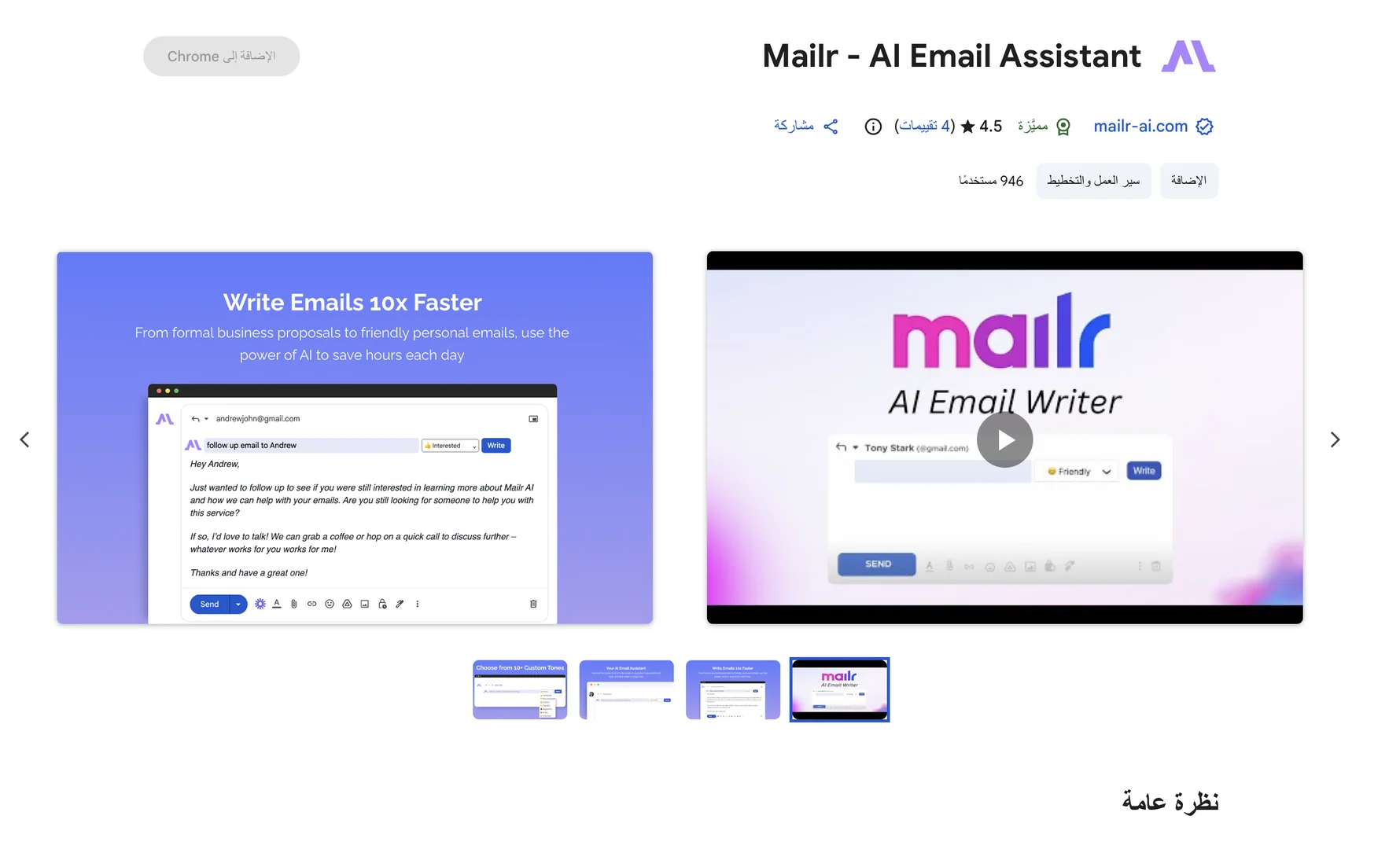
Description
🖼 Tool Name:
Mailr
(Acquired by MailWiz)
🔖 Categories:
Article & Social GenerationSmart Calendars & AssistantsParaphrasing & Style
✏️ What does this tool offer?
Native AI Email Writing Extension: Mailr is a dedicated browser extension built on top of OpenAI's ChatGPT engine, specifically engineered to act as an inline writing copilot that crafts, edits, and responds to emails with a single click.
Frictionless Browser Integration: Integrates natively across Chromium-based browsers (Google Chrome, Brave, Edge), meaning it operates as a contextual overlay inside your existing inbox tabs—supporting Gmail, Outlook, Yahoo Mail, and custom IMAP environments without switching applications.
Intent-Driven Draft Formulation: Generates fully structured, human-quality email drafts out of a brief phrase or bulleted list of objectives, instantly building appropriate greetings, body copy, and professional sign-offs.
10+ Custom Communication Tones: Features a dedicated stylistic array that allows creators to dynamically shift the delivery tone of their messages, alternating between formal business, friendly, persuasive, apologetic, or casual frameworks.
Context-Aware Smart Thread Replies: Reads the context and flow of ongoing active email threads to automatically suggest highly accurate, context-specific responses that match the historical conversation.
Privacy-First Data Architecture: Implements a strict data handling model ensuring user privacy; emails and ongoing drafts are handled transiently and are never stored on external application servers or shared with third parties.
⭐ What does it actually offer based on user experience?
Drastic Reduction in Daily Inbox Fatigue: Professionals, freelancers, and small business owners highly praise the extension for changing a tedious multi-hour daily writing grind into a fast, single-click review and send loop.
Eliminates Blank-Page Writer's Block: Content creators and remote executives appreciate how effectively the system handles complex outreach, turning messy notes into clean, structured corporate emails instantly.
Frictionless Onboarding Setup: Reviewers value the lightweight nature of the tool, noting that because it runs directly inside the browser extension panel, it avoids heavy software setups or complicated workspace integrations.
🤖 Does it include automation?
Yes, Mailr handles background text generation and contextual mapping on autopilot:
Automated Tone Wrapping: Autonomously restructures the vocabulary density and syntax of raw text instructions to perfectly fit the selected tone setting.
Autonomous Error Corrections: Programmatically audits generated emails for spelling mistakes and grammatical slip-ups during the creation phase.
Instant Context Ingestion: Automatically parses active thread strings to generate corresponding reply formats without manual text copy-pasting.
💰 Pricing Model
Item Details: Freemium / Monthly Subscription SaaS Track.
General Concept: Keeps a baseline functional word quota open completely free for everyday casual writers, while power users and corporate sales professionals requiring high-volume generation limits can transition into a low-cost premium tier.
🆓 Free Plan Details
Feature: Free-Forever Entry Setup.
Details: Unlocks access to the core extension framework, standard contextual replies, and the 10+ custom tone parameters with an allocation of up to 2,000 generated words per month.
Cost: Free ($0 entry tier).
💳 Paid Premium Plans (Official 2026 Standards)
Upgrades remove monthly text generation limits and offer priority access to model updates.
🧭 How to access the tool:
Professional outreach can be automated, custom responses drafted, and email copywriting streamlined by downloading the extension workspace directly via the Google Chrome Web Store or visiting mailr-ai.com.
