Description

🖼 Tool Name:

Atua


🔖 Approved Categories:

  • Personal Assistants

  • Summaries, Headlines & Ideas

  • Product Descriptions & Copy


✏️ What does this tool offer?

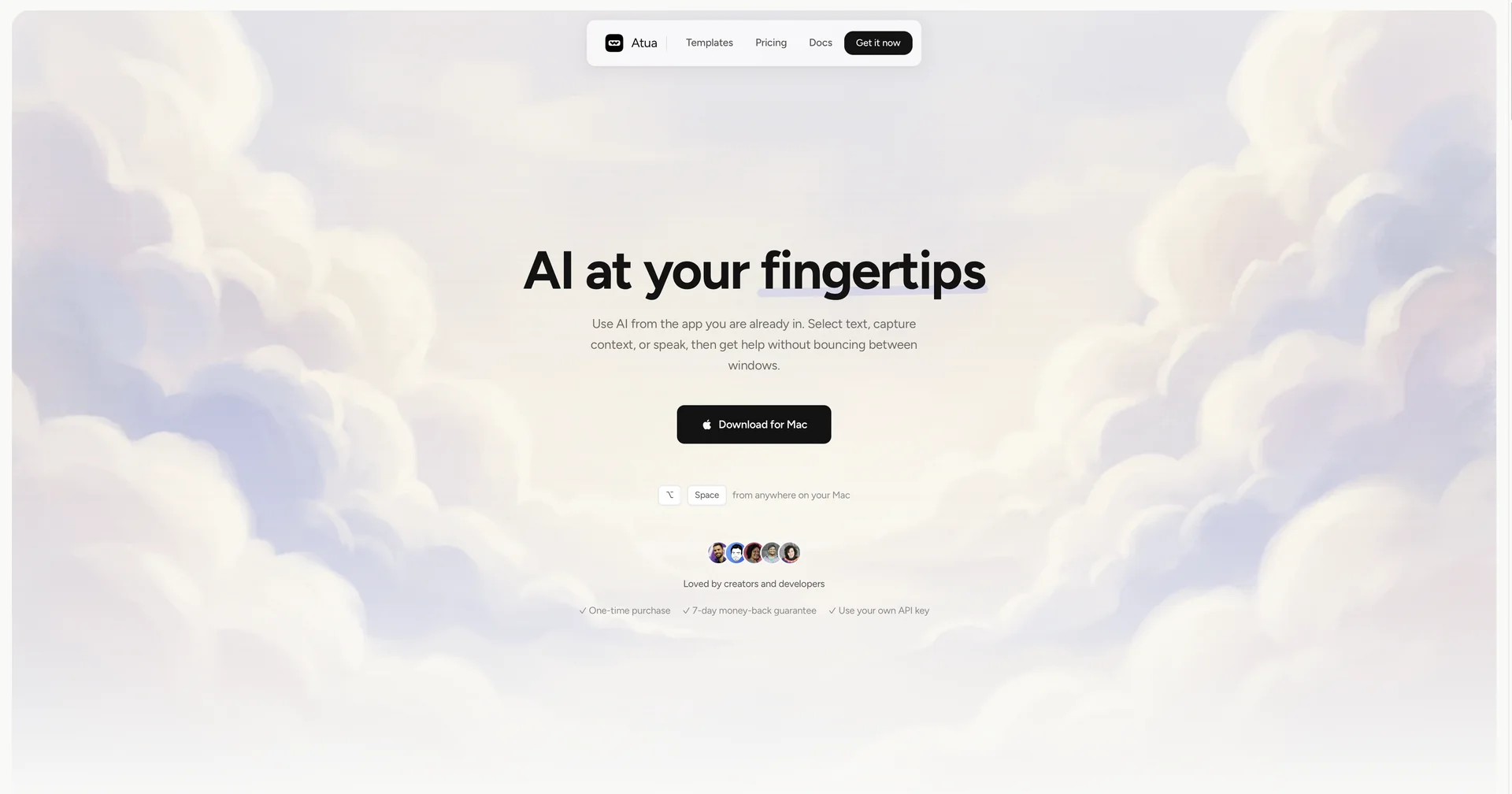
  • Native macOS AI Shortcut Companion: Atua (atua.app) is a desktop application designed to integrate ChatGPT directly into the macOS operating system via a global keyboard shortcut.

  • Instant Text Selection Processing: Allows users to highlight text in any Mac application (text editors, browsers, Slack, email clients) and invoke AI transformations instantly without app-switching.

  • Inline Content Refining & Summarization: Performs rephrasing, grammar correction, text expansion, and quick summarization directly on highlighted text passages.

  • Custom Prompts & Global Hotkeys: Supports creating custom shortcuts for tailored, repetitive AI writing workflows and prompt templates.

  • Unobtrusive Overlay Interface: Displays a lightweight popup interface that handles prompt queries and returns results without breaking the user's focus.


What does it actually offer based on user experience?

  • Eliminates Tab-Switching Friction: Mac power users, writers, and developers love triggering AI directly over active applications without opening a browser window or copying text back and forth.

  • Seamless System-Wide Utility: Functions natively across all macOS apps, making inline editing and proofreading effortless.

  • Fast Keyboard-Driven Workflow: Keyboard shortcut enthusiasts appreciate setting dedicated hotkeys for frequent editing tasks.

🤖 Does it include automation?

Yes, Atua automates desktop text manipulation and clipboard processing:

 
  • Automated Text Extraction & Insertion: Programmatically captures highlighted desktop text, wraps it inside specified system prompts, and returns or replaces text in place.

  • Automated Hotkey Execution: Instantly routes selected text to AI endpoints via triggered shortcut keys.

💰 Pricing Model

  • Item Details: Paid Desktop License / One-Time Purchase or Subscription.

  • General Concept: Operates primarily as a paid desktop utility providing system-wide shortcut access and integration features.


🆓 Free Access Details

  • Feature: App Download & Trial Access.

  • Details: Users can download the application to test shortcut triggers and interface layout before purchasing an activation key.

  • Cost: Free App Download / Paid Activation.


💳 Access Options (Official Standards)

Access TierPrice StructurePrimary Workspace Scope & Allowances
🌱 Desktop App DownloadFree Download / TrialInitial app download, trial shortcut executions, setup setup configuration.
🚀 Paid License PassPaid PurchaseFull system-wide shortcut access across all macOS apps, custom hotkey workflows, and feature updates.

🧭 How to access the tool:

Your Mac productivity, system-wide writing shortcuts, and inline text transformations can be enabled by downloading the app at atua.app.

🔗 Official Website:

https://atua.app/

Pricing Details

💰 Pricing Model Item Details: Paid Desktop License / One-Time Purchase or Subscription. General Concept: Operates primarily as a paid desktop utility providing system-wide shortcut access and integration features. 🆓 Free Access Details Feature: App Download & Trial Access. Details: Users can download the application to test shortcut triggers and interface layout before purchasing an activation key. Cost: Free App Download / Paid Activation. 💳 Access Options (Official Standards) Access Tier Price Structure Primary Workspace Scope & Allowances 🌱 Desktop App Download Free Download / Trial Initial app download, trial shortcut executions, setup setup configuration. 🚀 Paid License Pass Paid Purchase Full system-wide shortcut access across all macOS apps, custom hotkey workflows, and feature updates.