Description

🖼 Tool Name:

Picmaker


🔖 Approved Categories:

  • Product Descriptions & Copy

  • Tasks & Projects

  • Summaries, Headlines & Ideas

✏️ What does this tool offer?

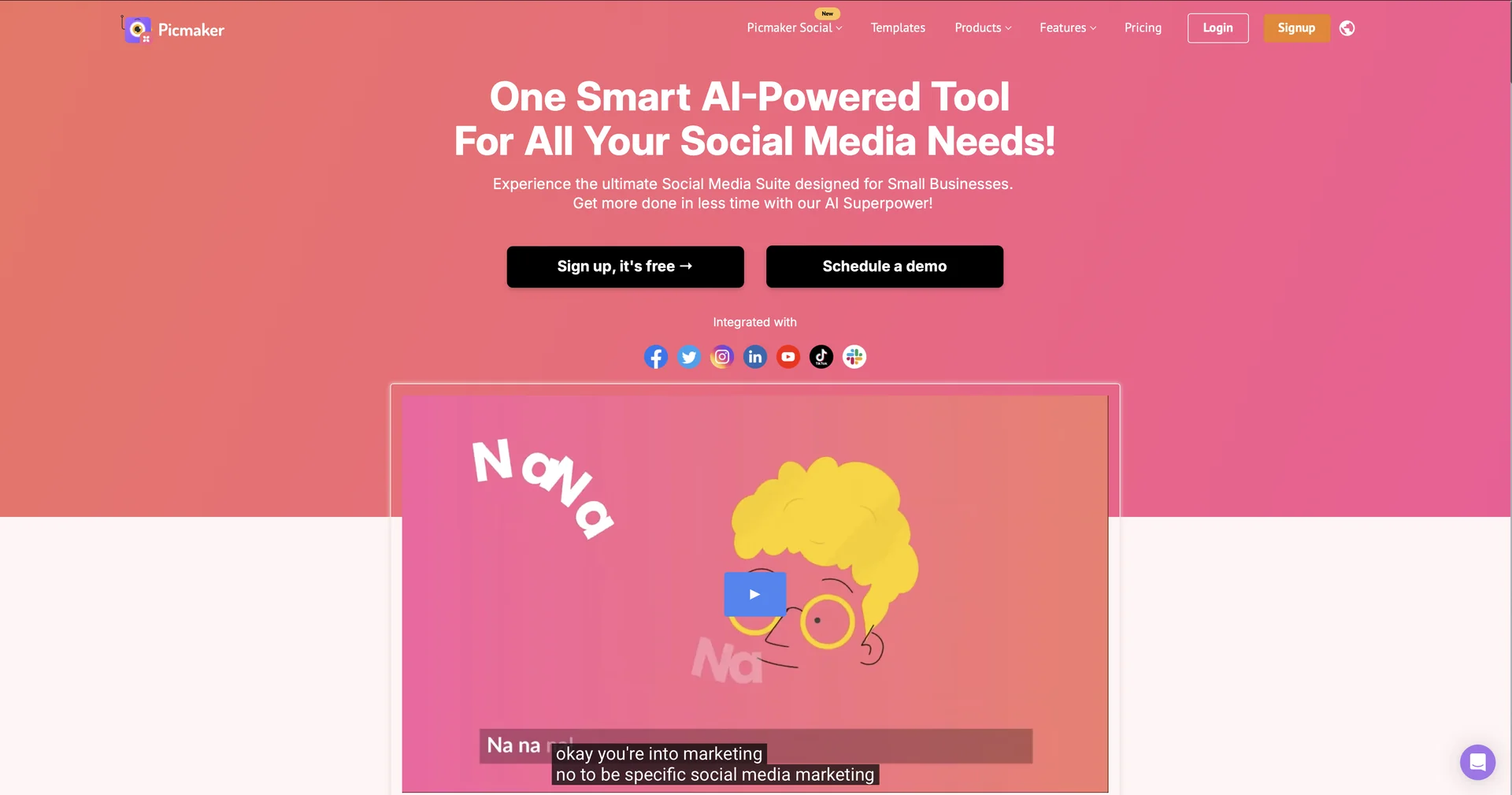
  • AI Design & Social Media Management Suite: Picmaker (picmaker.com) is a graphic design and social publishing platform designed for marketers, content creators, and businesses to create visuals and automate social media posting.

  • MAD Button (AI Design Engine): Features an AI-driven "MAD" button that automatically suggests context-aware color palettes, typography pairs, and design layout variations for rapid template customization.

  • Multi-Platform Social Scheduling & Publishing: Directly connects with LinkedIn, Facebook, Instagram, YouTube, TikTok, and Pinterest to schedule posts, manage an interactive content calendar, and automate first-comment hashtags.

  • AI Caption & Content Writing: Automatically generates social media captions, hashtag suggestions, and post ideas mapped to visual designs.

  • One-Click Graphic Utilities: Built-in background remover ("Stickerify"), 1-click image resizing across social aspect ratios, and access to stock photos, illustrations, and icons.

  • Social Analytics & Brand Kits: Tracks cross-platform post engagement, generates automated performance reports, and maintains brand kits (logos, fonts, colors) across workspaces.


What does it actually offer based on user experience?

  • All-in-One Workflow: Content creators and agencies love handling design creation and social media scheduling within a single dashboard instead of juggling multiple apps.

  • Overcomes Creative Block: Marketers value the AI "MAD" button for generating unexpected design variations instantly when starting from templates.

  • Fast YouTube & Social Assets: Popular among YouTubers and social media managers for creating thumbnails and post graphics quickly.

🤖 Does it include automation?

Yes, Picmaker automates graphic variation, social publishing, and performance tracking:

 
  • Automated Post Publishing: Programmatically schedules and publishes posts, geotags, and first comments across connected social accounts.

  • Automated Design & Analytics: Uses AI algorithms to generate visual layouts, write post captions, and compile scheduled analytics performance reports.

💰 Pricing Model

  • Item Details: Freemium / Tiered Monthly & Annual Subscriptions.

  • General Concept: Provides a free-forever baseline tier alongside paid monthly subscriptions for expanded AI allowances, background removal credits, team collaboration seats, and social scheduling channels.

🆓 Free Access Details

  • Feature: Free Tier & Trial Access.

  • Details: Users can sign up for free to access core templates, millions of photos, basic graphic editing tools, and initial downloads.

  • Cost: Free ($0) Core Access.


💳 Subscription & Pricing Options (Official Standards)

Plan TierPrice StructurePrimary Workspace Scope & Allowances
🌱 Free Plan$0 / FreeAccess to starter templates, standard graphic library, basic image editing, and limited downloads.
🚀 Starter Plan~$6.00 – $7.99 / monthBackground remover, 1-click resize, brand kit (logo, colors, fonts), commercial rights, and expanded downloads.
⚡ Pro Plan~$9.00 – $19.95 / monthAdvanced AI design suggestions, multiple brand kits, folder management, team collaboration, and higher storage.
🏢 Teams / EnterpriseCustom / Enterprise PricingFull social media management suite, AI social inbox, competitor benchmarking, SSO, and unlimited storage.

🧭 How to access the tool:

Your graphic designs, AI social captions, post scheduling, and brand management can be configured by visiting picmaker.com.

🔗 Official Website:

https://www.picmaker.com/

Pricing Details

💰 Pricing Model Item Details: Freemium / Tiered Monthly & Annual Subscriptions. General Concept: Provides a free-forever baseline tier alongside paid monthly subscriptions for expanded AI allowances, background removal credits, team collaboration seats, and social scheduling channels. 🆓 Free Access Details Feature: Free Tier & Trial Access. Details: Users can sign up for free to access core templates, millions of photos, basic graphic editing tools, and initial downloads. Cost: Free ($0) Core Access. 💳 Subscription & Pricing Options (Official Standards) Plan Tier Price Structure Primary Workspace Scope & Allowances 🌱 Free Plan $0 / Free Access to starter templates, standard graphic library, basic image editing, and limited downloads. 🚀 Starter Plan ~$6.00 – $7.99 / month Background remover, 1-click resize, brand kit (logo, colors, fonts), commercial rights, and expanded downloads. ⚡ Pro Plan ~$9.00 – $19.95 / month Advanced AI design suggestions, multiple brand kits, folder management, team collaboration, and higher storage. 🏢 Teams / Enterprise Custom / Enterprise Pricing Full social media management suite, AI social inbox, competitor benchmarking, SSO, and unlimited storage.