Voqal
Description
Tool name:
Voqal
Tool category: 🔖
• Programming and development
• Chatbots/Voice Agents
️ What does this tool offer? ✏
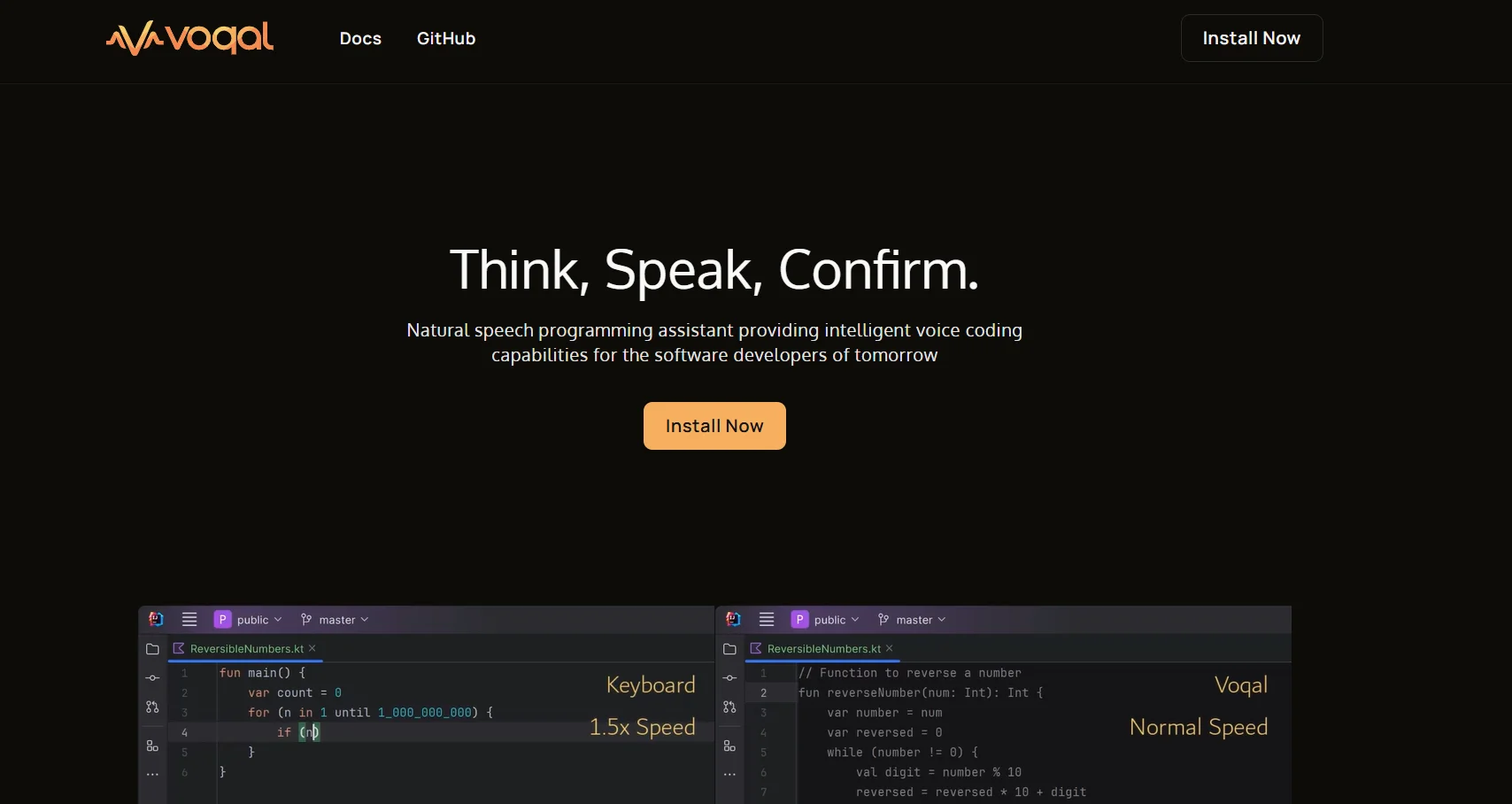
Voqal is an innovative tool that aims to transform software development through an intelligent voice assistant that can be controlled and interacted with using natural speech. The tool is designed to facilitate code writing and management, allowing developers to navigate within integrated development environments (IDEs), run programs, and debug errors using simple natural language without the need for complex commands or specific keywords.
The tool offers an "Edit Mode" for creating code through continuous, natural conversation, where the assistant writes the code as the user thinks aloud, with the ability to easily confirm or undo changes and return to Idle mode for full control of the development environment.
Voqal also provides custom tools and customizable instruction templates, as well as the ability to integrate live data into the assistant's memory for accurate and fast answers. The tool supports more than 15 different processing providers, including OpenAI for complex tasks, Claude for reliable performance, Groq for high-speed tasks, Ollama for local customization, and Gemini for simple tasks, with additional providers to meet specific user needs.
What does it actually offer based on user experience? ⭐
Voqal enables developers to significantly increase their productivity by allowing them to write code quickly and efficiently and switch between different modes with ease. It also supports a wide range of programming languages and diverse development environments, with a focus on privacy and security in data processing and voice commands. Thanks to its simple and flexible interface, the tool is a practical and effective solution for any developer looking to speed up the programming process and leverage artificial intelligence in their daily work environment.
Does it include automation? 🤖
Yes, Voqal relies on intelligent automation by automatically generating code based on the user's voice conversation. The assistant can process scripts, run tests, switch between Idle and Edit modes, and automatically correct errors, reducing the need for complex manual operations within the development environment.
Pricing model: 💰
Voqal uses a freemium model that combines a limited-use free version with paid plans that include expanded features for developers, individuals, and organizations. Pricing is based on the number of users and the type of programming environment used.
🆓 Free plan details:
The free version allows voice control in development environments such as VS Code and IntelliJ, with a trial of the basic features for generating code through natural conversation. This version allows the user to explore the tool's functions and interact with the IDE using voice, but it is limited in terms of usage volume and advanced options.
Paid plan details: 💳
Personal plan: Costs around $6 per month per developer and allows full control of the IDE via voice and code generation through natural conversation, with the ability to use multiple AI engines and support for Edit and Idle modes.
Organization Plan: Costs around $10 per month per user and includes all the features of the Personal Plan plus team management, advanced integrations, local voice processing for privacy, full voice control without wake words, and the ability to easily switch between different IDE modes.
How to access the tool: 🧭
Voqal can be accessed via the official website, where you can create an account to try the free version or subscribe to paid plans. Users can then control different development environments using voice commands and generate code directly.
Trial link or official website: 🔗
https://voqal.dev/