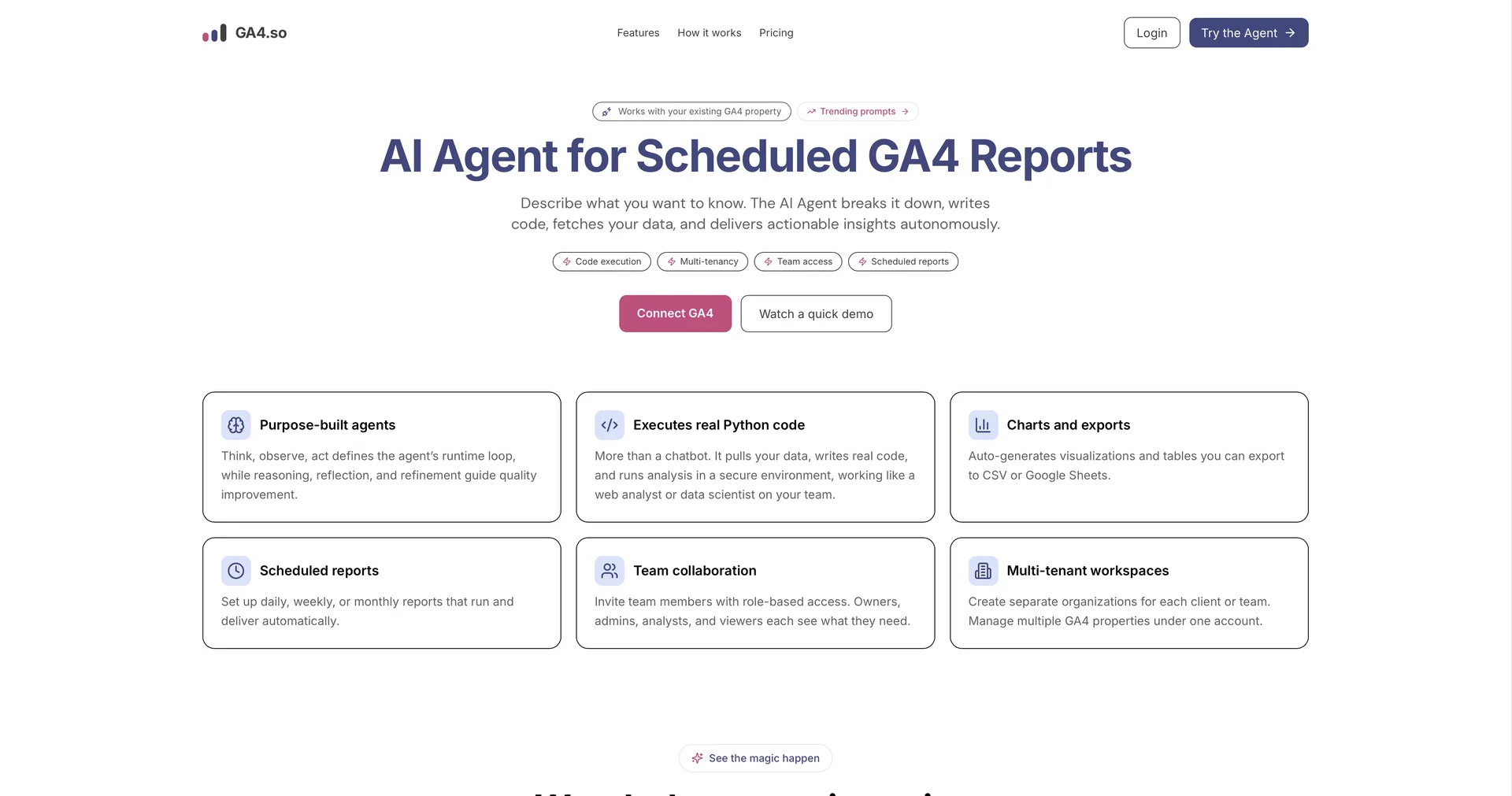
GA4.so
AI agent that automates GA4 reports and insights.
5,122 results
AI agent that automates GA4 reports and insights.
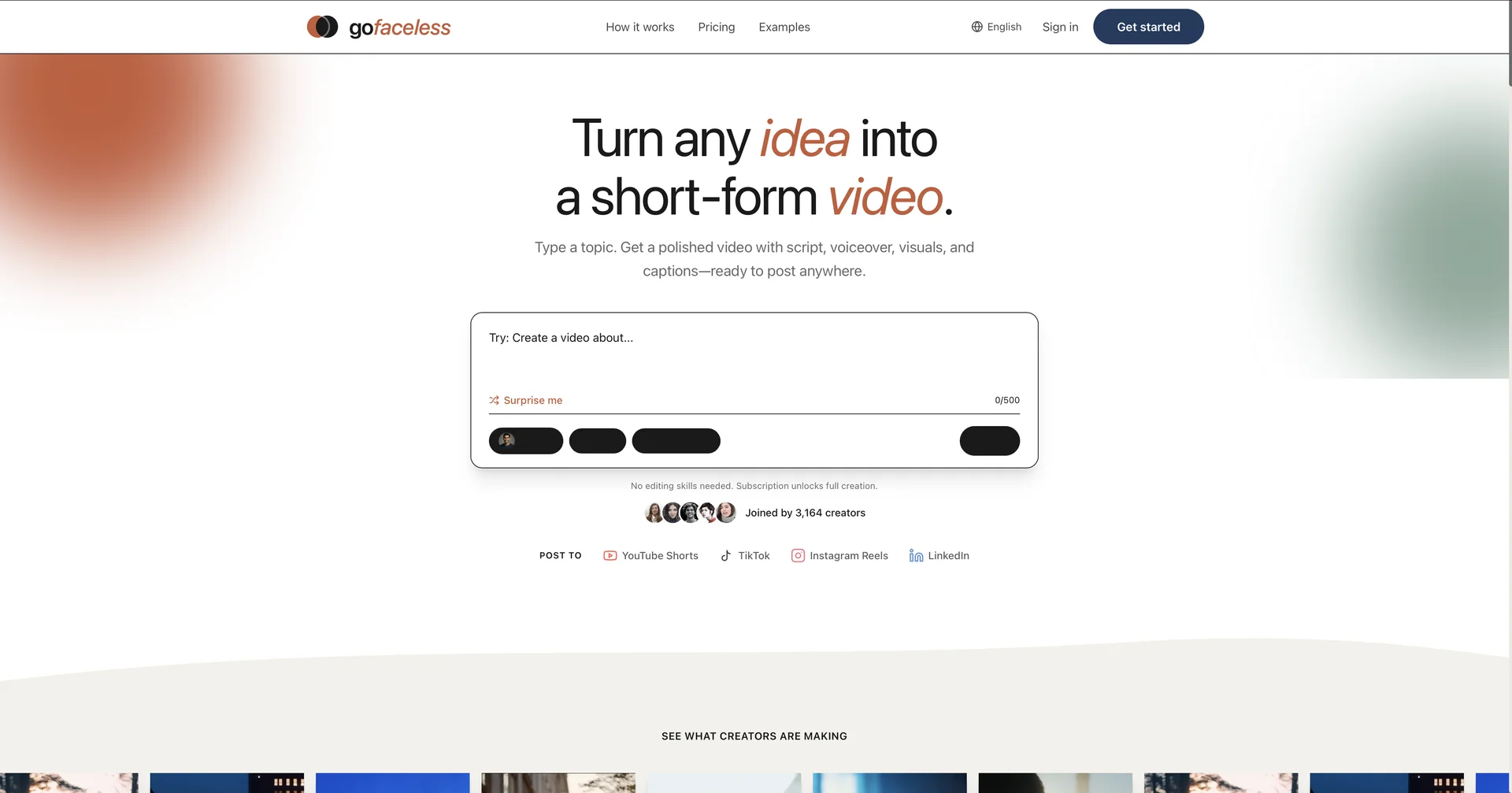
Turn any idea into a short-form video.
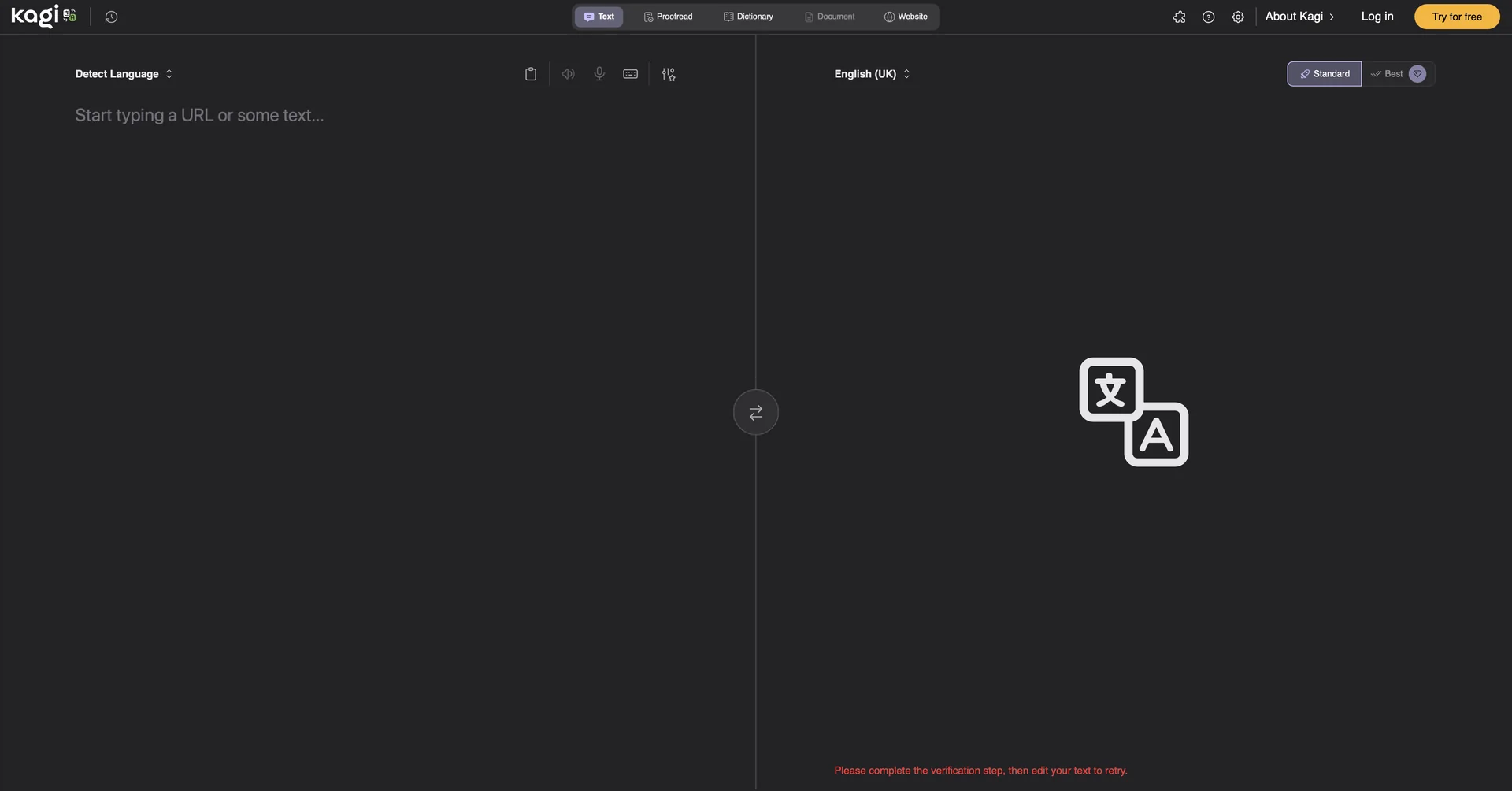
Instantly translate any content in any language.

AI-powered fundraising platform for startup founders.
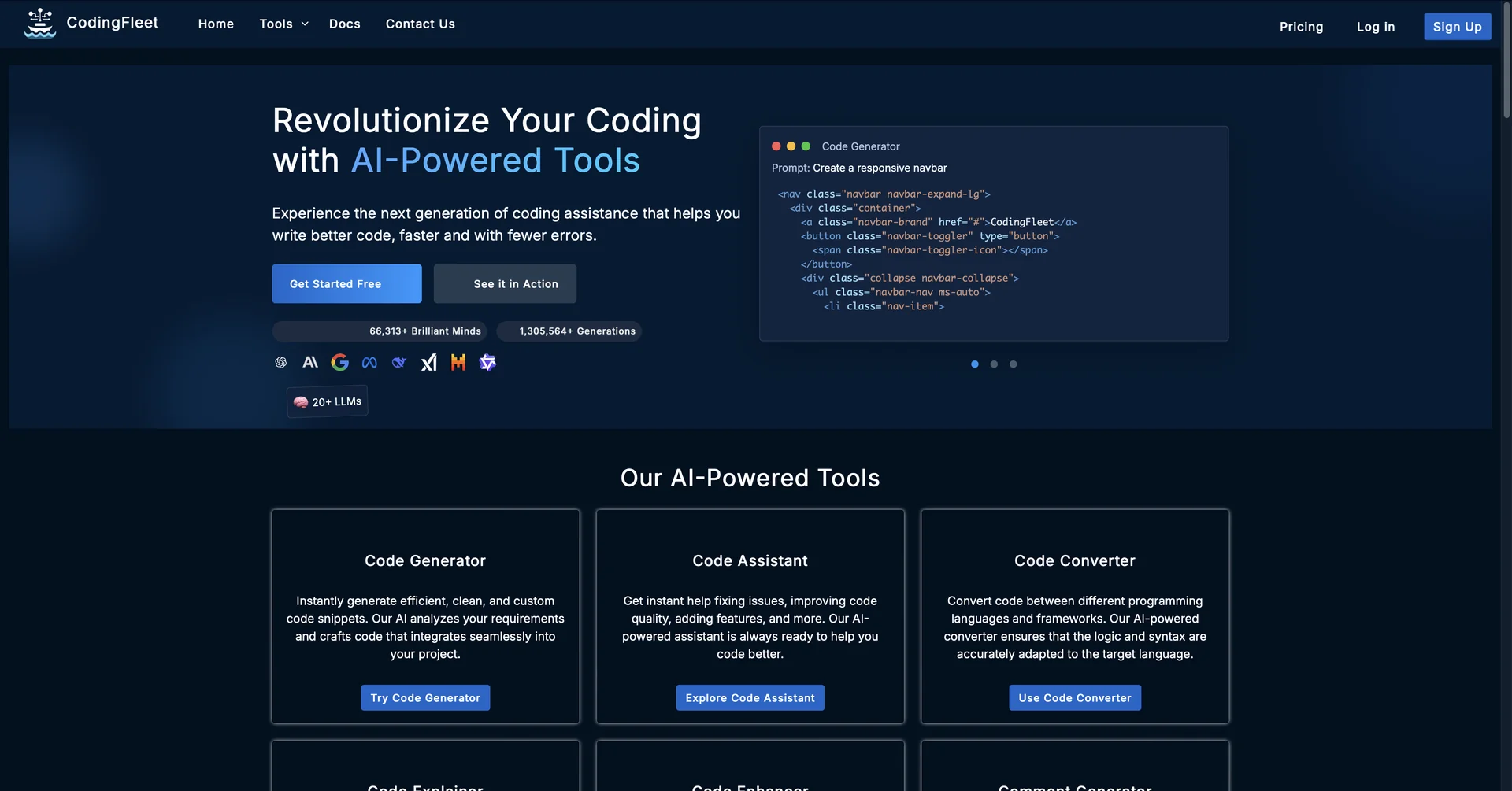
AI wizard transforms instructions into code snippets.

Creator-Led Growth, Executed by AI
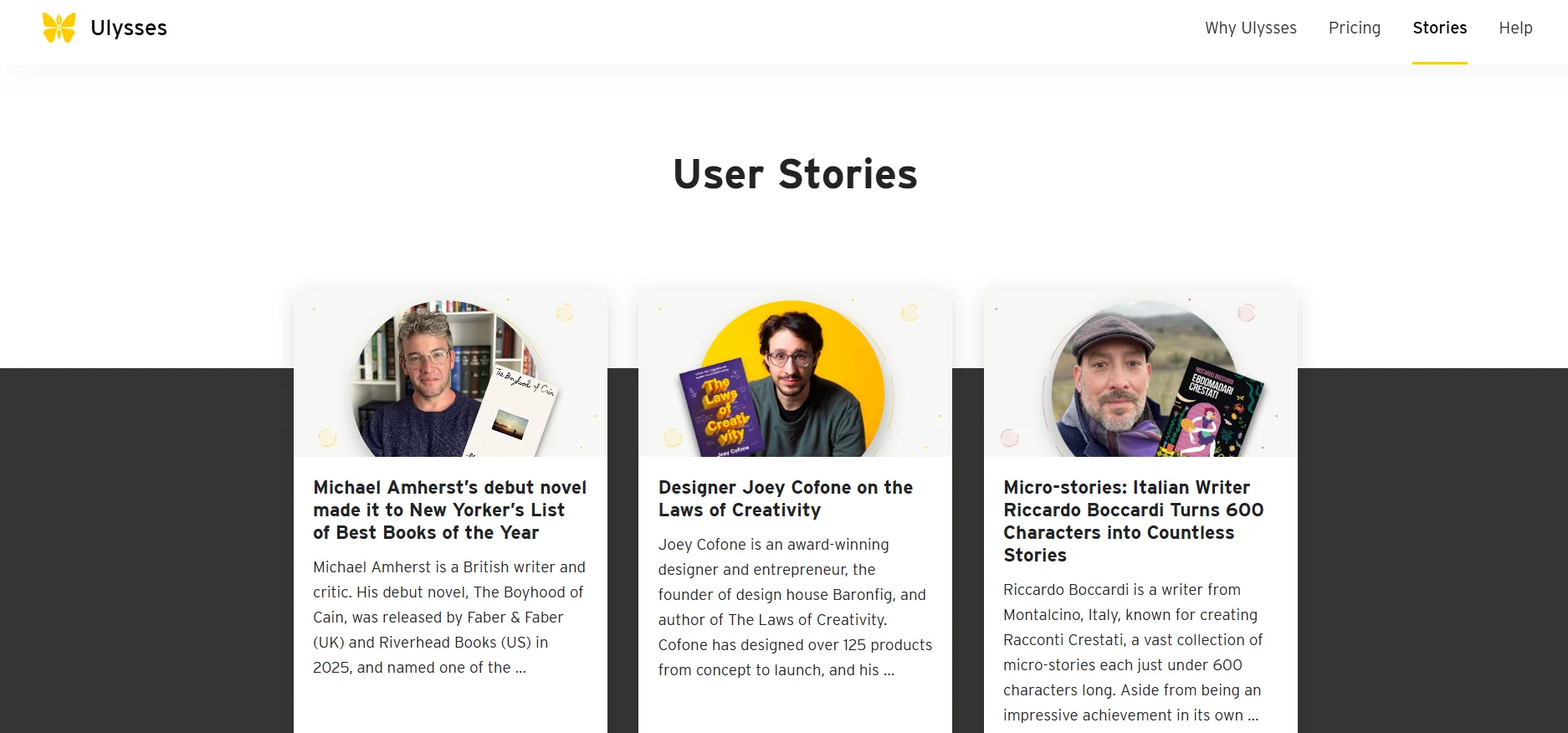
Ulysses offers a clean, focused writing environment that allows users to create long-form writing projects such as articles, books, or blog posts. The tool features internal text organization through sections such as “Chapters” and “Sheets,” along with simple formatting tools to facilitate distraction-free writing. It also supports full synchronization via iCloud and automatic periodic updates to add new features and improve performance through the App Store.
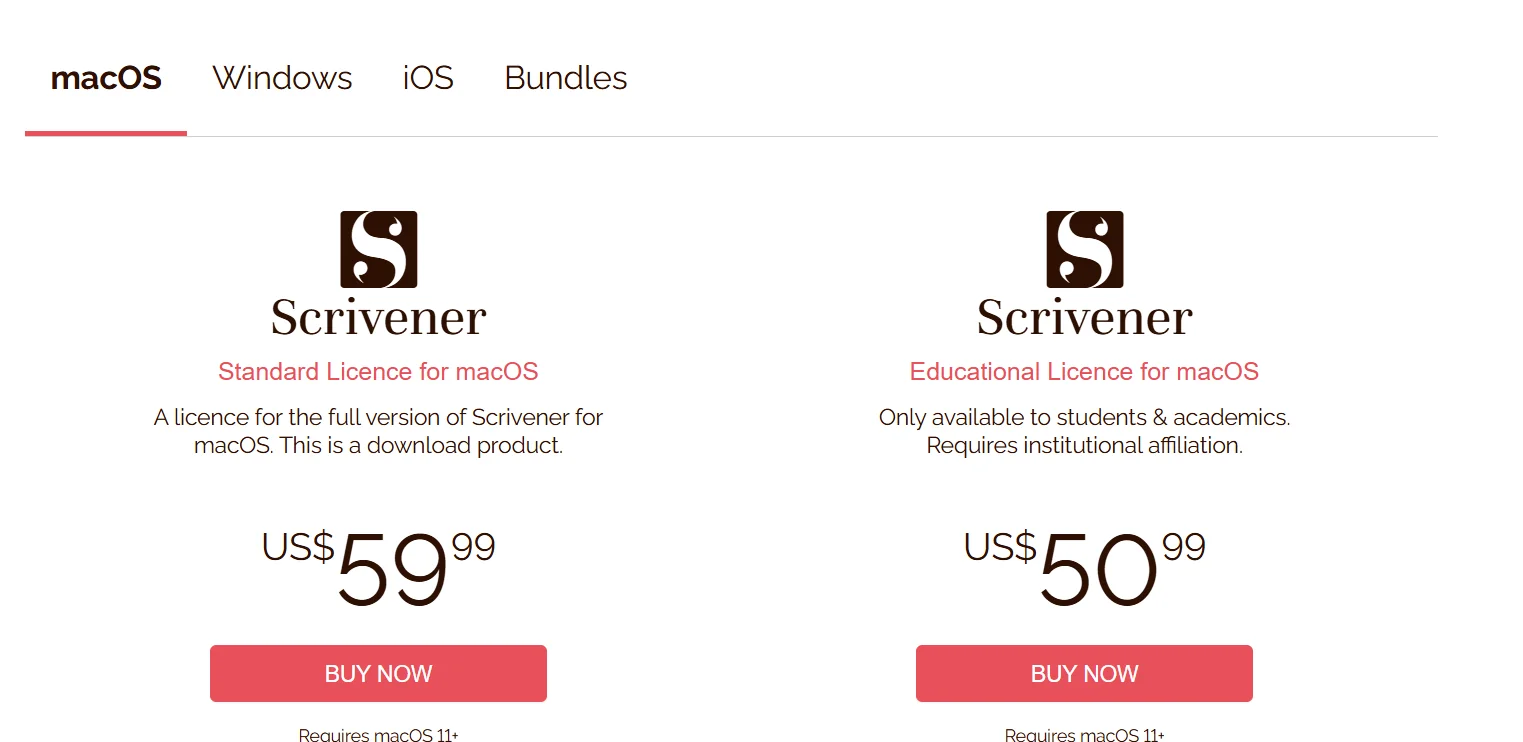
Scrivener allows users to write long-form texts and manage writing projects in an organized manner. It provides tools for dividing content into chapters, scenes, and notes, with the ability to quickly navigate between sections. It supports cross-platform use (Windows, macOS, iOS) with file synchronization via Dropbox, and allows users to create multiple projects within the program to facilitate the management of ideas and large texts.
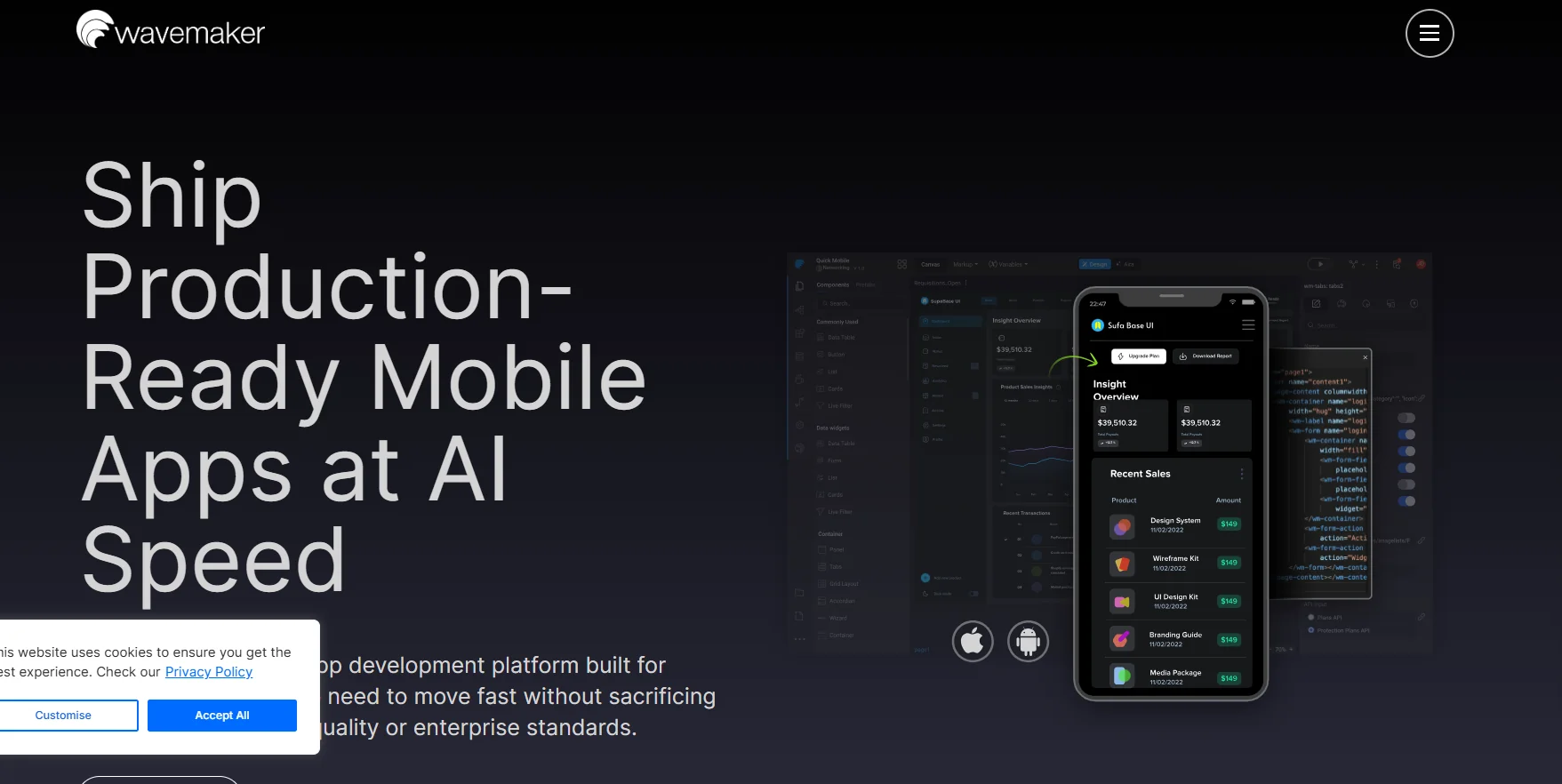
The platform allows users to create web and mobile apps using a simple drag-and-drop interface, with capabilities for integrating with databases and APIs. It also offers one-click app deployment and multi-device support to ensure apps are compatible across different screens.
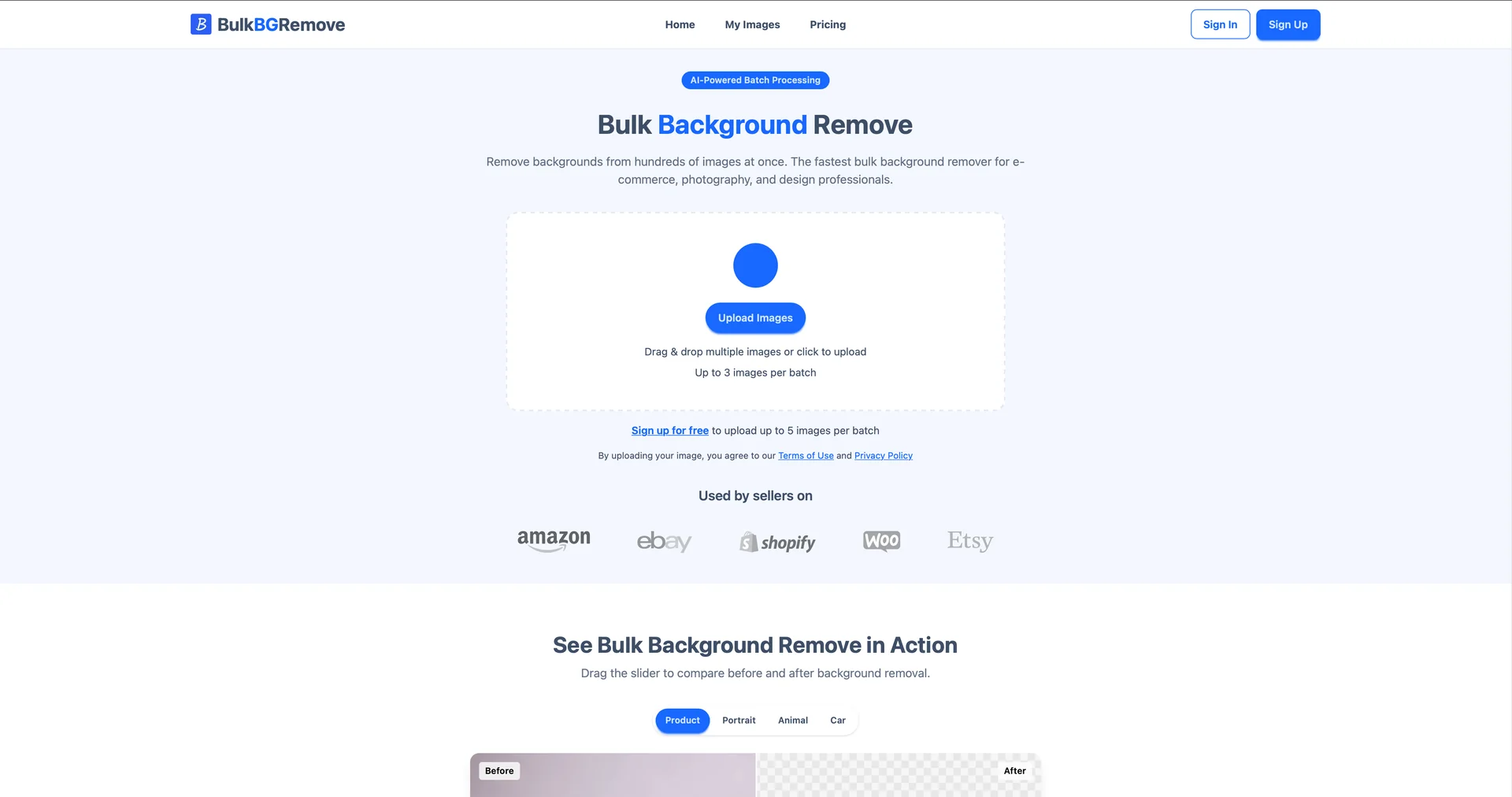
Remove backgrounds from hundreds of images at once.

AI home design for interiors and exteriors.
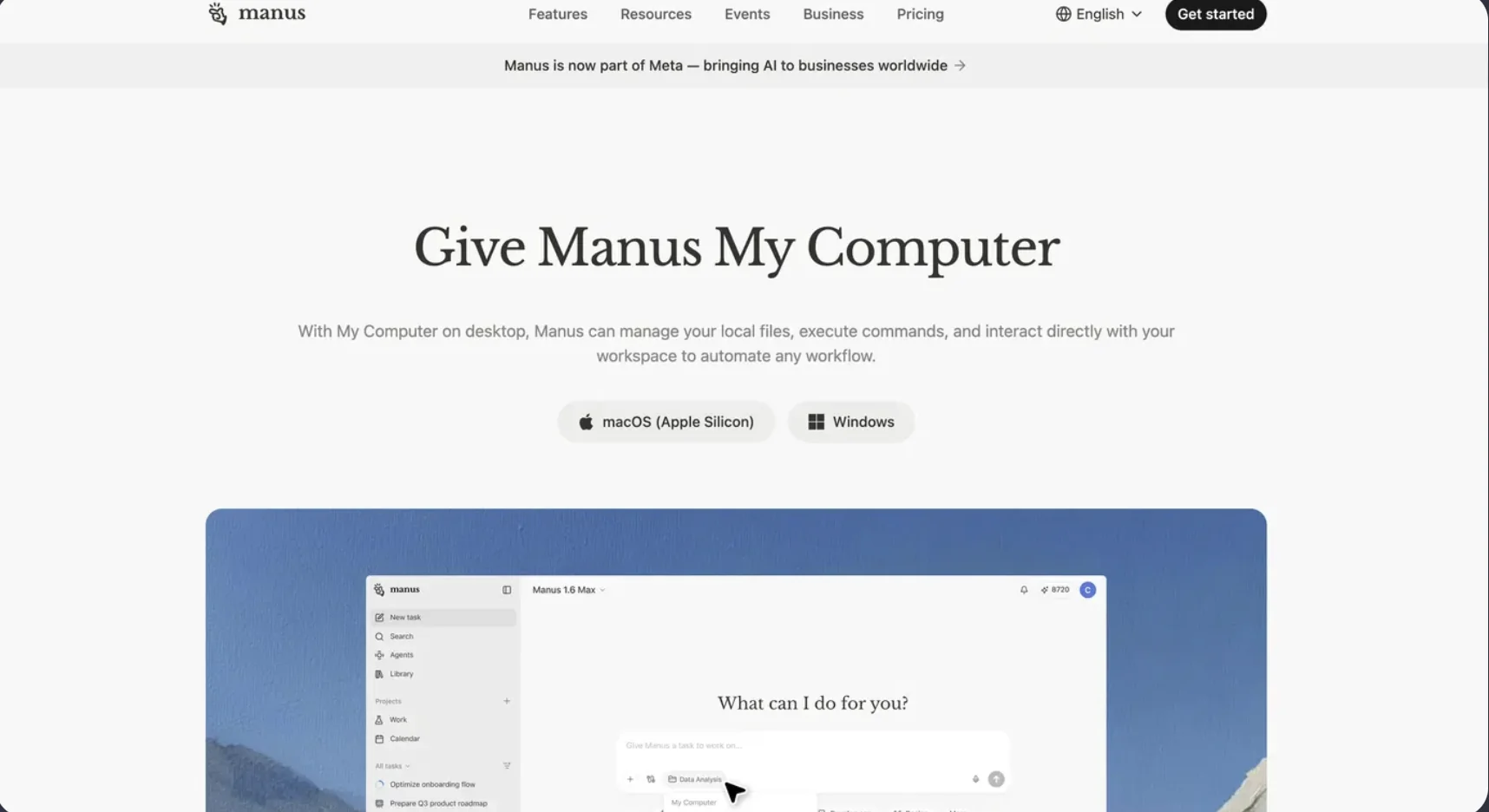
AI that manages your computer and automates workflows.

Turn documents into professional animated videos instantly.

AI-powered business assistant via chat.
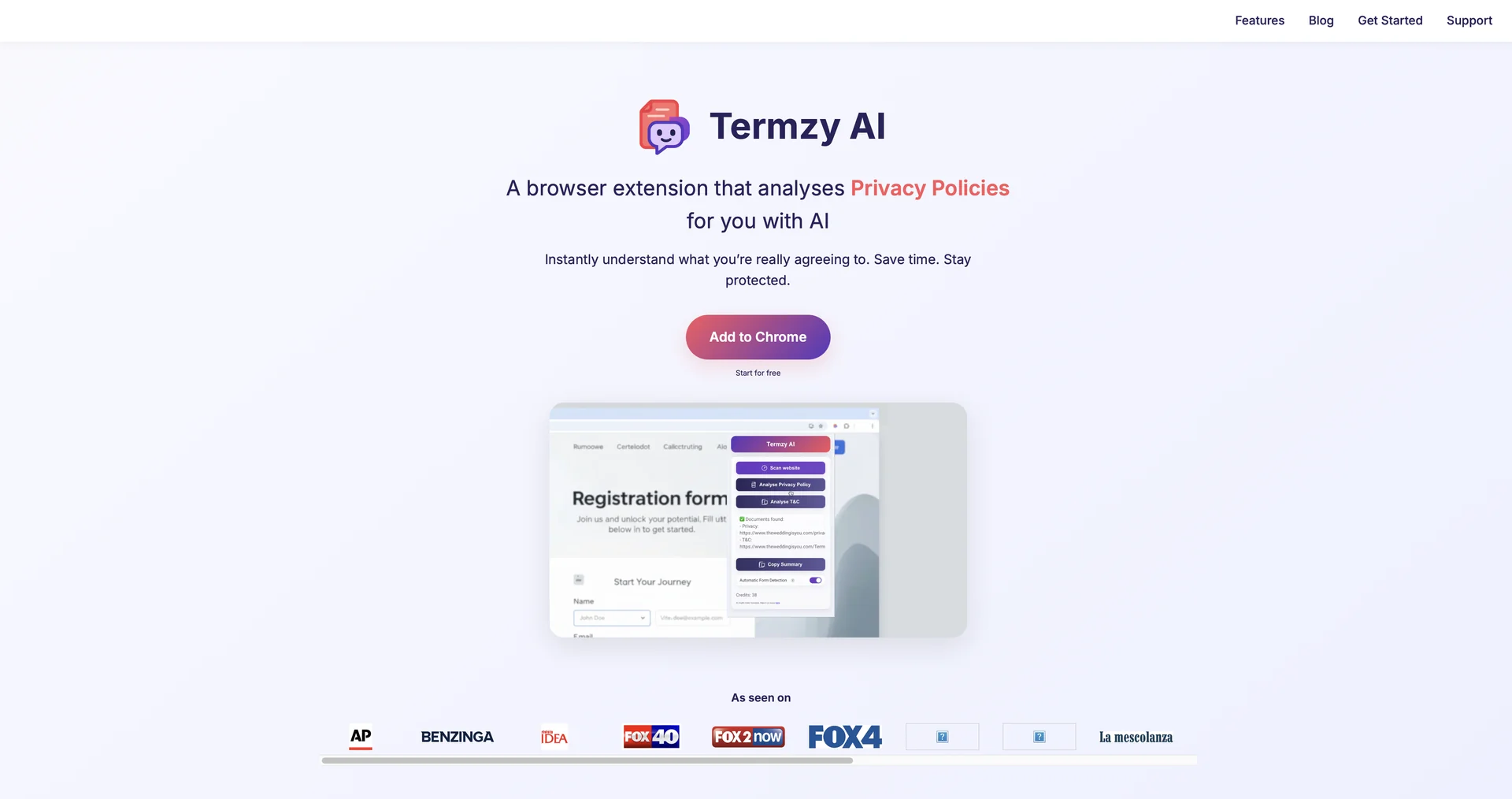
Instantly understand what you're really agreeing to.
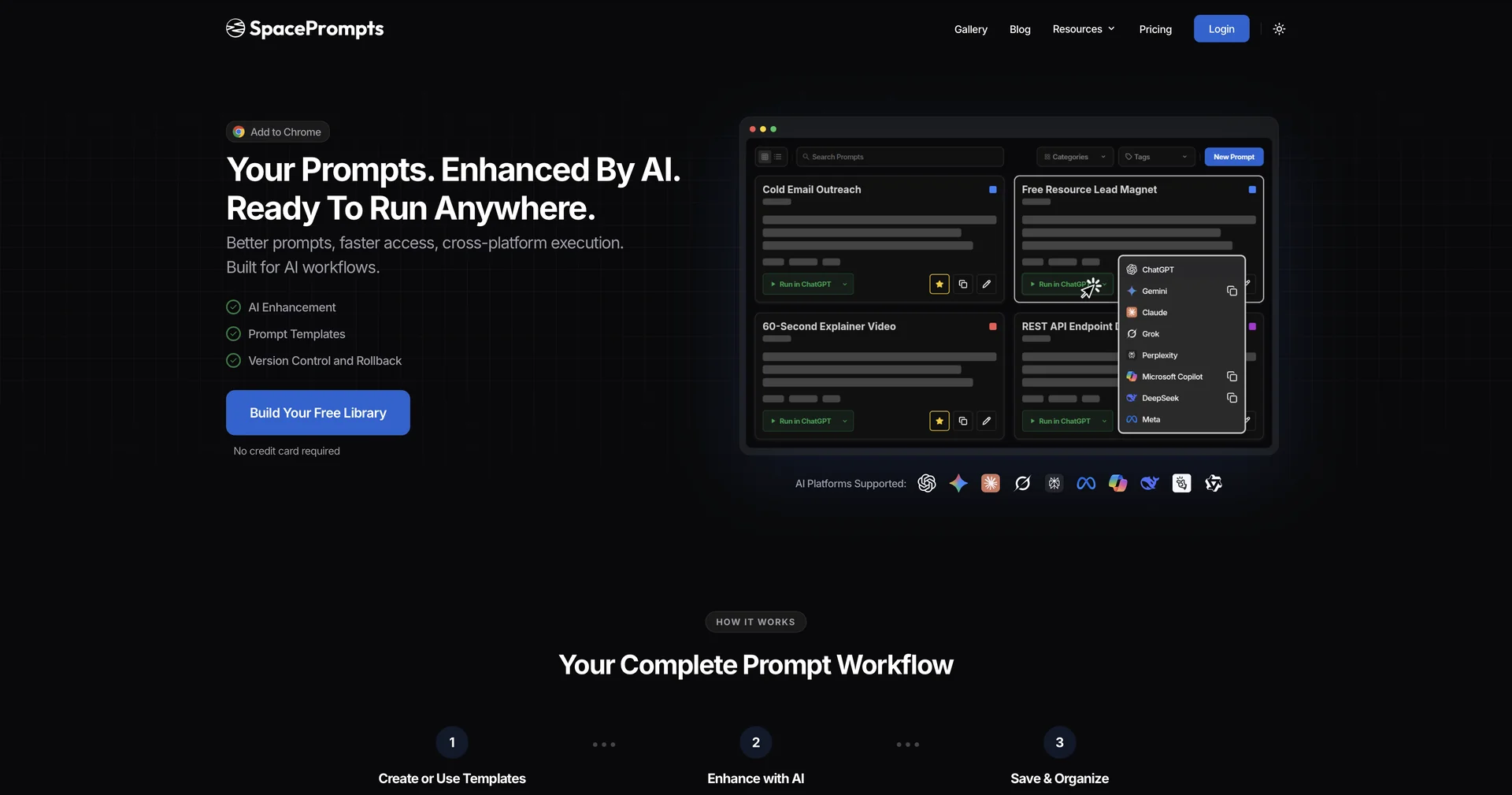
Your prompts. Enhanced by AI. Ready to run anywhere.
Your AI Cofounder for what to build next
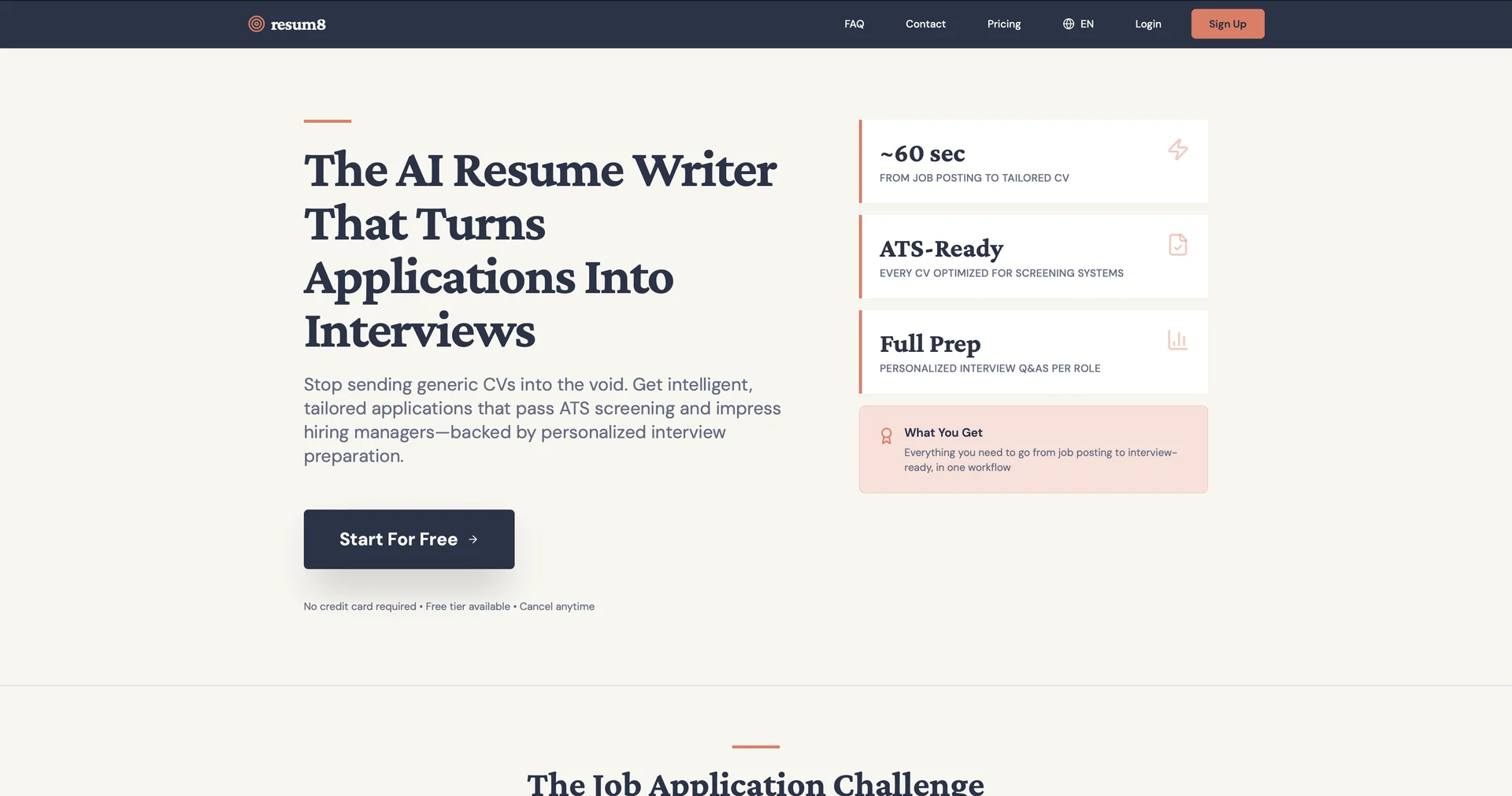
AI resume writer that tailors CVs for every job.
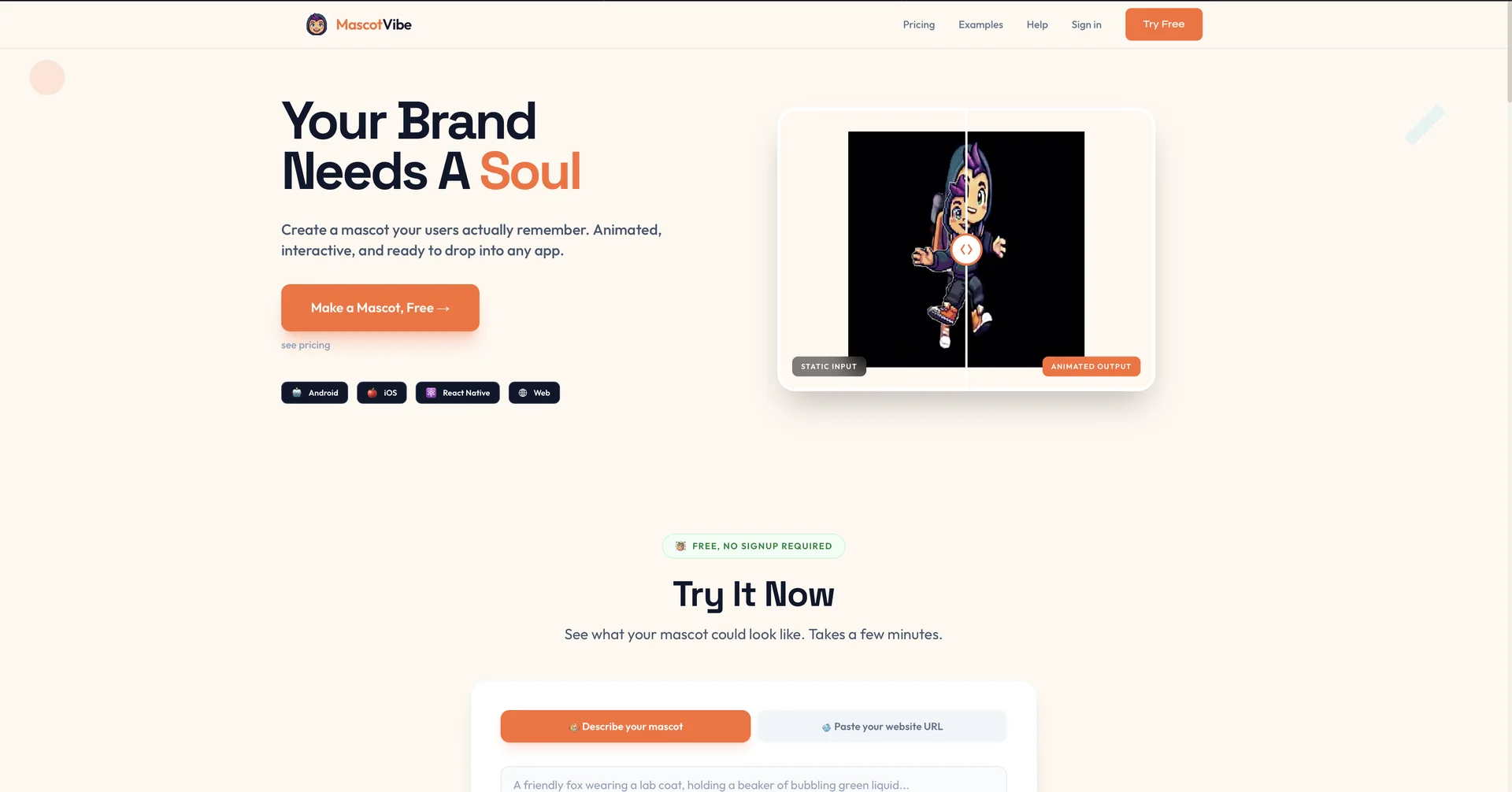
Create animated mascots from any image or AI prompt.
Build your own AI agent in minutes, not days.
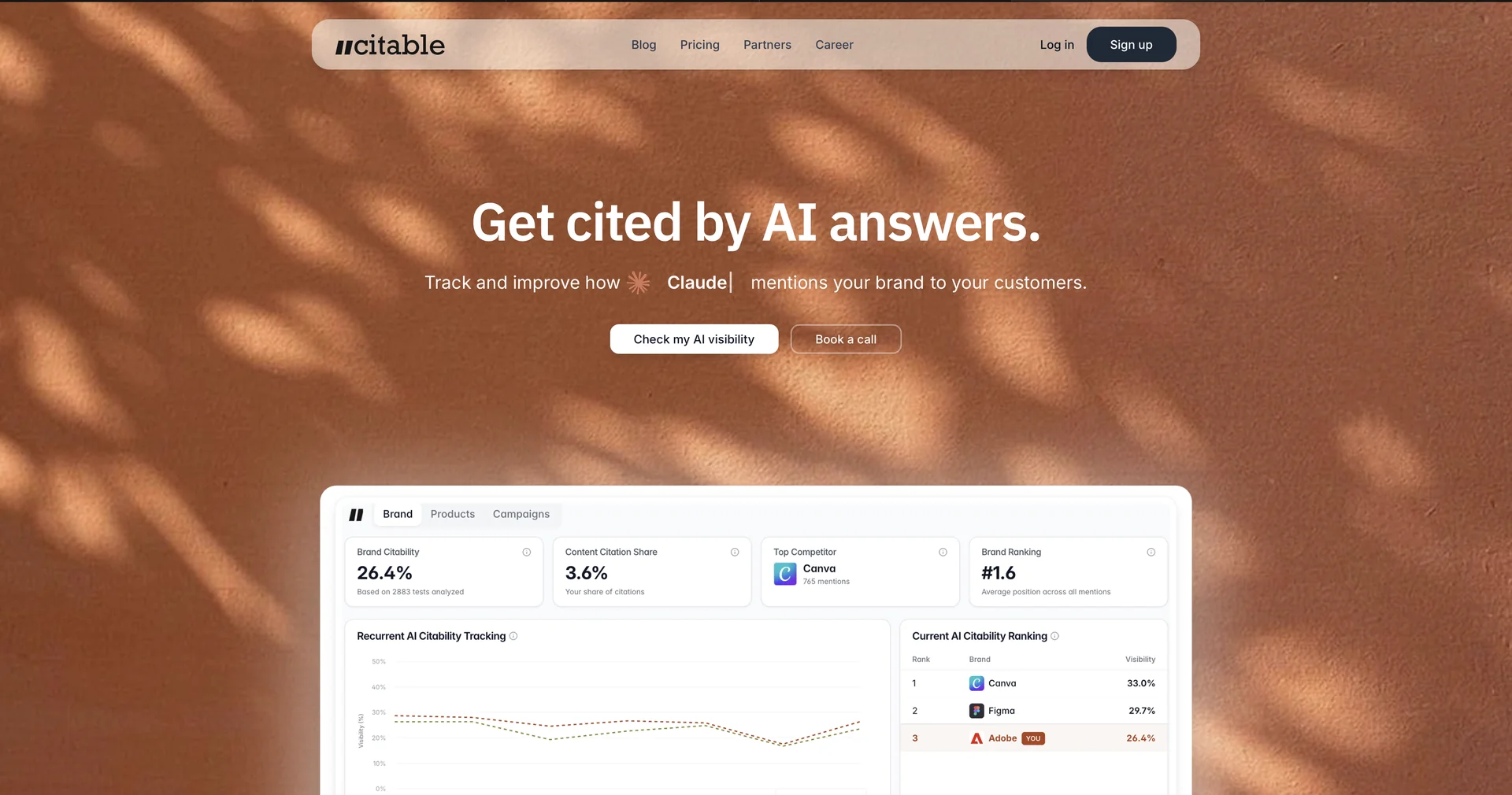
Be in AI answers before your competitors. We do it for you.
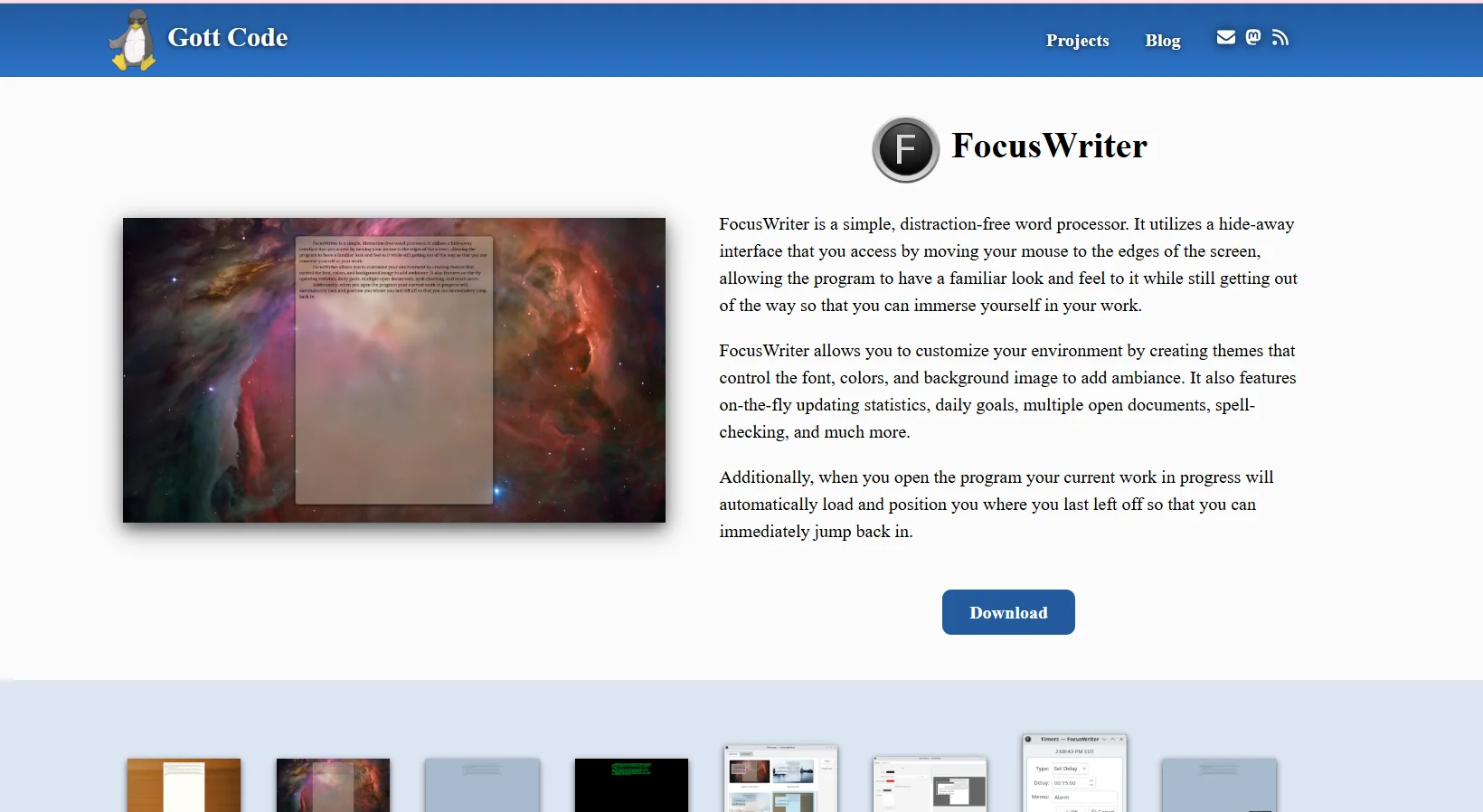
FocusWriter provides a quiet, distraction-free writing environment through a minimizable interface that appears when you move the mouse cursor to the edges of the screen. The tool allows you to customize your writing environment by creating themes that control fonts, colors, and the screen background, as well as track statistics while writing, set daily goals, open multiple documents, and use spell check. The tool supports automatically resuming work where you left off when opening the program, making it easy to jump right back into writing.
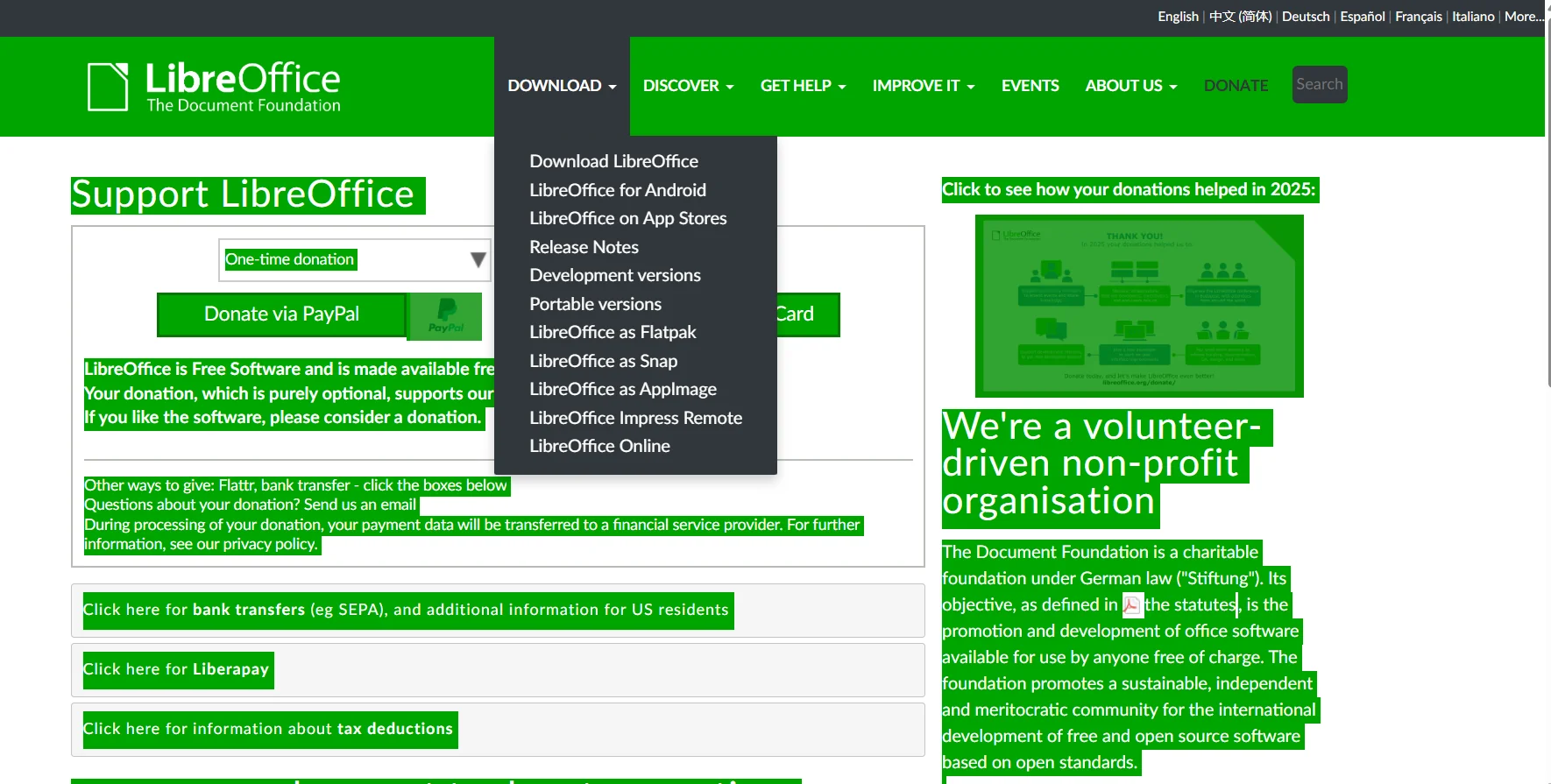
LibreOffice provides a complete suite of office productivity applications, including word processing, spreadsheets, presentations, graphics, databases, and mathematical formula editors. As open-source software, users can examine, modify, and redistribute the source code under the terms of the Mozilla Public License 2.0 and parts of the GNU LGPLv3+.
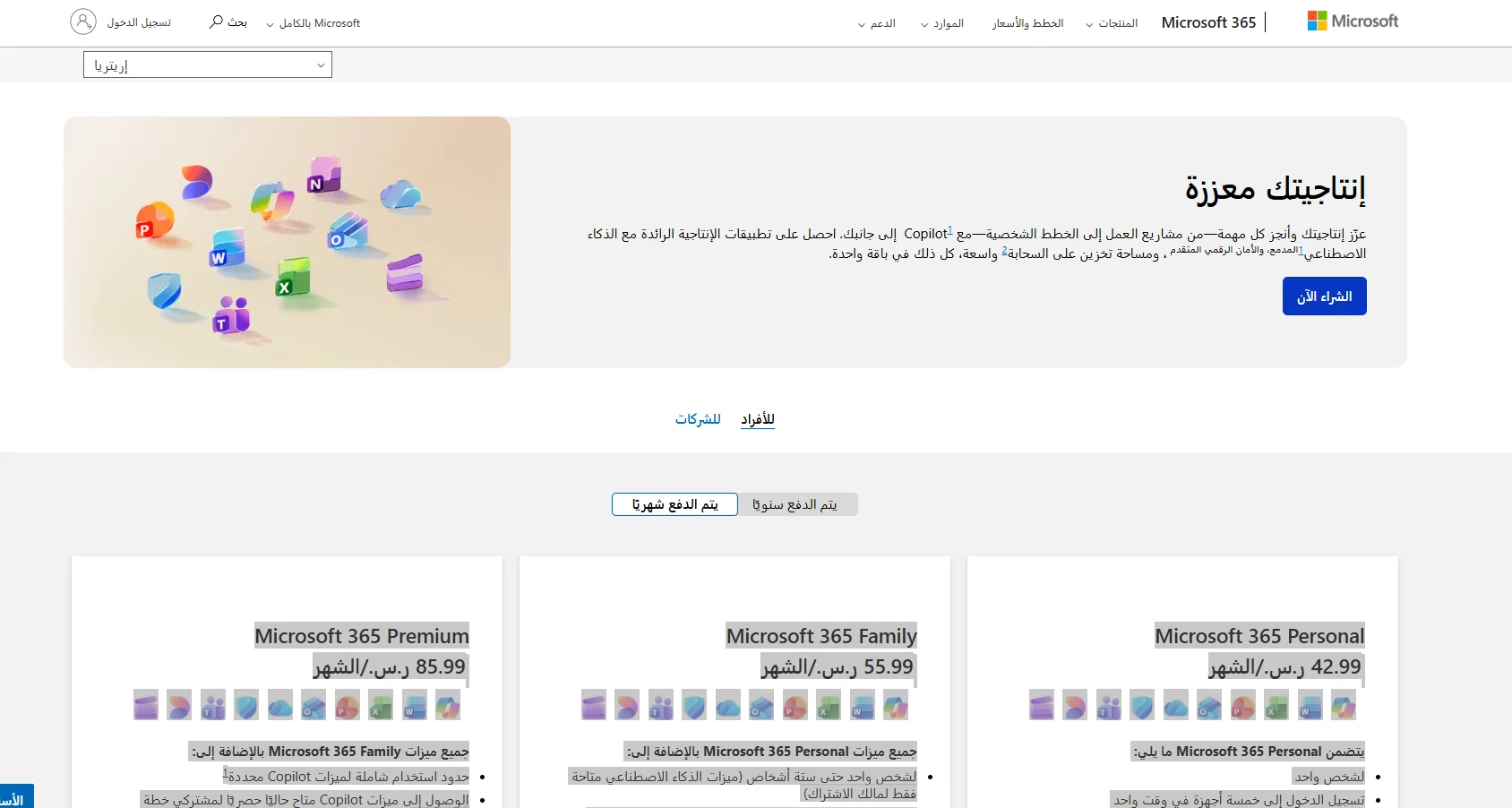
Microsoft 365 brings together a suite of productivity apps such as Word, Excel, PowerPoint, Outlook, and OneNote, as well as cloud services like OneDrive, collaboration and video tools such as Teams, and design tools such as Microsoft Designer and Clipchamp. The platform includes AI features via Microsoft Copilot to enhance user productivity, as well as advanced device and data security through Microsoft Defender. It offers solutions for creating and editing documents, images, videos, and presentations with multi-device access and cloud storage.