FastBots
Create AI chatbots customized with your business data.
5,122 results
Create AI chatbots customized with your business data.
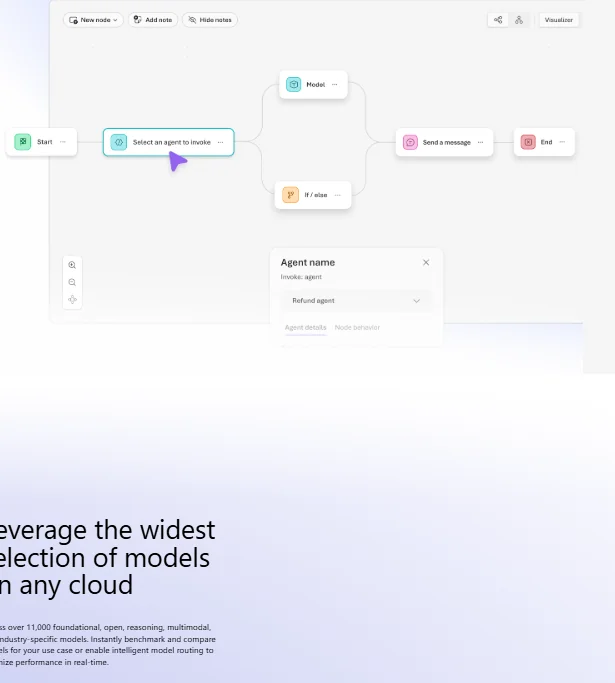
Microsoft Azure AI provides an integrated cloud platform for building professional-grade AI applications, combining infrastructure, intelligent services, and operations management within a single, scalable framework. It enables the conversion of text into realistic human speech, the creation of systems capable of accurately understanding and analyzing voice commands, and support for various applications such as voice assistants, customer service centers, and interactive voice applications. It also provides a visual development environment that allows you to connect nodes within a logical flow, with the ability to add programmatic logic, conditions, and automated actions without the need for complex programming.
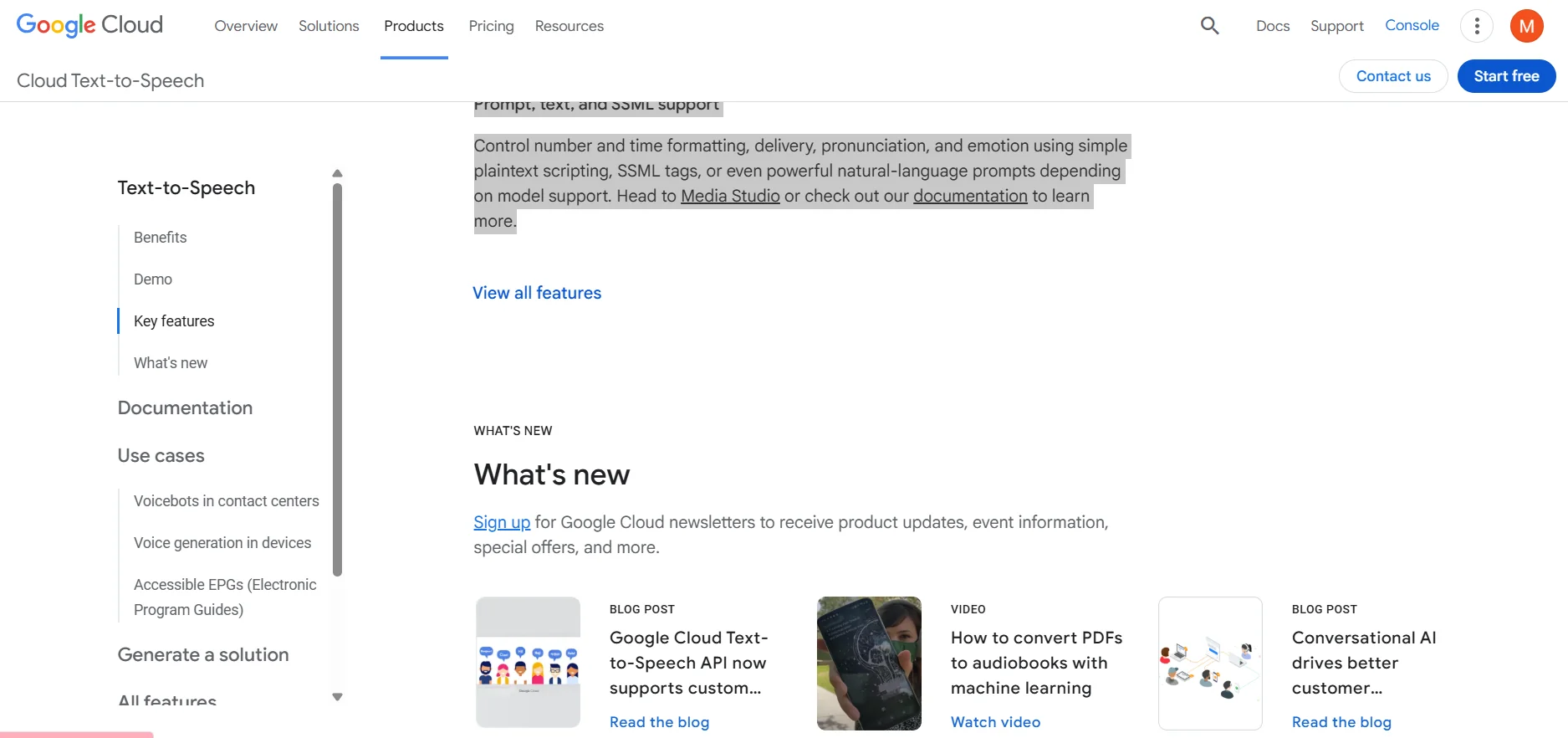
Google Cloud Text-to-Speech converts text into natural-sounding speech using an API powered by advanced AI technologies. It enables the creation of lifelike voices for apps and websites, with the ability to customize language, voice, and tone according to user preferences. The service is ideal for creating voice interfaces for apps, games, videos, podcasts, and audiobooks, with full control over pronunciation, intonation, and emotion using plain text, SSML tags, or natural language commands.
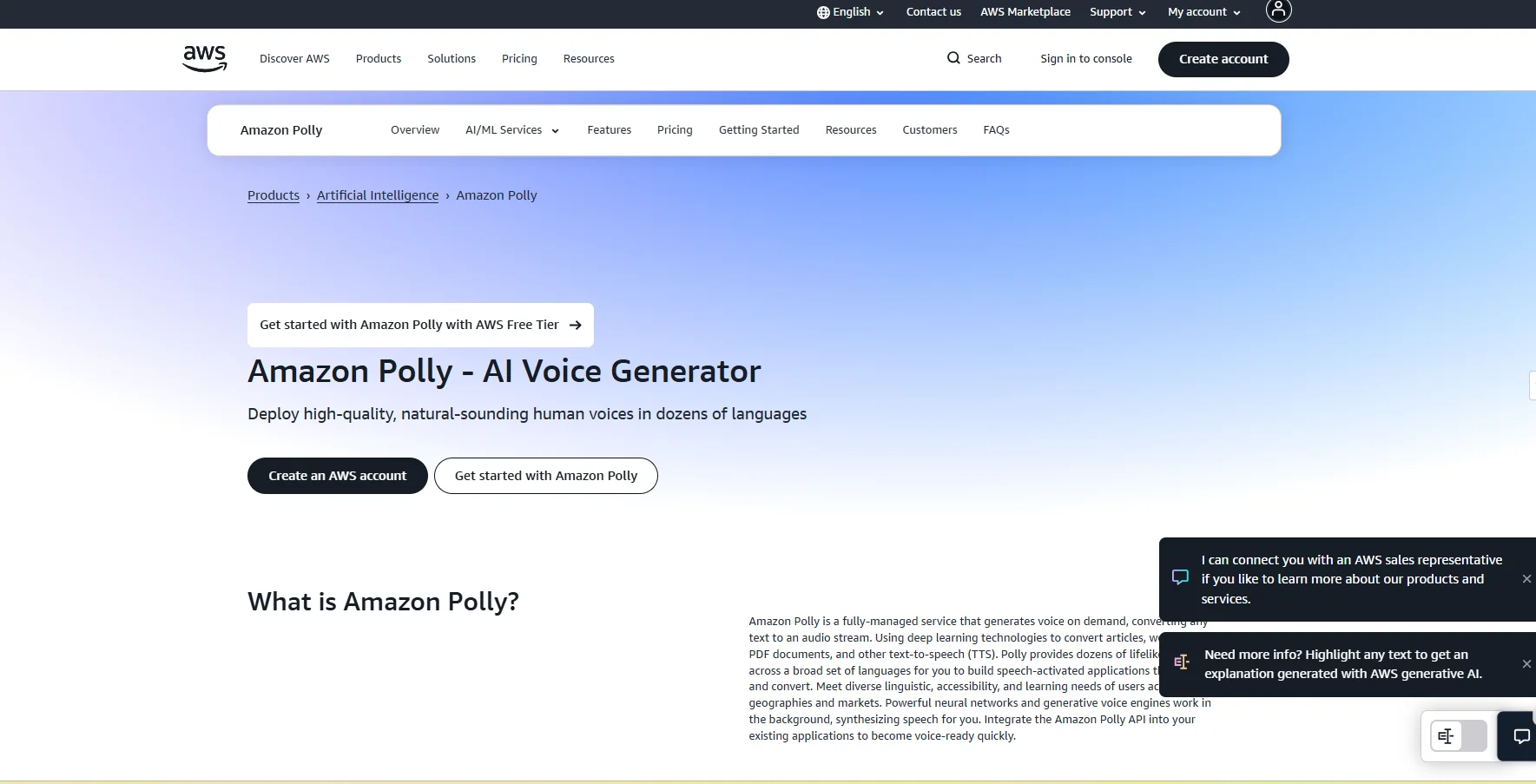
Amazon Polly enables the conversion of text into natural, high-quality human-like speech using artificial intelligence and deep learning technologies. It allows you to create multilingual voices and accents that can be used in apps, websites, and voice assistants. It supports converting various types of content, such as articles and PDF files, into audio that can be played or streamed directly, with the ability to easily integrate the service into applications via APIs to dynamically generate audio, such as for audiobooks, automated response systems, and smart assistants.
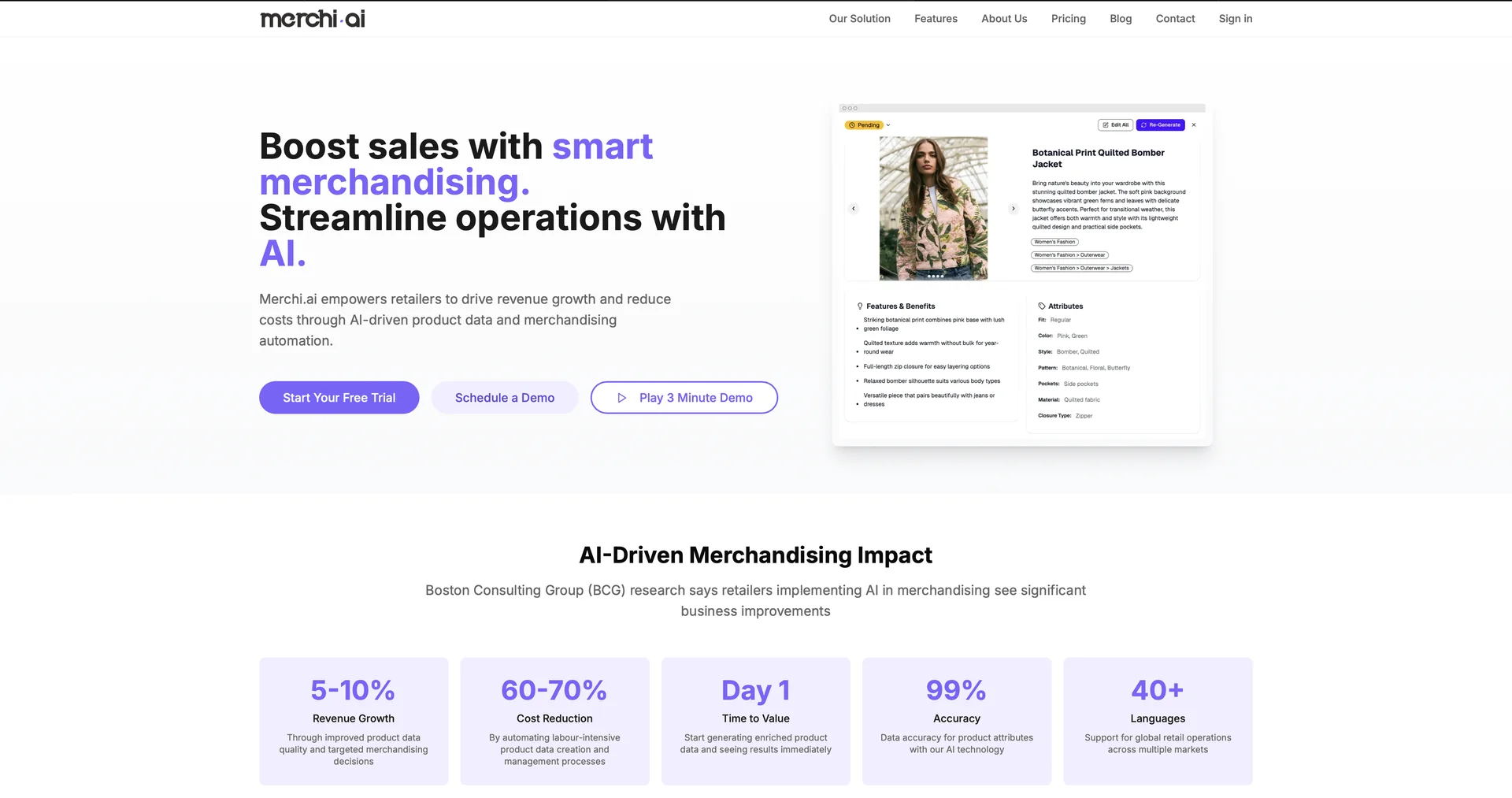
Boost sales with smart merchandising.
A personalized audio story gift starring any child, delivered instantly by email.
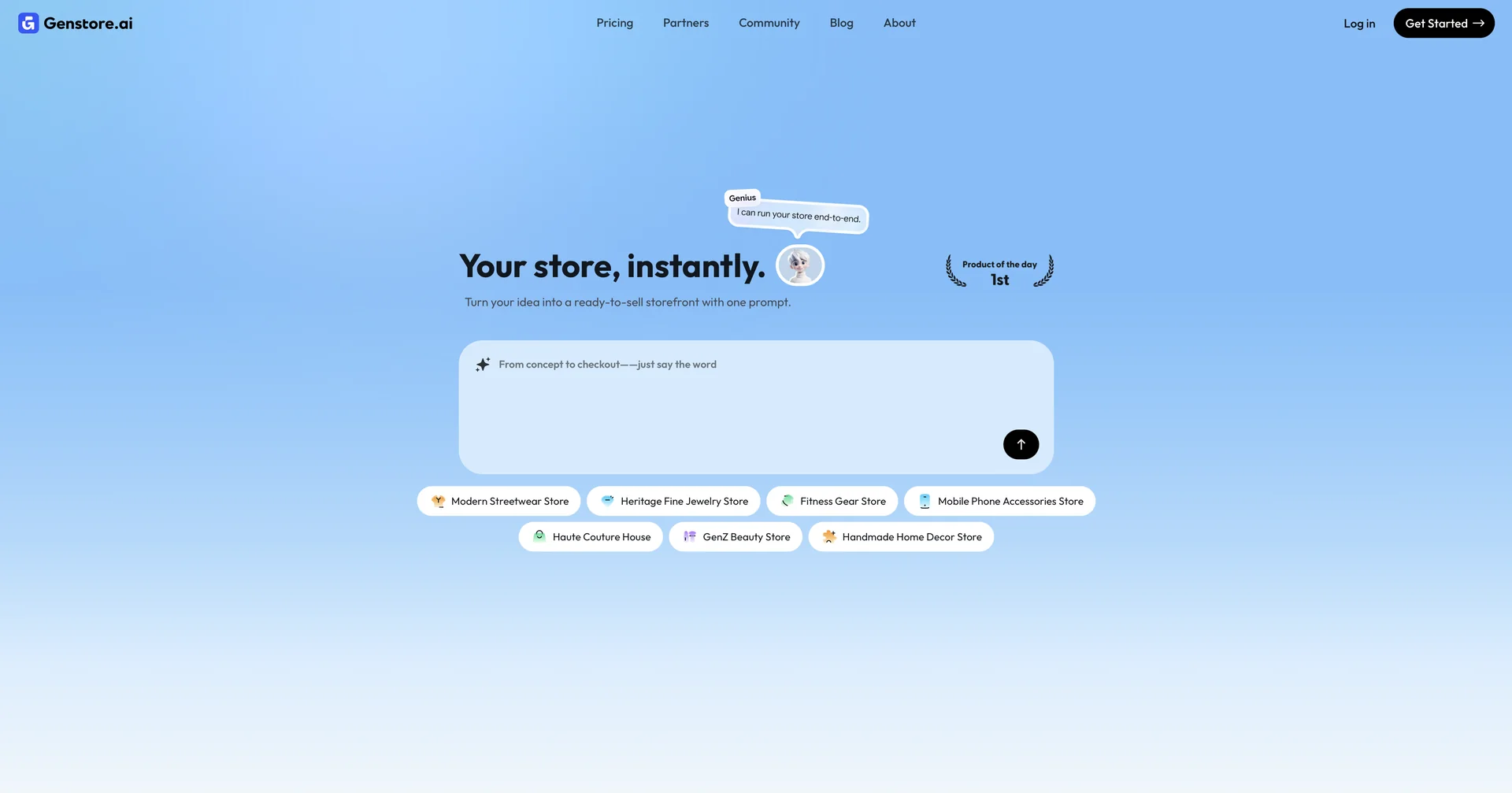
Turn your idea into a ready-to-sell storefront with one prompt.
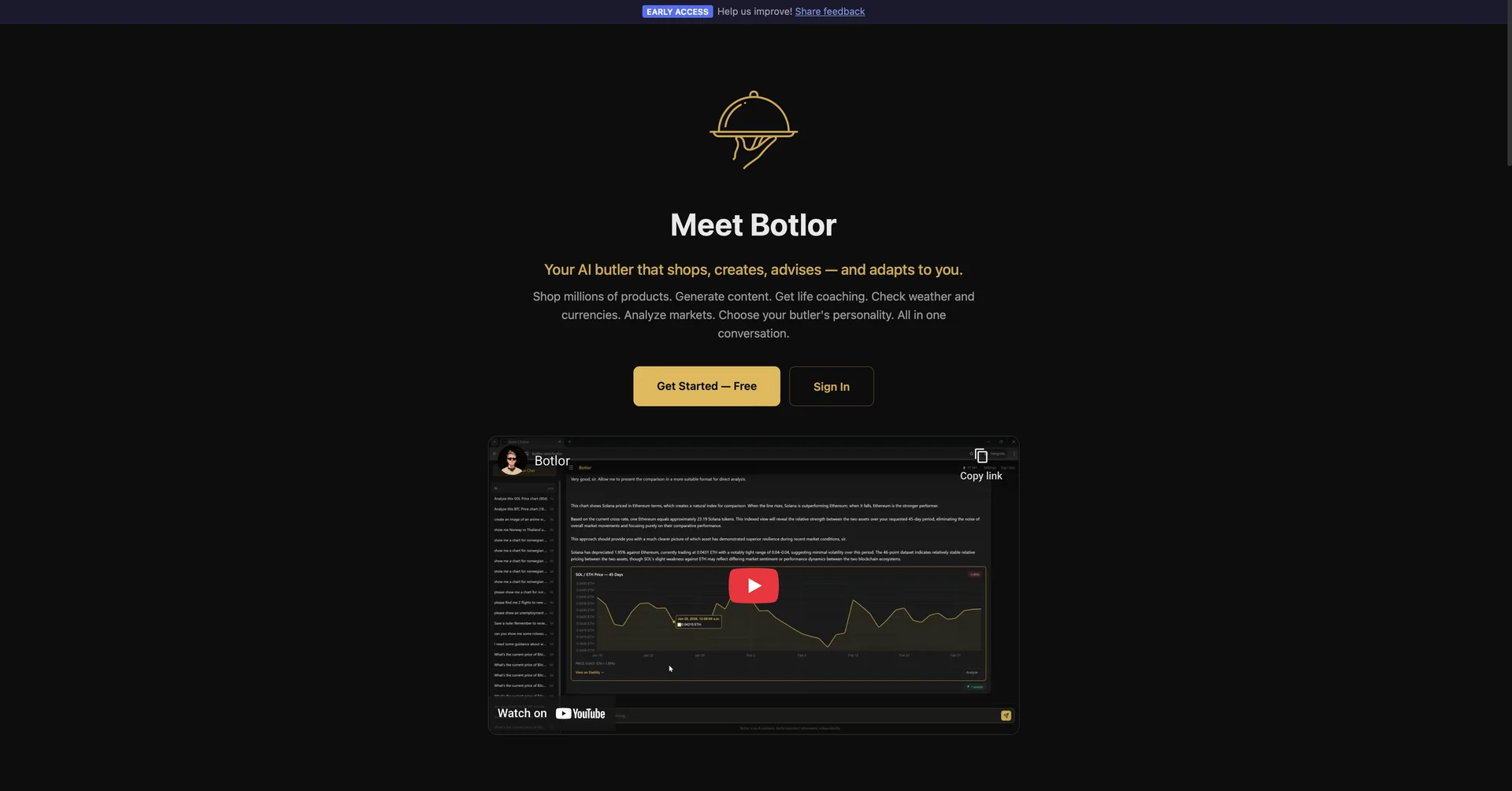
Your AI butler that books, shops, creates, advises.
One workspace for freelance creative professionals.
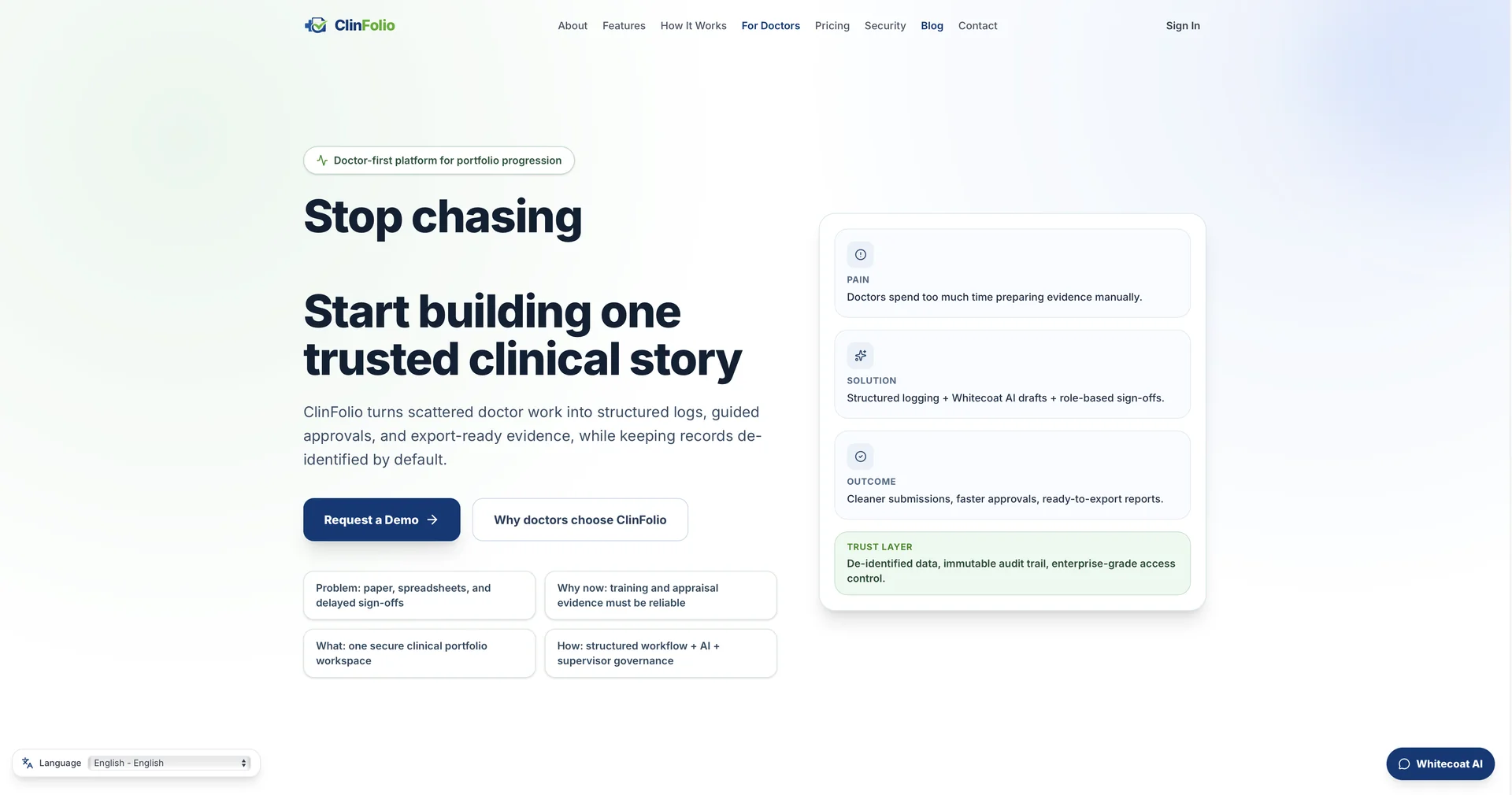
Turn scattered doctor work into structured clinical portfolios.
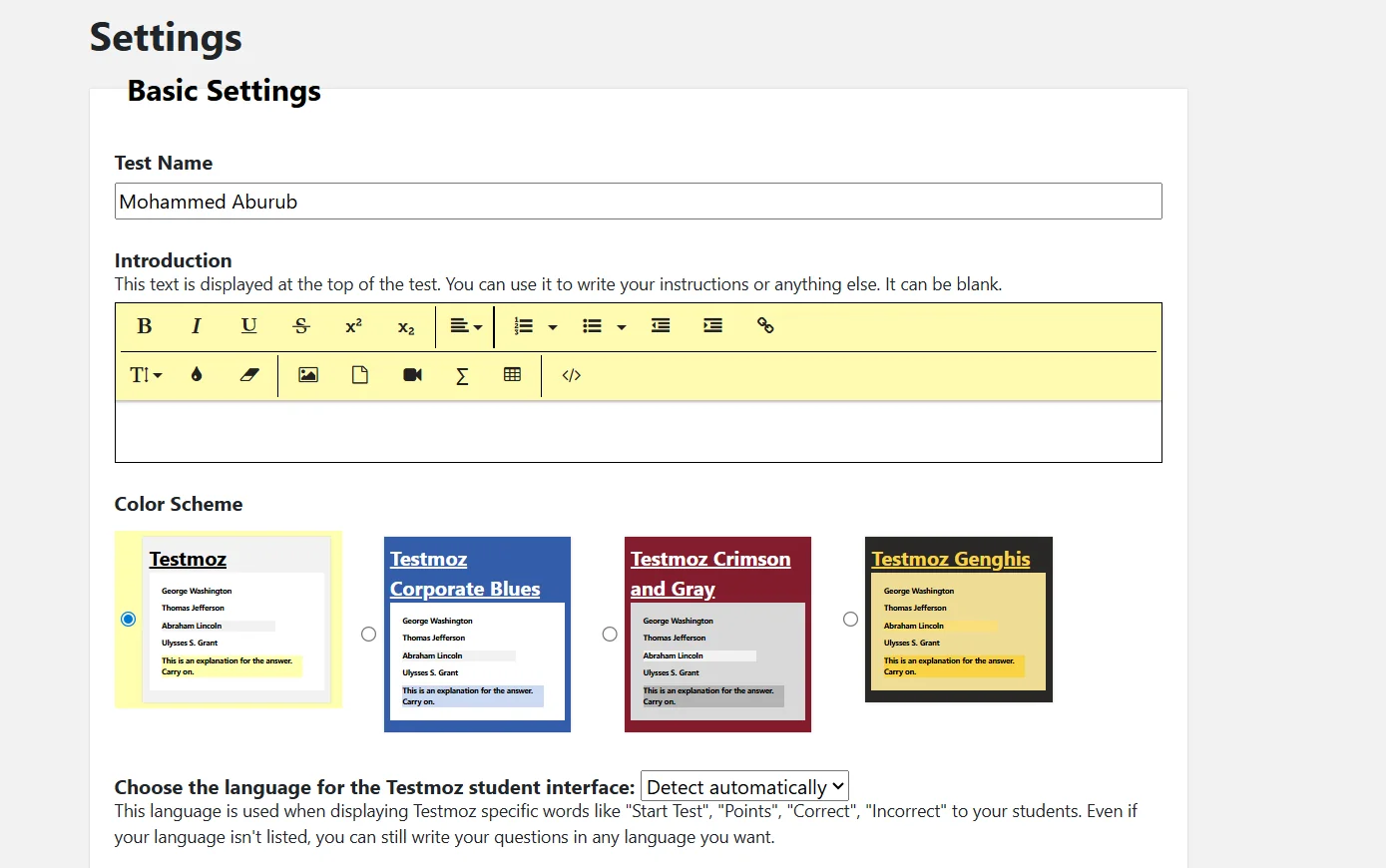
Testmoz allows teachers to create comprehensive online quizzes that include a variety of question types, such as multiple choice, true or false, fill-in-the-blank, matching or sequencing, short answer, or essay questions. Teachers can add instructions or an introduction to the quiz and customize the color scheme and language to suit their students.
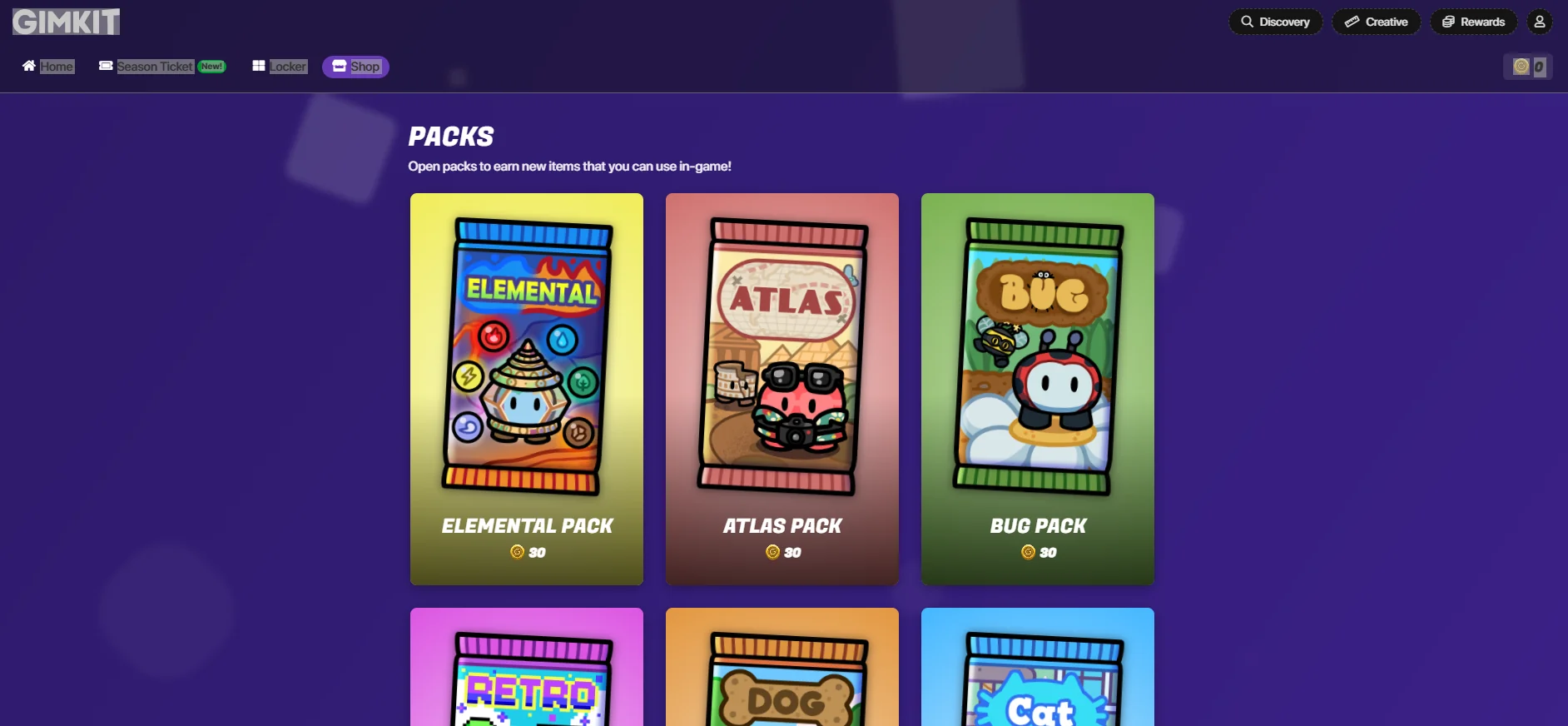
Gimkit allows teachers and users to create sets of questions called "Kits," which include multiple-choice or text-based questions, with the option to add images, equations, or additional content within the question. Once a Kit is created, the game can be launched directly in the classroom or online using a Game Code, where students begin answering the questions. Each correct answer earns in-game points or coins that can be used to purchase upgrades or features to help increase scores, turning learning into a fun, game-like experience.
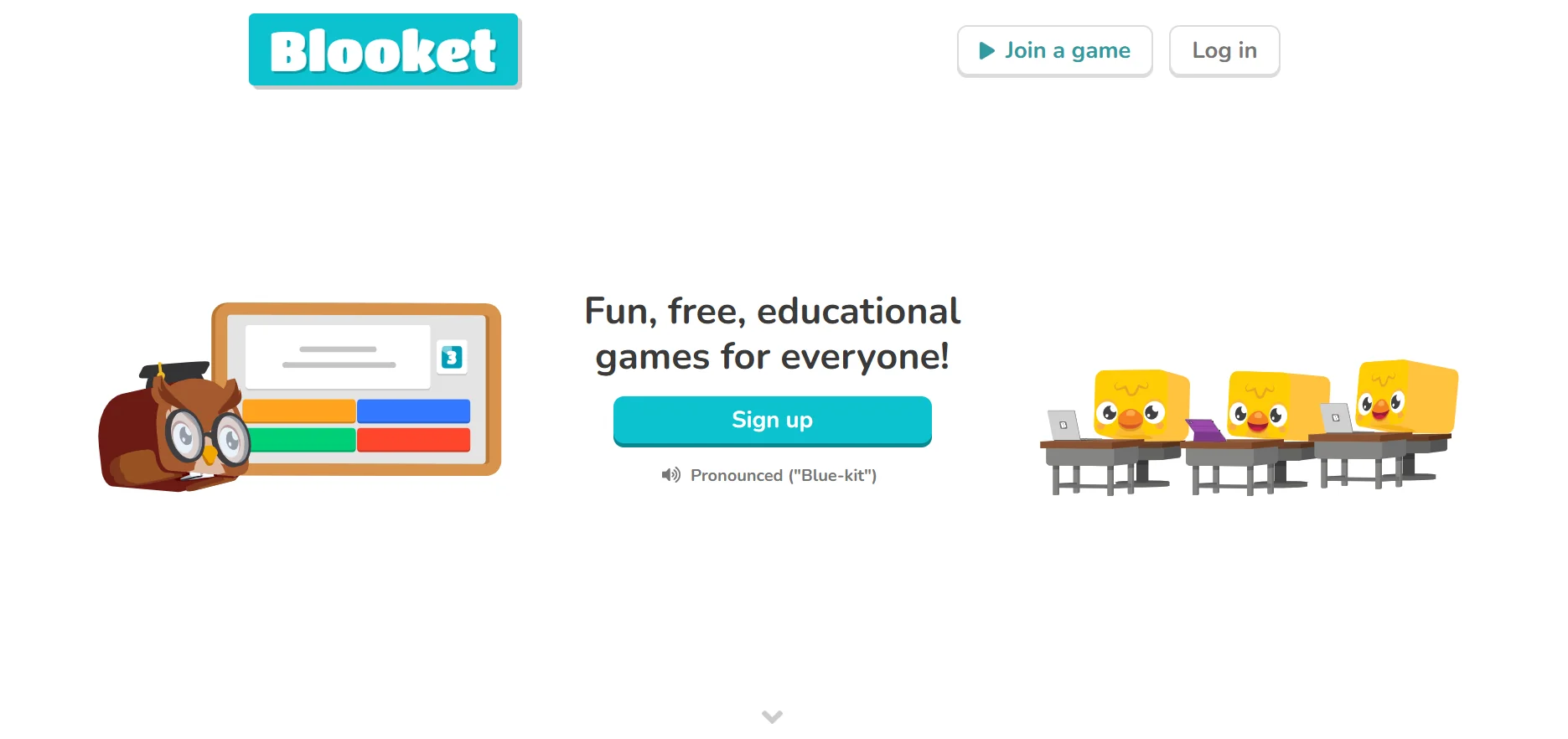
Blooket is an educational platform designed to turn academic questions into interactive games that can be played in the classroom or online. The teacher creates a set of questions on a specific topic, such as math, science, or languages, then selects a game mode from the available options and shares it with the students. Students join the game using a unique code (Game ID) and begin answering questions; correct answers earn them points and in-game rewards.
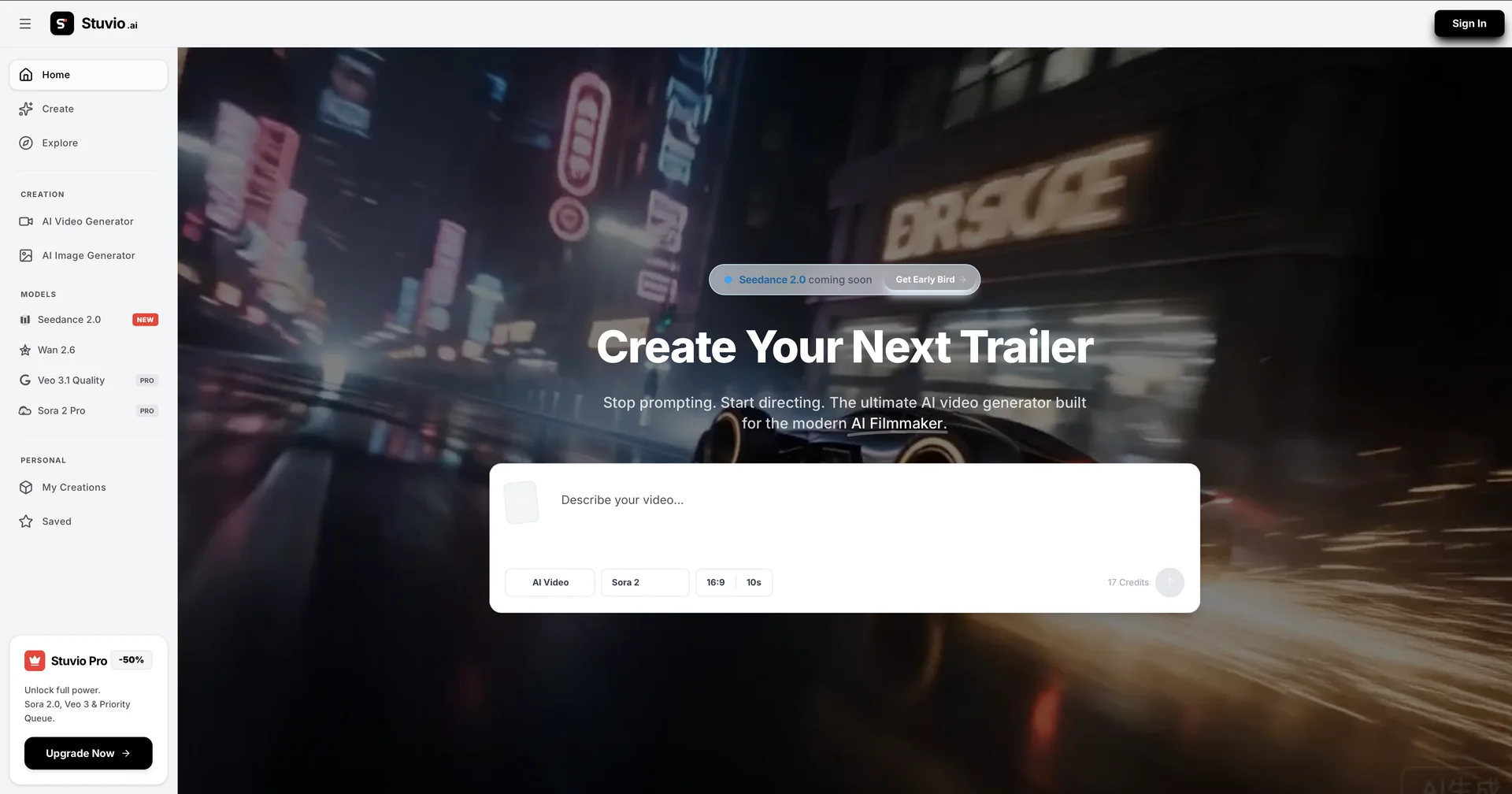
Generate cinematic AI videos with director-level control.
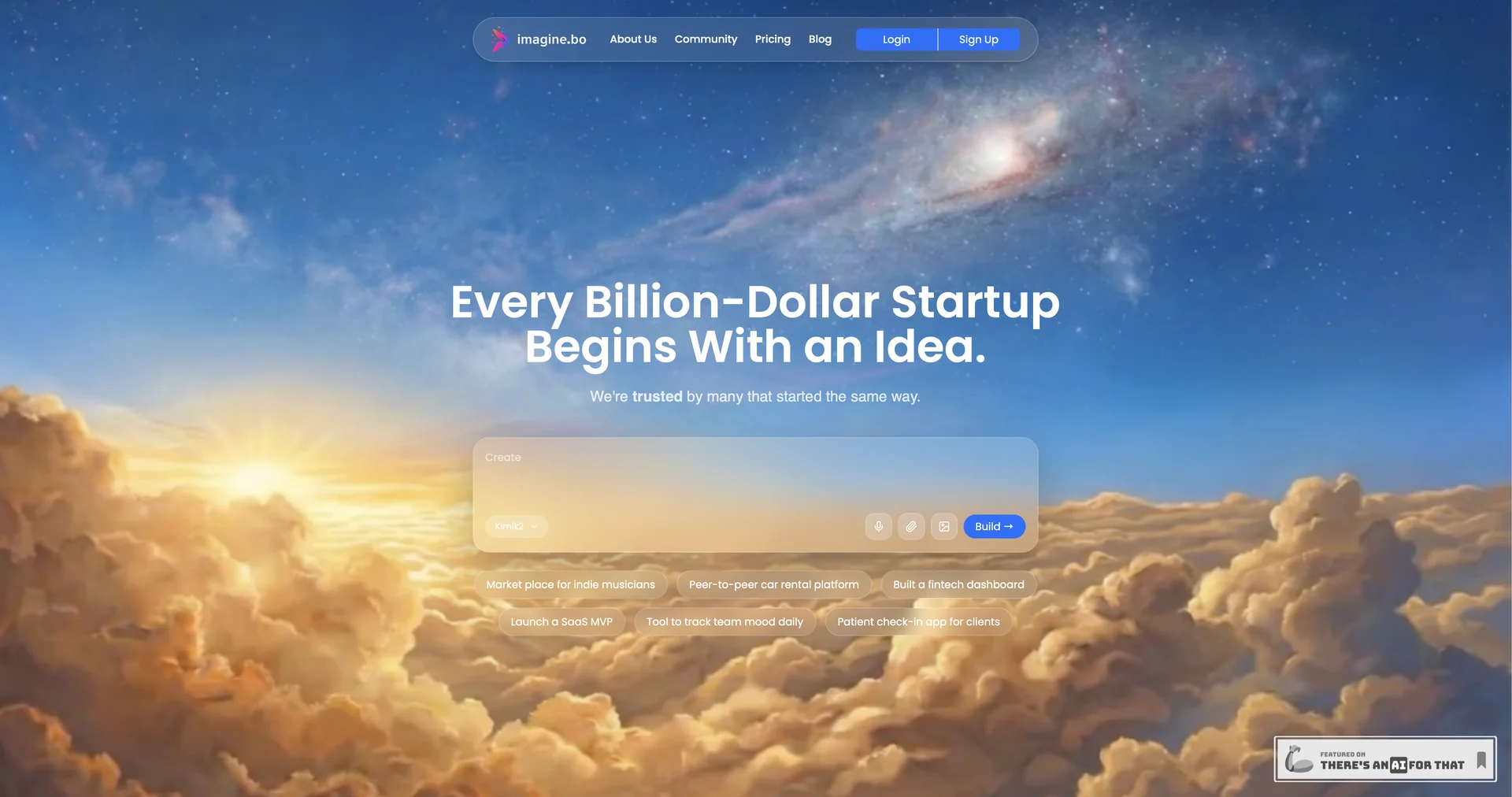
The AI Tech Co-Founder for Serious Founders
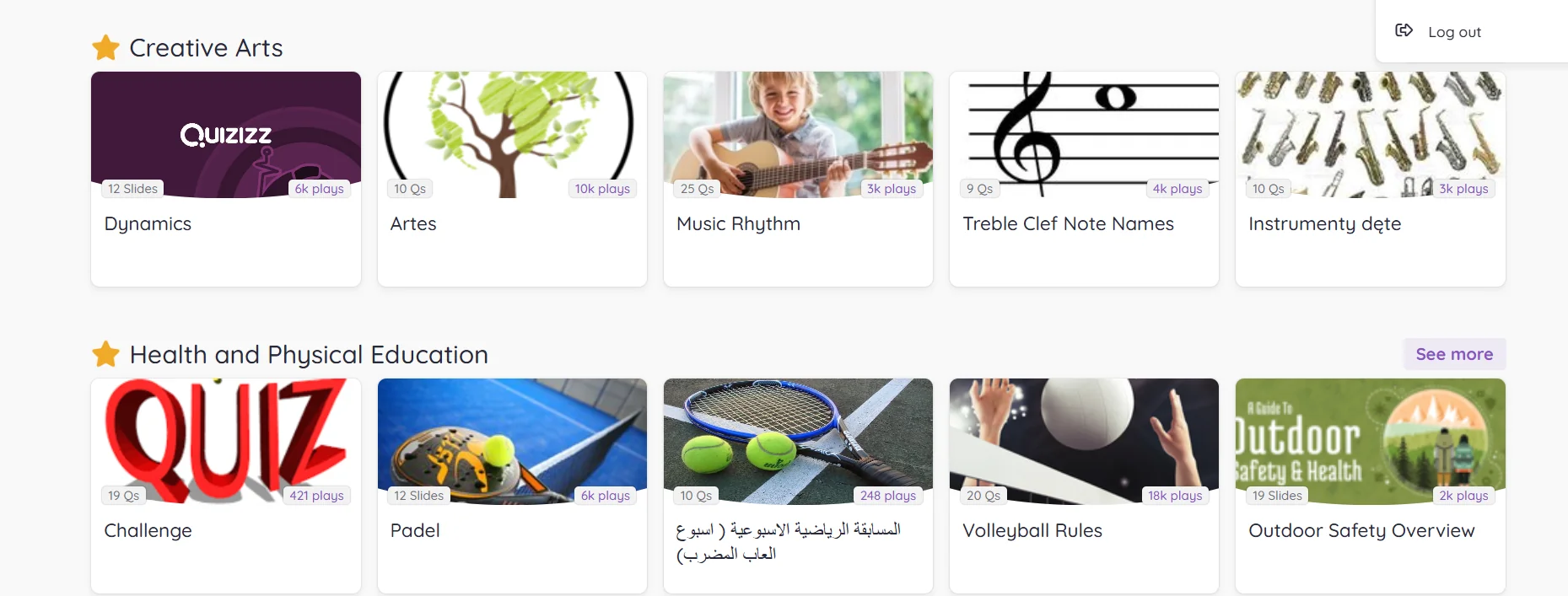
Wayground is an interactive educational platform designed to transform traditional lessons into interactive activities and quizzes that resemble educational games. The platform allows teachers to create a variety of questions, such as multiple-choice, true/false, or interactive questions, and then share them with students via a unique access code so that all participants can join and answer the questions, whether in person in the classroom or remotely.
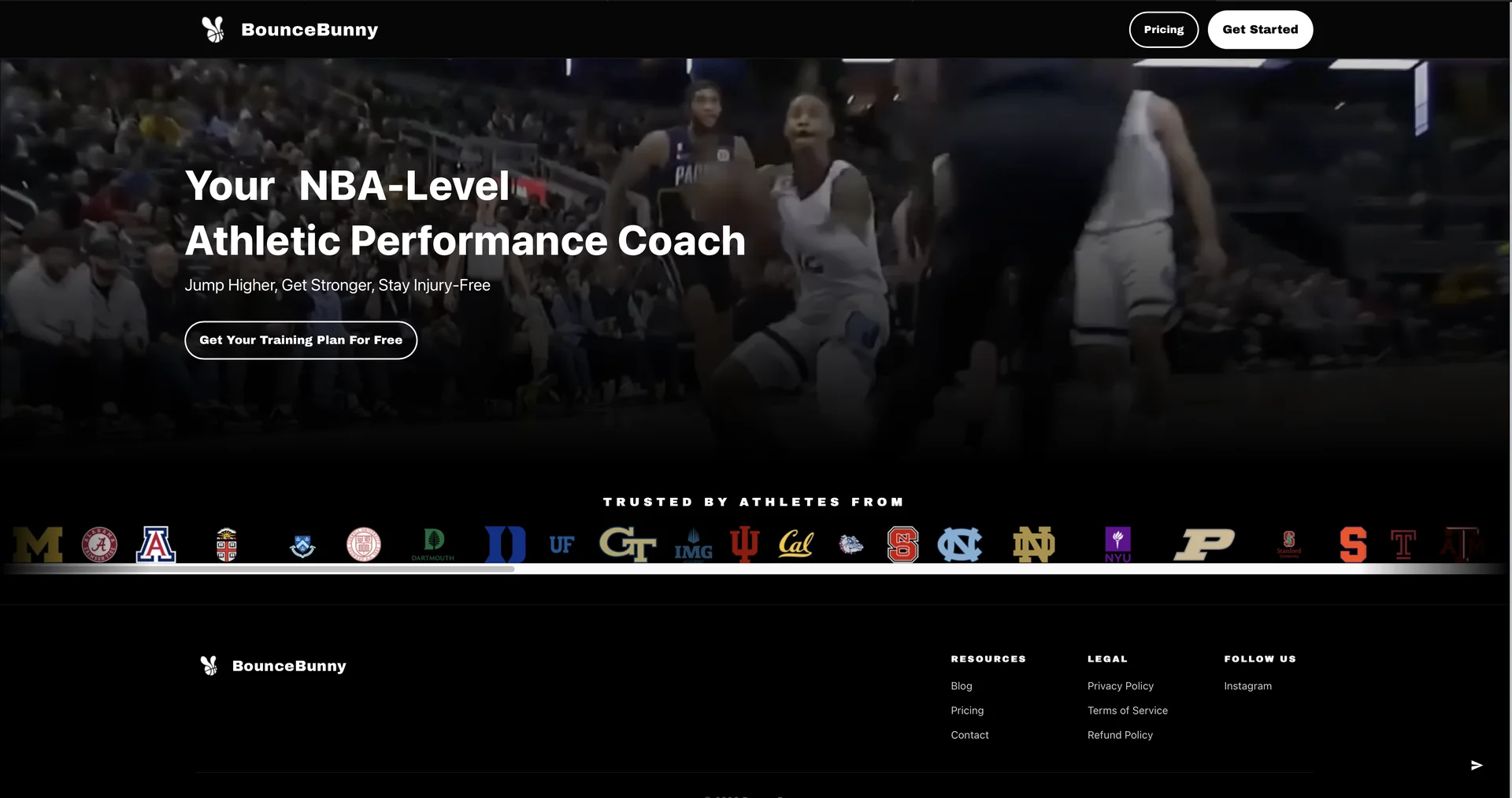
Your NBA-level athletic performance coach
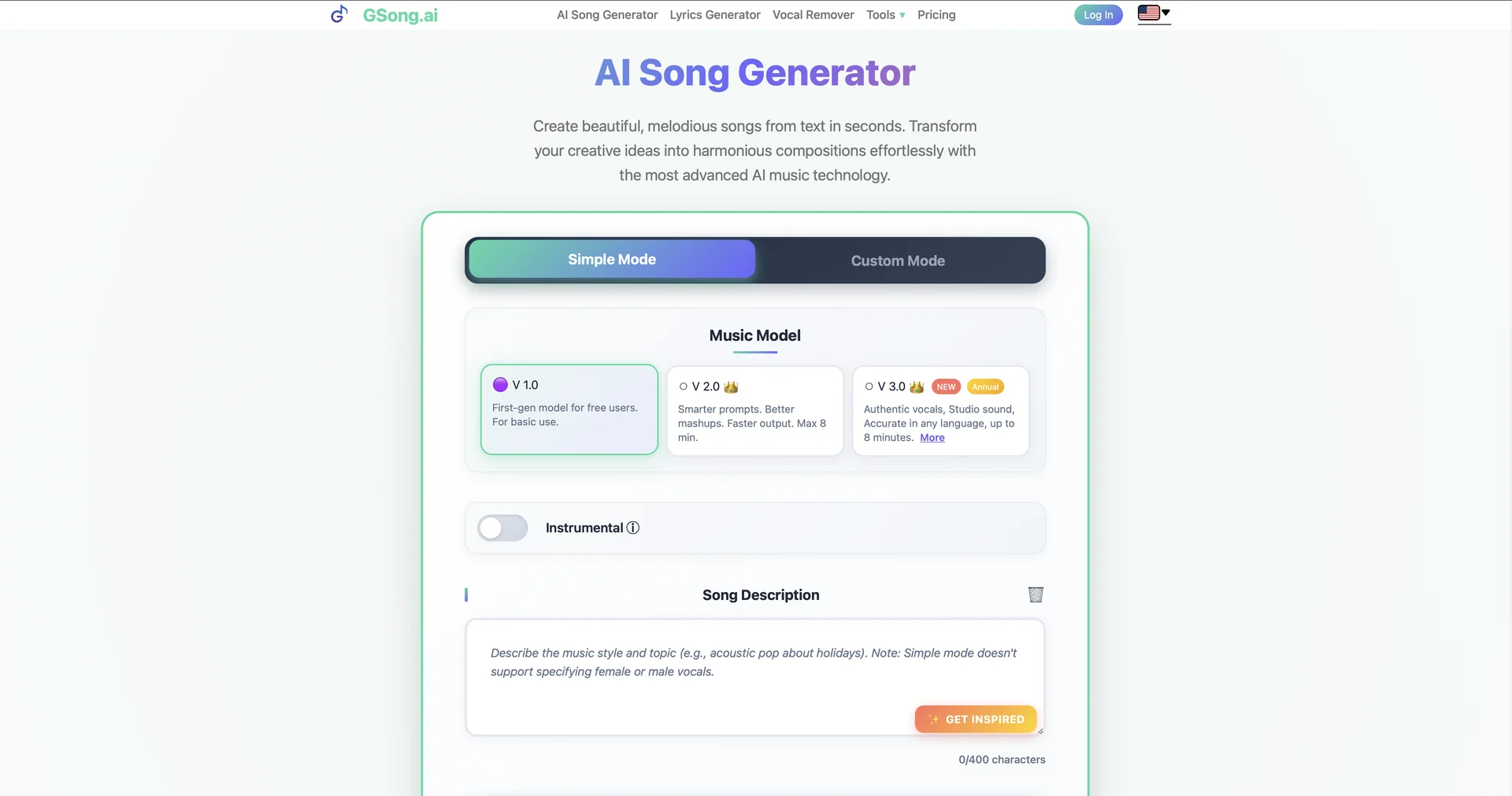
Turn text into professional songs in seconds.
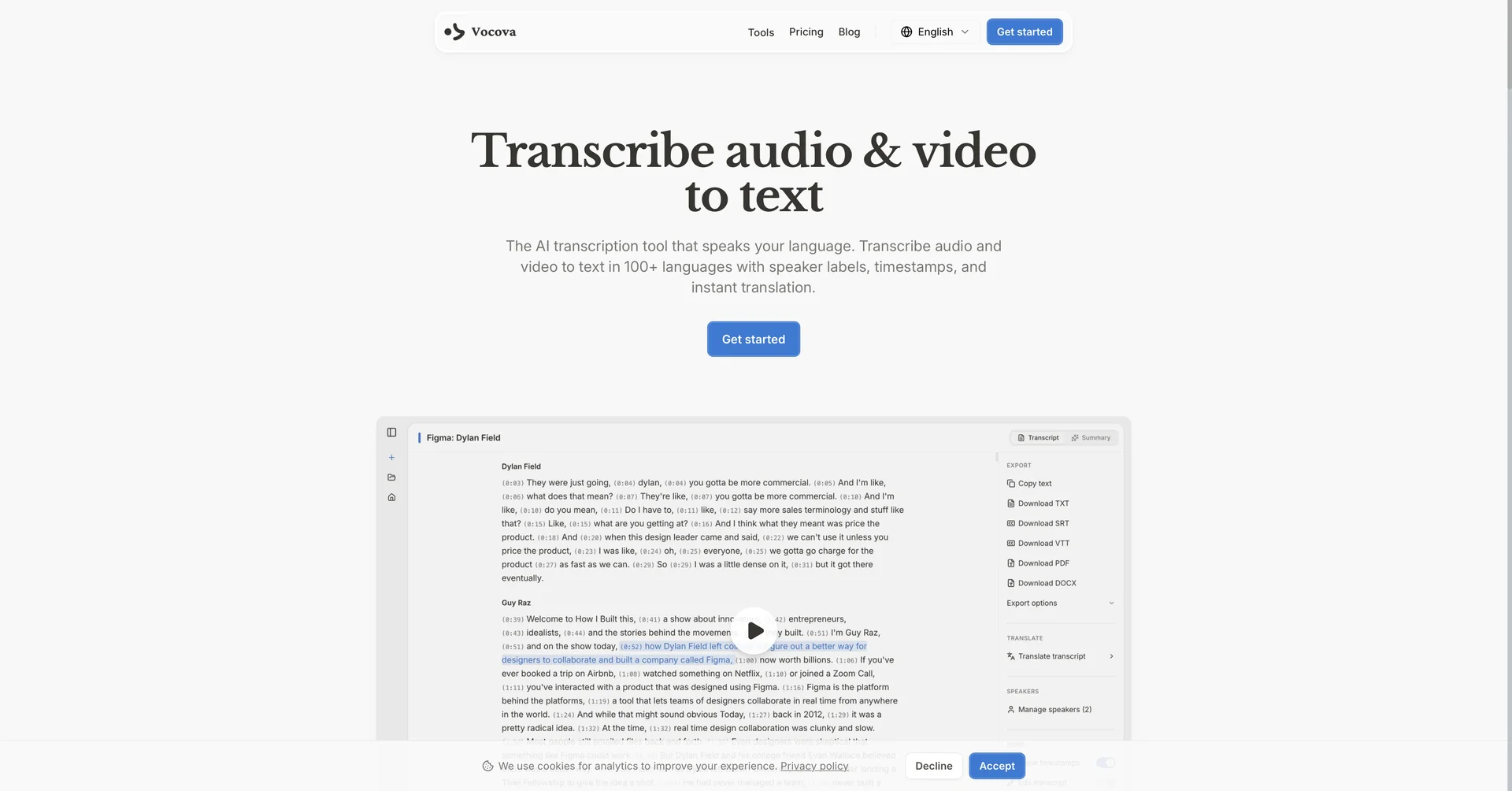
Transcribe & translate audio and video from 1,000+ platforms in 100+ languages
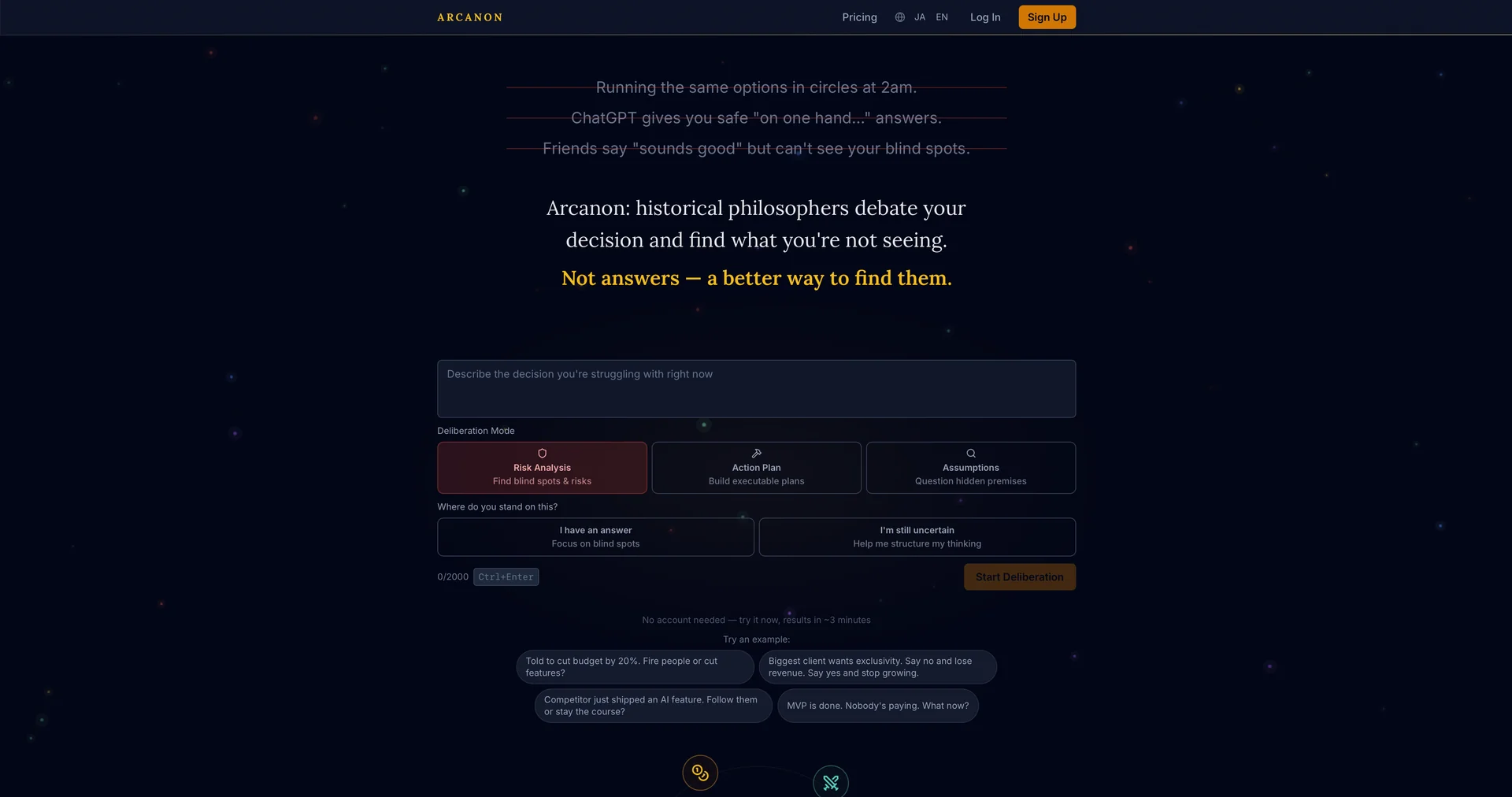
Historical philosophers debate your business dilemmas and deliver decision frameworks
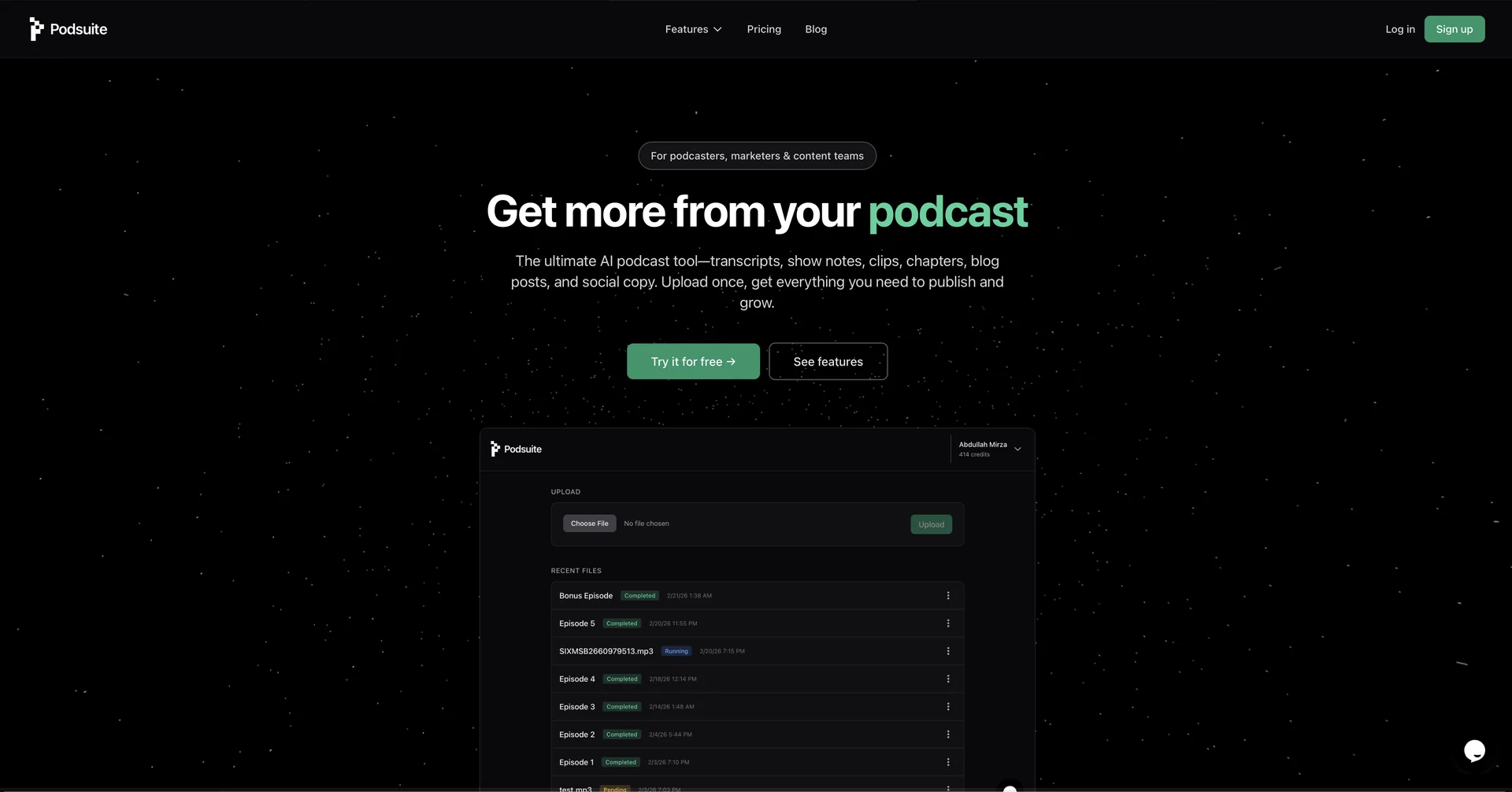
Turn podcast episodes into transcripts, show notes, and more.
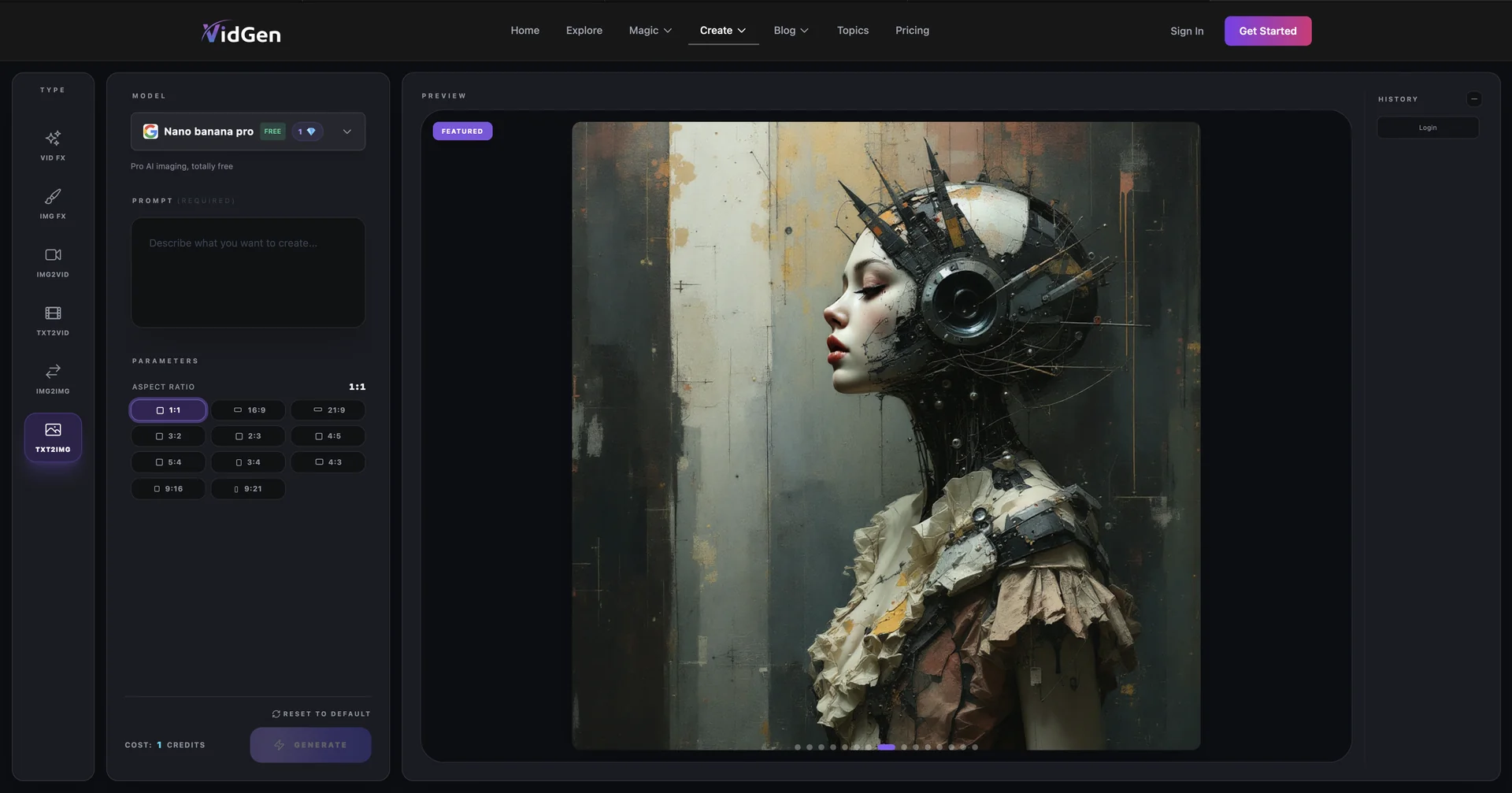
Unlimited AI Image creation and support Nana Banana 2.
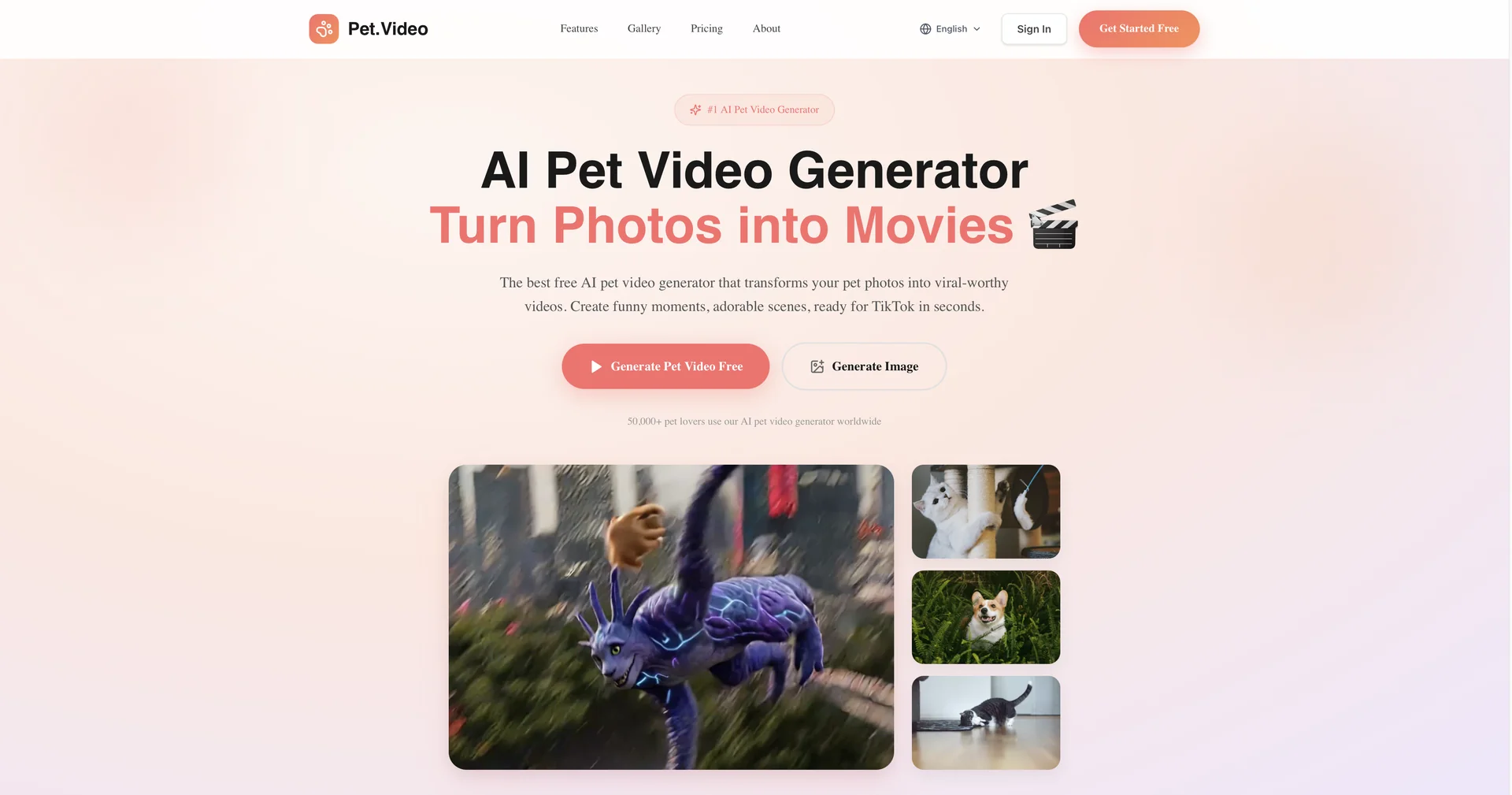
Turn pet photos into viral videos instantly.
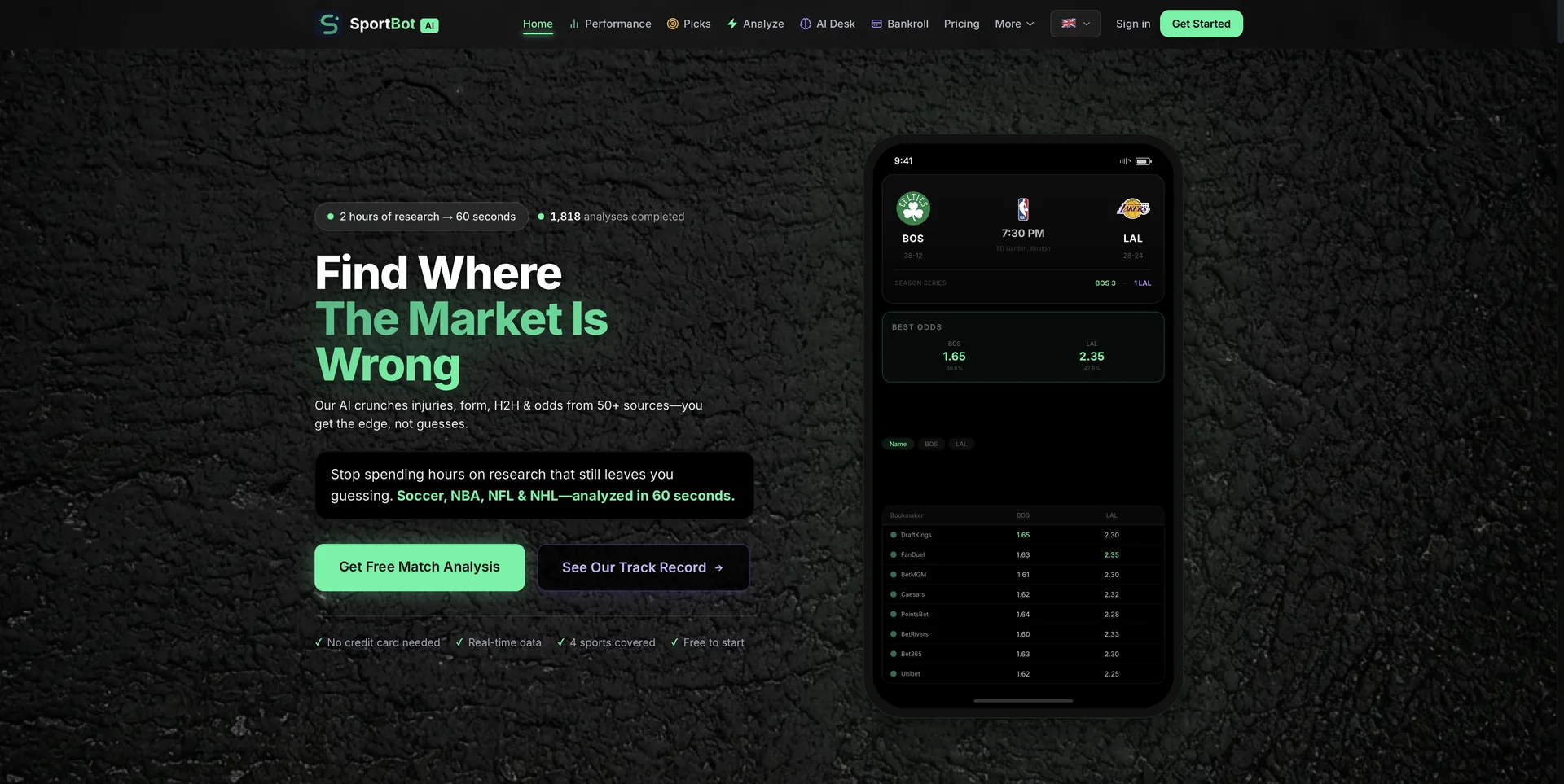
AI sports match analysis in 60 seconds.